Document original
GPT Image 2 · en
Scene:
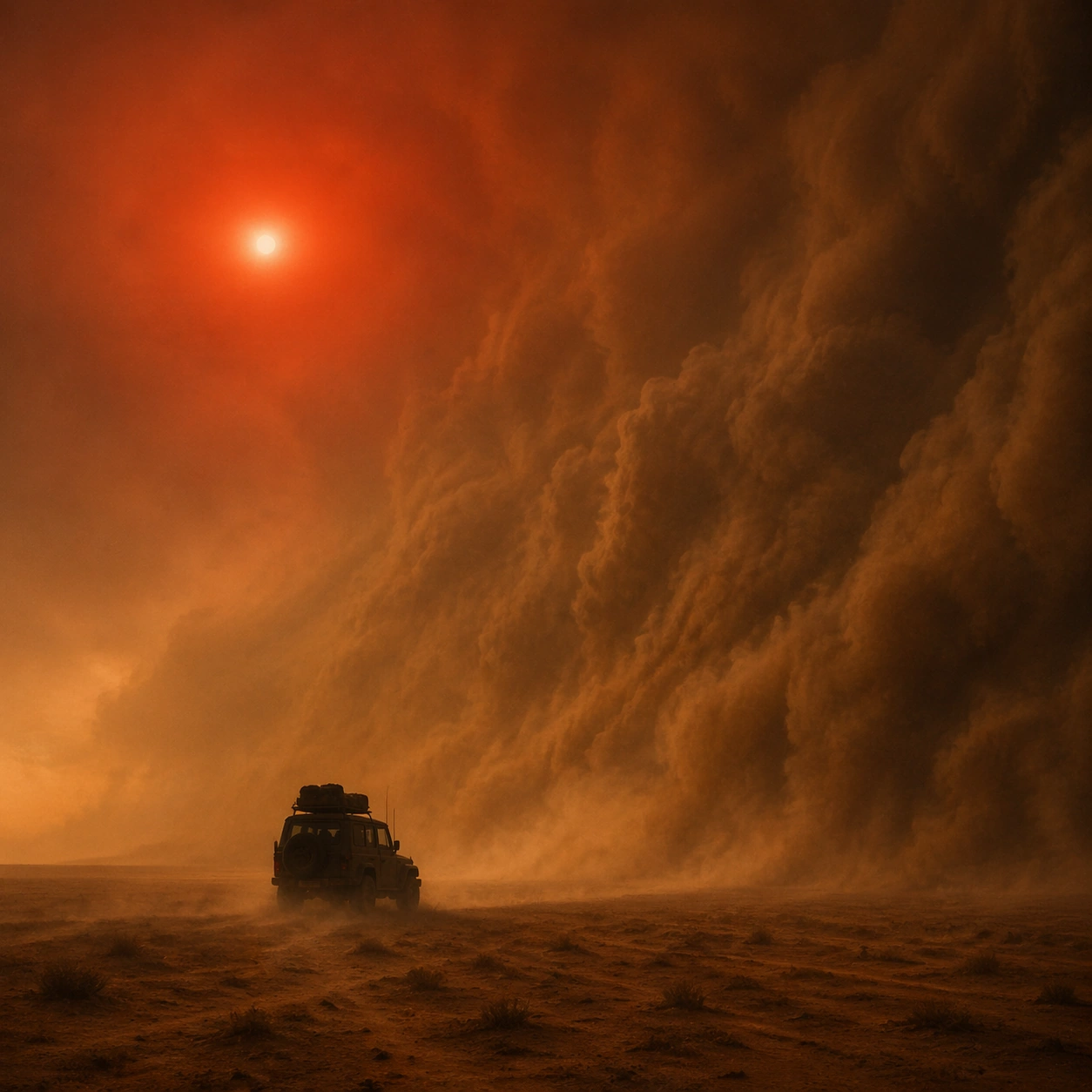
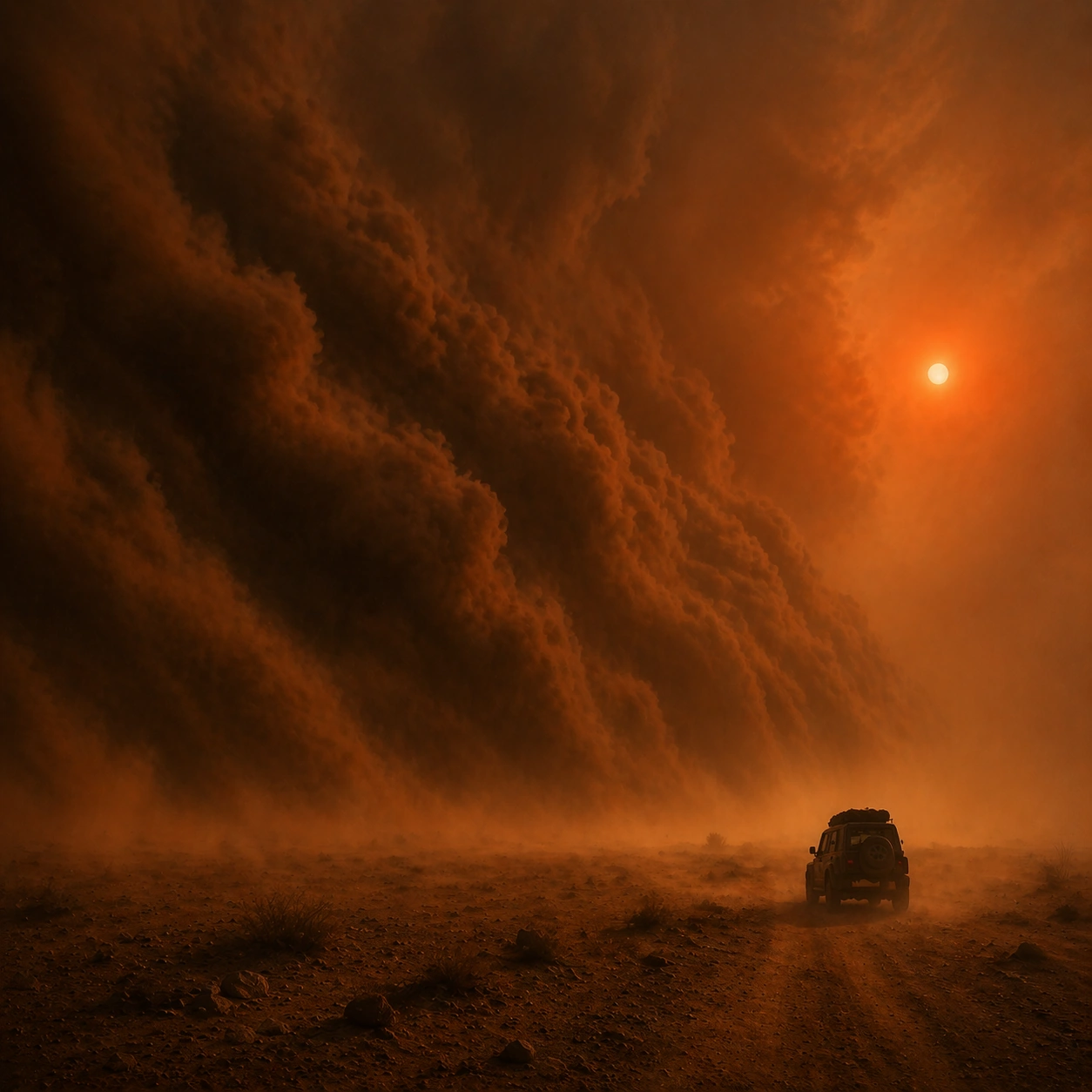
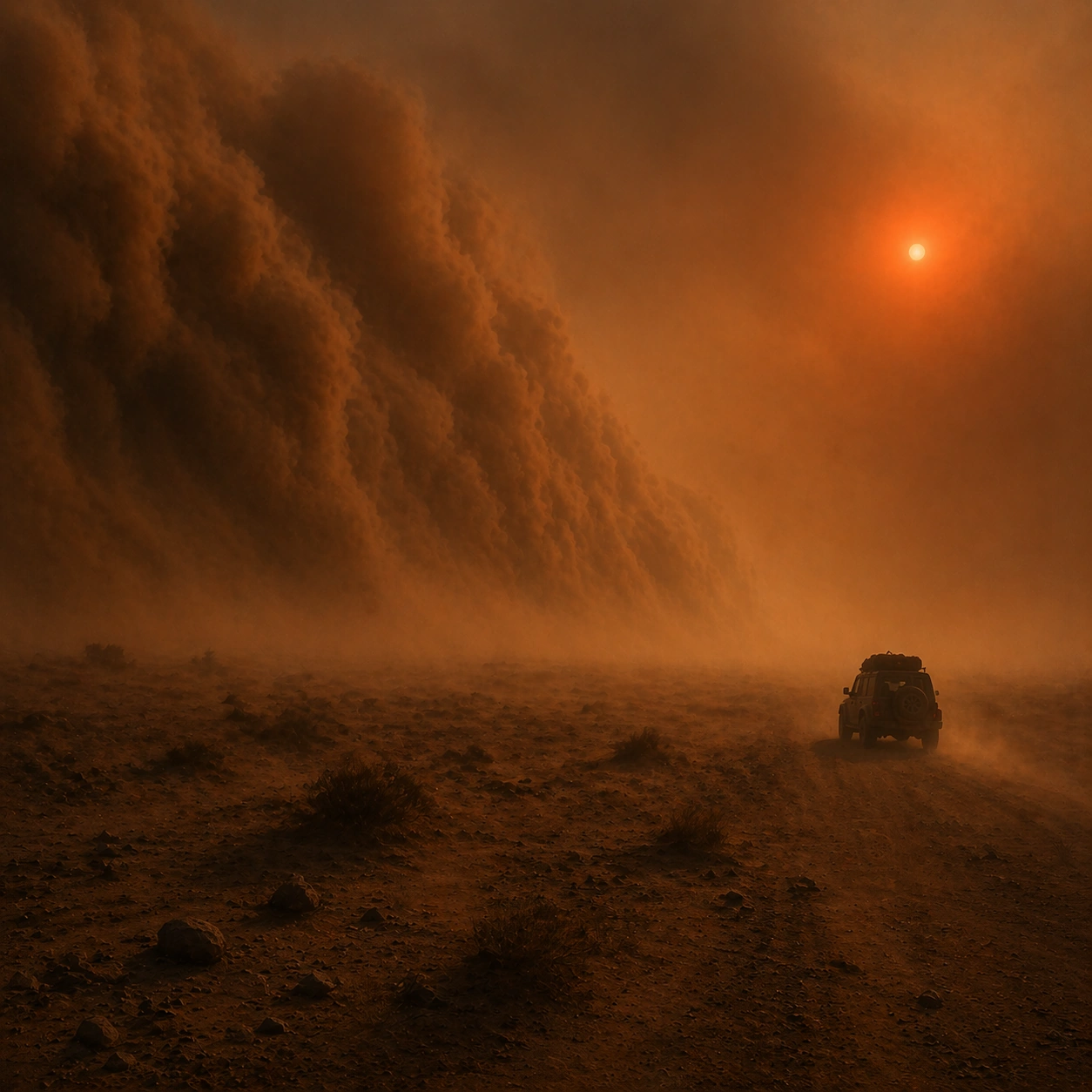
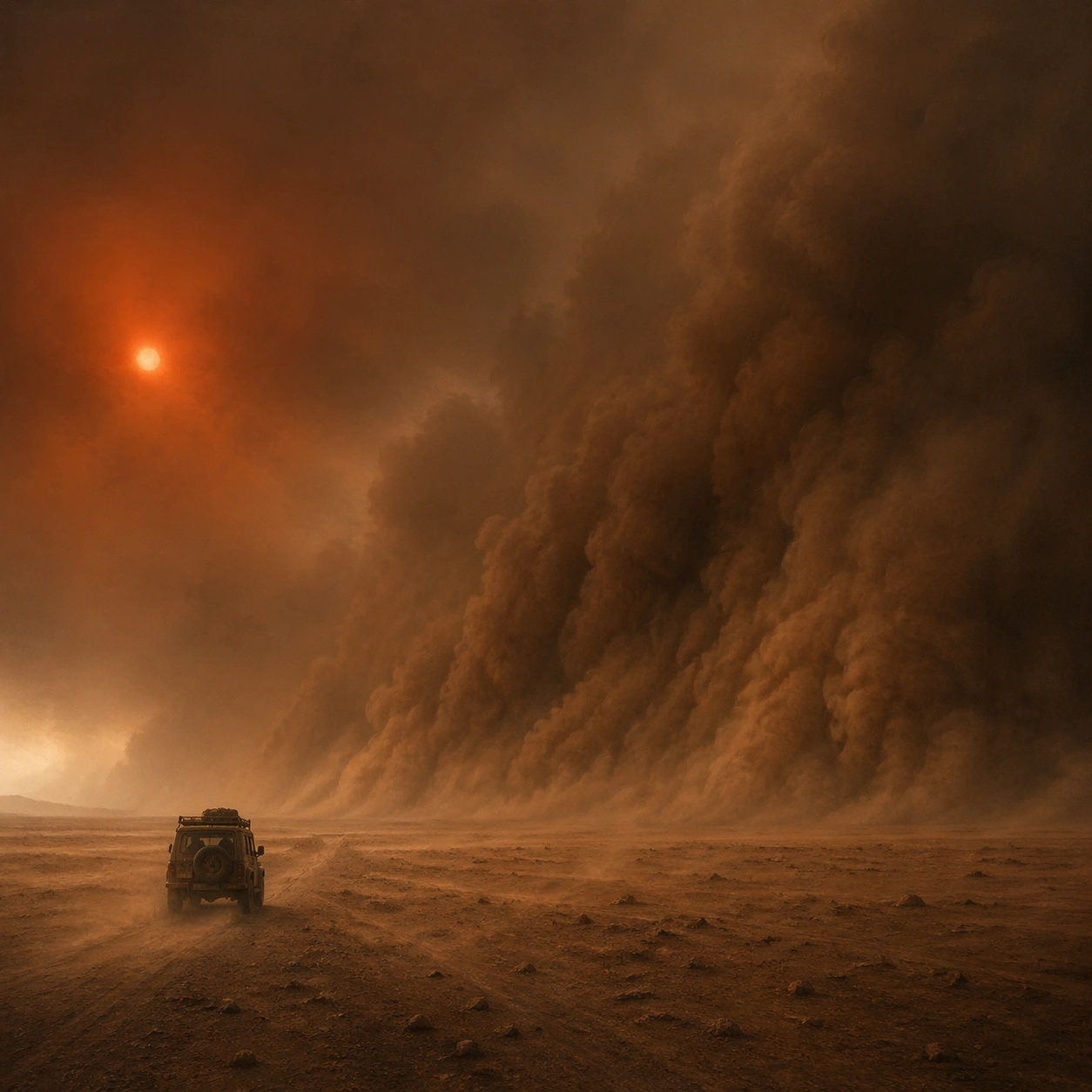
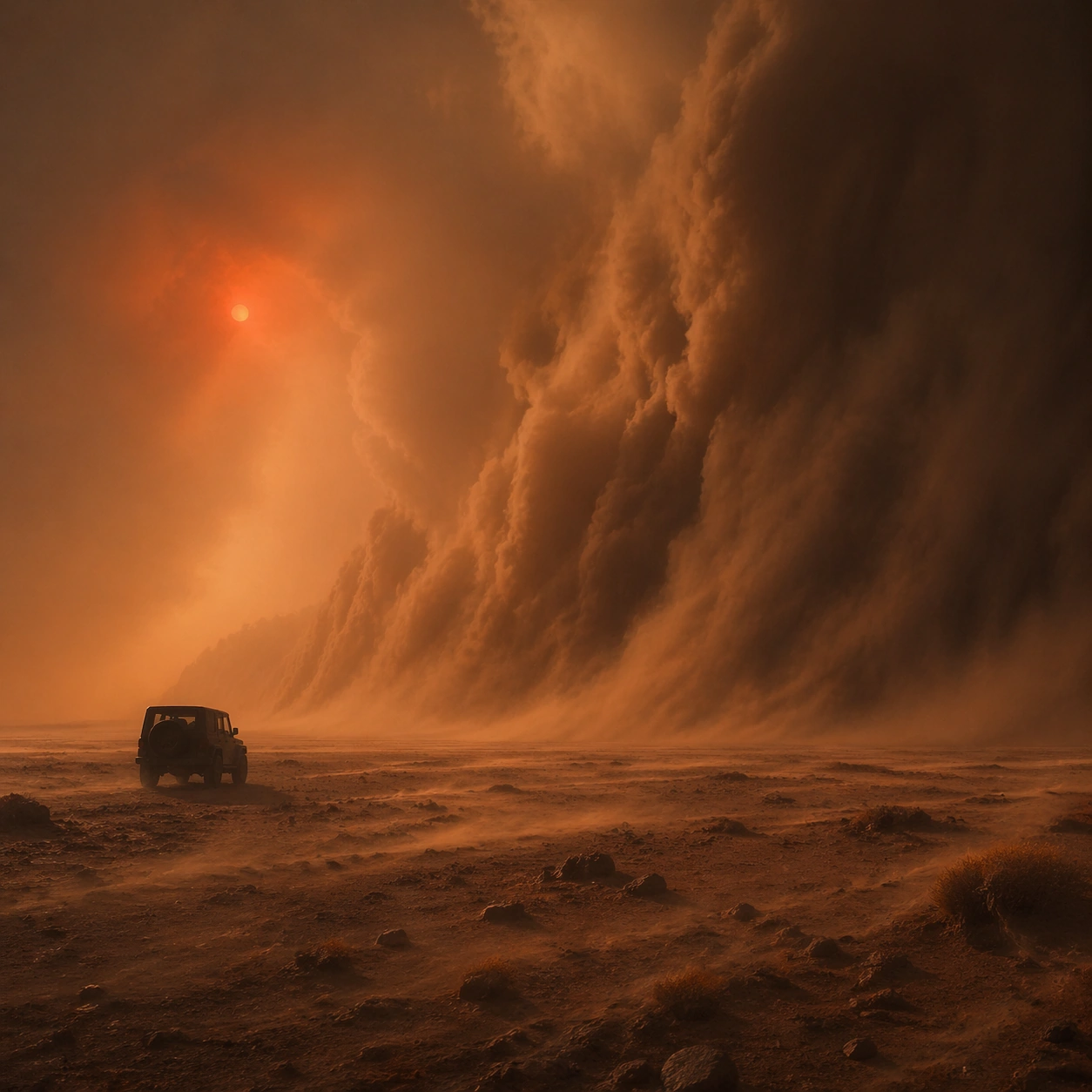
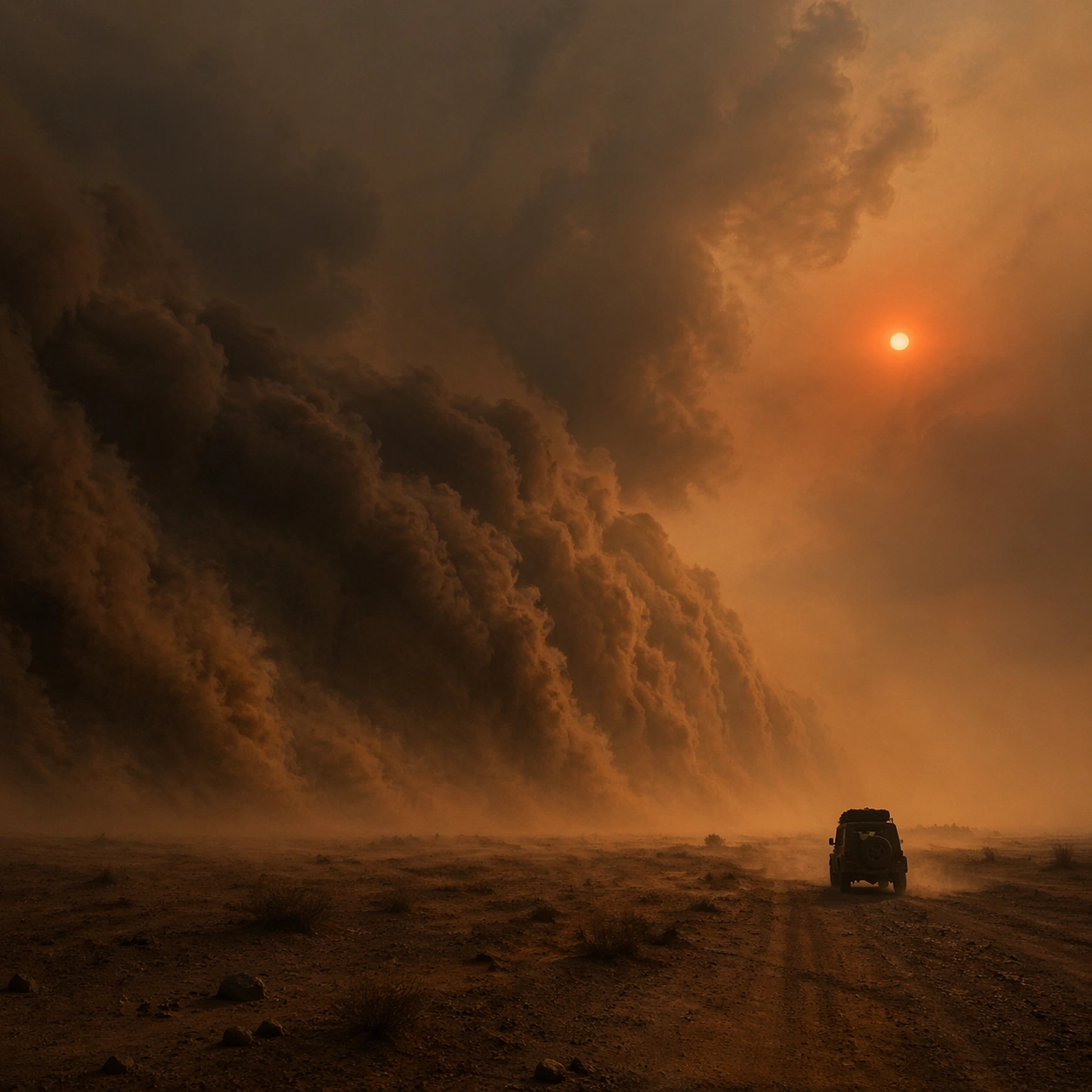
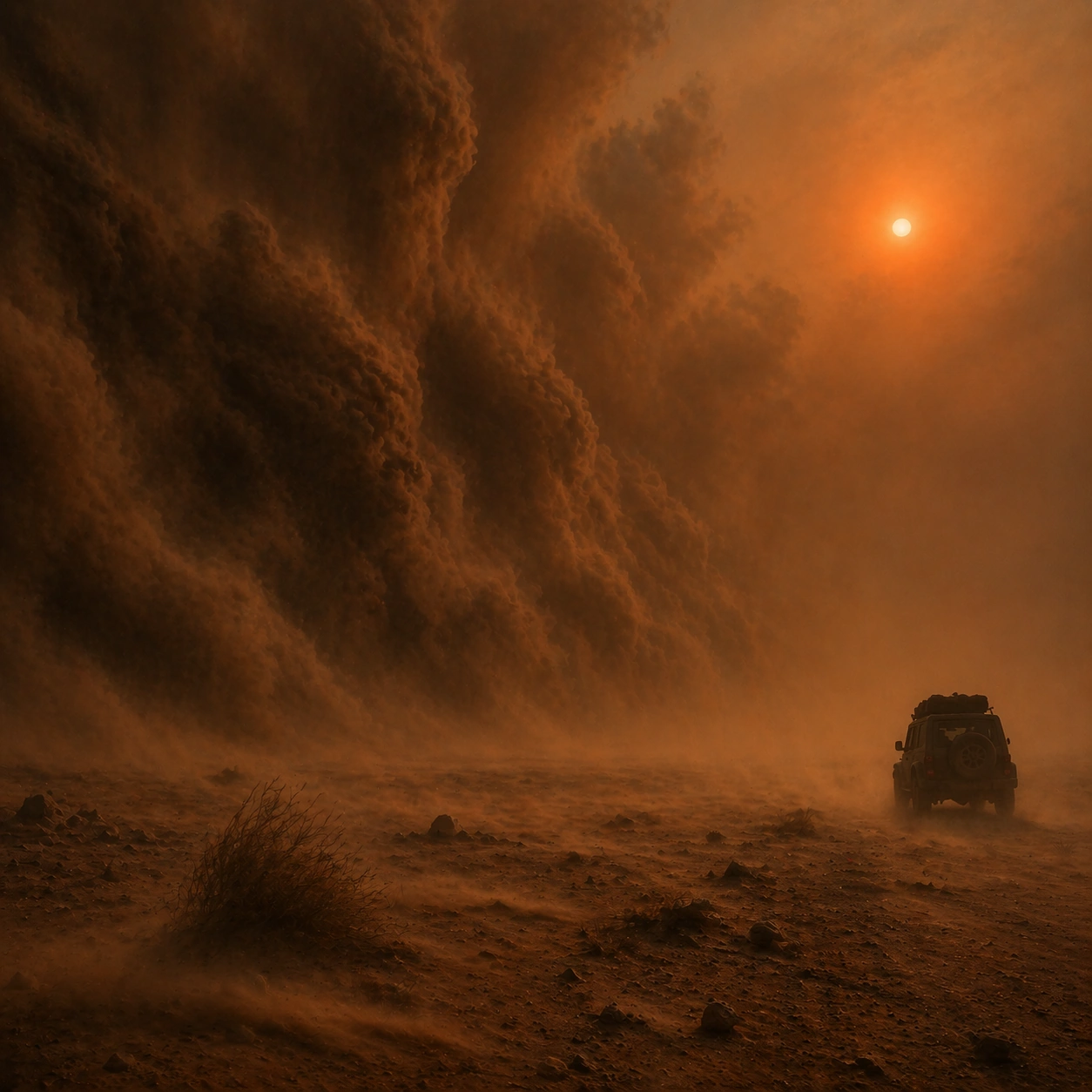
Create a square cinematic still for Sandstorm Apocalypse Sun. Use production-grade photoreal lighting, disciplined lens behavior, and a composition that feels like a finished key frame from an original film rather than a casual snapshot. A colossal wall of sand advances across an open plain under a dim blood-red sun, with the air turning ochre and gray, horizon contrast collapsing, and the ground scoured by wind-driven dust. Move the camera closer or lower so the viewer feels more embedded inside the atmosphere while the same light direction and environment remain intact.

Subject:
Build a coherent original scene whose emotional center comes from atmosphere, light physics, and spatial clarity. Avoid relying on celebrity likeness, franchise iconography, or stylized illustration shortcuts. One jeep or utility vehicle in silhouette should provide a simple scale cue, while the real subject remains the storm front, the compressed sky, and the sense of irreversible movement across the land. Preserve the same world logic from the reference and let one human-scale or material-scale element become more prominent without stealing focus from the atmosphere.

Important details:
Preserve a believable physical world with strong depth layering, careful color separation, and premium image discipline. Make the airborne dust granular and directional, with partial visibility, layered turbulence, and a sun disc that feels filtered by dense particulate atmosphere rather than pasted in as a graphic symbol. Keep the palette family, structural read, and light behavior from image 01 while increasing immediacy and tactile presence.

Use case:
Sandstorm Sun series study 2/9.

Constraints:
No readable text, no watermark, no logos, preserve exact 1:1 aspect ratio, no city ruins, no readable license plates, no zombies, no science-fiction armor, no clean air clarity.
Mode d’emploi
- Copiez le prompt original complet, paramètres compris.
- Adaptez le sujet, le texte et la composition à vos besoins.
- Utilisez un outil externe compatible ; vérifiez l’accès et le résultat.
Avant de commencer
- Vérifiez si une image de référence est nécessaire. La compatibilité ne prouve pas le modèle utilisé pour cet exemple.
- Vérifiez noms, chiffres et textes ; les versions du modèle peuvent produire des résultats différents.