Document original
GPT Image 2 · en
Scene:
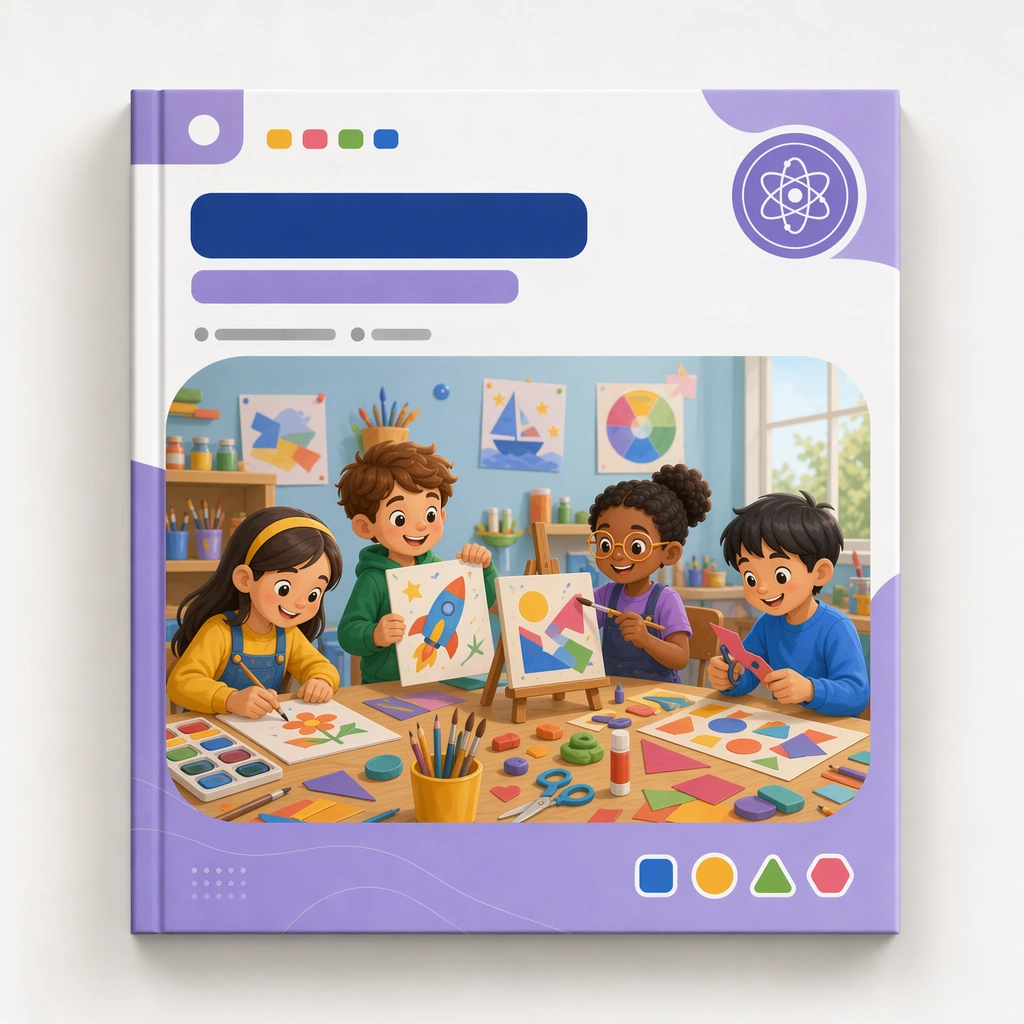
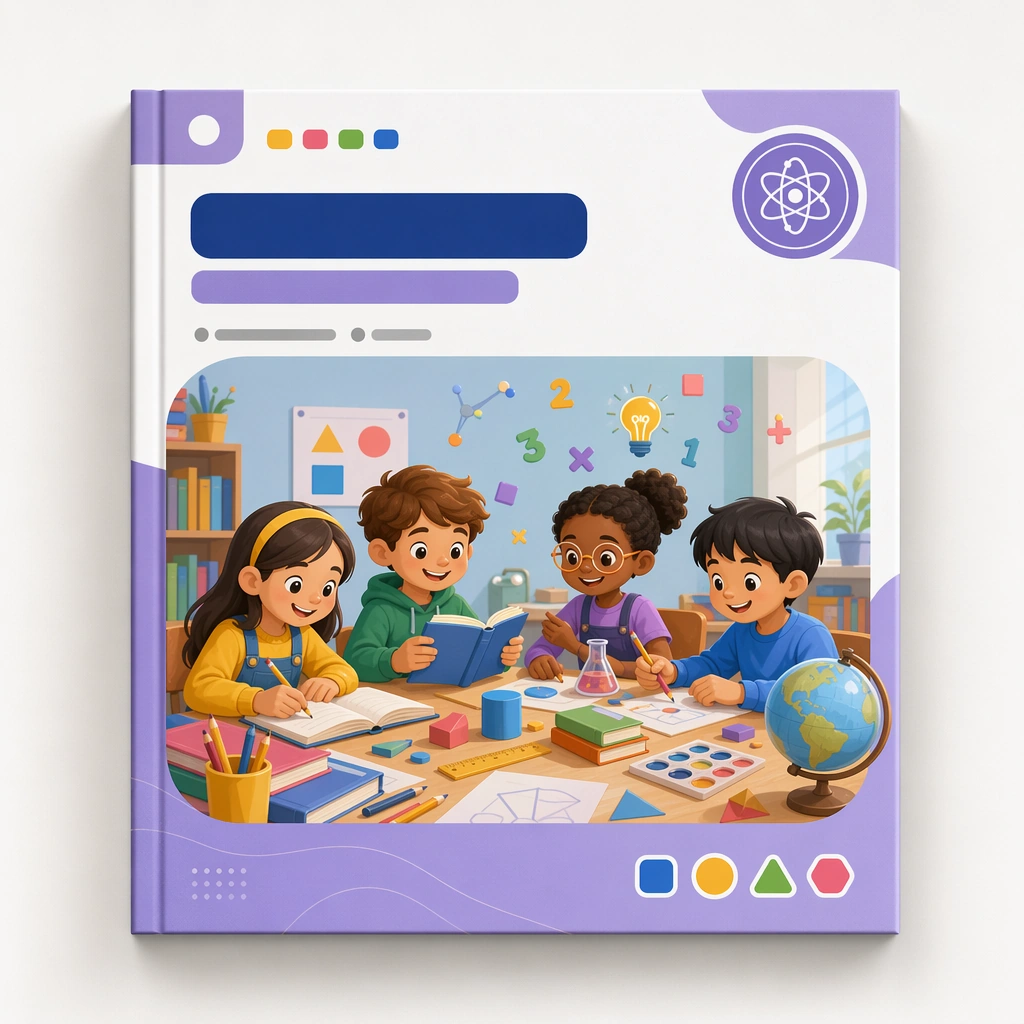
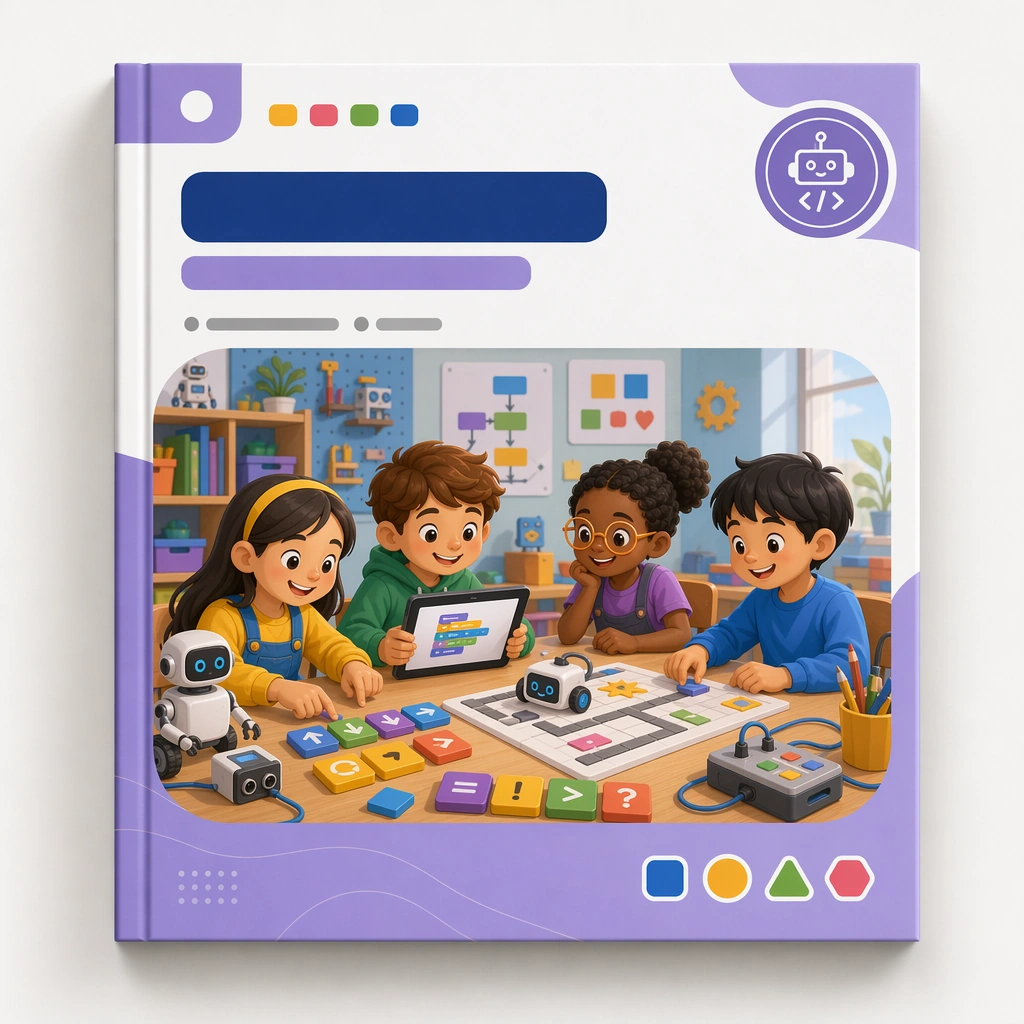
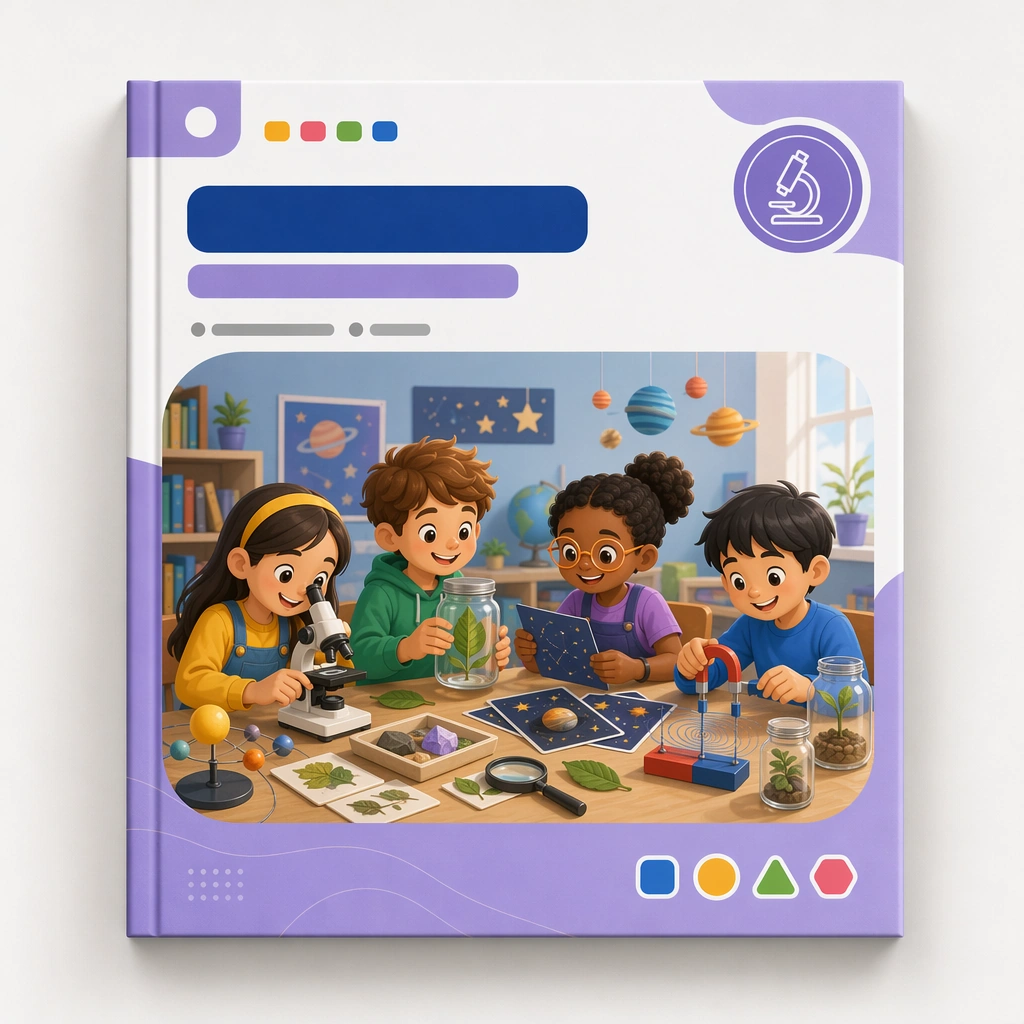
Return to the same square cover mockup and premium print presentation, now focused on a science discovery module. The image should feel like a third category card in a coherent shelf-ready family built for a kids education business. Keep the square frame balanced, calm, and production-ready so the asset can serve gallery review, research comparison, and real educational delivery at the same time.

Subject:
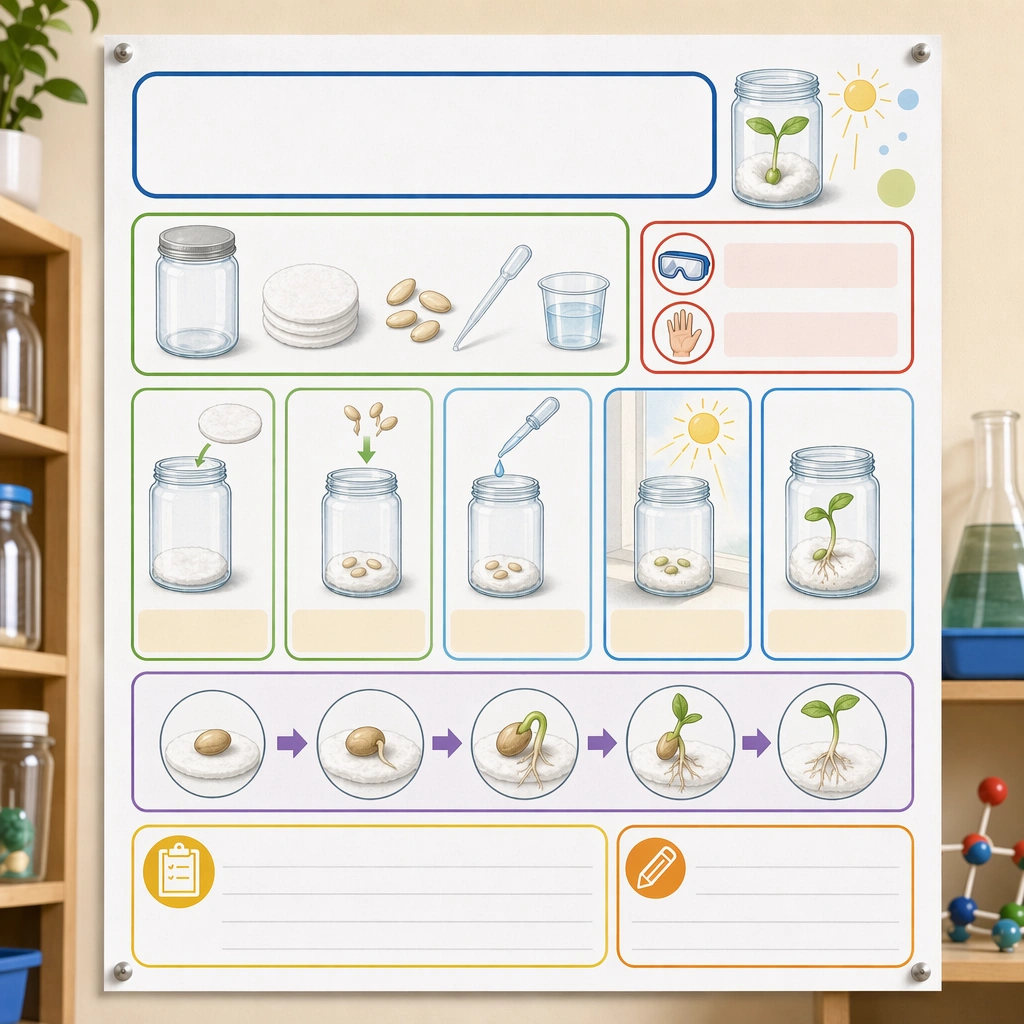
Use microscopes, leaves, stars, magnets, jars, and curious observation scenes inside the same structured cover frame, with blank label zones and a stable badge position. The cover should feel exploratory and educational without becoming noisy or generic. The subject matter should feel intentionally selected for a coherent curriculum family rather than like a random decorative assortment.

Important details:
Preserve the entire reference system while shifting the subject universe. The final sequence should prove that the cover family can support multiple disciplines and still look like one intentional product line. Preserve the same cover frame, subject badge placement, illustration ratio, color hierarchy, and blank title-zone architecture from the reference cover. Use variation only in the teaching content, supporting props, and scene-specific mood while preserving the core visual system exactly.

Use case:
Kids Course Cover and Module Family series study 4/4, science discovery cover.

Constraints:
No readable text, no watermark, no logos, preserve exact 1:1 aspect ratio, no readable course titles, no logos, no brand mascots from existing IP, no cluttered marketplace graphics, no fake awards, no generic stock-book covers.
Mode d’emploi
- Copiez le prompt original complet, paramètres compris.
- Adaptez le sujet, le texte et la composition à vos besoins.
- Utilisez un outil externe compatible ; vérifiez l’accès et le résultat.
Avant de commencer
- Vérifiez si une image de référence est nécessaire. La compatibilité ne prouve pas le modèle utilisé pour cet exemple.
- Vérifiez noms, chiffres et textes ; les versions du modèle peuvent produire des résultats différents.