Document original
GPT Image 2 · en
Scene:
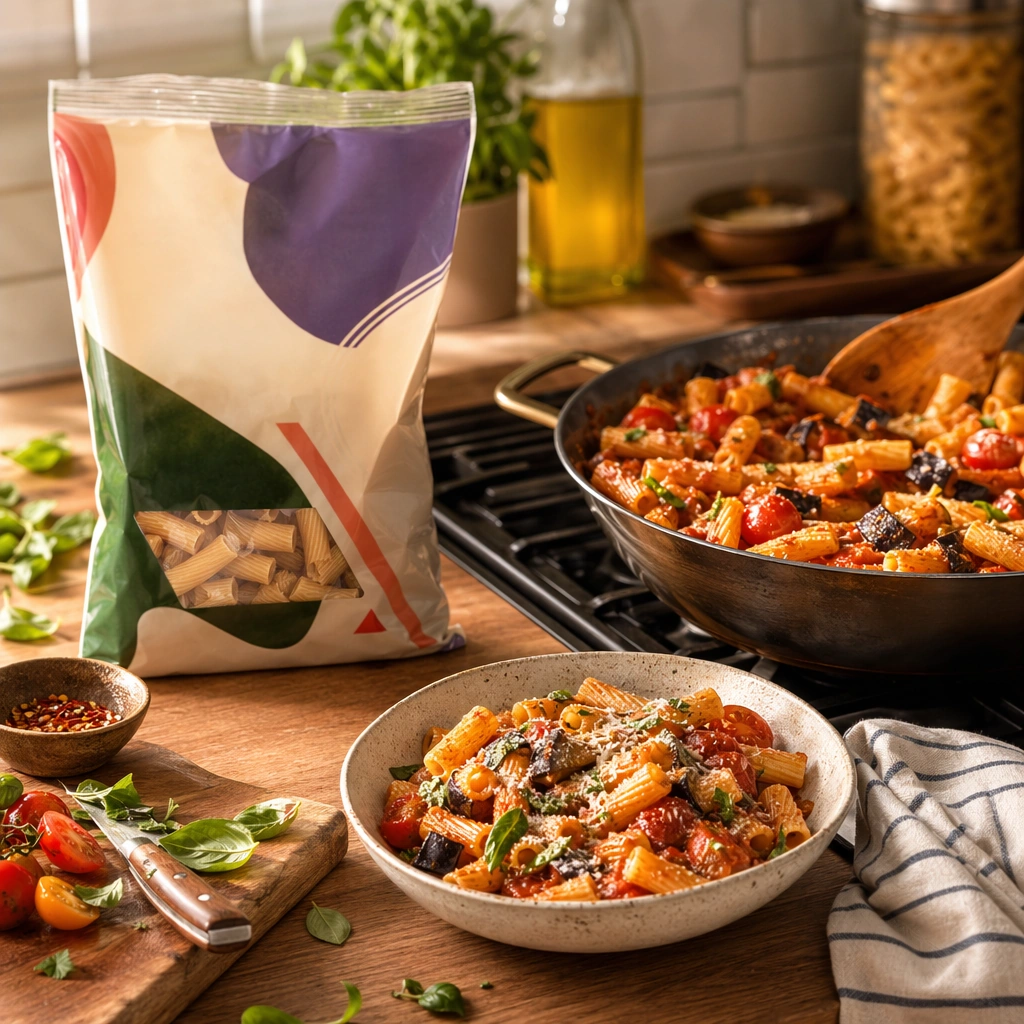
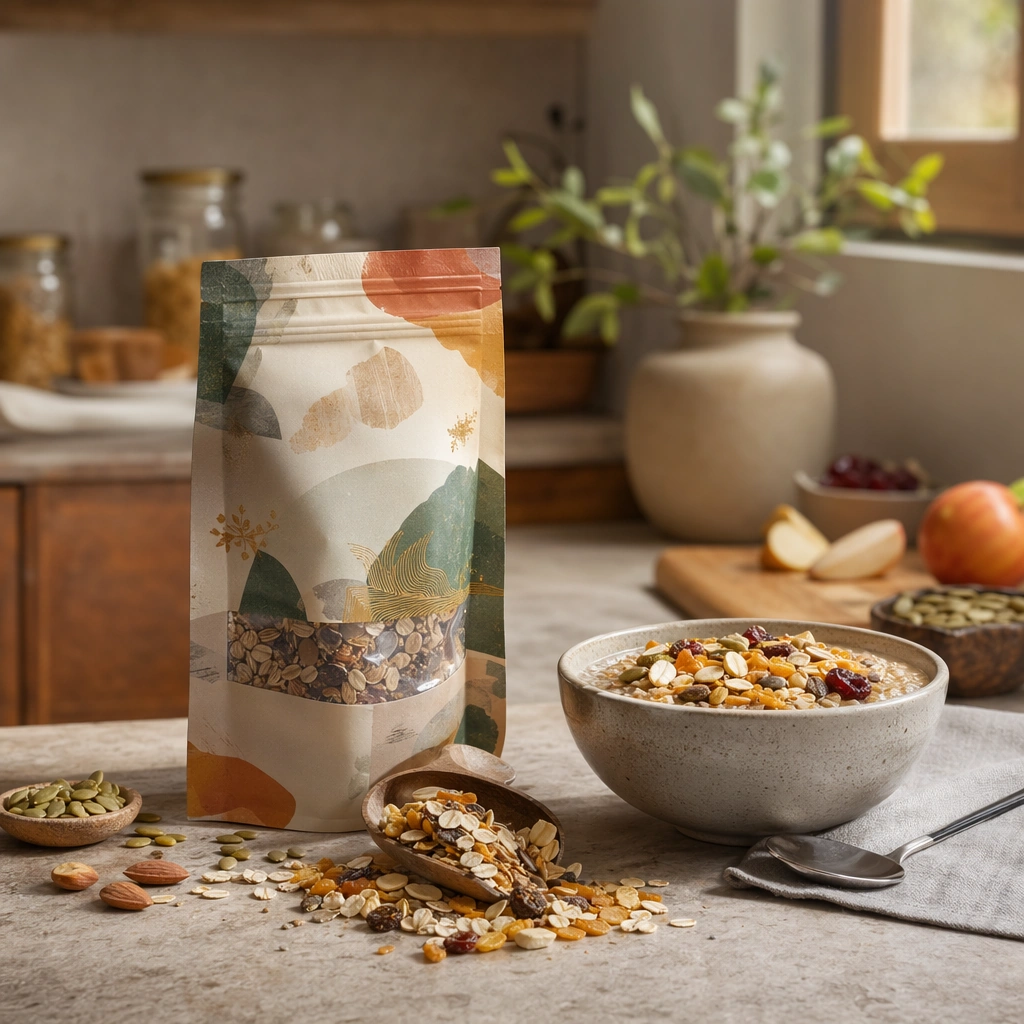
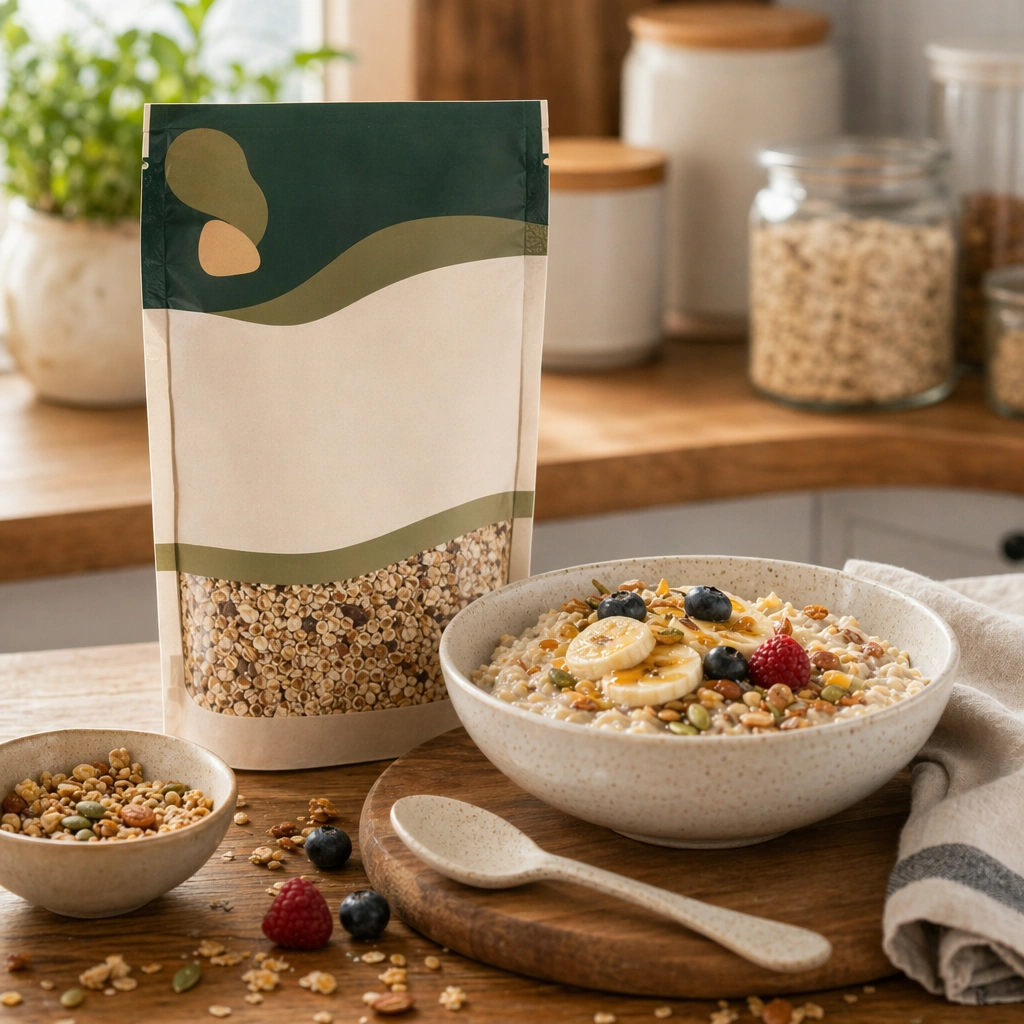
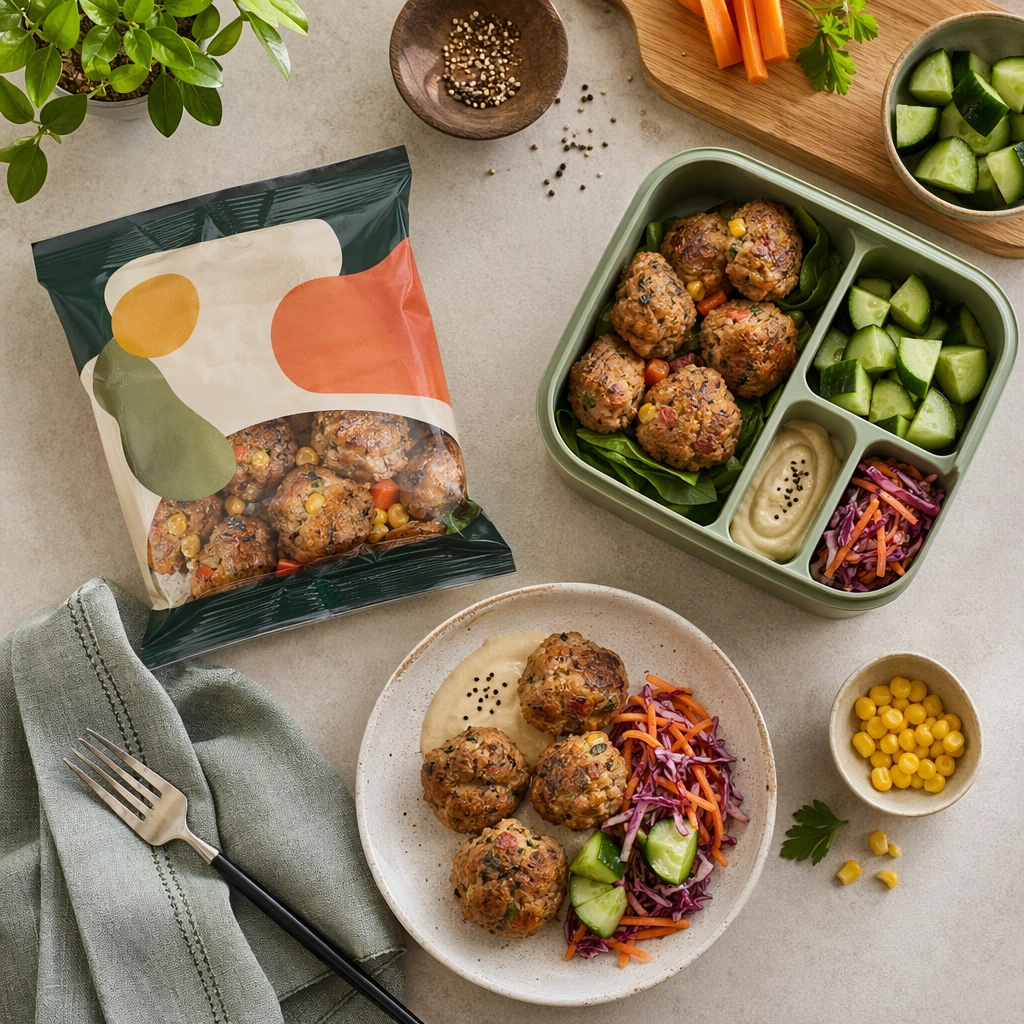
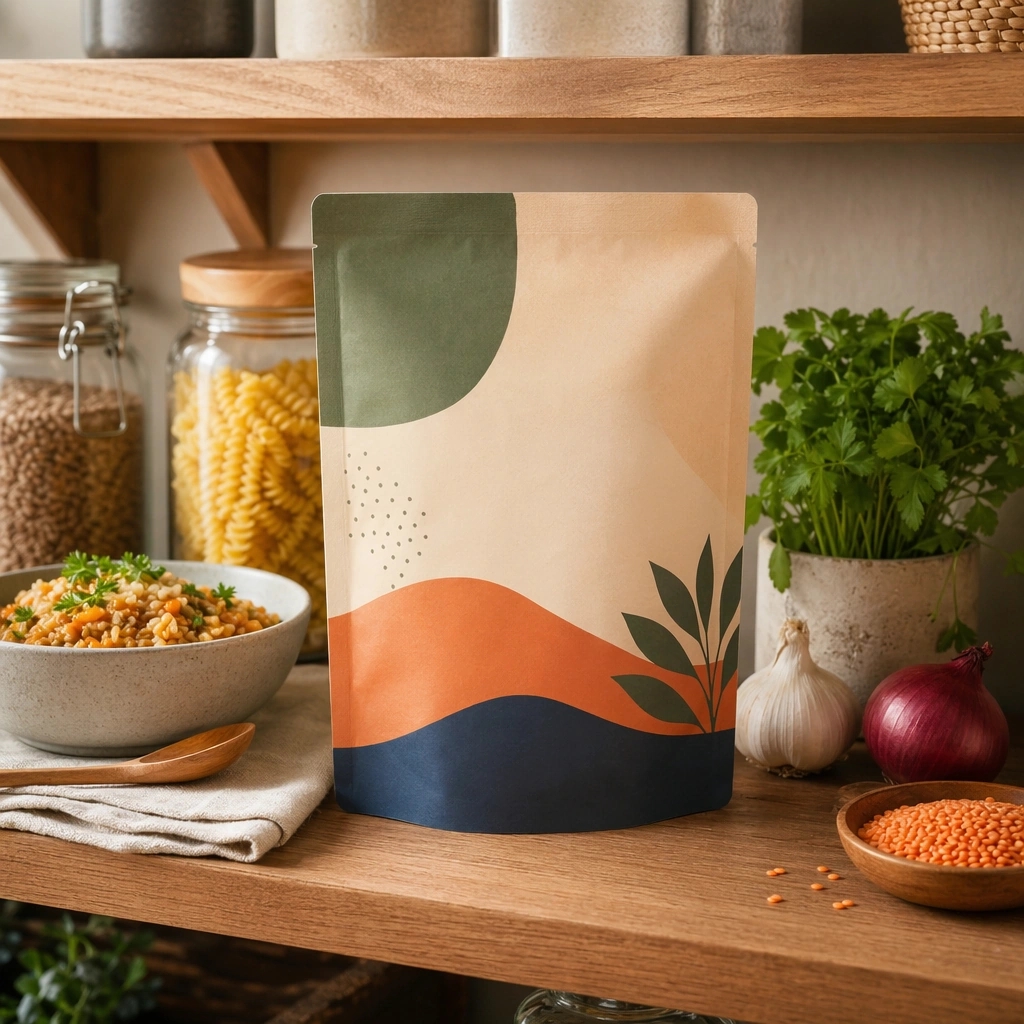
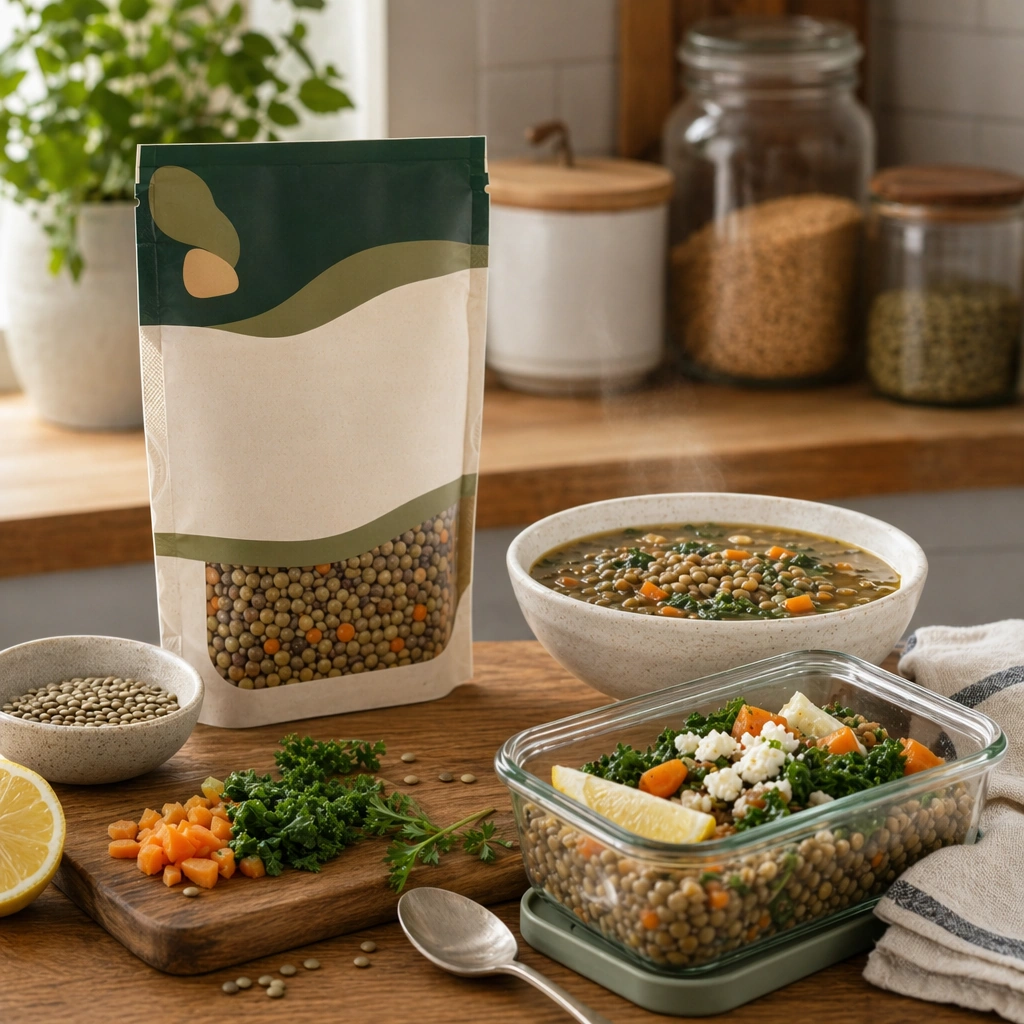
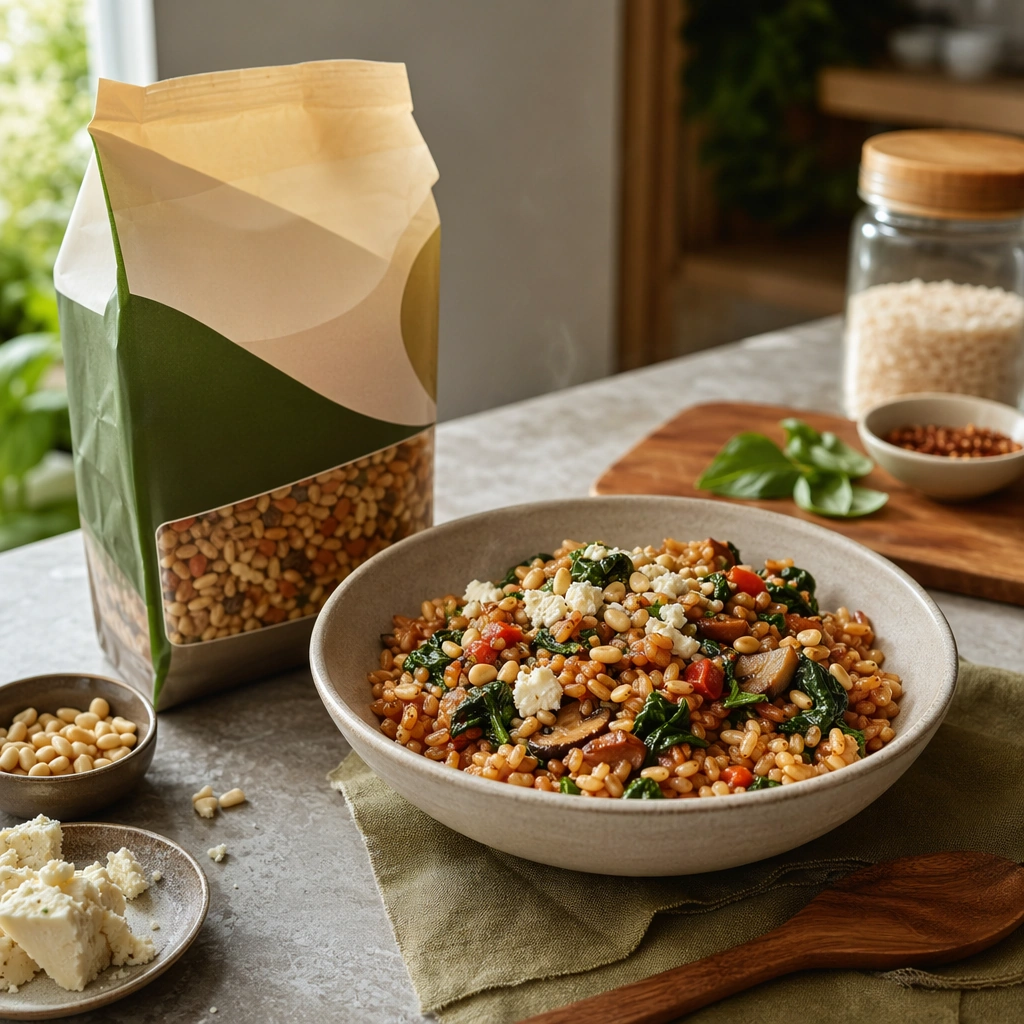
Compose a square packaged-food lifestyle image that connects shelf-ready packaging with actual household use, serving, and meal preparation. The frame should feel commercially precise but lived in, showing how the package belongs inside a believable kitchen, pantry, or dining context rather than isolated white-background product photography. Move in close on a served portion with just enough of the package visible to connect the prepared food back to the product.

Subject:
The package must stay clearly visible and physically plausible, while the prepared food, ingredients, bowls, or serving scene demonstrate real usage and appetite appeal. Use texture as the hero: sauce sheen, grain, crunch, ceramic glaze, and package finish should all feel tactile and believable.

Important details:
This topic tests bridge-building between package design and lived food context. Preserve realistic kitchen materials, pantry organization, serving logic, and package handling so the brand feels trustworthy and useful. If abstract label areas appear, they must remain unreadable; trust should come from materials, cooking cues, and scene credibility rather than literal copy. This image should feel fully self-contained while still belonging to the same broader topic and commercial world. This is a material-credibility study. The image must sell the product through the physical truth of the serving moment rather than through copy.

Use case:
Food Package Scenes single study 9/9, built for Prompt Atlas coverage of a food and beverage commercial visual system.

Constraints:
No readable text, no watermark, no logos, preserve exact 1:1 aspect ratio, no readable text, no logos, no sterile white studio void, no messy family chaos, no unrealistic packaging scale, no cluttered supermarket shelf wall, no macro abstraction that hides the food, no fake CGI shine, no readable package panel.
Mode d’emploi
- Copiez le prompt original complet, paramètres compris.
- Adaptez le sujet, le texte et la composition à vos besoins.
- Utilisez un outil externe compatible ; vérifiez l’accès et le résultat.
Avant de commencer
- Vérifiez si une image de référence est nécessaire. La compatibilité ne prouve pas le modèle utilisé pour cet exemple.
- Vérifiez noms, chiffres et textes ; les versions du modèle peuvent produire des résultats différents.