Document original
GPT Image 2 · en
Scene:
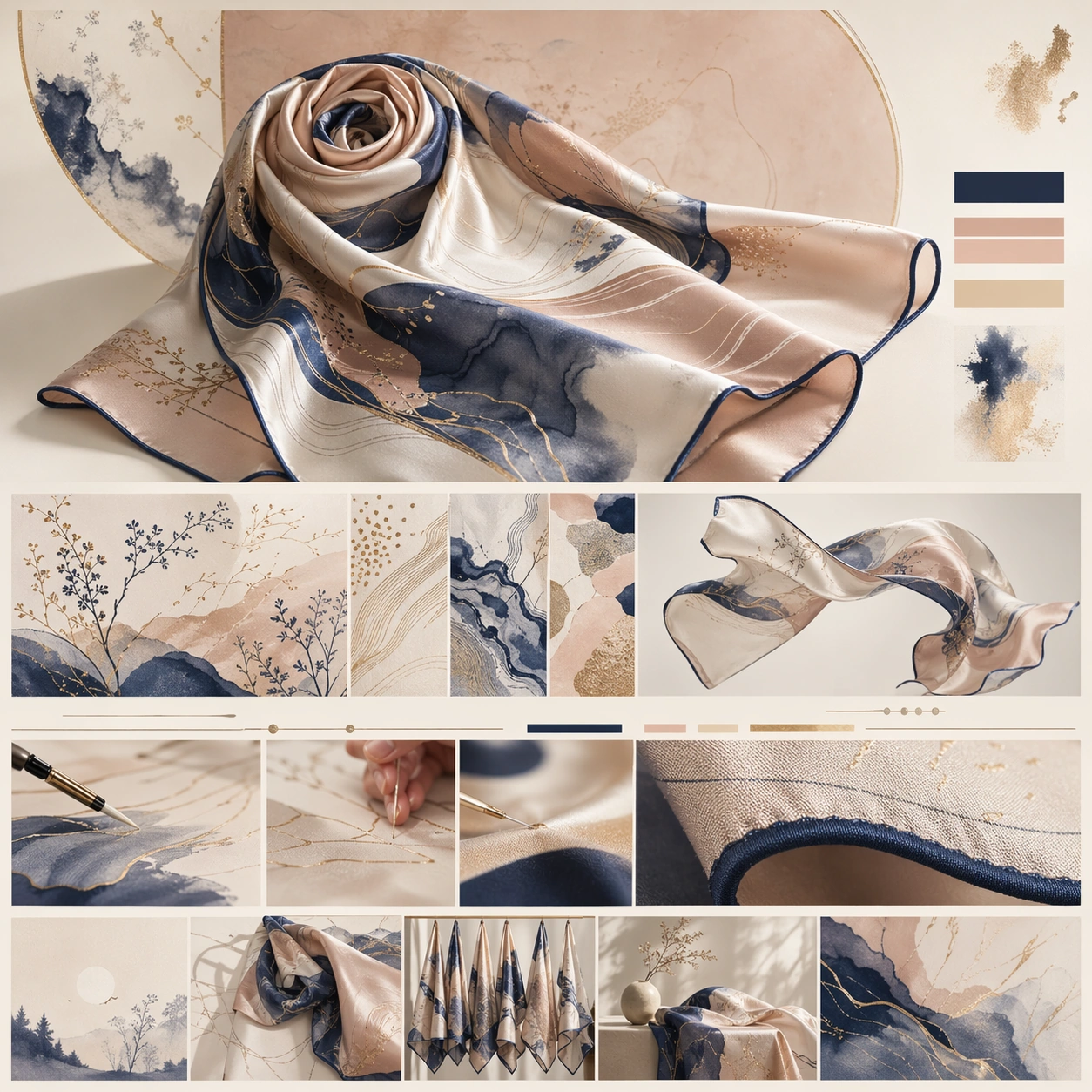
A square luxury brand-story page still for a silk scarf collection, styled like an editorial chapter on a couture maison website. The page is luminous and airy, using ivory, blush beige, muted ink blue, and gold-sand accents. It should feel like a soft luxury print story with a hero composition at top and successive chapters about pattern, drape, and hand-finishing below, all within a polished square web frame.

Subject:
Present a silk scarf as the hero object, partially folded and partially unfurled so the print language, rolled edges, and sheen are visible. Around it, construct a chaptered webpage with abstract headline bars, print-detail panels, drape studies, and atelier-style close-ups that imply design process and finishing without readable words. Include one macro crop showing hem stitching and silk texture, plus one supporting panel with the scarf floating or arranged as a sculptural textile form. The scarf should remain central, with the page layout amplifying its pattern system and tactile elegance.

Important details:
The image must communicate maison-level textile storytelling rather than a simple product sheet. Silk sheen, print registration, edge rolling, and color transitions should feel physically plausible and refined. The page hierarchy should move from emotional print hero to textile detail to atelier chapter to collection context. Use elegant negative space, balanced chapter bands, and a luxurious softness without becoming vague or pastel generic.

Use case:
Luxury Brand Story Page single study 5/9, testing silk-scarf storytelling with print-system detail, drape studies, and refined editorial chapter layout.

Constraints:
No readable text, no watermark, no logos, preserve exact 1:1 aspect ratio, no browser chrome, no model portrait, no chaotic fashion collage, no cheap satin shine, no wrinkled discount-retail styling, no distorted print geometry.
Mode d’emploi
- Copiez le prompt original complet, paramètres compris.
- Adaptez le sujet, le texte et la composition à vos besoins.
- Utilisez un outil externe compatible ; vérifiez l’accès et le résultat.
Avant de commencer
- Vérifiez si une image de référence est nécessaire. La compatibilité ne prouve pas le modèle utilisé pour cet exemple.
- Vérifiez noms, chiffres et textes ; les versions du modèle peuvent produire des résultats différents.