Document original
GPT Image 2 · en
{
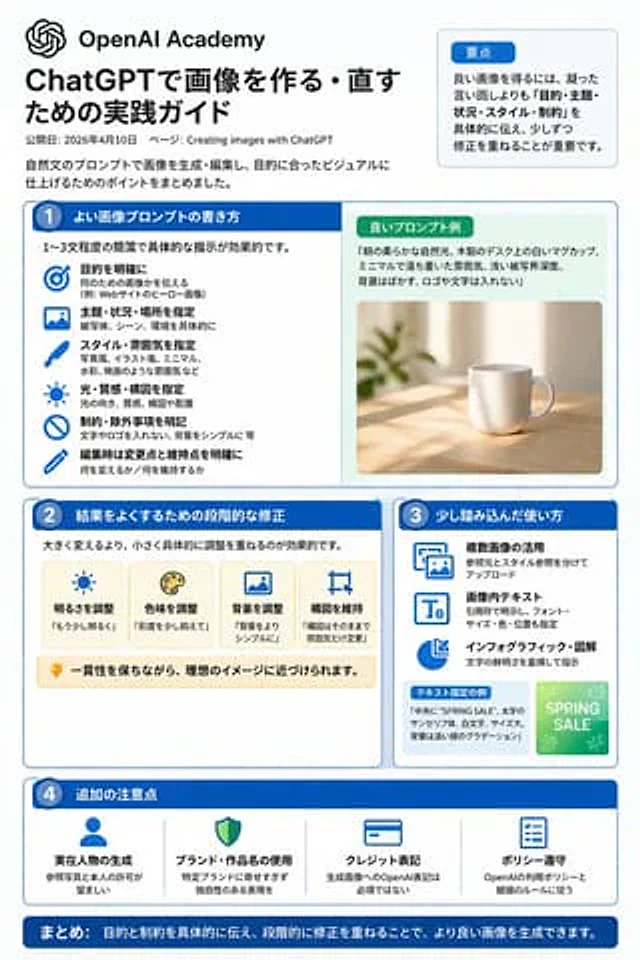
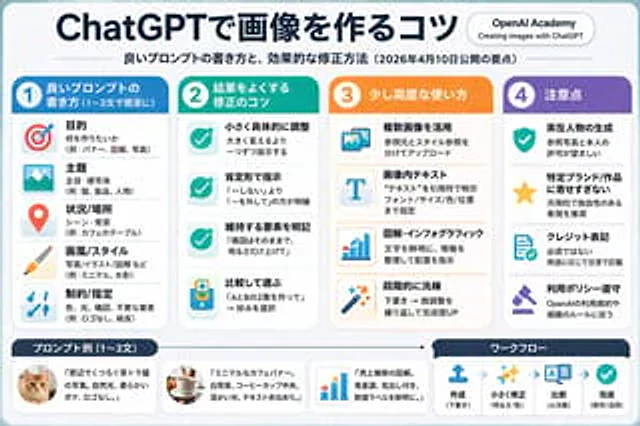
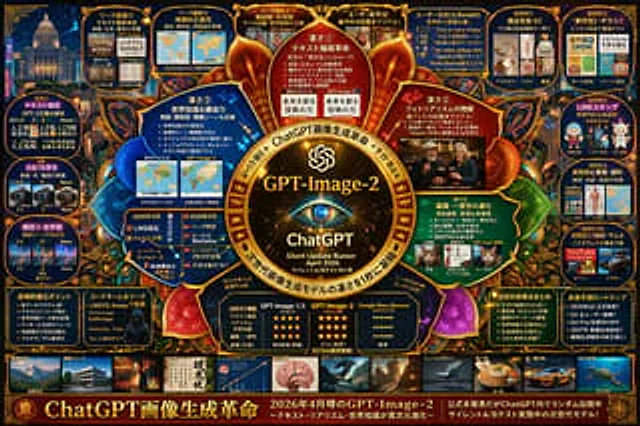
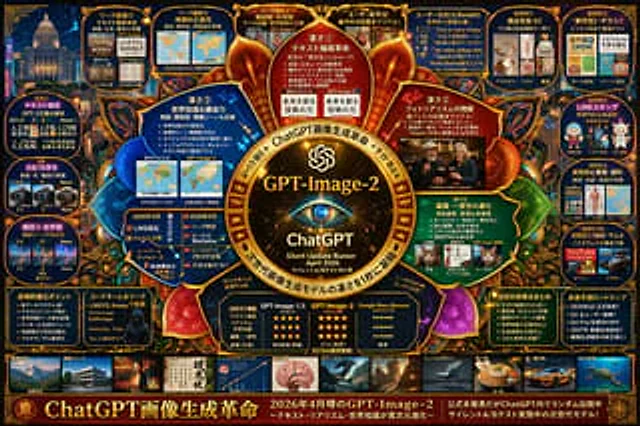
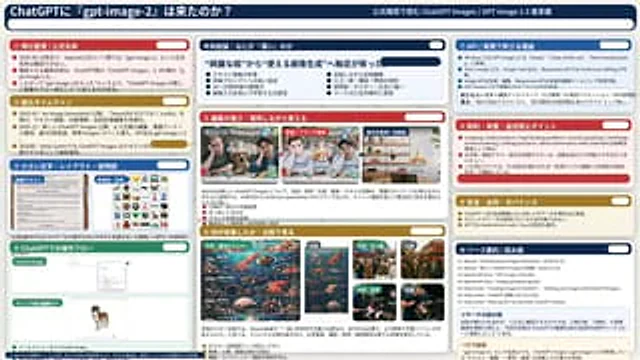
  "type": "Infographic Dashboard",
  "style": "Enterprise presentation slides, dense information layout, flat design",
  "header": {
    "left_title": "{argument name=\"main title\" default=\"Has ChatGPT finally received the 'gpt-image-2' update?\"}",
    "right_subtitle": "{argument name=\"subtitle\" default=\"Officially confirmed interpretation of ChatGPT Images / GPT Image 1.5 Mandala\"}",
    "background_color": "{argument name=\"theme color 1\" default=\"Dark blue\"}"
  },
  "layout": {
    "columns": 3,
    "sections": [
      {
        "id": 1,
        "title": "① Rumor Summary / Official Name",
        "color": "{argument name=\"theme color 2\" default=\"red\"}",
        "content_type": "3 key points"
      },
      {
        "id": 2,
        "title": "② Evolutionary Timeline",
        "color": "gold",
        "content_type": "3 key points of the timeline"
      },
      {
        "id": 3,
        "title": "③ Small print, layout and explanatory diagrams",
        "color": "blue",
        "content_type": "2 Embedded images showing a text document and an icon grid"
      },
      {
        "id": 4,
        "title": "④ ChatGPT Operation Process",
        "color": "green",
        "content_type": "UI mockup displaying the chat interface and a dog image."
      },
      {
        "id": "central",
        "title": "Key conclusion: What exactly makes it \"powerful\"?",
        "color": "Dark blue",
        "subtitle": "{argument name=\"central conclusion\" default=\"The focus has shifted from "beautiful images" to "practical image generation".\"}",
        "content_type": "Two columns, four key points in each column."
      },
      {
        "id": 5,
        "title": "⑤ Editing ability: Making modifications while keeping the original appearance.",
        "color": "red",
        "content_type": "3 consecutive images showing the photo editing process"
      },
      {
        "id": 6,
        "title": "⑥ Areas for improvement: Comparative analysis",
        "color": "gold",
        "content_type": "Six comparison images (this vs. previous ones), covering posters, crowds, and textures."
      },
      {
        "id": 7,
        "title": "⑦ API / Core Value in Actual Business",
        "color": "blue",
        "content_type": "3 key points"
      },
      {
        "id": 8,
        "title": "⑧ Key points regarding limitations, pitfalls, and avoiding blind trust",
        "color": "red",
        "content_type": "3 key points"
      },
      {
        "id": 9,
        "title": "9. Safety, source and governance",
        "color": "gold",
        "content_type": "3 key points"
      },
      {
        "id": 10,
        "title": "⑩ Source Summary / Reading Guide",
        "color": "Dark blue",
        "content_type": "A list of 7 sources and a summary box."
      }
    ]
  }
}
Mode d’emploi
- Copiez le prompt original complet, paramètres compris.
- Adaptez le sujet, le texte et la composition à vos besoins.
- Utilisez un outil externe compatible ; vérifiez l’accès et le résultat.
Avant de commencer
- Vérifiez si une image de référence est nécessaire. La compatibilité ne prouve pas le modèle utilisé pour cet exemple.
- Vérifiez noms, chiffres et textes ; les versions du modèle peuvent produire des résultats différents.