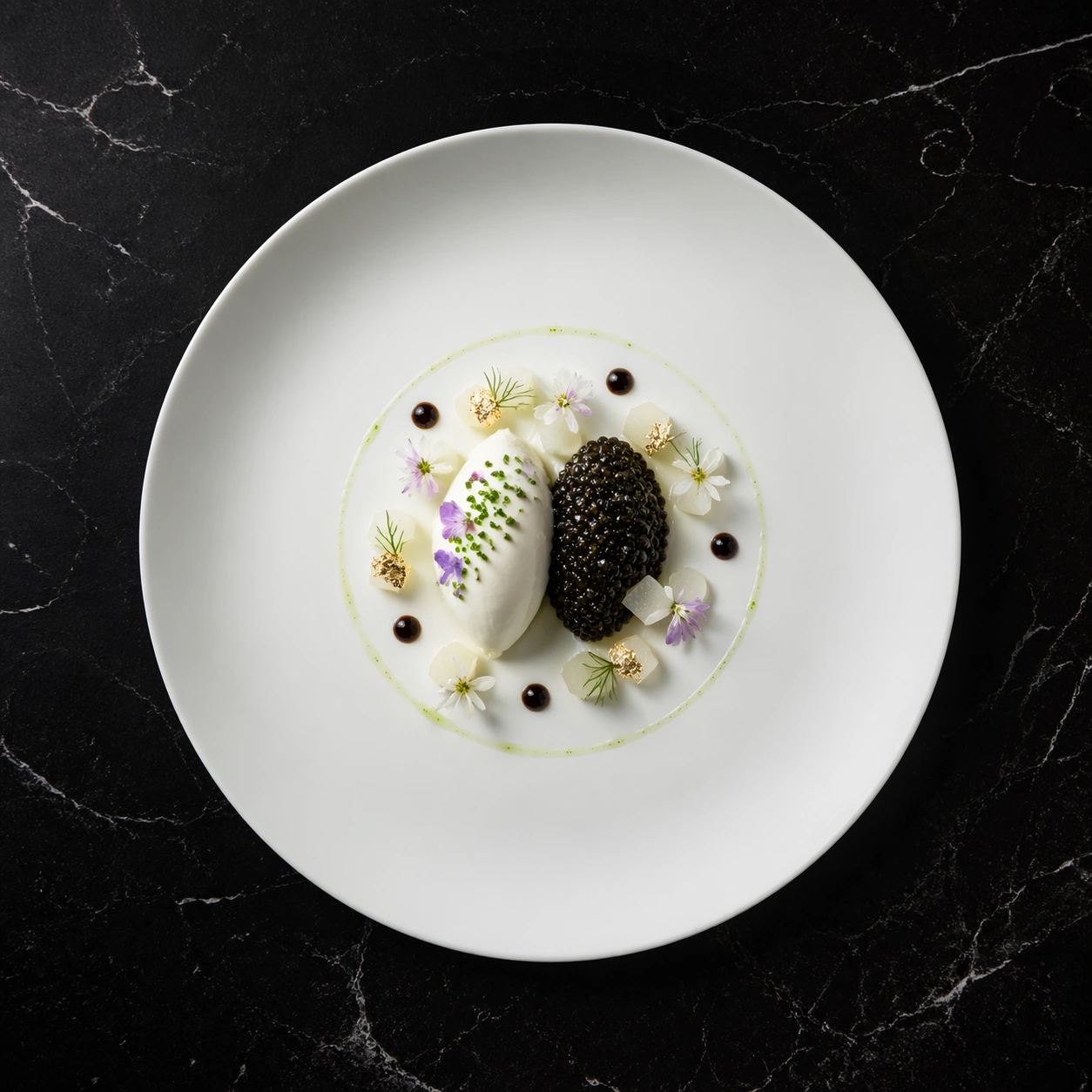
Document original
GPT Image 2 · en
Scene:
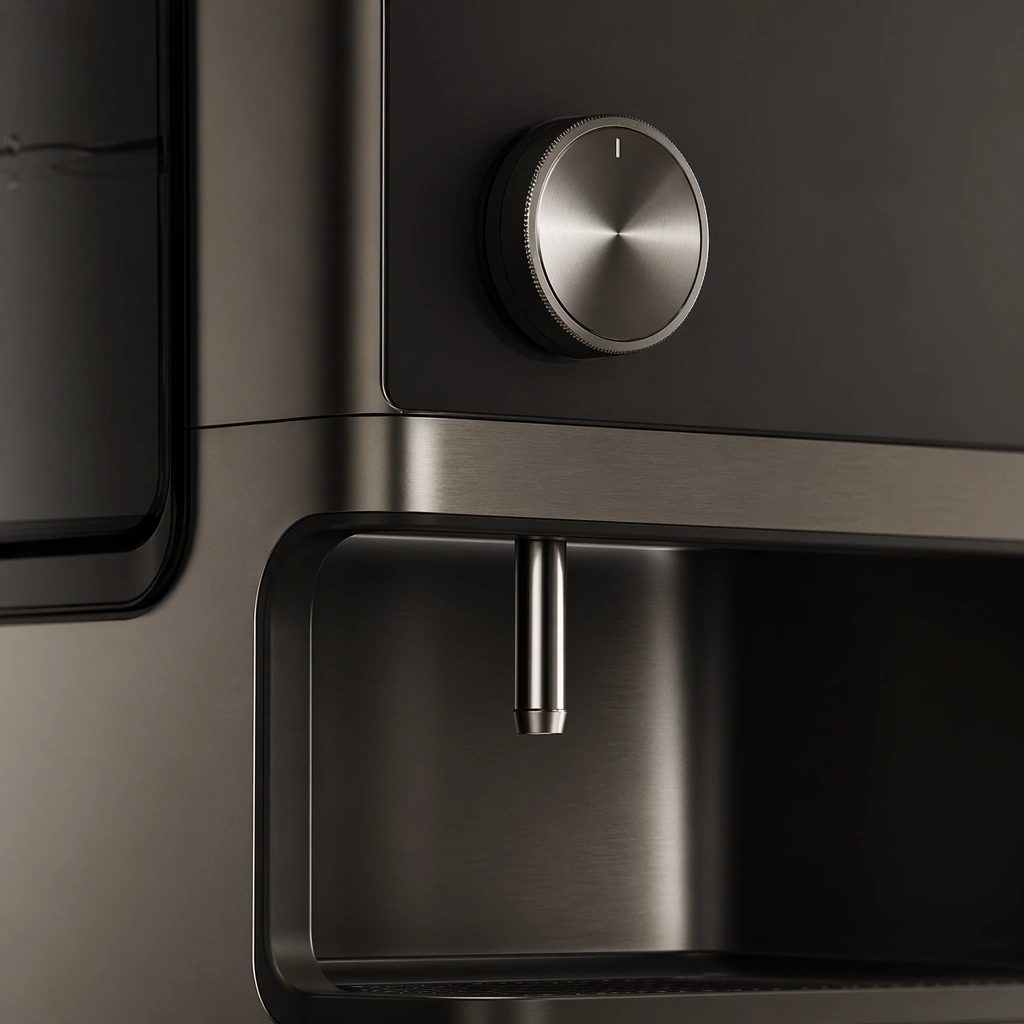
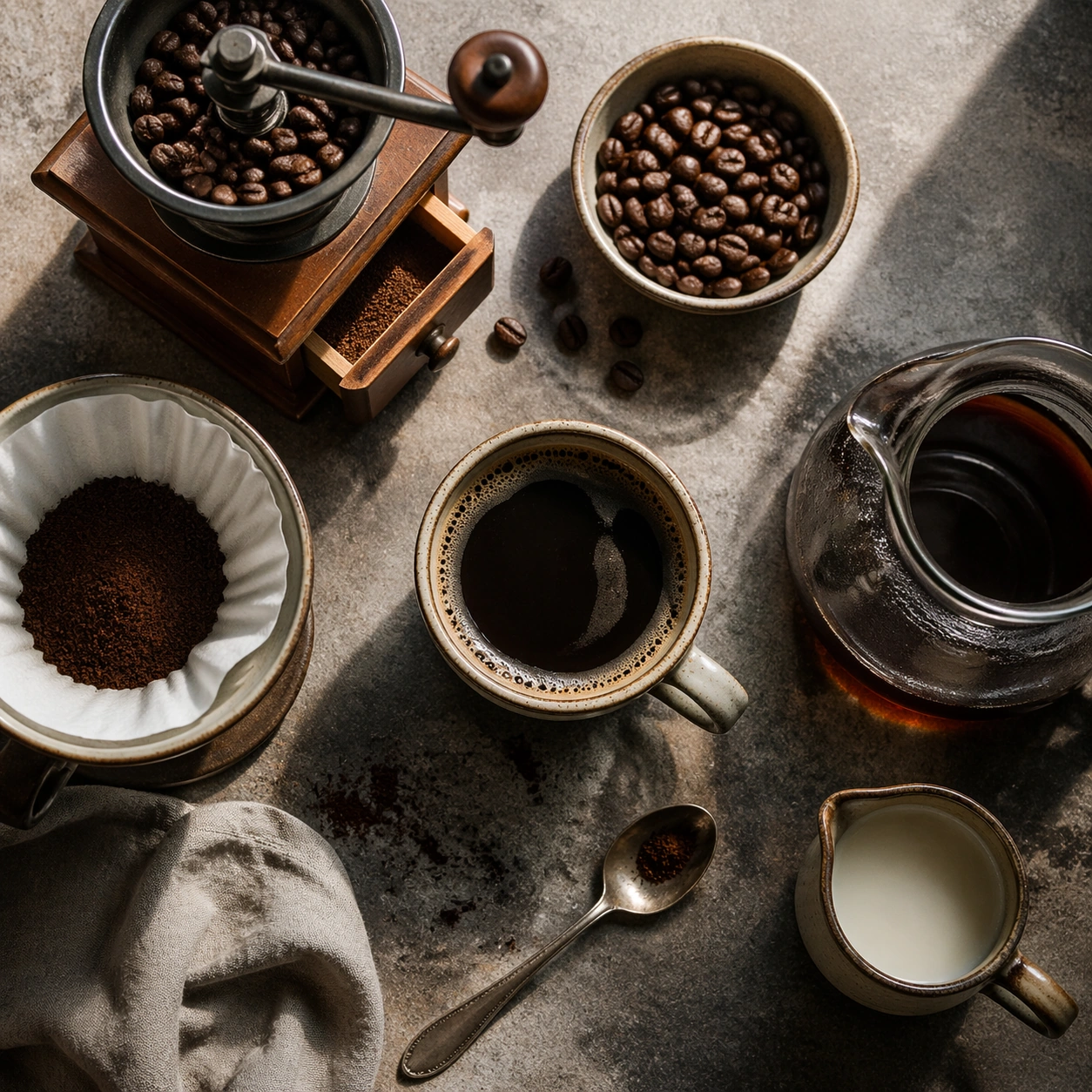
Compose a square beverage campaign image built around ritual, vessel, light, and atmosphere. The frame should feel like it belongs to a premium drink brand that understands daily habits: ceramic warmth, glass condensation, steam behavior, and tactile surfaces all need to read as observed and real rather than generic lifestyle filler. Use a near-overhead square crop on a textured counter, arranging tools with measured spacing and soft side light.

Subject:
The hero beverage must feel consumable and culturally grounded, with believable proportions, realistic liquid behavior, and supporting tools or props that reinforce the ritual without overwhelming the drink itself. Feature beans, grinder, filter paper, spoon, and cup as a composed ritual toolkit rather than a cluttered equipment dump.

Important details:
Credibility comes from timing and materials: crema density, ice clarity, tea translucency, condensation trails, and the way a hand or vessel sits in space. Keep the mood intentional and campaign-ready, with enough atmosphere to suggest a lived routine while preserving product focus. This image should feel fully self-contained while still belonging to the same broader topic and commercial world. Every object should feel used but premium, with believable wear, clean edges, and clear functional hierarchy that supports a brand campaign.

Use case:
Coffee Rituals single study 5/9, built for Prompt Atlas coverage of a food and beverage commercial visual system.

Constraints:
No readable text, no watermark, no logos, preserve exact 1:1 aspect ratio, no plastic café props, no latte-art gimmick overload, no fake steam clouds, no unreadable cup slogans, no random breakfast clutter, no artificial neon excess, no instruction diagrams, no readable labels, no excessive accessories.
Mode d’emploi
- Copiez le prompt original complet, paramètres compris.
- Adaptez le sujet, le texte et la composition à vos besoins.
- Utilisez un outil externe compatible ; vérifiez l’accès et le résultat.
Avant de commencer
- Vérifiez si une image de référence est nécessaire. La compatibilité ne prouve pas le modèle utilisé pour cet exemple.
- Vérifiez noms, chiffres et textes ; les versions du modèle peuvent produire des résultats différents.