
Document original
GPT Image 2 · en
Scene:
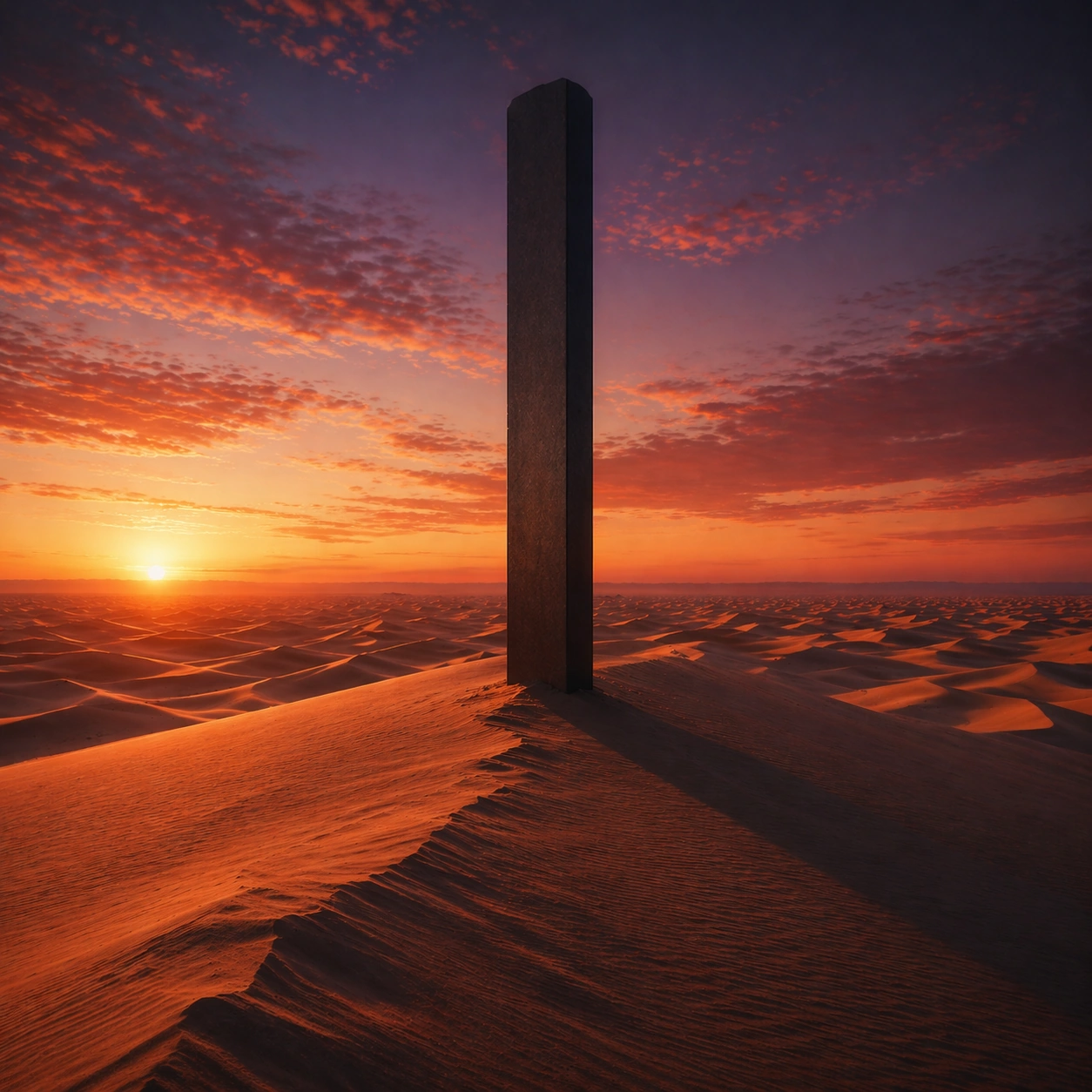
Create a square cinematic still for Desert Dusk Monolith. Use production-grade photoreal lighting, disciplined lens behavior, and a composition that feels like a finished key frame from an original film rather than a casual snapshot. A severe desert dune field stretches to the horizon at sunset, where the last light turns the crests copper and rose, the far sky cools toward violet, and one dark monolith stands with absolute stillness above the wind-shaped sand. Push the composition toward the emotional peak of the same setup, with the most dramatic balance of brightness, shadow, or atmospheric density inside the established world.

Subject:
Build a coherent original scene whose emotional center comes from atmosphere, light physics, and spatial clarity. Avoid relying on celebrity likeness, franchise iconography, or stylized illustration shortcuts. The monolith, long shadow, dune ridges, and the empty horizon line should dominate, with no unnecessary props, because the image depends on scale tension between one silent object and an immense landscape. Everything should still read as the same location and same event, but framed for maximum narrative force and visual closure.

Important details:
Preserve a believable physical world with strong depth layering, careful color separation, and premium image discipline. Keep the geometry minimal but not sterile, using precise shadow direction, tactile sand micro-relief, clean sky gradient, and disciplined negative space so the frame feels monumental rather than decorative. Make it feel like the strongest hero frame of the sequence without breaking continuity or introducing a new design language.

Use case:
Desert Monolith series study 4/9.

Constraints:
No readable text, no watermark, no logos, preserve exact 1:1 aspect ratio, no ruins, no spaceships, no readable markings on the monolith, no crowds, no surreal floating objects.
Mode d’emploi
- Copiez le prompt original complet, paramètres compris.
- Adaptez le sujet, le texte et la composition à vos besoins.
- Utilisez un outil externe compatible ; vérifiez l’accès et le résultat.
Avant de commencer
- Vérifiez si une image de référence est nécessaire. La compatibilité ne prouve pas le modèle utilisé pour cet exemple.
- Vérifiez noms, chiffres et textes ; les versions du modèle peuvent produire des résultats différents.