
Document original
GPT Image 2 · en
Scene:
A square campaign image designed for distribution, with bold focal hierarchy, strong color blocking, and cinematic energy. The framing should read instantly from a distance while still rewarding close inspection with layered secondary details and coherent scene logic.

Subject:
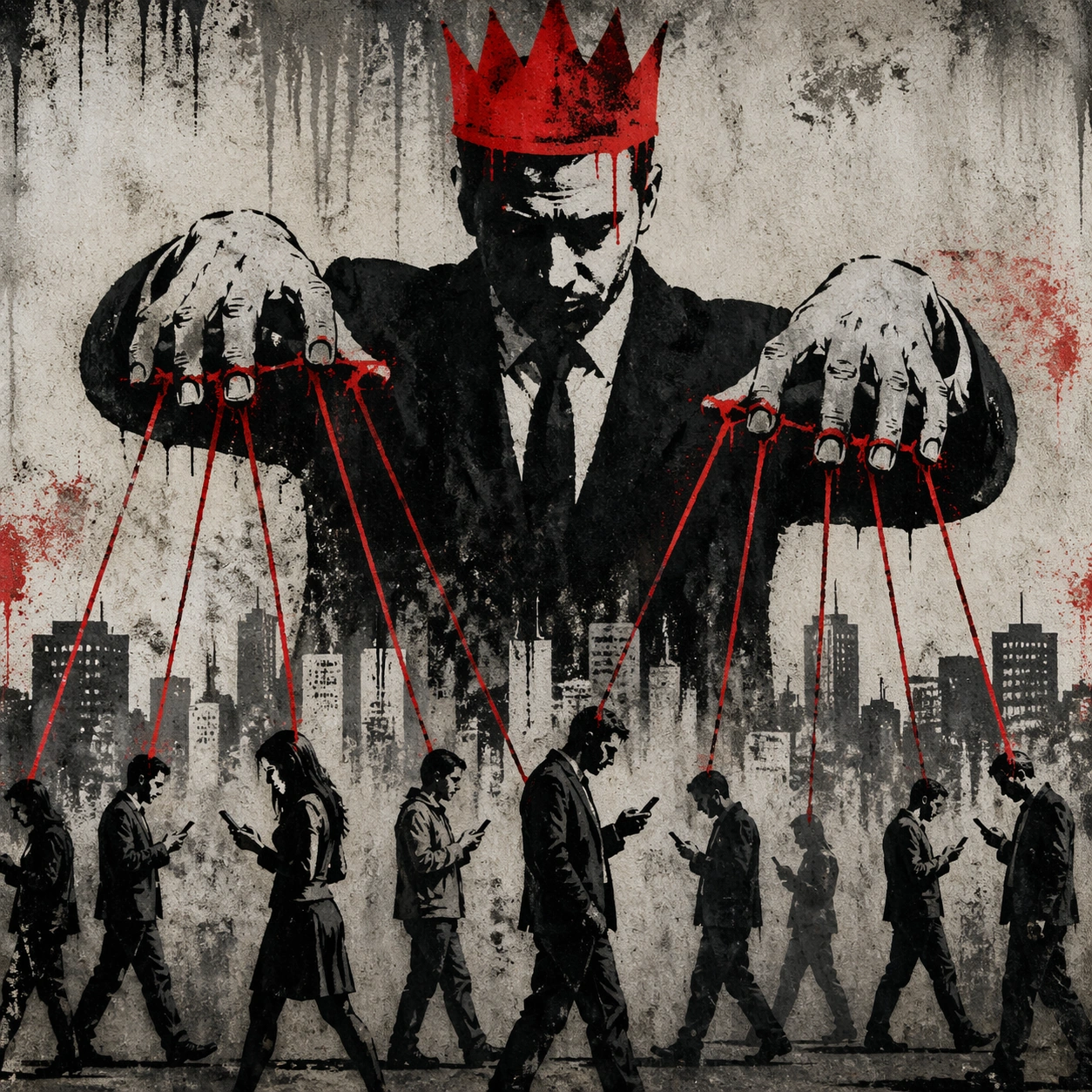
The subject is a campaign-ready visual system for anonymous stencil street satire. Build the frame from anonymous stencil street satire. A Prompt Atlas theme for anonymous stencil street satire Street Satire, testing reasoning- composition, style- transfer with GPT Image 2.. anonymous stencil street satire. Focus on concrete visual elements, believable material behavior, and layered subject hierarchy so the result feels authored instead of template-like. Core campaign poster or hero tile.

Important details:
This first image is the canonical anchor for the series. Establish the visual rules, palette logic, and shape language that later series images must preserve. Keep the concept specific to anonymous stencil street satire, with concrete forms and believable relationships between primary subject, support elements, and background structure. Avoid visual noise. Every secondary detail should reinforce the main idea instead of competing with it. The composition should feel immediately legible and impressive, with a self-explaining core idea and enough finish to work without heavy post-production.

Use case:
anonymous stencil street satire series study 1/9 for Prompt Atlas.

Constraints:
No readable text, no watermark, no logos, preserve exact 1:1 aspect ratio, no irrelevant brand marks, no generic clip-art simplification, no broken anatomy, no muddy lighting, no random collage fragments, no empty background without purpose.
Mode d’emploi
- Copiez le prompt original complet, paramètres compris.
- Adaptez le sujet, le texte et la composition à vos besoins.
- Utilisez un outil externe compatible ; vérifiez l’accès et le résultat.
Avant de commencer
- Vérifiez si une image de référence est nécessaire. La compatibilité ne prouve pas le modèle utilisé pour cet exemple.
- Vérifiez noms, chiffres et textes ; les versions du modèle peuvent produire des résultats différents.