Documento originale
GPT Image 2 · en
Scene:
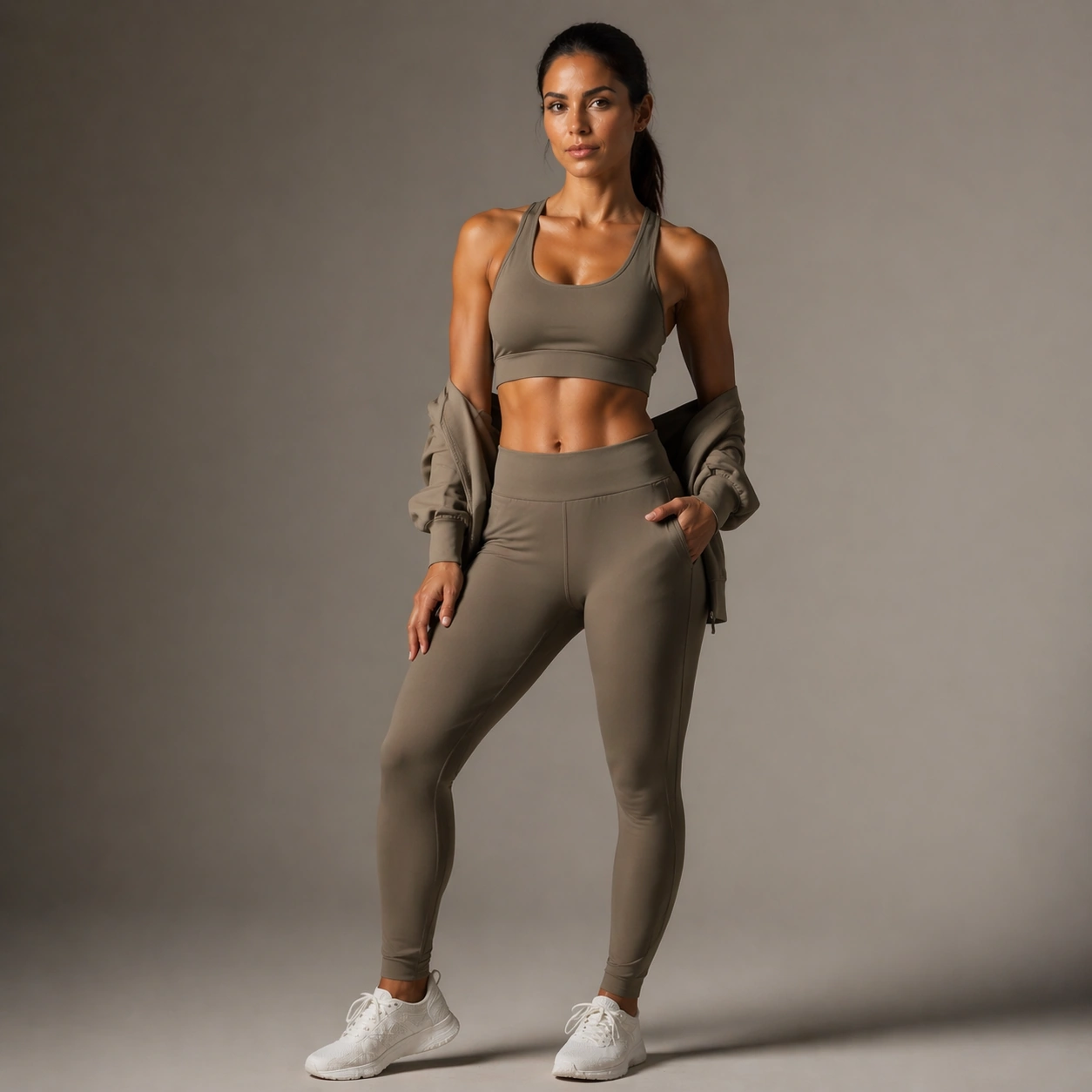
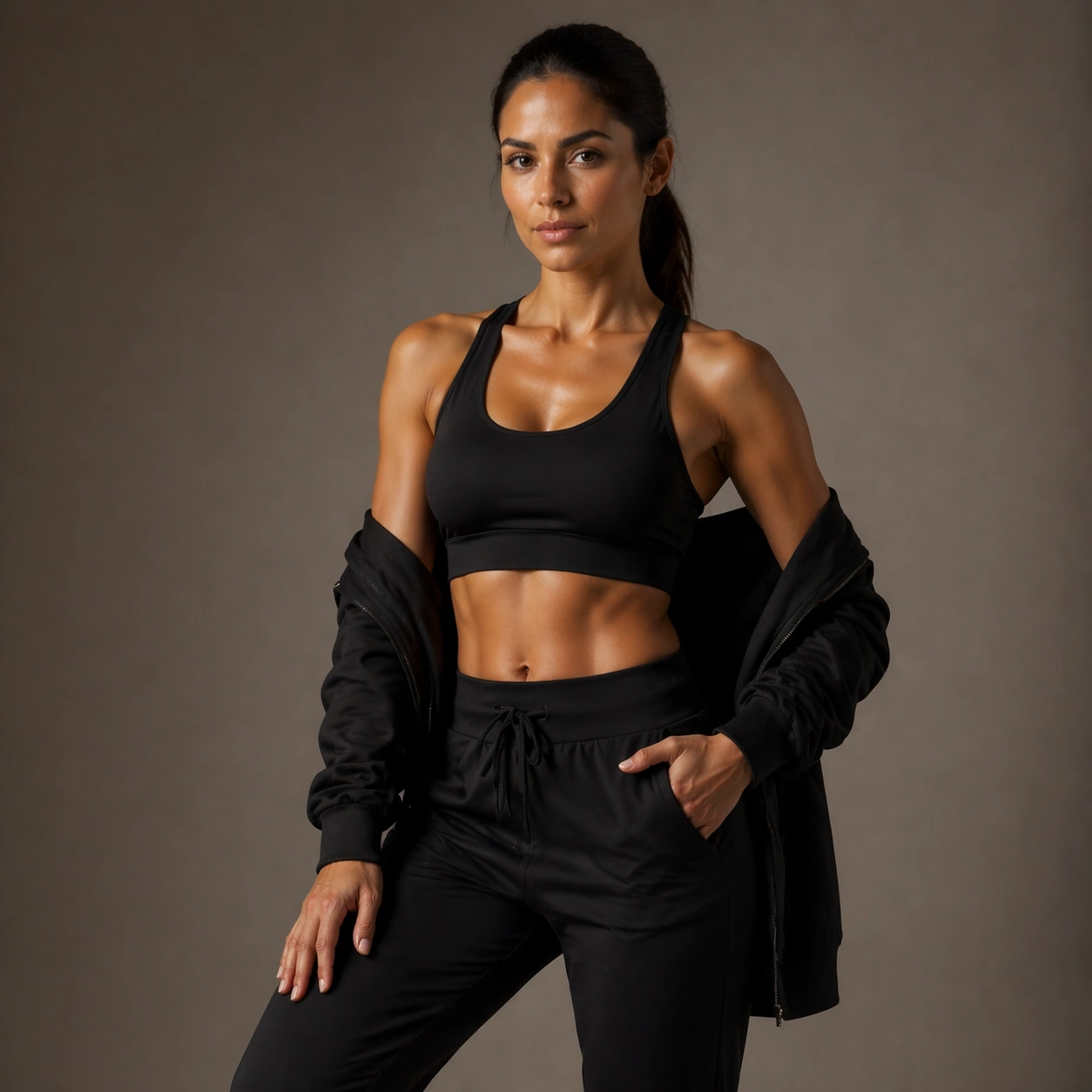
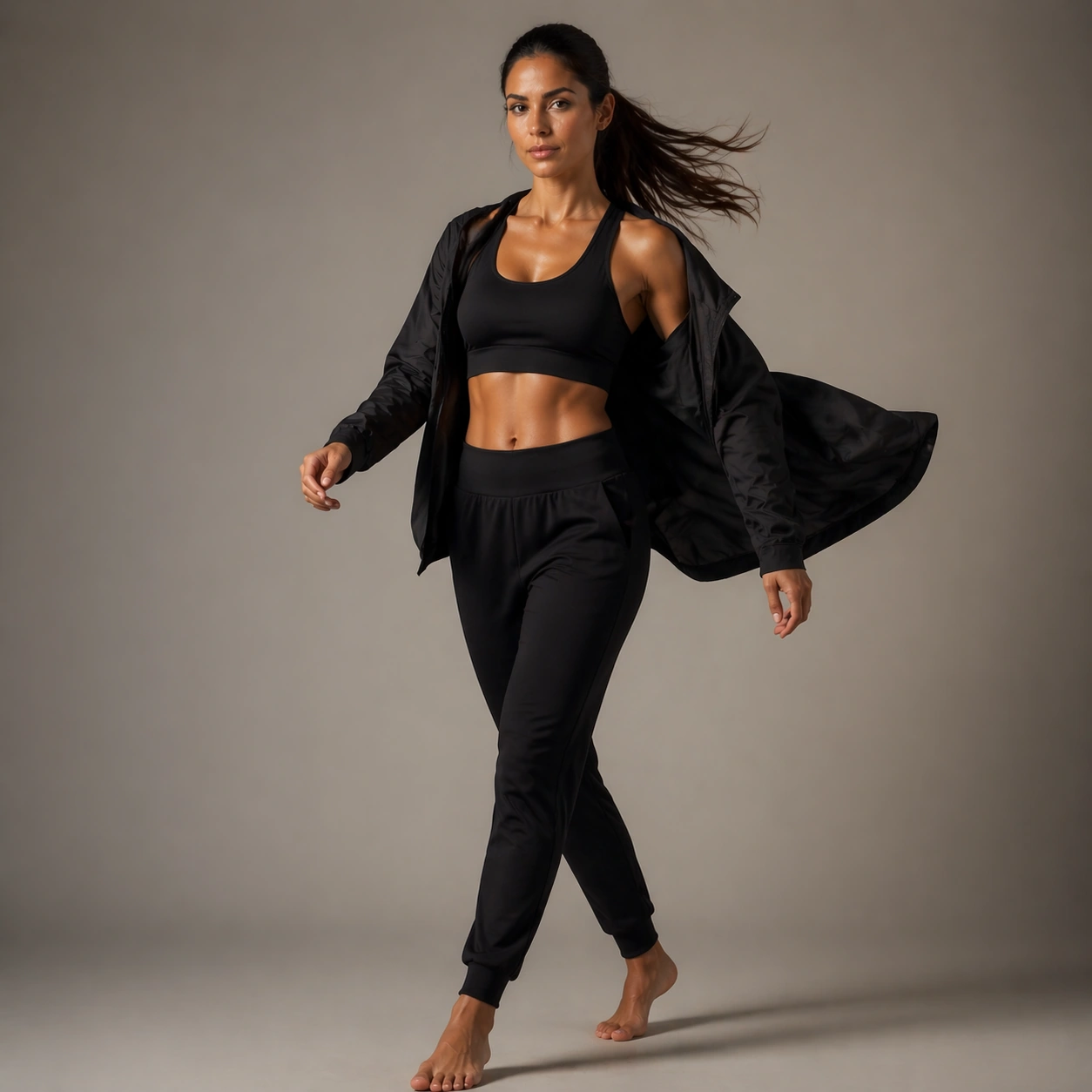
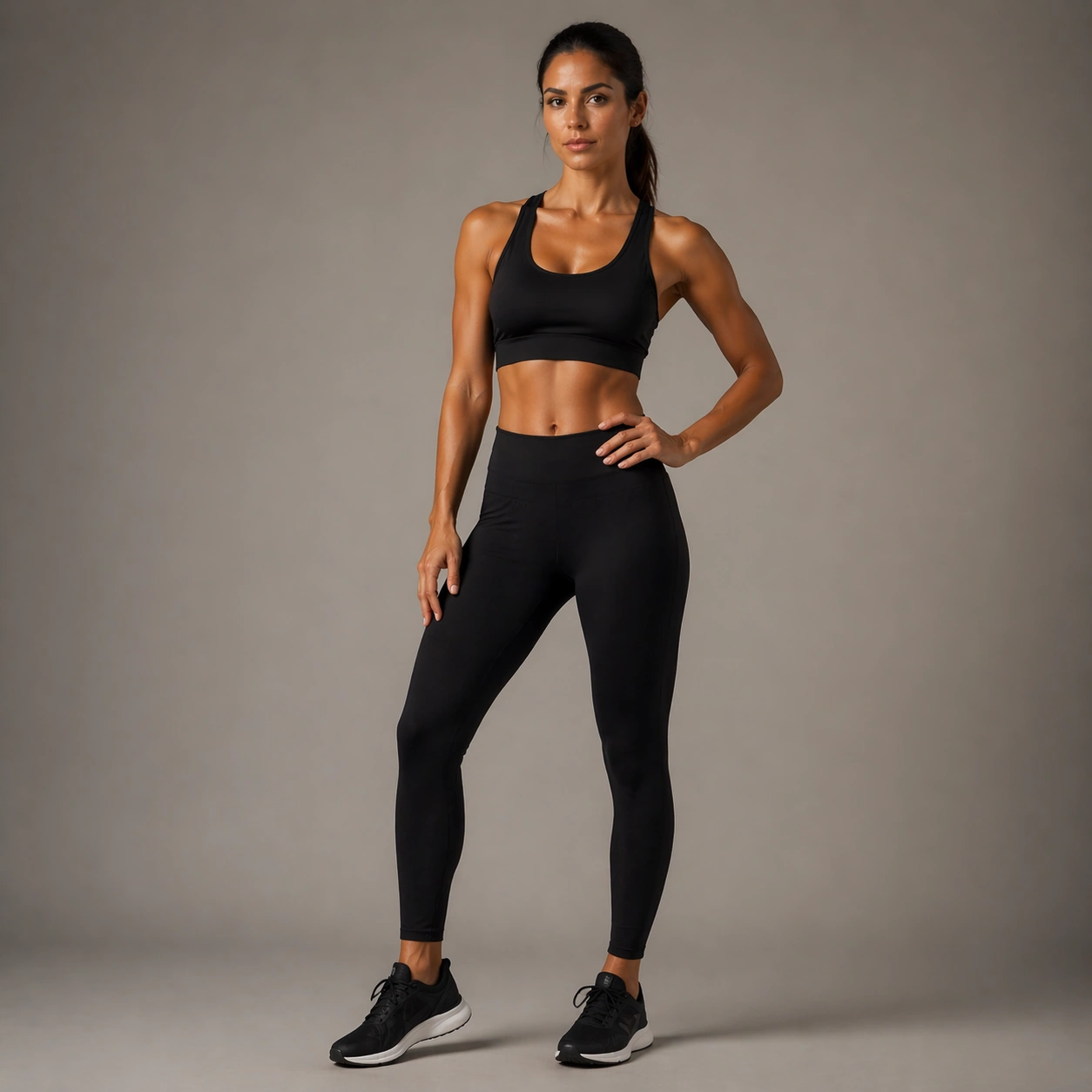
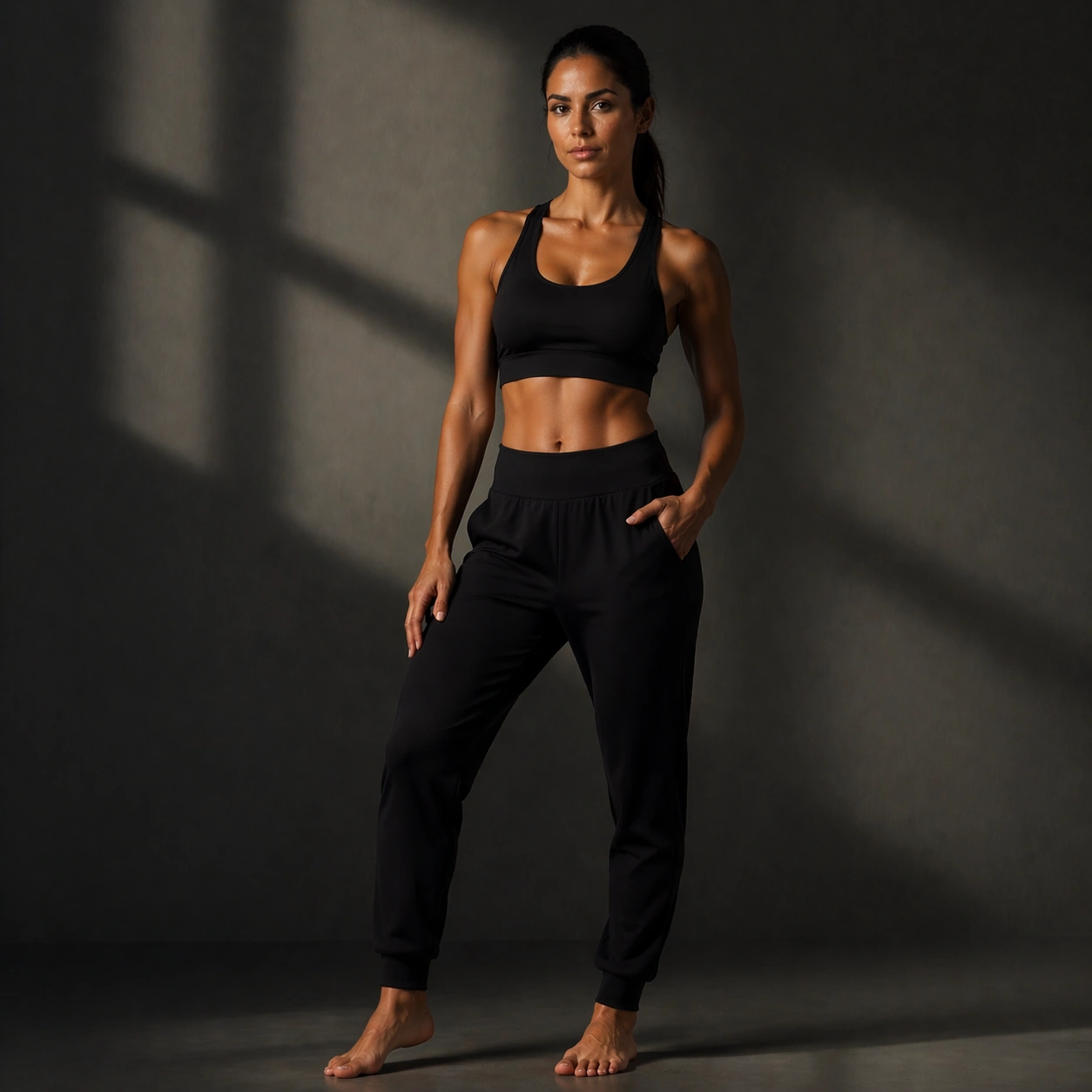
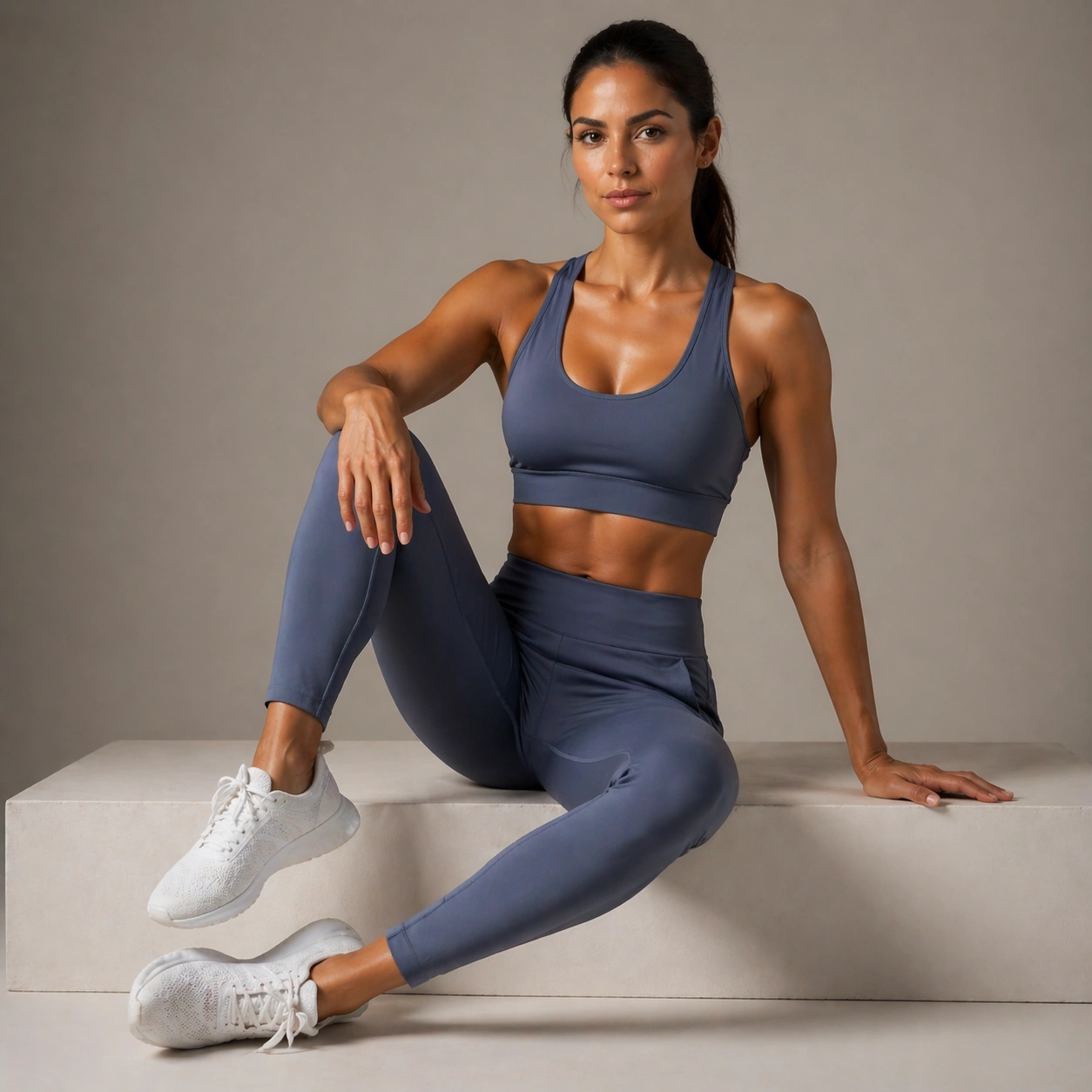
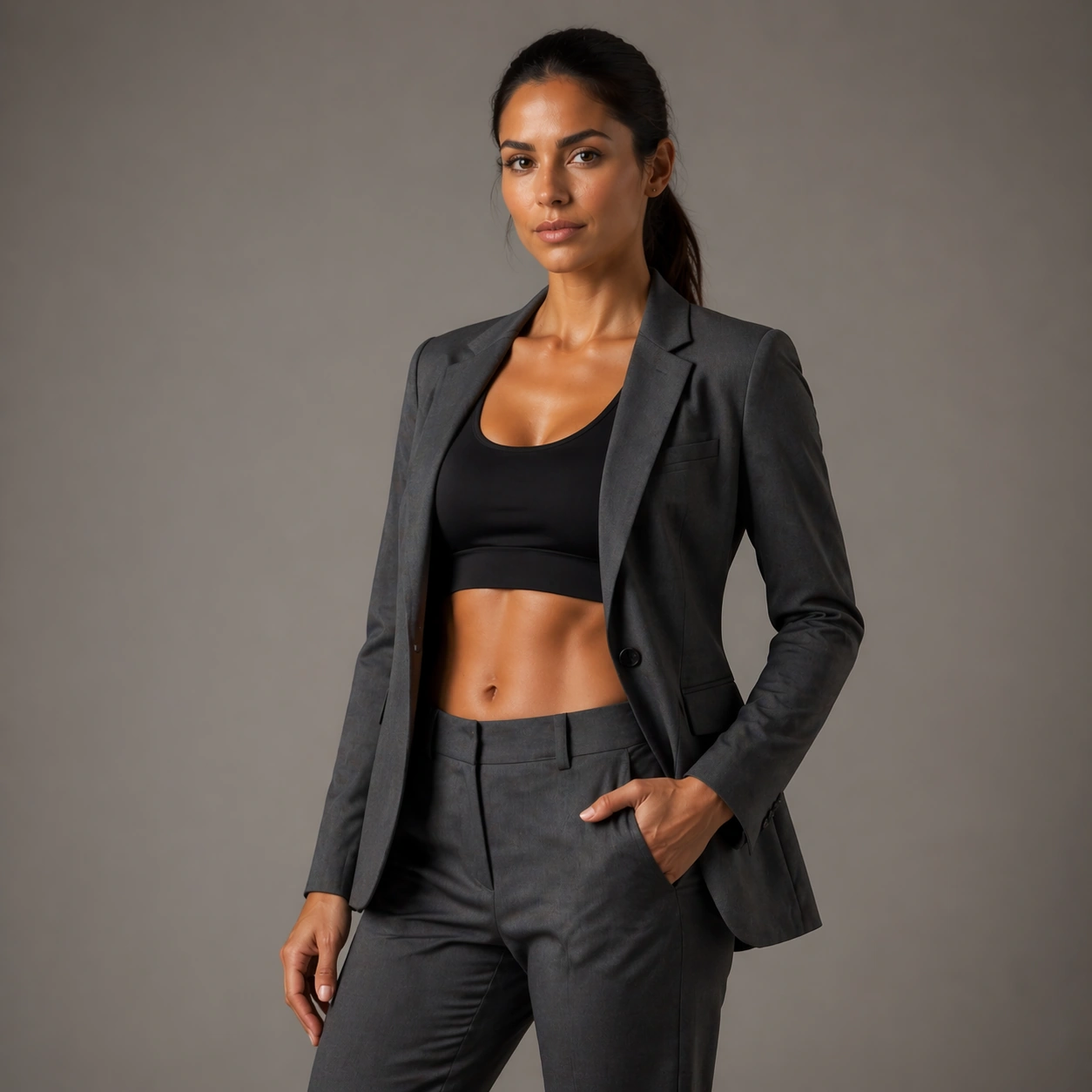
Use the reference image as the identity source for Fitness Wellness Brand Portraits. Build a controlled three-quarter fashion portrait with space to read cut, lapel, and upper-body layering Keep the camera logic commercially believable, with stable perspective, square-crop discipline, and light that supports facial recognition before style. The image should feel finished enough for client review, media rollout, or research comparison rather than like an unfinished test frame.

Subject:
Show the same fashion model as the reference, now wearing a sharply tailored or styled second look with a confident three-quarter pose. Preserve the exact recognisable face, haircut base, body read, and age impression from the anchor image while allowing the requested lighting, wardrobe, pose, or environment change to do the storytelling. The variation should clearly connect to the topic brief Produce athletic and wellness-driven portrait campaigns with realistic body proportions, clean skin texture, and premium studio-commercial lighting..

Important details:
Preserve exact face / hair base / body proportions from the reference model. Preserve the face shape, body proportions, shoulder width, leg length impression, hair base, and skin-tone family while the wardrobe and mood shift. Keep the skin, hair, garment, and background rendering realistic and production-ready. This frame should feel like a true commissioned variation within one coherent portrait package, not like a new person or a disconnected mood board.

Use case:
Fitness Wellness Brand Portraits series study 3/9, tailored portrait variation using the reference identity.

Constraints:
No readable text, no watermark, no logos, preserve exact 1:1 aspect ratio, no awkward elbows, no garment collapse, no cheap e-commerce vibe, no duplicate people, no extra fingers, no broken anatomy, no face drift, no oversmoothed skin, no unrelated props.
Come usare
- Copia tutto il prompt originale, inclusi i parametri.
- Adatta soggetto, testo e composizione alle tue esigenze.
- Usa uno strumento esterno compatibile; verifica accesso e risultato.
Prima di iniziare
- Controlla se serve un’immagine di riferimento. La compatibilità non prova il modello usato per l’esempio.
- Verifica nomi, numeri e testi; i risultati cambiano con le versioni del modello.