Documento originale
GPT Image 2 · en
Scene:
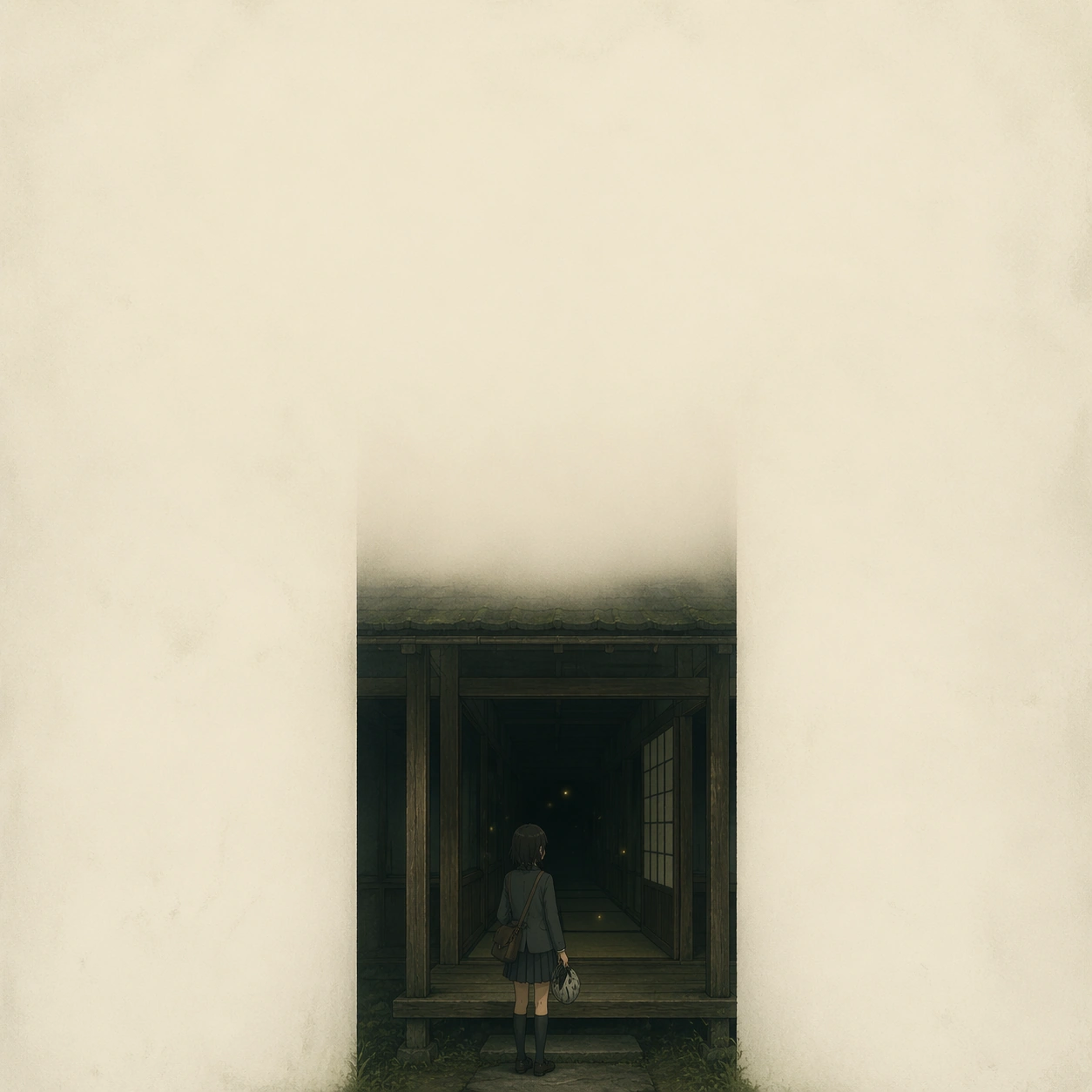
A square one-sheet with a dim rural corridor receding into darkness, viewed straight-on with strong symmetry but very soft contrast. The corridor occupies only the center strip of the frame, while the left and right edges fall into creamy off-white emptiness. The mood is humid summer night, with a few suspended firefly lights forming the only luminous accents. The poster should feel elegant, austere, and expensive, with a generous upper field left intentionally calm for implied title placement.

Subject:
At the corridor threshold stands an anime-coded teenage courier in a loose school blazer and pleated skirt, holding a bicycle helmet and a satchel. Her pose is paused, as if she has just stopped before stepping inside. The figure is small relative to the frame, but the gesture and silhouette must read clearly. Beyond her, the corridor contains tatami edges, wooden pillars, one open sliding door, and darkness layered with tiny floating fireflies. The scene suggests narrative promise and memory rather than overt action.

Important details:
Translate arthouse poster language into animation without slipping into glossy key art. Keep the palette to moss green, weathered wood brown, paper beige, and tiny yellow firefly sparks. Maintain a strict three-part hierarchy: blank negative space, corridor geometry, then the human figure. Any credit or laurel area should be represented only by faint modular line blocks or quiet spacing, never readable letters. The composition must feel emotionally precise and minimal, not decorative.

Use case:
Arthouse One-Sheet Anime Remake single study 2/9, testing whether a small anime figure can survive extreme emptiness and still carry the poster.

Constraints:
No readable text, no watermark, no logos, preserve exact 1:1 aspect ratio, no action pose, no neon cyberpunk effects, no cluttered background objects, no exaggerated facial expression.
Come usare
- Copia tutto il prompt originale, inclusi i parametri.
- Adatta soggetto, testo e composizione alle tue esigenze.
- Usa uno strumento esterno compatibile; verifica accesso e risultato.
Prima di iniziare
- Controlla se serve un’immagine di riferimento. La compatibilità non prova il modello usato per l’esempio.
- Verifica nomi, numeri e testi; i risultati cambiano con le versioni del modello.