Documento originale
GPT Image 2 · en
Scene:
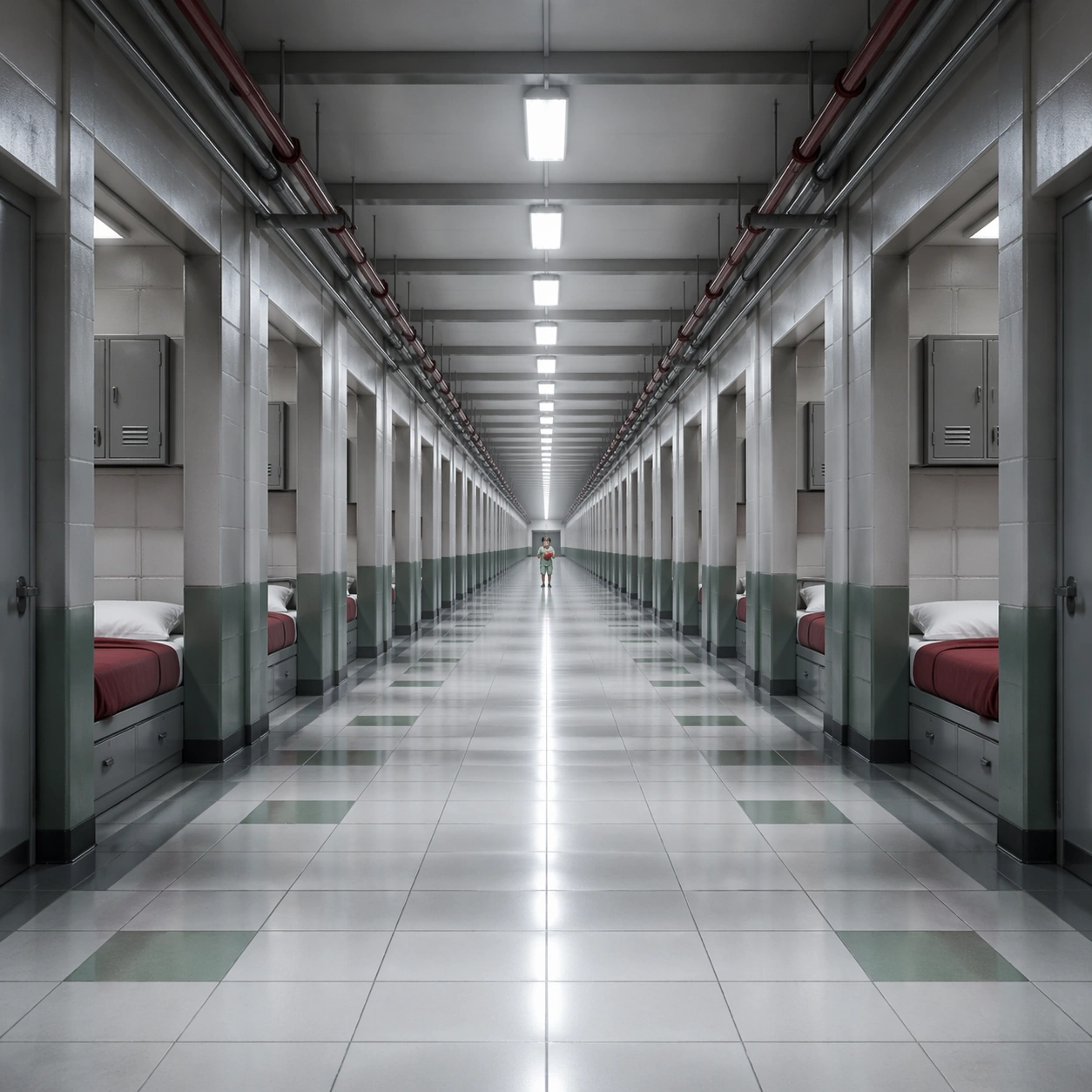
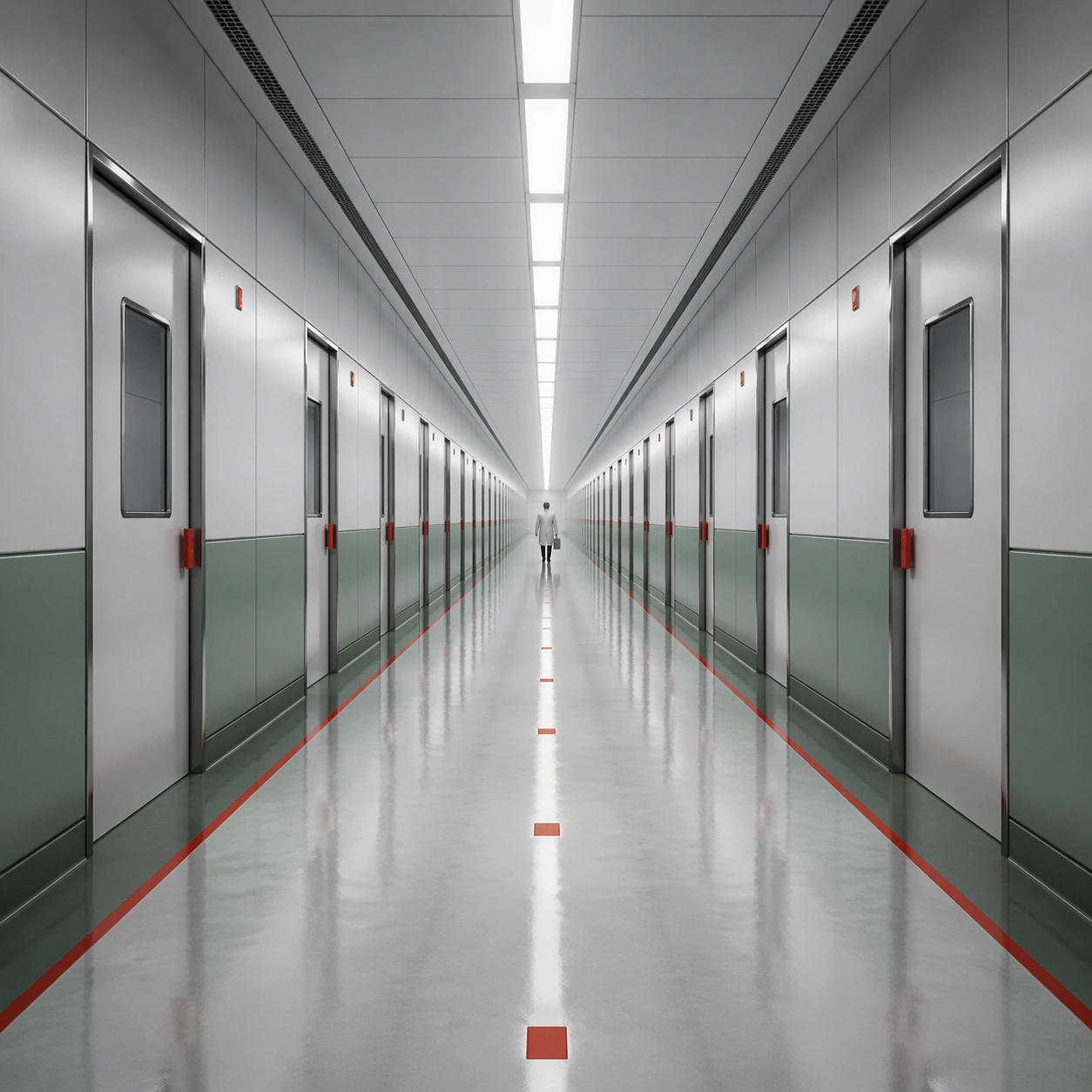
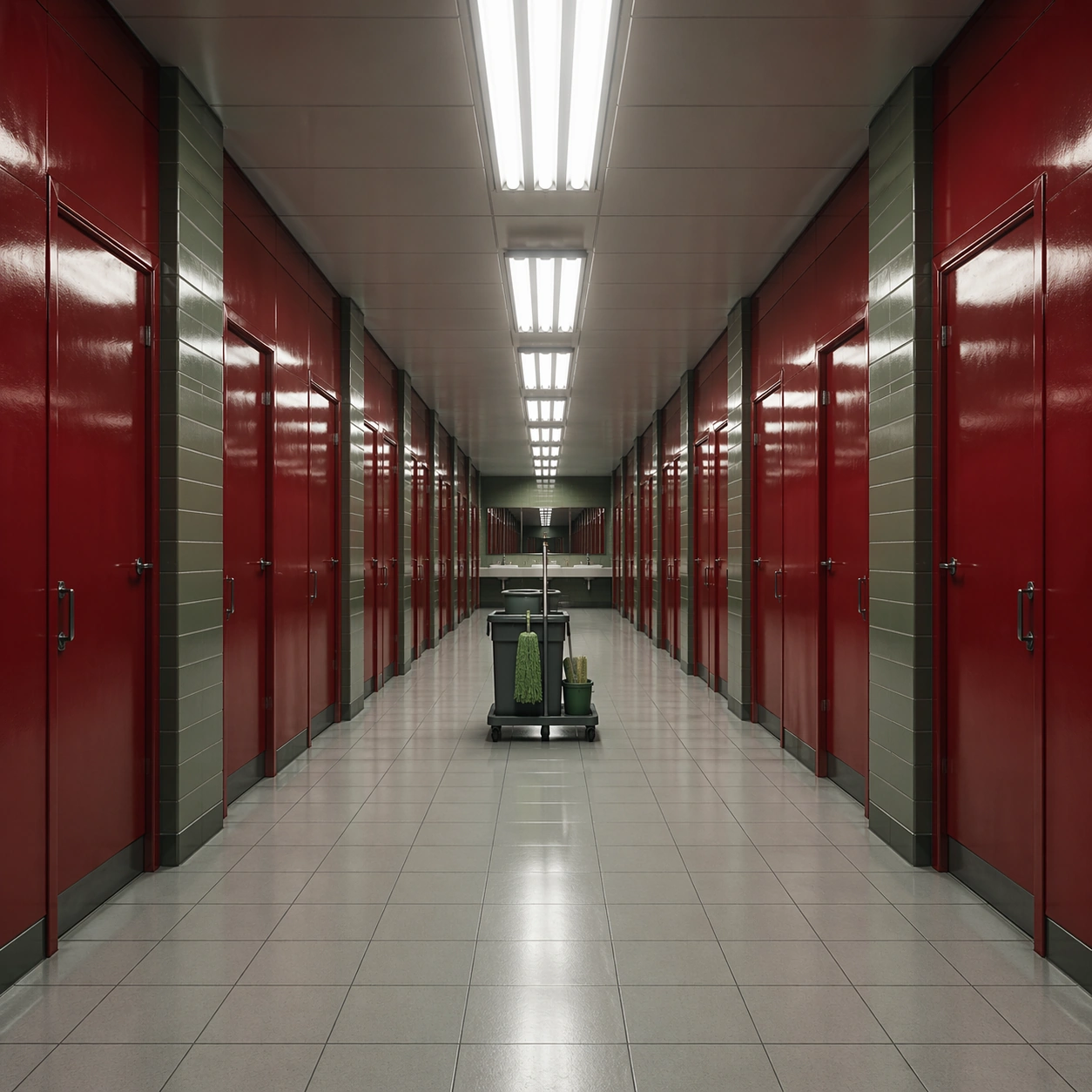
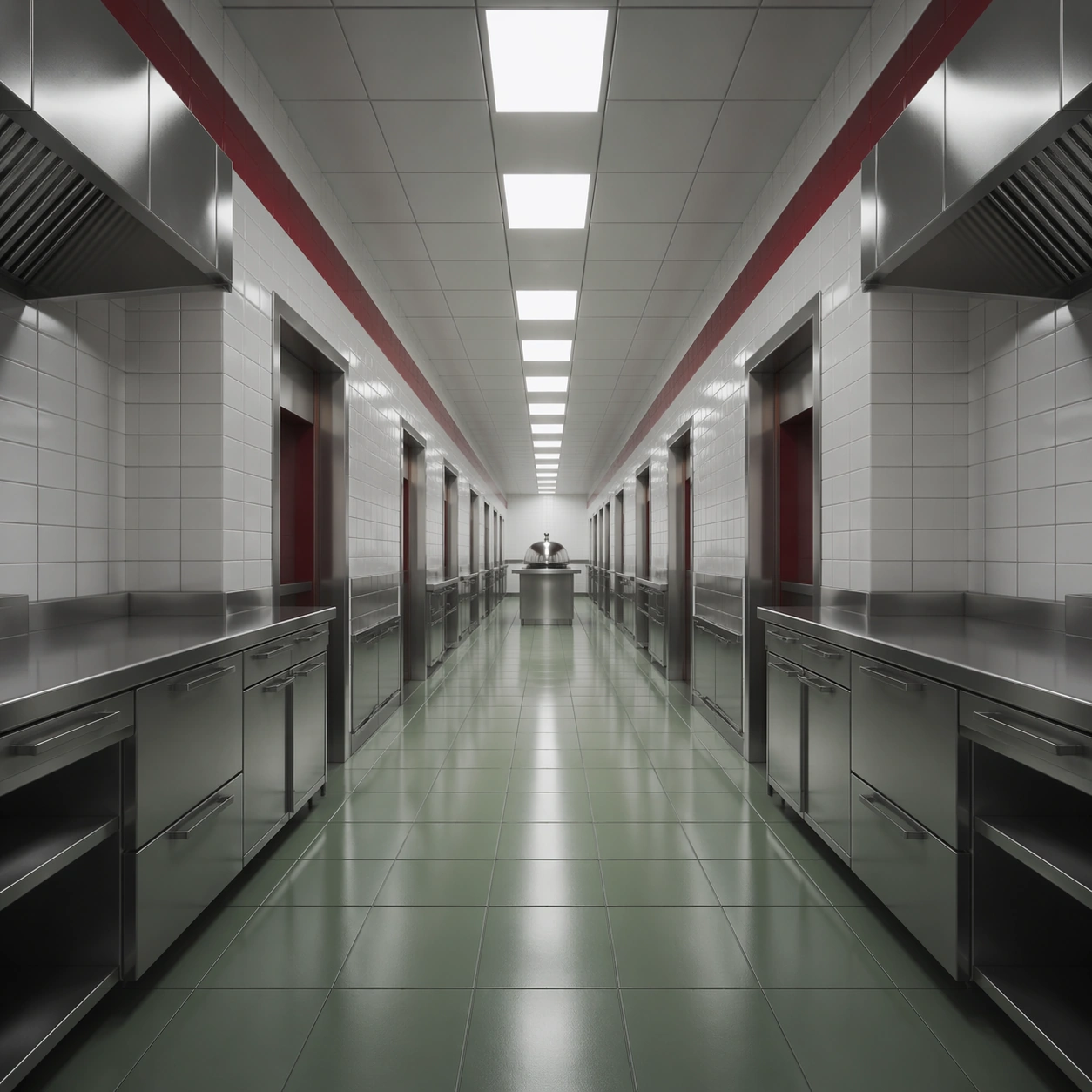
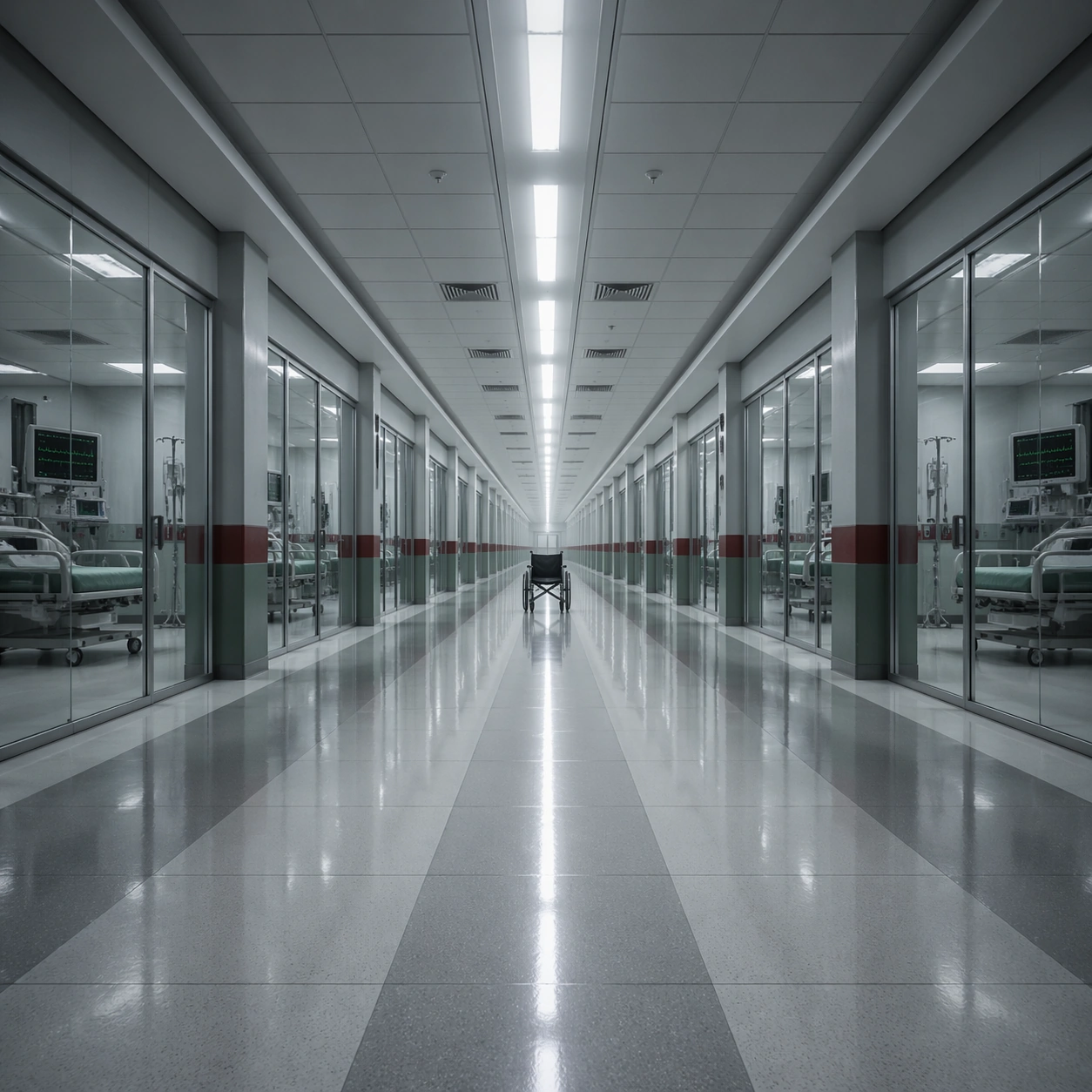
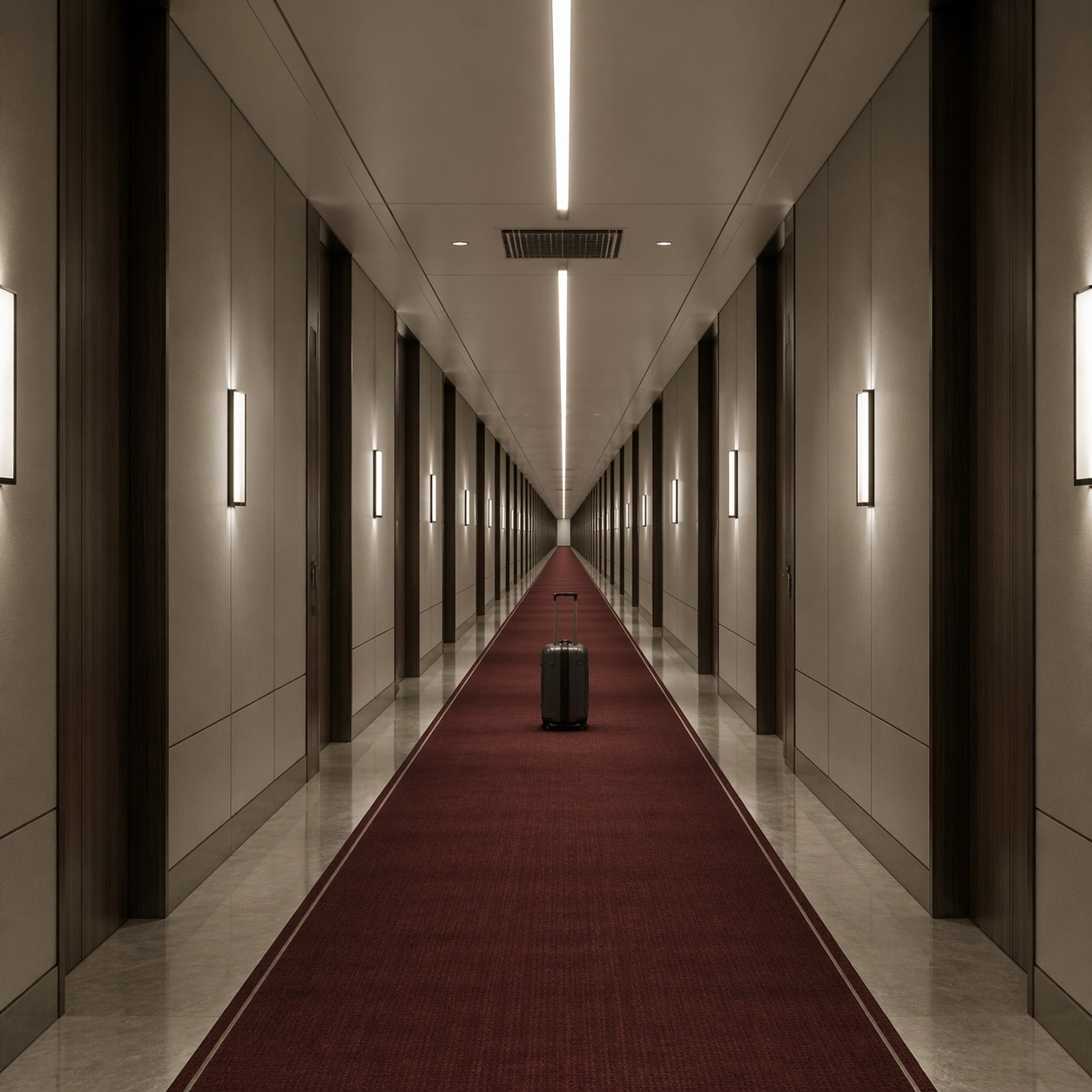
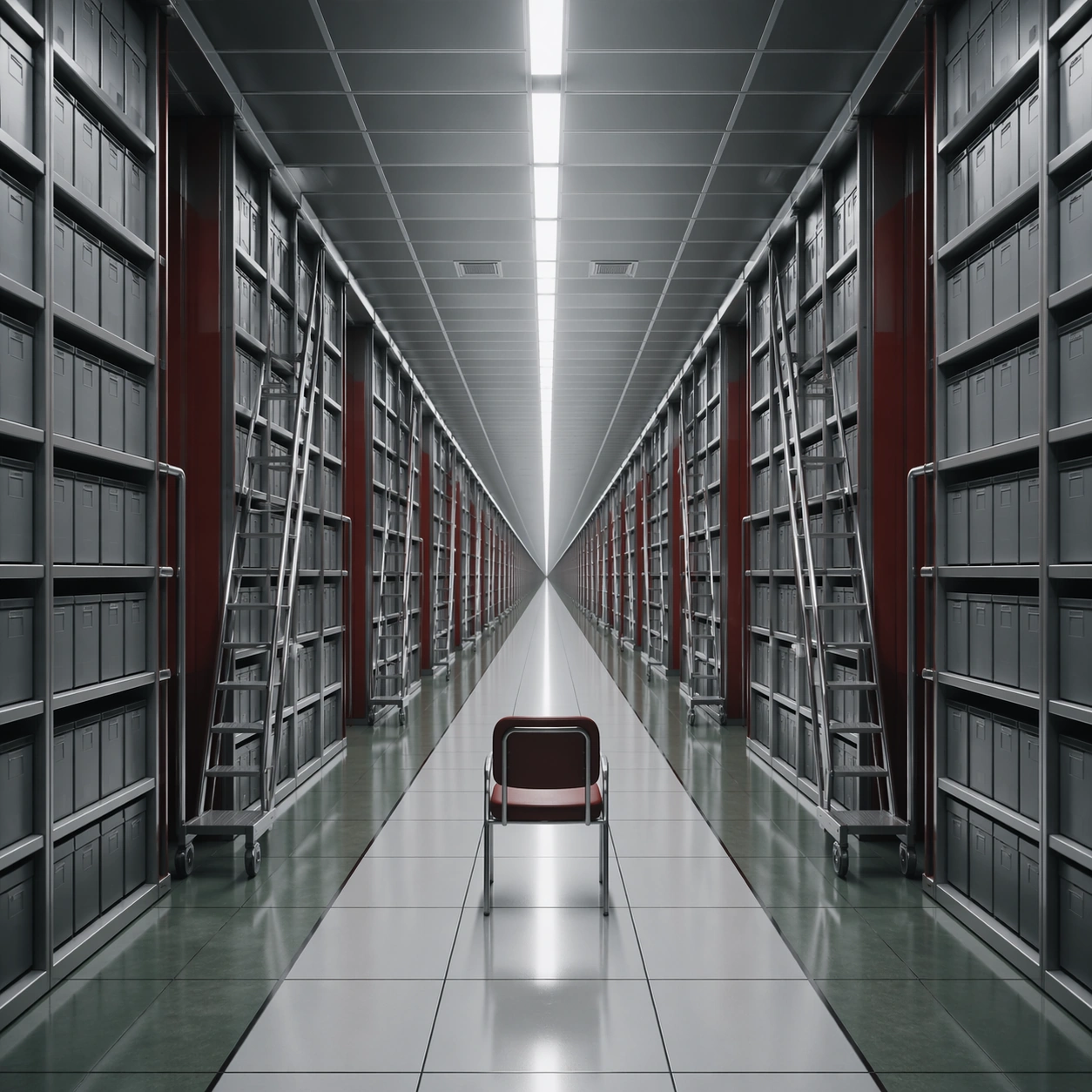
A square frame organized around a ruthless one-point perspective, with the vanishing point pinned dead center and every wall seam, ceiling light, floor tile, and doorway converging toward it. The palette should lean cold white, muted red, steel gray, and hospital green, with a monumental sense of emptiness and institutional order. Construct an archive tunnel lined with equal metal shelves and rolling ladders, each repeating into the distance under cool white strip lighting.

Subject:
Place one small human figure or one important object along the central axis so the architecture dominates the scale relationship. The corridor or interior must feel long, controlled, and mildly oppressive, as if the camera is witnessing a space designed by precision rather than comfort. A single empty chair faces the vanishing point at the center, implying recent human presence without filling the space with action.

Important details:
The essential grammar is exact perspective discipline, polished surfaces, measured repetition, and low emotional temperature. Preserve straight lines, clean threshold spacing, and a believable practical-lighting logic. The image should feel clinical, deliberate, and spatially hypnotic rather than decorative or chaotic. The room should feel heavy with order and storage logic, with labels omitted so only the geometry and serial repetition remain.

Use case:
Single-Point Perspective Clinical Corridor single study 3/9.

Constraints:
No readable text, no watermark, no logos, preserve exact 1:1 aspect ratio, no fisheye distortion, no crooked horizon, no cluttered props, no graffiti, no colorful signage, no broken anatomy, no low-detail background, no accidental text fragments.
Come usare
- Copia tutto il prompt originale, inclusi i parametri.
- Adatta soggetto, testo e composizione alle tue esigenze.
- Usa uno strumento esterno compatibile; verifica accesso e risultato.
Prima di iniziare
- Controlla se serve un’immagine di riferimento. La compatibilità non prova il modello usato per l’esempio.
- Verifica nomi, numeri e testi; i risultati cambiano con le versioni del modello.