Documento originale
GPT Image 2 · en
Scene:
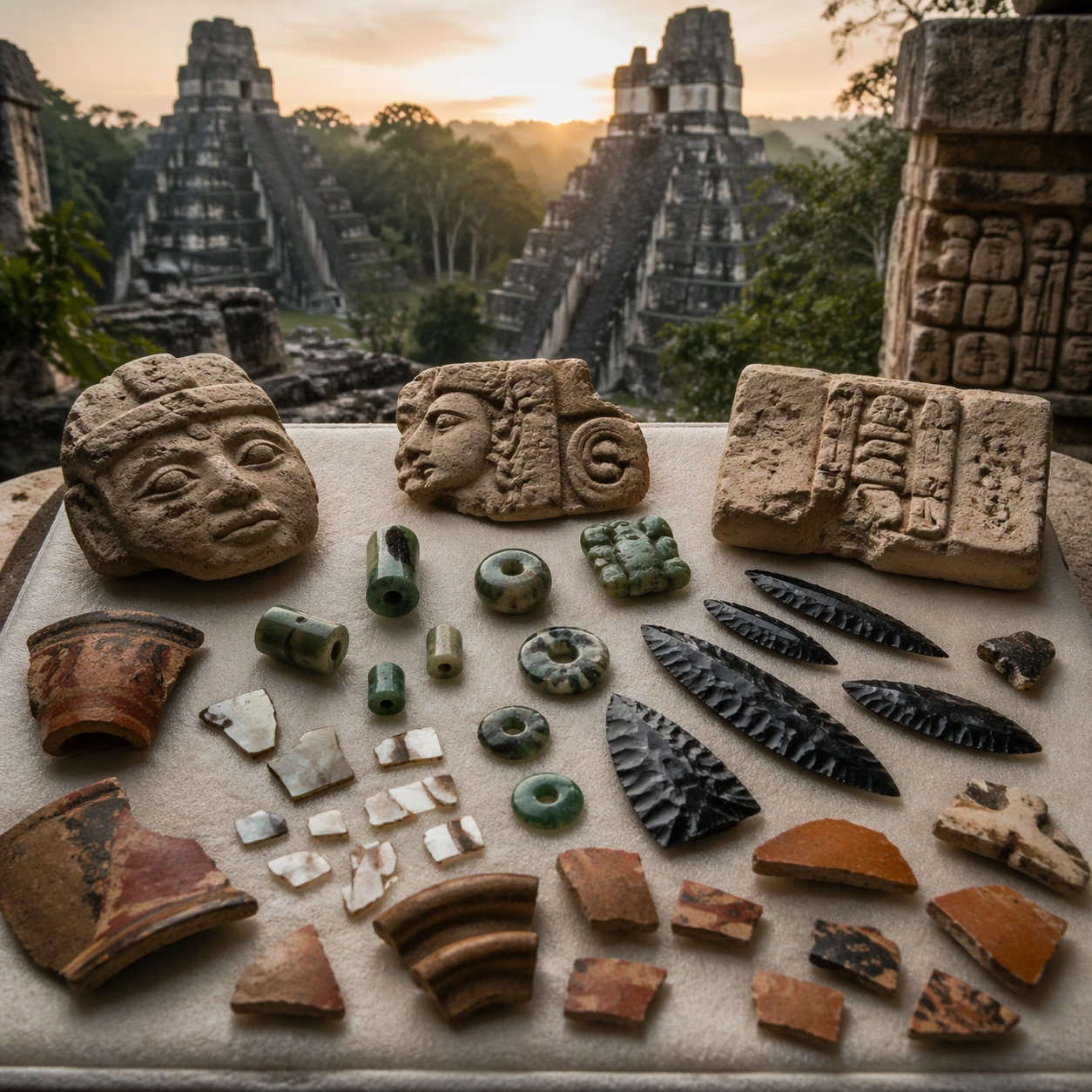
A square artifact and material study arranged like a high-end conservation photograph. Use soft directional light, controlled shadow falloff, and a neutral work surface so every fragment reads clearly. The image should feel intimate and scientific, but still rich enough to communicate the broader civilization through craft, wear, and material vocabulary alone.

Subject:
Present jade beads, obsidian blades, shell inlay, pottery shards, and carved limestone fragments arranged on a padded conservation table. Arrange the pieces with disciplined spacing and believable conservation handling. Include enough variation in scale, finish, and damage state to suggest excavation reality rather than a perfectly staged luxury still life. Nothing should look modern or decorative for its own sake; every object must feel like evidence tied to the same cultural world as the main topic.

Important details:
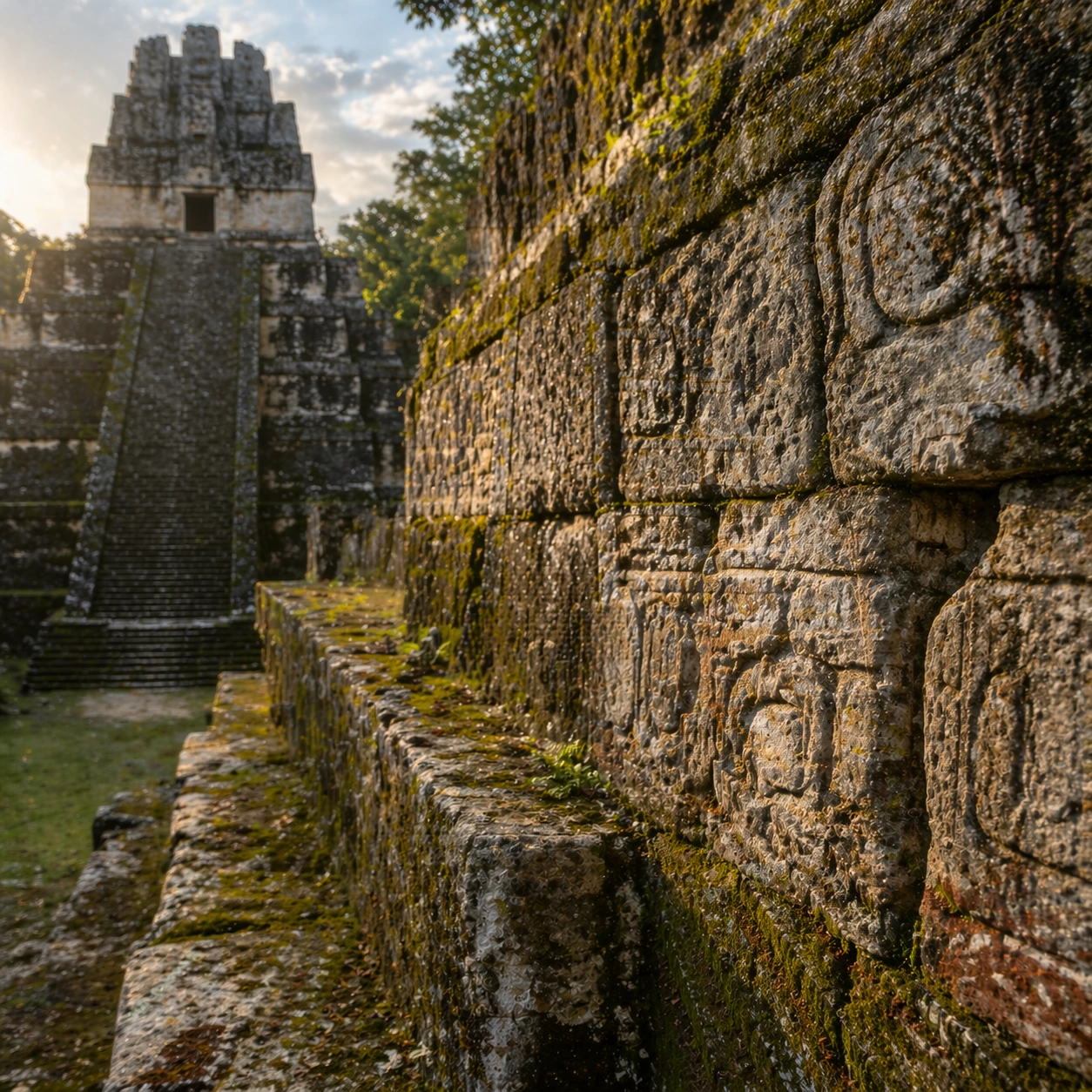
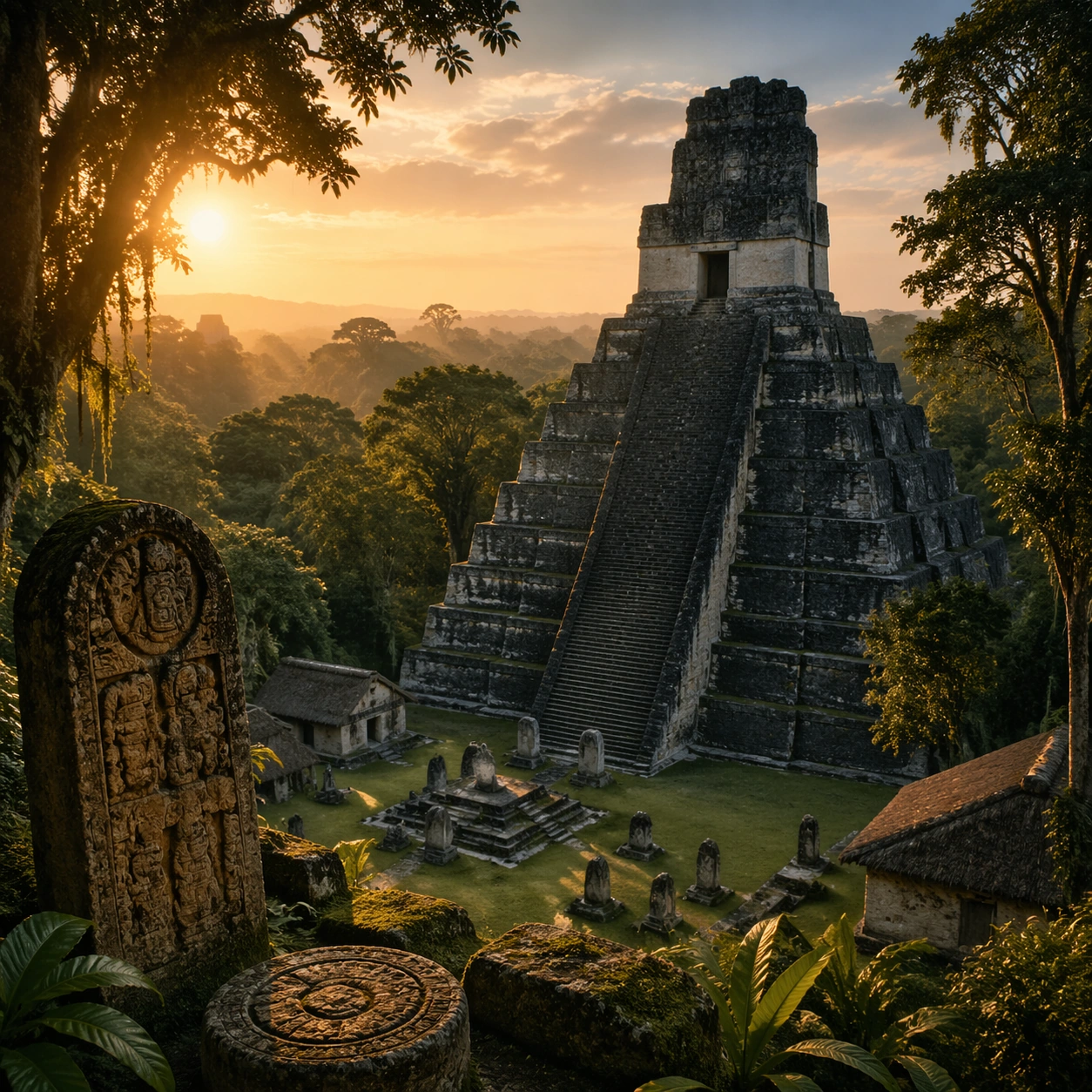
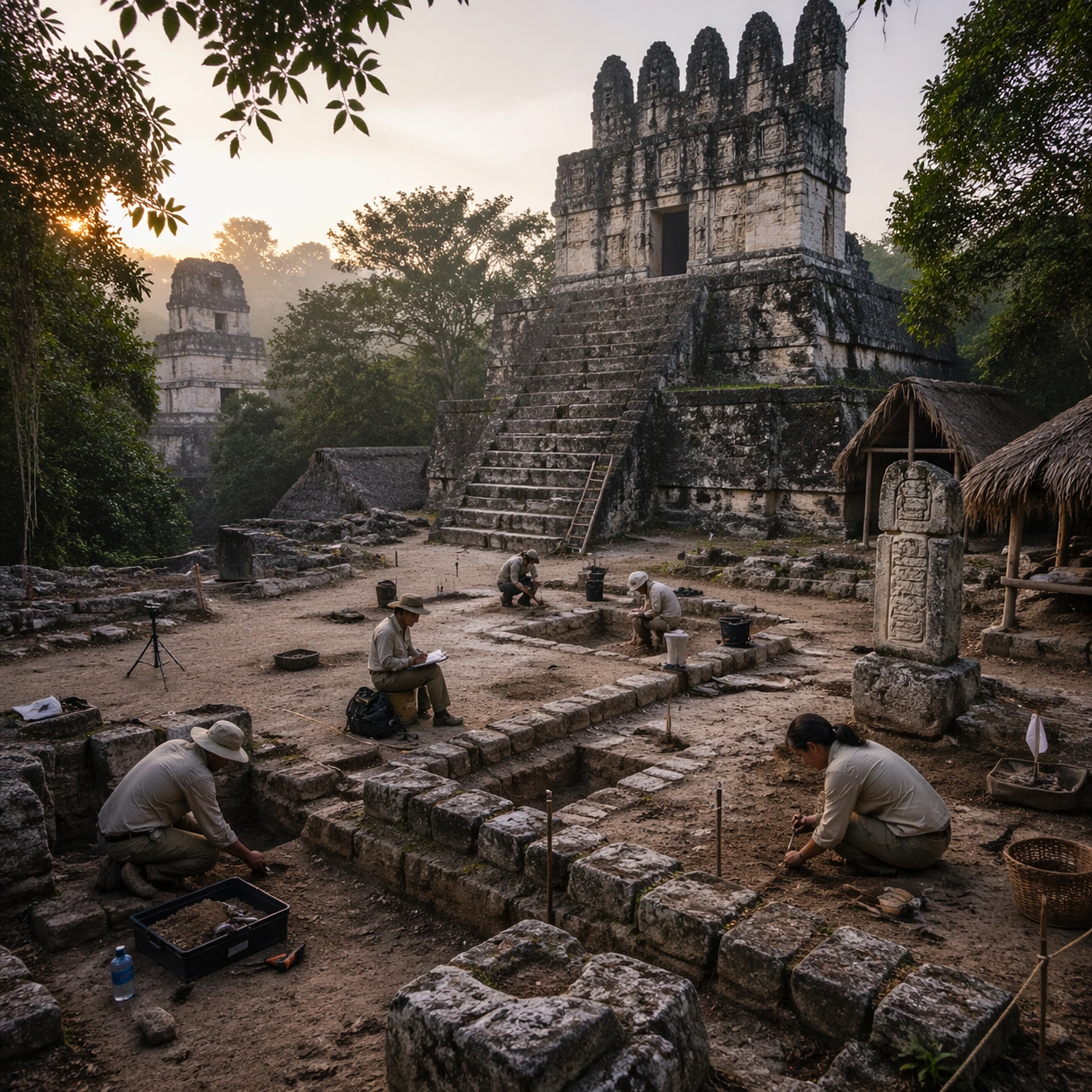
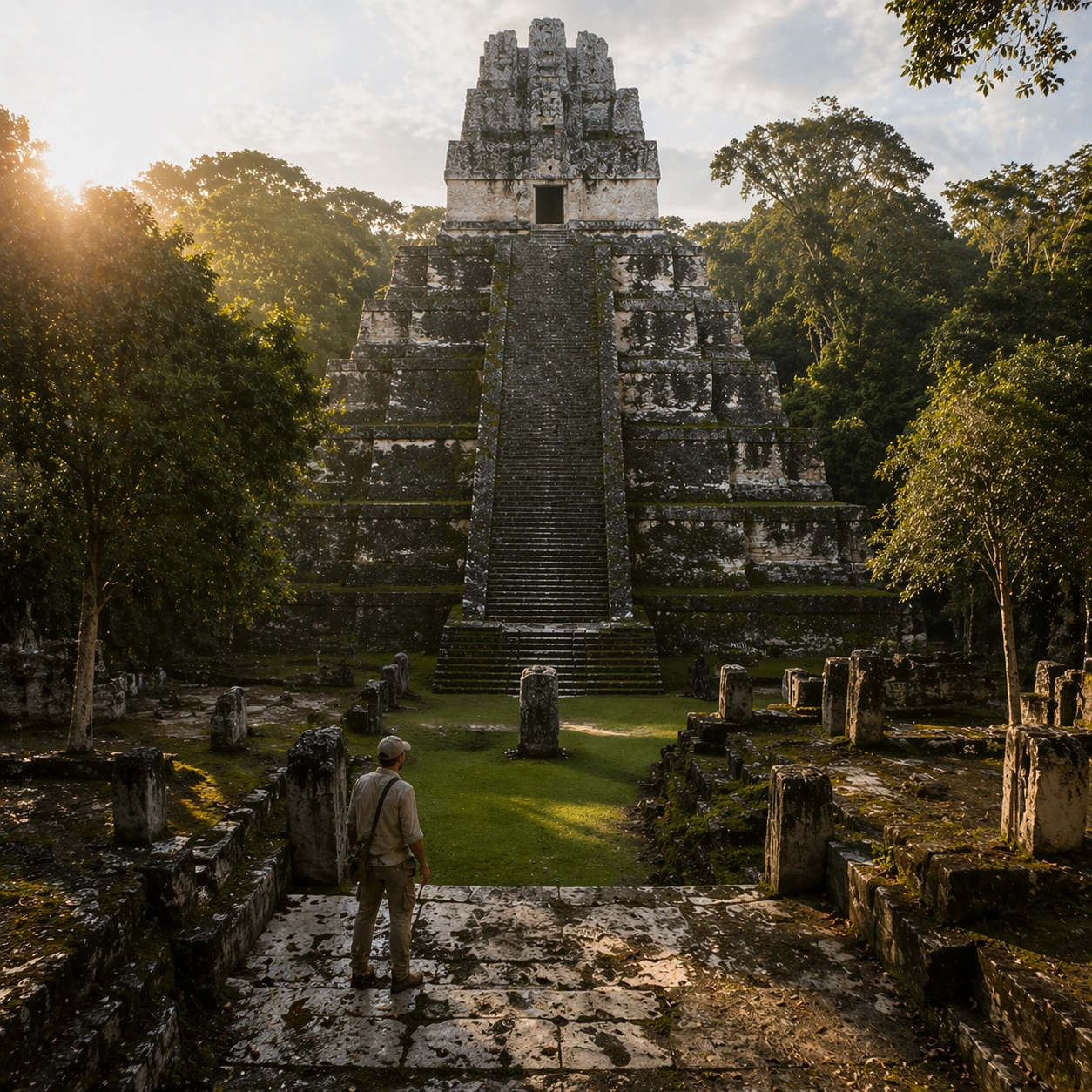
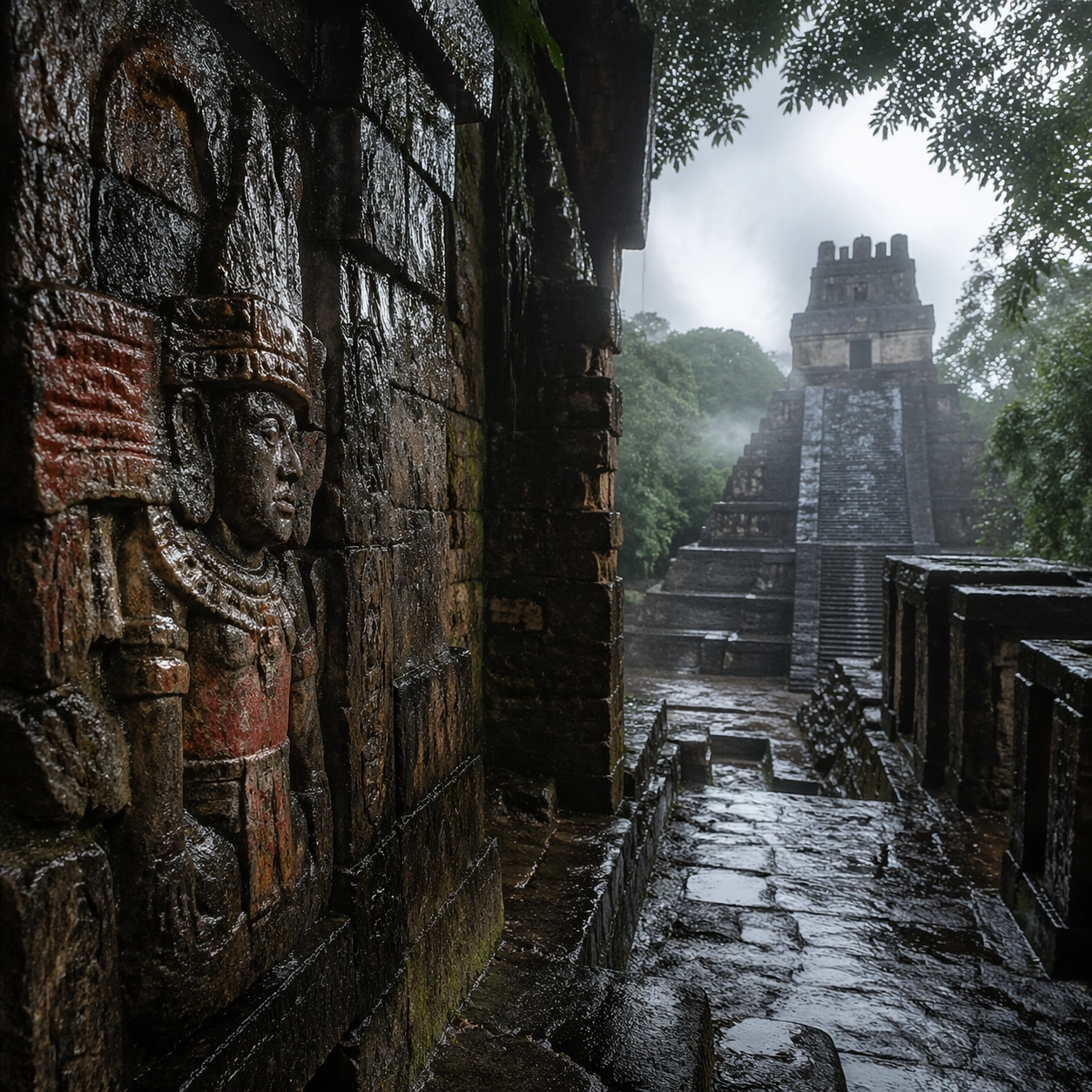
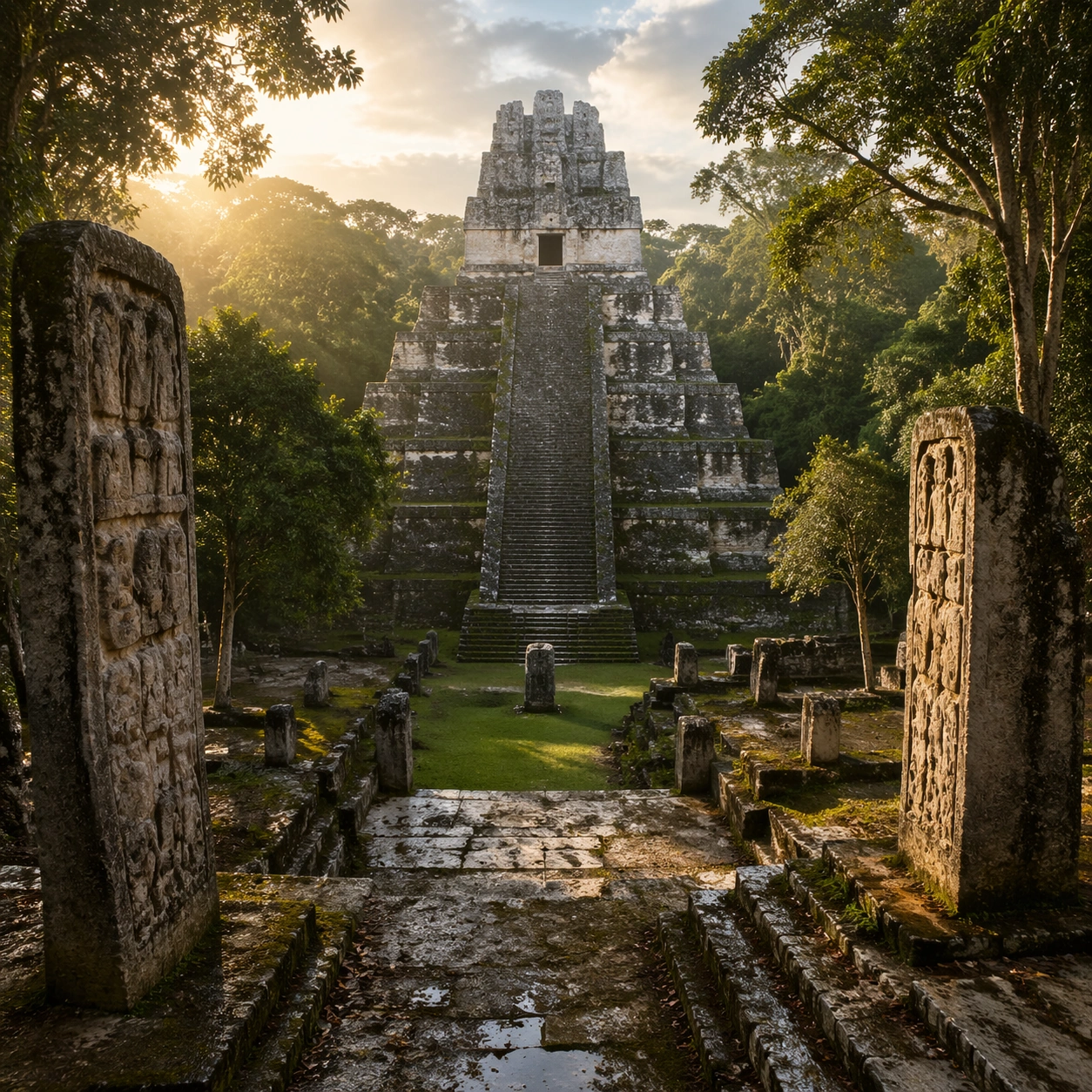
Emphasize tactile surfaces, honest aging, and historically grounded material behavior. Keep the architecture unmistakably Maya rather than generic fantasy ruins, with steep stepped geometry, roof-comb silhouettes, believable glyph blocks, and dense tropical vegetation that respects the stone volumes instead of swallowing them completely. Show abrasion, dust, corrosion, cracks, mineral bloom, pigment retention, or edge polish where appropriate. Keep the arrangement orderly but not sterile, as if prepared for a serious cataloging session. No readable labels, no museum placards, and no visual shortcuts that turn the study into product photography detached from archaeology.

Use case:
Maya Temple Dawn Discovery single study 6/9.

Constraints:
No readable text, no watermark, no logos, preserve exact 1:1 aspect ratio, no modern vehicles, no sci-fi glow, no fantasy monsters, no glass skyscrapers, no luxury advertising gloss, no floating objects, no velvet jewelry styling, no unrelated tools.
Come usare
- Copia tutto il prompt originale, inclusi i parametri.
- Adatta soggetto, testo e composizione alle tue esigenze.
- Usa uno strumento esterno compatibile; verifica accesso e risultato.
Prima di iniziare
- Controlla se serve un’immagine di riferimento. La compatibilità non prova il modello usato per l’esempio.
- Verifica nomi, numeri e testi; i risultati cambiano con le versioni del modello.