Documento originale
GPT Image 2 · en
Scene:
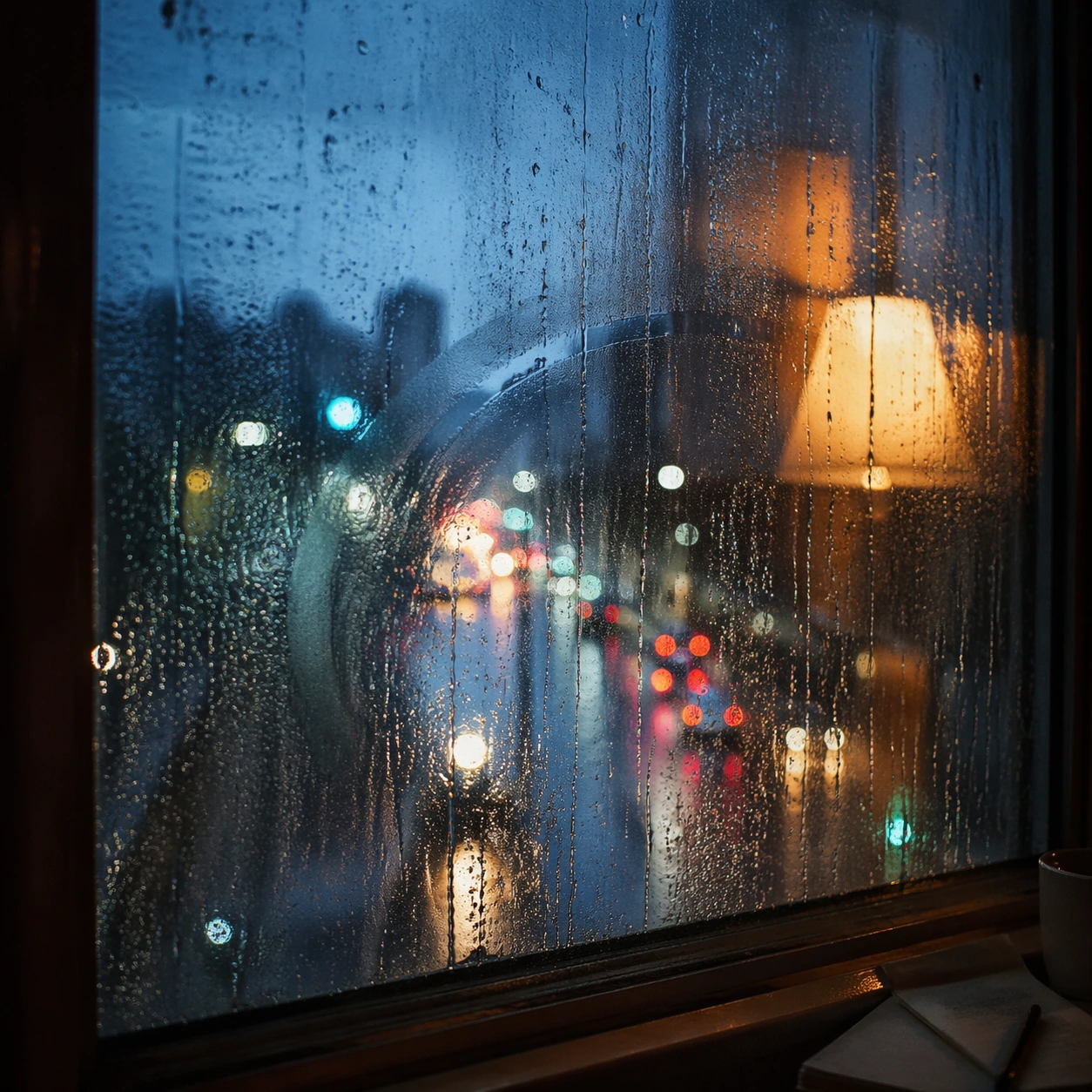
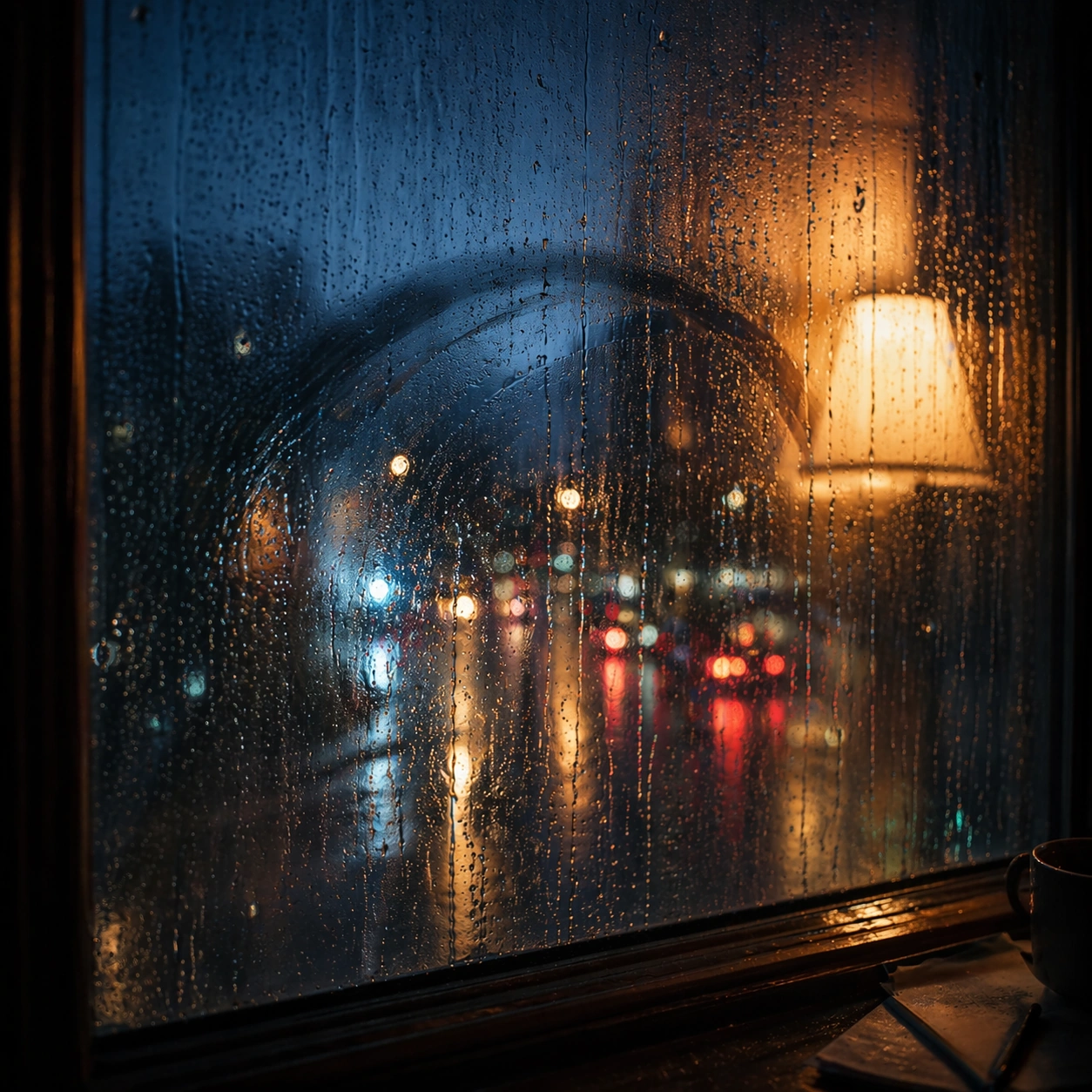
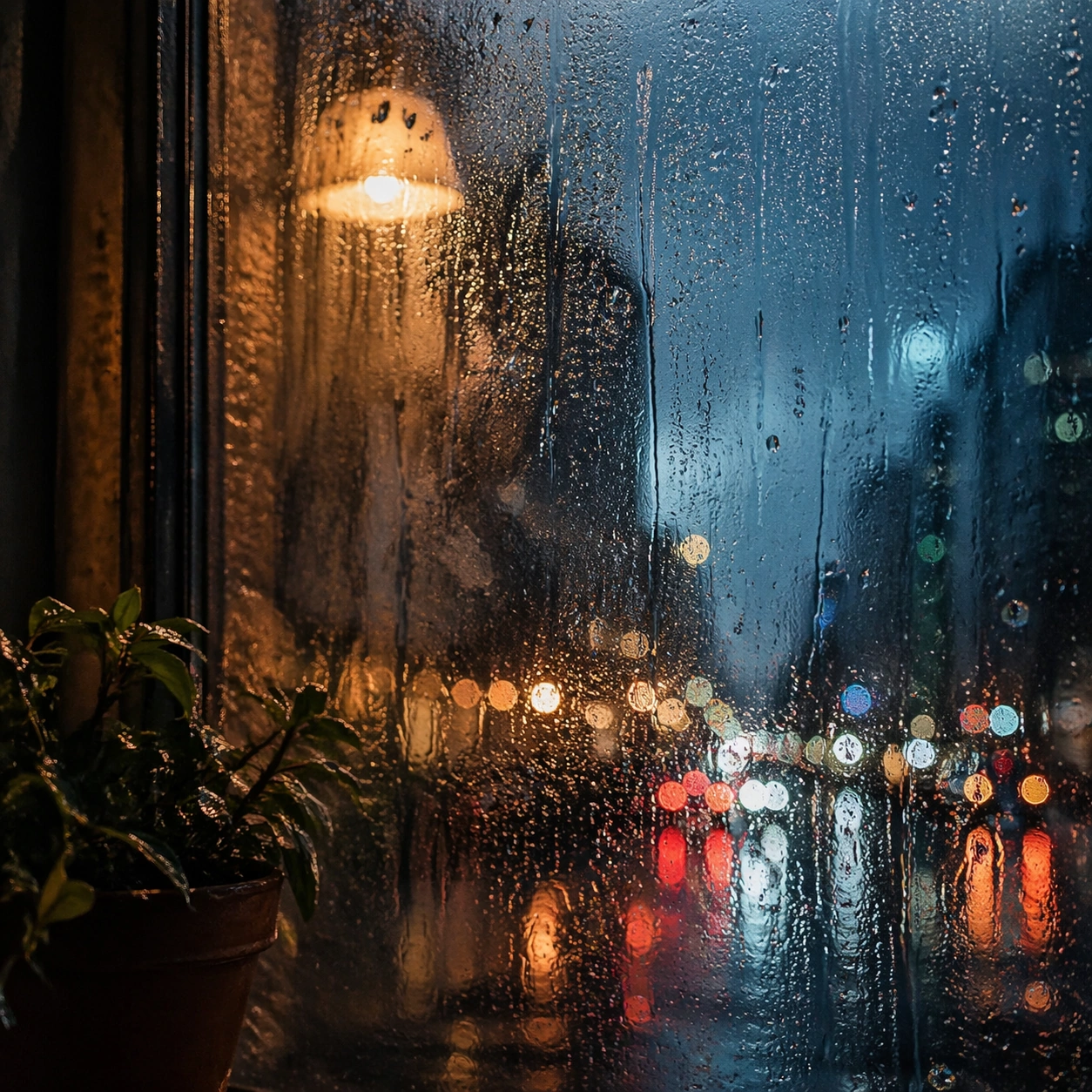
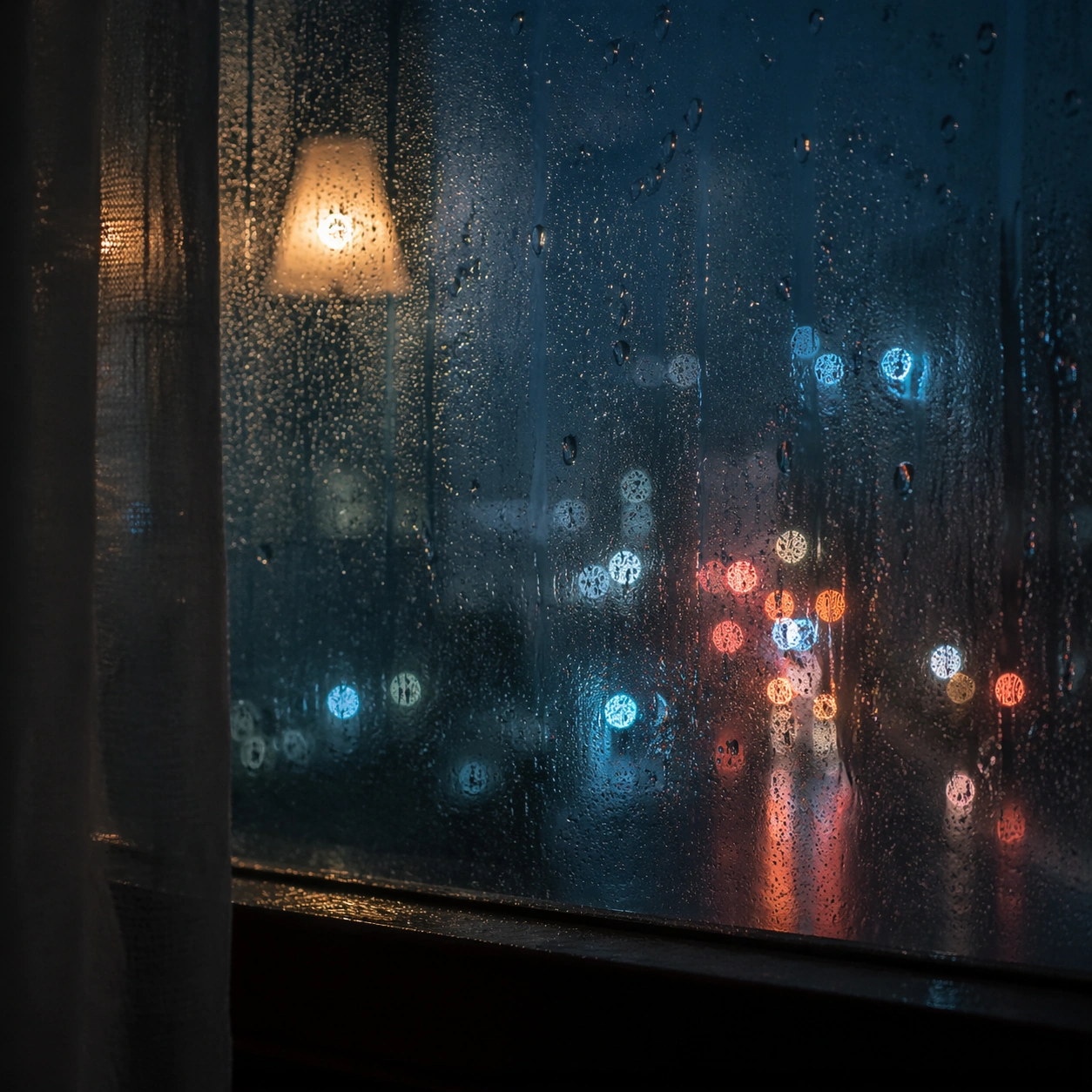
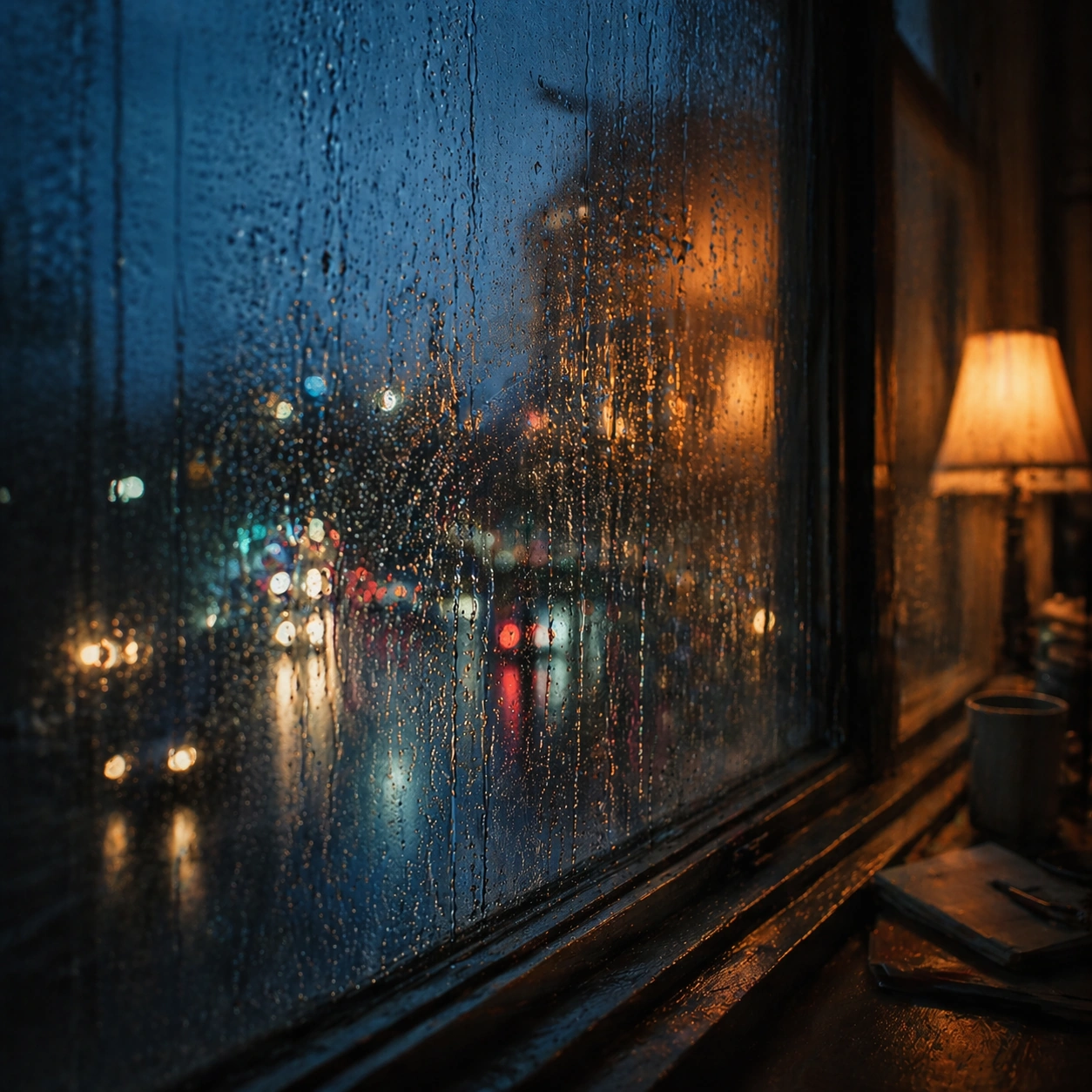
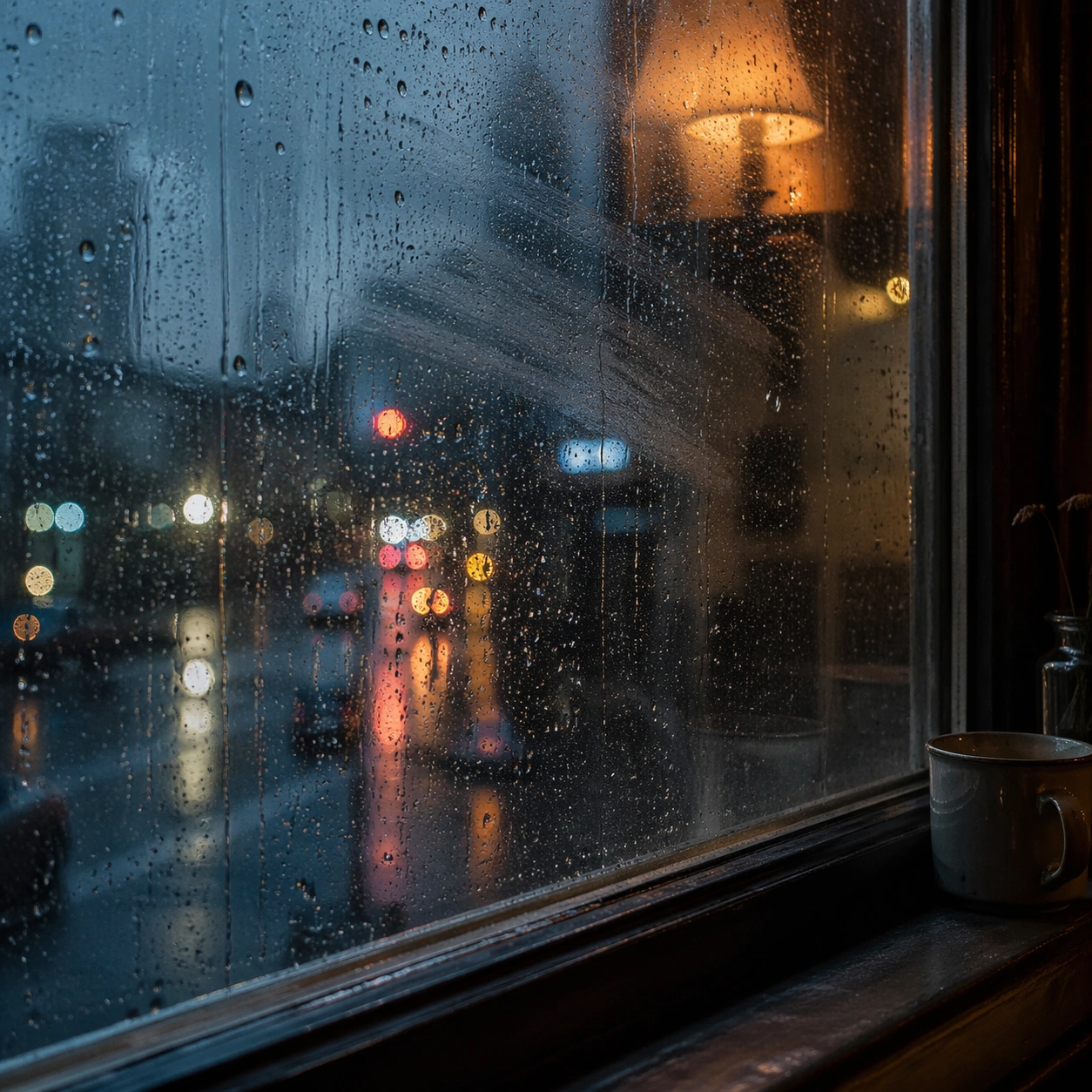
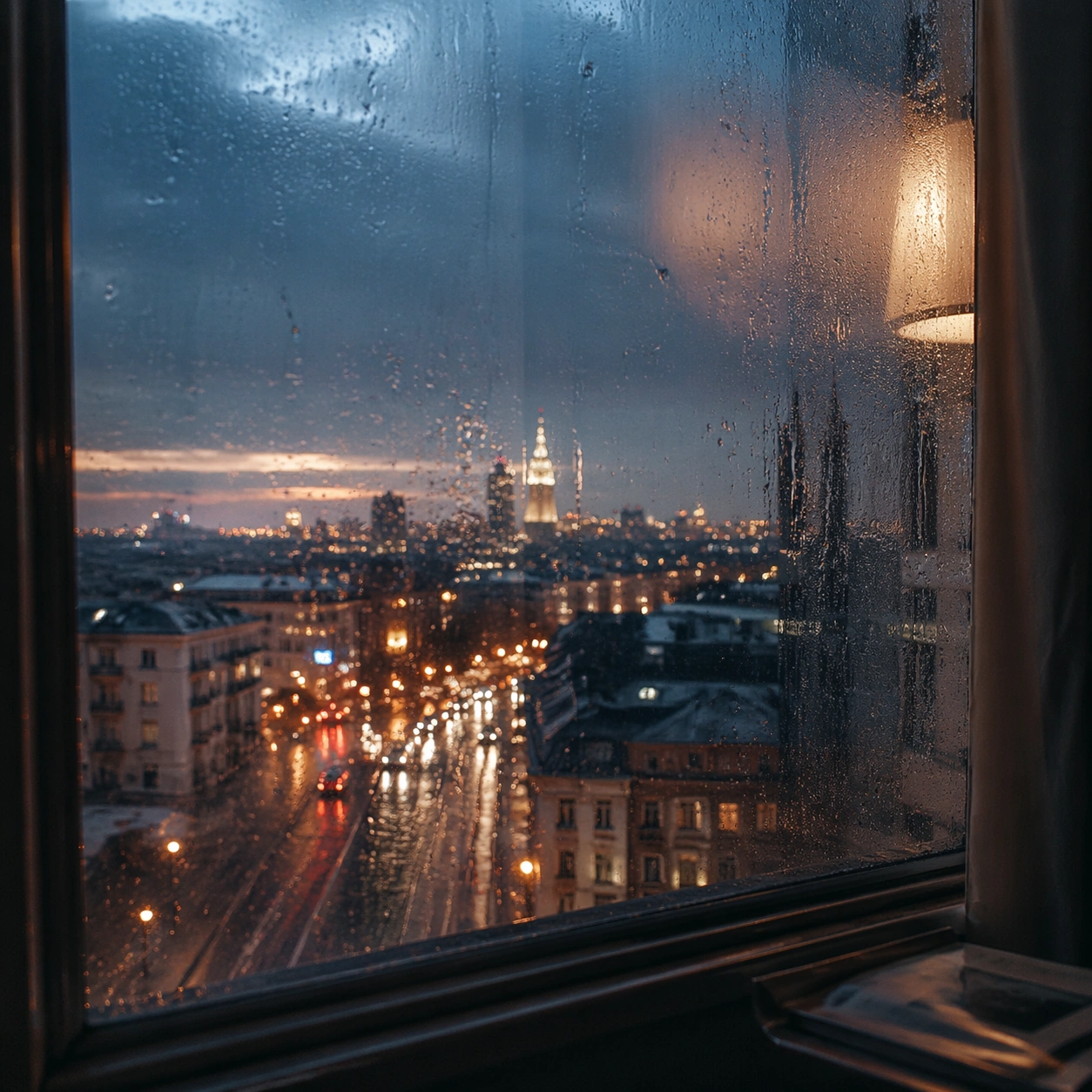
Create a square cinematic still for Rain Window Memory. Use production-grade photoreal lighting, disciplined lens behavior, and a composition that feels like a finished key frame from an original film rather than a casual snapshot. A rain-covered window fills much of the frame while the city outside dissolves into cool bokeh circles and smeared light trails, and a warm interior lamp reflection hovers on the glass without overpowering the weathered surface. Pull back enough to explain the broader geography or architectural envelope while keeping the square crop intentional and balanced.

Subject:
Build a coherent original scene whose emotional center comes from atmosphere, light physics, and spatial clarity. Avoid relying on celebrity likeness, franchise iconography, or stylized illustration shortcuts. The subject is the interaction of droplets, finger-smear traces, condensation, reflected room light, and soft urban color beyond the pane, with any human presence implied indirectly rather than shown as a posed portrait. The wider frame should reveal how the main light or weather phenomenon organizes the surrounding world and not just the immediate subject.

Important details:
Preserve a believable physical world with strong depth layering, careful color separation, and premium image discipline. Render droplet scale, gravity-driven streaking, condensation edges, and double reflections with high fidelity, preserving a restrained emotional intimacy that feels personal and cinematic instead of sentimental or glossy. Make scale legible through spacing, horizon control, and foreground-to-background separation rather than through extra props.

Use case:
Rain Window single study 8/9.

Constraints:
No readable text, no watermark, no logos, preserve exact 1:1 aspect ratio, no readable street signs, no brand logos, no full face pressed to the glass, no cartoon heart iconography, no perfect symmetrical droplets.
Come usare
- Copia tutto il prompt originale, inclusi i parametri.
- Adatta soggetto, testo e composizione alle tue esigenze.
- Usa uno strumento esterno compatibile; verifica accesso e risultato.
Prima di iniziare
- Controlla se serve un’immagine di riferimento. La compatibilità non prova il modello usato per l’esempio.
- Verifica nomi, numeri e testi; i risultati cambiano con le versioni del modello.