Documento originale
GPT Image 2 · en
Scene:
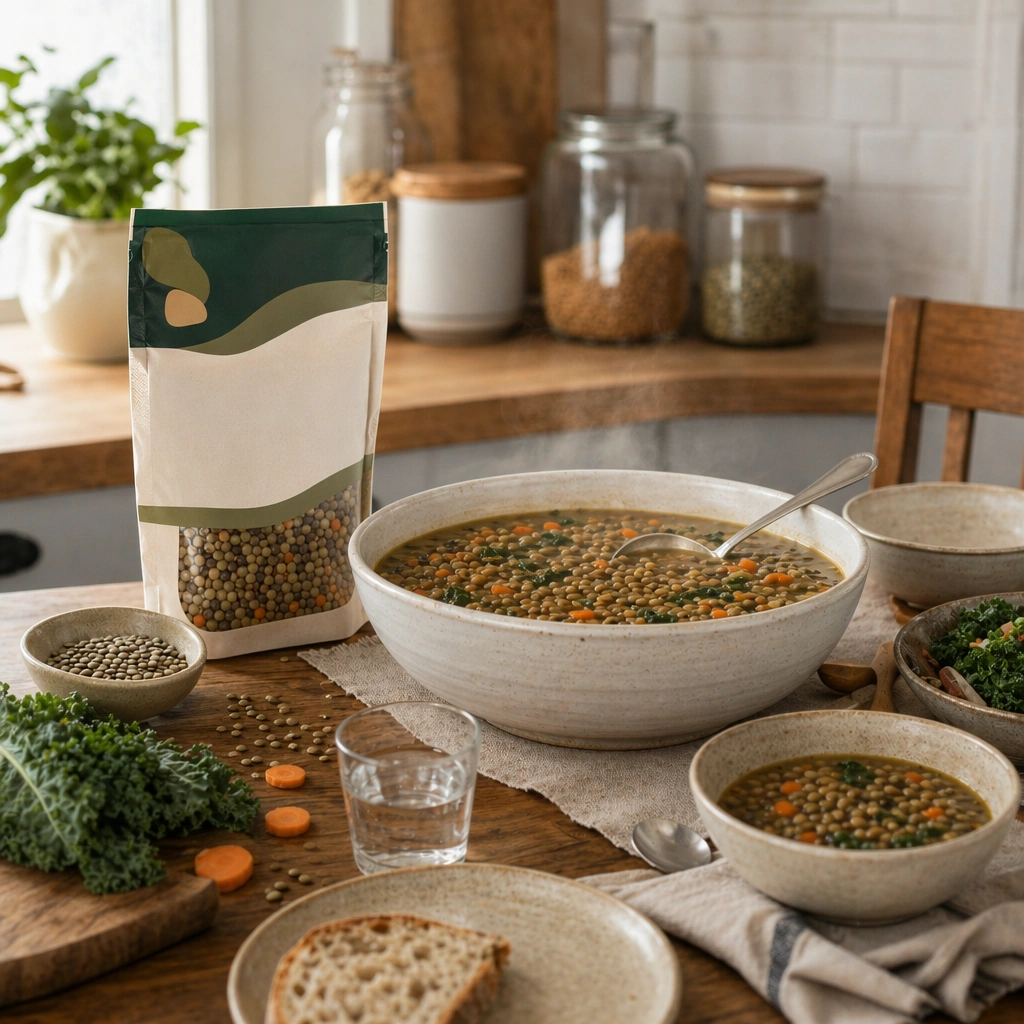
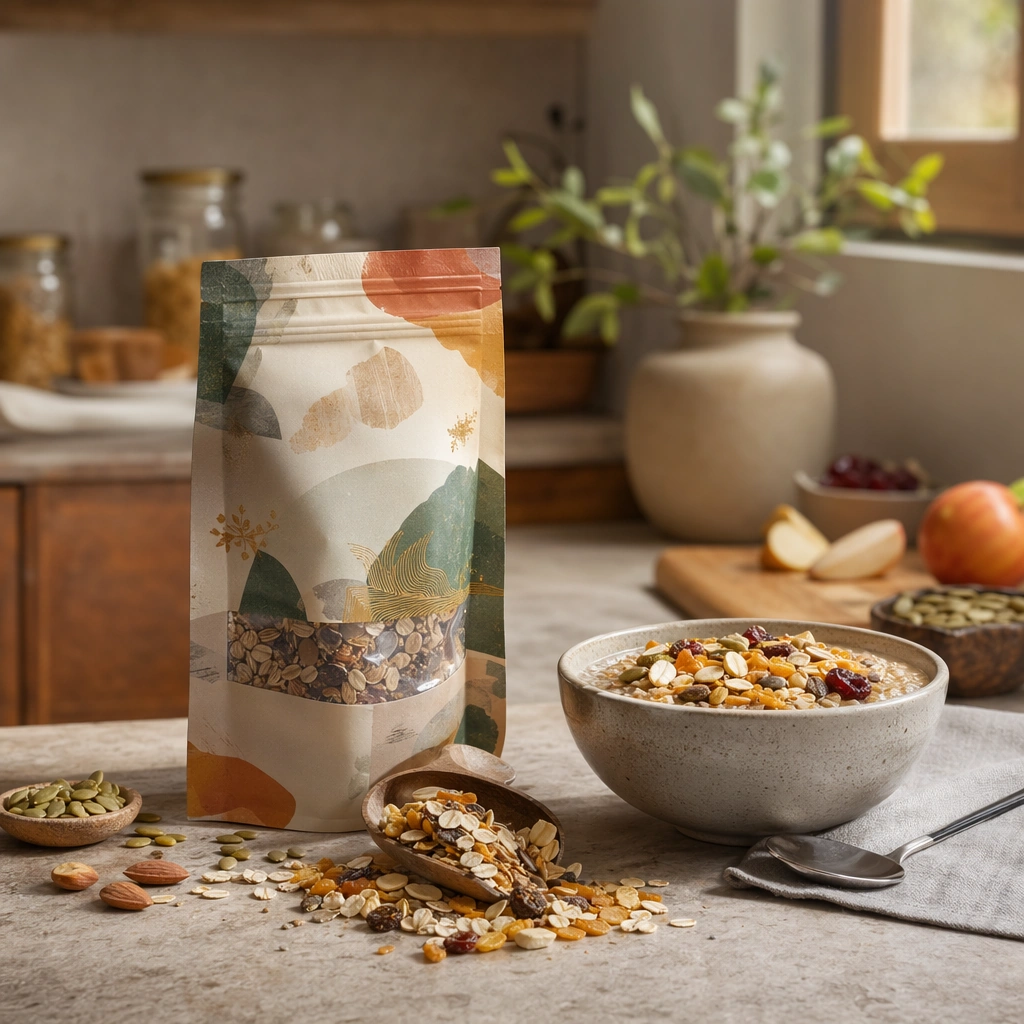
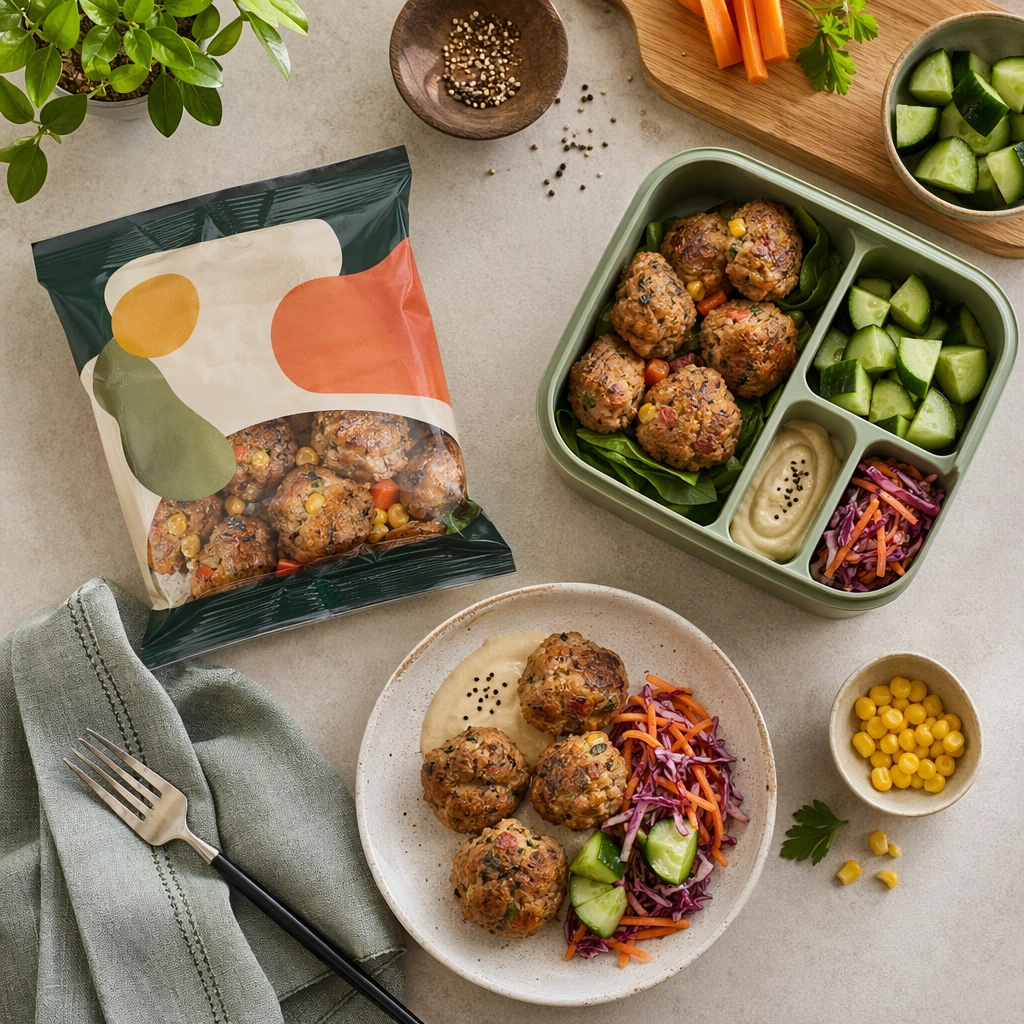
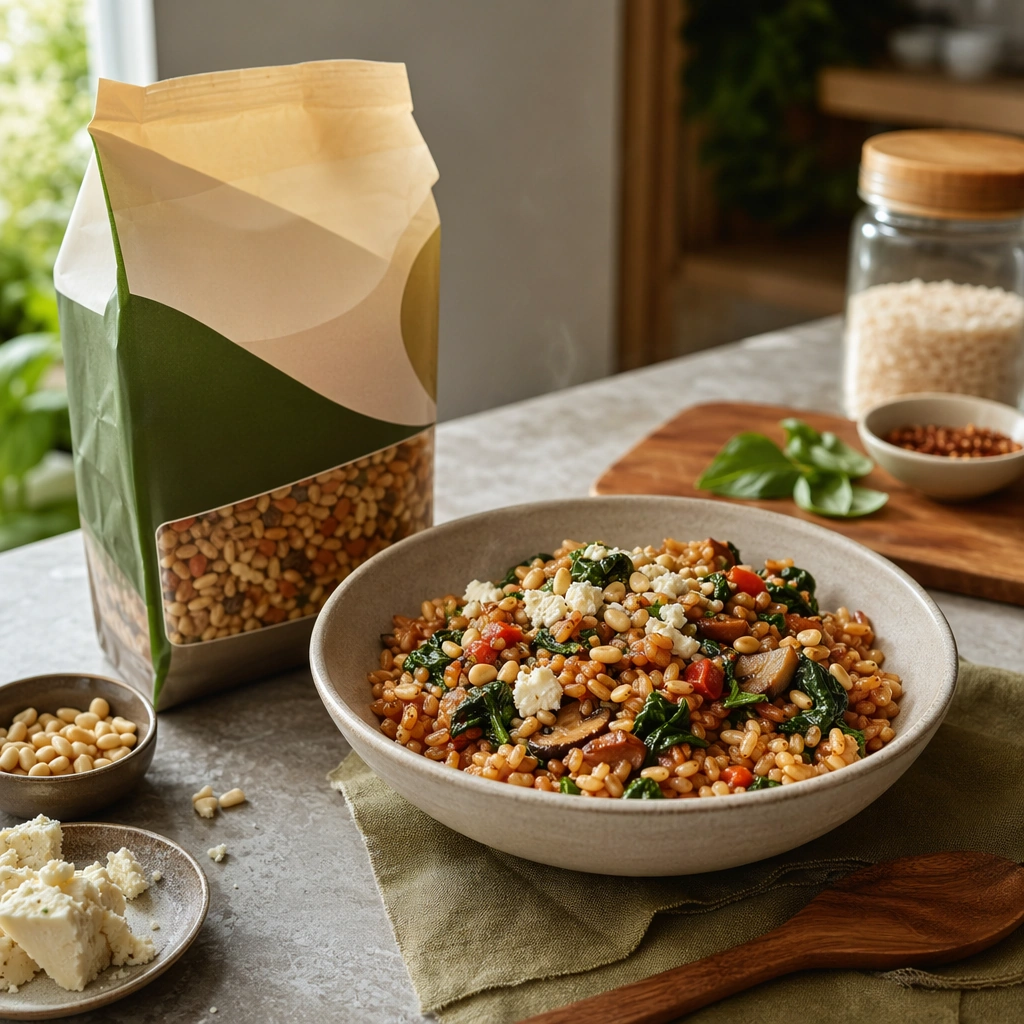
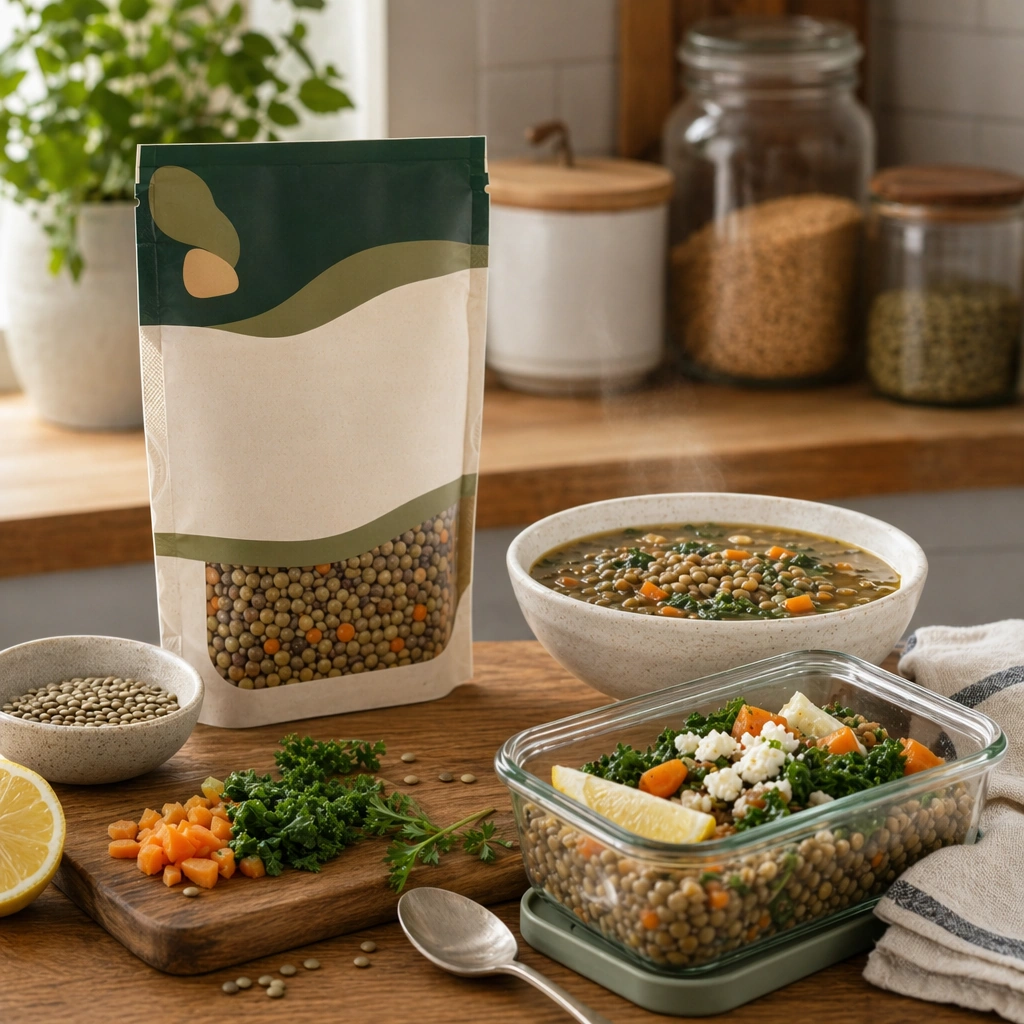
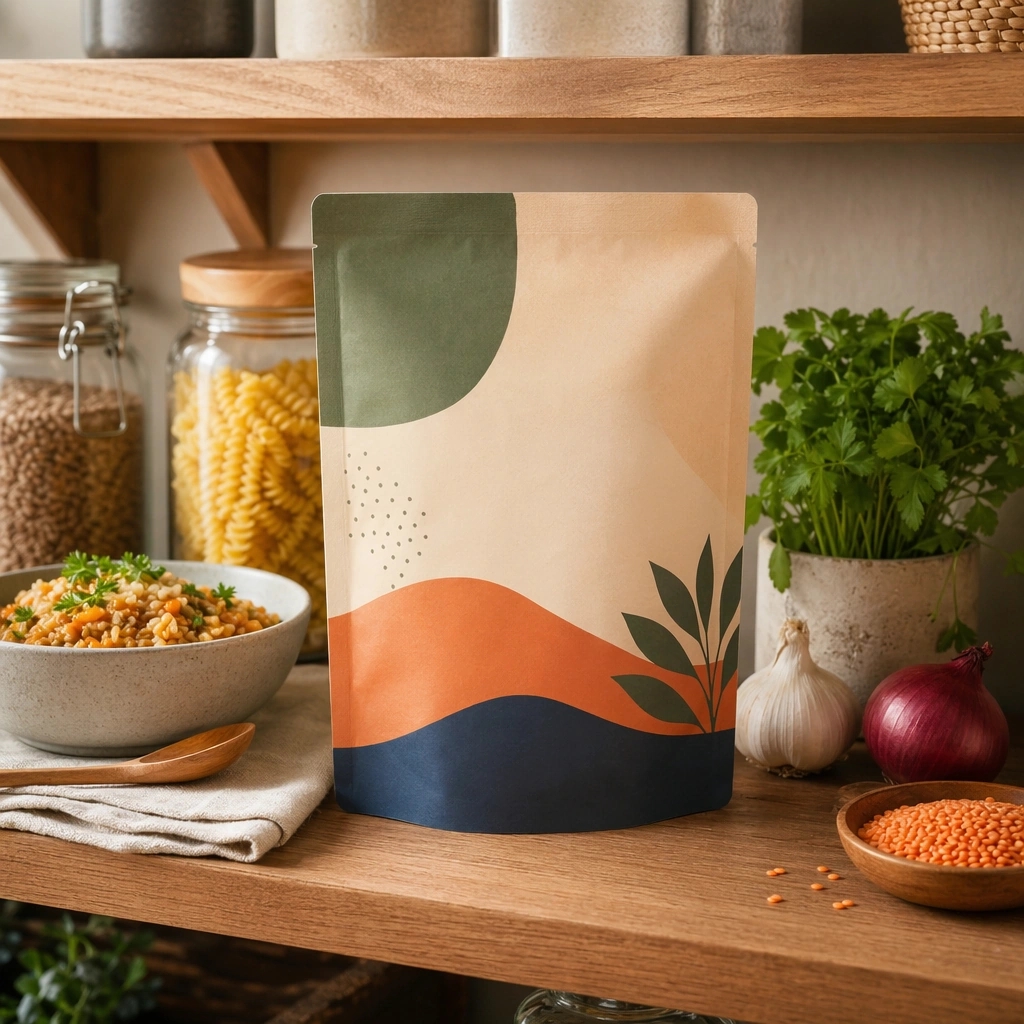
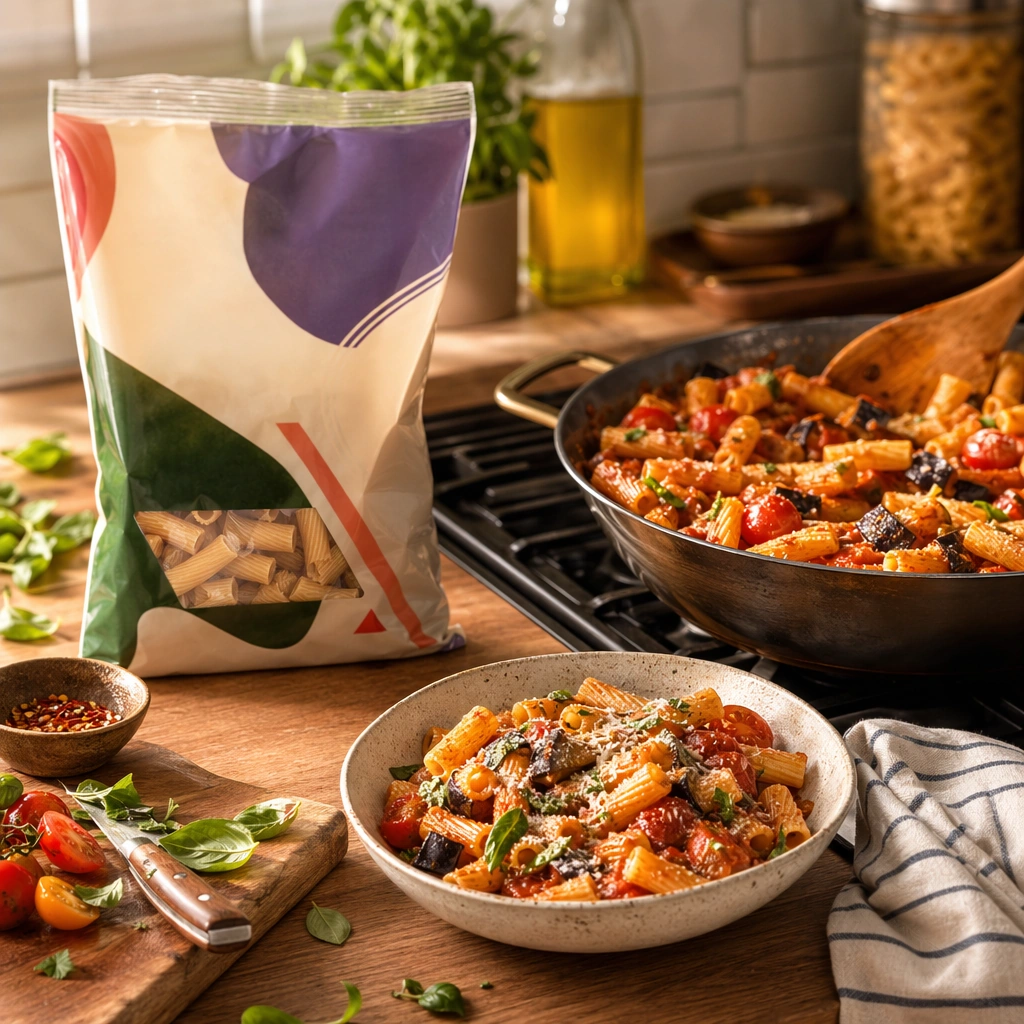
Compose a square packaged-food lifestyle image that connects shelf-ready packaging with actual household use, serving, and meal preparation. The frame should feel commercially precise but lived in, showing how the package belongs inside a believable kitchen, pantry, or dining context rather than isolated white-background product photography. Use a square crop of a stovetop-adjacent or prep-counter environment with warm domestic light and a sense of quick, practical cooking.

Subject:
The package must stay clearly visible and physically plausible, while the prepared food, ingredients, bowls, or serving scene demonstrate real usage and appetite appeal. Show the packaged food integrated into a nearly finished meal, with the pack nearby and one cooking vessel or utensil indicating active use.

Important details:
This topic tests bridge-building between package design and lived food context. Preserve realistic kitchen materials, pantry organization, serving logic, and package handling so the brand feels trustworthy and useful. If abstract label areas appear, they must remain unreadable; trust should come from materials, cooking cues, and scene credibility rather than literal copy. This image should feel fully self-contained while still belonging to the same broader topic and commercial world. The scene should feel lived in and efficient: minor traces of cooking are welcome, but the composition still needs commercial clarity and appetite appeal.

Use case:
Food Package Scenes single study 8/9, built for Prompt Atlas coverage of a food and beverage commercial visual system.

Constraints:
No readable text, no watermark, no logos, preserve exact 1:1 aspect ratio, no readable text, no logos, no sterile white studio void, no messy family chaos, no unrealistic packaging scale, no cluttered supermarket shelf wall, no dirty sink, no readable stovetop display, no chaotic family kitchen.
Come usare
- Copia tutto il prompt originale, inclusi i parametri.
- Adatta soggetto, testo e composizione alle tue esigenze.
- Usa uno strumento esterno compatibile; verifica accesso e risultato.
Prima di iniziare
- Controlla se serve un’immagine di riferimento. La compatibilità non prova il modello usato per l’esempio.
- Verifica nomi, numeri e testi; i risultati cambiano con le versioni del modello.