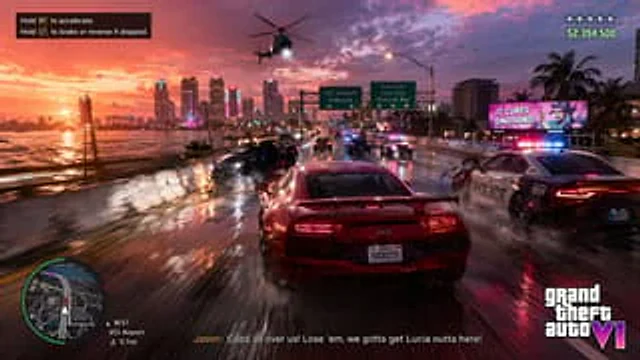
Open-World Action Game HUD Screenshot

Open-World Action Game HUD Screenshot

Documento originale

GPT Image 2 · en

{
  "type": "Game screenshot simulation",
  "scene": "High-speed police chase on a slippery highway bridge at sunset",
  "vehicles": {
    "player_car": "A red sports car with motion blur, license plate '{argument name=\"license plate\" default=\"VICECITY\"} '",
    "police": "Two police cars with flashing lights and one police helicopter equipped with a searchlight.",
    "traffic": "Three civilian vehicles collided on their left sides, with sparks flying everywhere."
  },
  "environment": {
    "sky": "A vibrant orange-purple sunset",
    "cityscape": "Coastal city skyline with neon lights and Ferris wheel",
    "road": "The wet asphalt road surface reflected the red taillights",
    "signage": [
      "Two green highway signs (VCI Airport, Vice City Downtown)",
      "A glowing billboard with the text '{argument name=\"billboard text\" default=\"IT CURES EMOTIONS!\"} '"
    ]
  },
  "ui_elements": {
    "count": 5,
    "top_left": "Black background with white text: 'Press RT to accelerate. Press LT to brake, or reverse while stopped.'",
    "top_right": "5-star wanted level and green text{argument name=\"money amount\" default=\"$2,394,500\"} '",
    "bottom_left": "A small circular map with GPS route, time '13:57', location 'VCI Airport', distance '0.7 mi'.",
    "bottom_center": "Subtitle text'{argument name=\"subtitle text\" default=\"Jason: There are police everywhere! We need to shake them off and get Lucia out of here!\"} '",
    "bottom_right": "Game Logo{argument name=\"game title\" default=\"Grand Theft Auto VI\"} '"
  }
}

Come usare

  1. Copia tutto il prompt originale, inclusi i parametri.
  2. Adatta soggetto, testo e composizione alle tue esigenze.
  3. Usa uno strumento esterno compatibile; verifica accesso e risultato.

Prima di iniziare

  • Controlla se serve un’immagine di riferimento. La compatibilità non prova il modello usato per l’esempio.
  • Verifica nomi, numeri e testi; i risultati cambiano con le versioni del modello.
Esempi simili

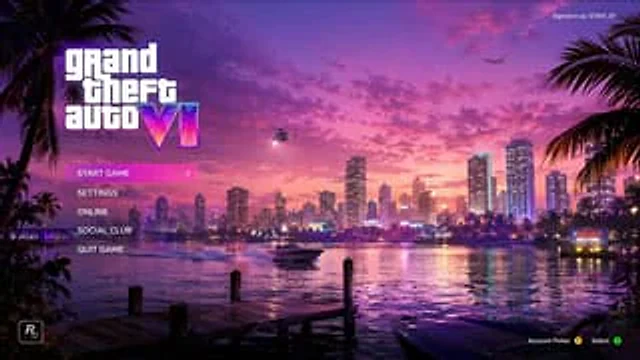
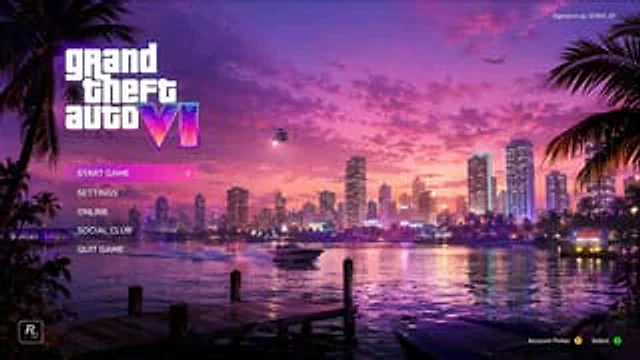
Vice City Sunset Game Menu Mockup
GPT Image 2en

{ "type": "Video game main menu UI model", "background_scene": { "setting": "The seaside city skyline at sunset, reminiscent of Miami, features vibrant pink and purple skies, with city lights reflected on the calm water.", "foreground": "There's a wooden dock in the l

Video Game Main Menu UI Mockup
GPT Image 2en

{ "type": "Video game main menu UI design sketch", "theme": "{argument name=\"color palette\" default=\"A composite wave style of purple, pink and orange\"}", "background": { "setting": "Coastal city skyline, time period{argument name=\"time of day\" default=\"Sunset\"}

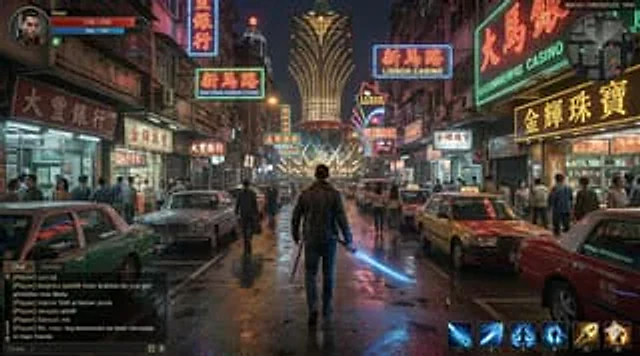
Neon Macau RPG Street Battle HUD
GPT Image 2en

A screenshot of a cinematic third-person action RPG game, set in {argument name="city setting" default="Macao"} of{argument name="year" default="1995"} The scene, set in 2018, is from behind a lone male protagonist walking through a crowded, damp street at night. The scene is fil

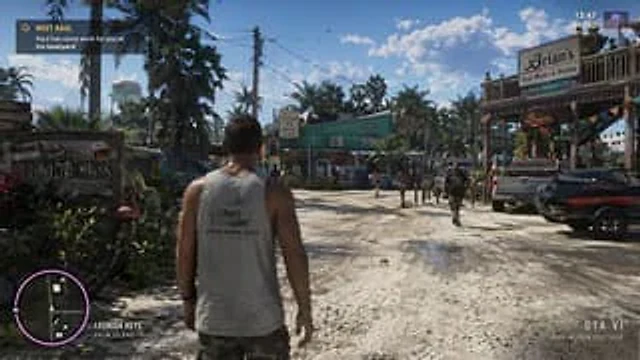
Open-World Game Screenshot Mockup
GPT Image 2en

{ "type": "video game screenshot mockup", "perspective": "third-person over-the-shoulder", "character": { "description": "male protagonist seen from behind", "clothing": "grey tank top with graphic '{argument name=\"shirt graphic\" default=\"LEONIDA MARINE CENTER\"}

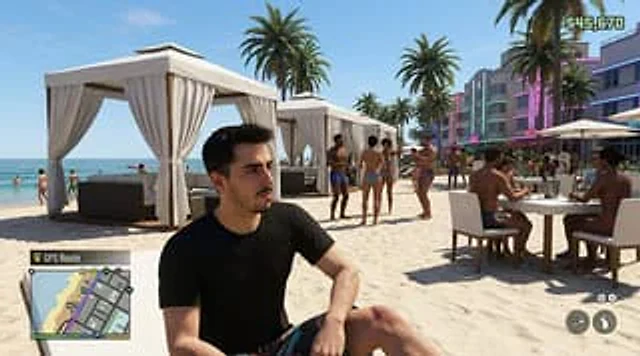
GTA-Style Beach Club Gameplay Screenshot
GPT Image 2en

Create a hyper-realistic screenshot of an open-world crime video game, inspired by a modern Miami beach club scene, set in a bright afternoon sun with a clear blue sky. Use a third-person perspective composition, with a seated figure in the foreground.{argument name="character de

Minecraft Speedrun Screenshot
GPT Image 2zh

{ "type": "Screenshots from first-person video games", "style": "block voxel graphics", "scene": { "environment": "The End dimension, with its dark sky and pale yellow End stone ground, features a bedrock fountain structure with a torch in the center. Towering black obs