Documento originale
GPT Image 2 · en
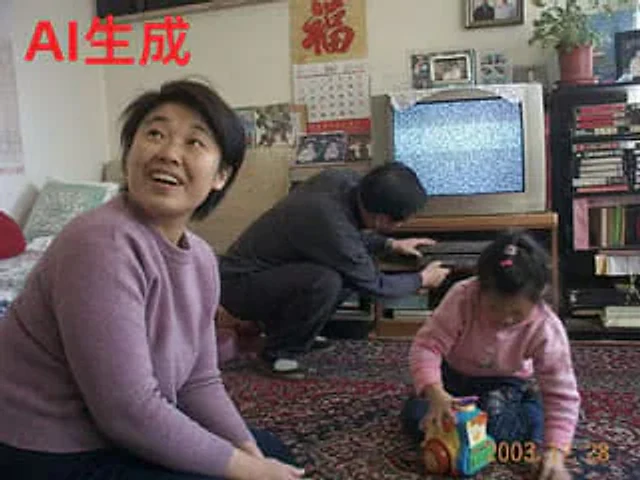
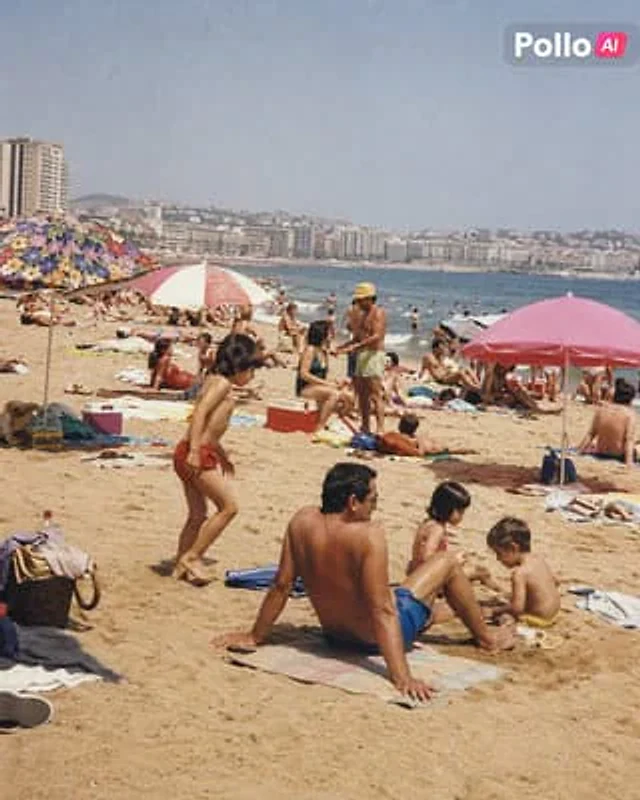
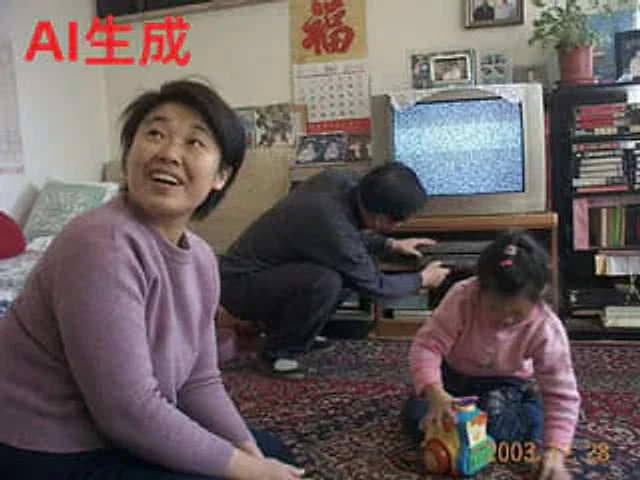
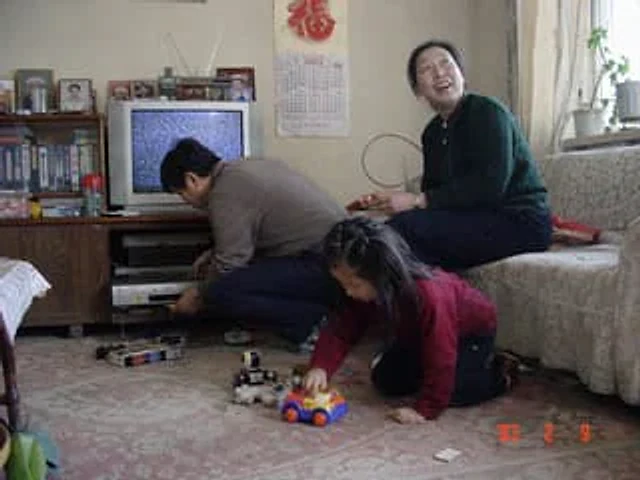
A candid family photo taken in China around 2008 showcases the quality of a home digital camera from that era. In the picture, a family of three poses for a photo in a lakeside park on a sunny autumn day. The father, tall and relaxed, stands on the left, wearing a navy blue jacket over a dark striped polo shirt, blue jeans, and sneakers, with a brown backpack slung over one shoulder and his arm around the mother. The mother stands in the middle, wearing a pink knit sweater, dark jeans, and sneakers, holding her young child. The child wears a bright red hooded jacket, patterned brown pants, and small shoes, holding a red cartoon balloon tied to a stick. They stand on a wide stone path gently sloping towards the lake. The background depicts a vibrant scene in a Chinese park: several pedal boats and rowboats float on the calm lake, pedestrians stroll or pause along the shore, weeping willows and other trees display soft autumn colors, a small arched bridge is visible in the distance to the left, and a traditional Chinese pavilion with a dark-tiled roof stands to the right, with a plaque hanging on it bearing the inscription {argument name="park sign text" default="Tongyou Park"} The signboard. Several mid-rise city buildings are faintly visible in the distance behind the trees. The composition should convey a realistic handheld family photography feel, with a full-body shot, centered subject, slightly compressed perspective, natural lighting, soft shadows, moderate depth of field, realistic skin tones and clothing textures, a slight retro digital camera color rendering, and the subtle imperfections common in old-fashioned "point-and-shoot" camera photos. Add an orange digital date stamp in the lower right corner, displaying as {argument name="date stamp" default="'08 10 12"} .Come usare
- Copia tutto il prompt originale, inclusi i parametri.
- Adatta soggetto, testo e composizione alle tue esigenze.
- Usa uno strumento esterno compatibile; verifica accesso e risultato.
Prima di iniziare
- Controlla se serve un’immagine di riferimento. La compatibilità non prova il modello usato per l’esempio.
- Verifica nomi, numeri e testi; i risultati cambiano con le versioni del modello.