Documento originale
Nano Banana · en
{
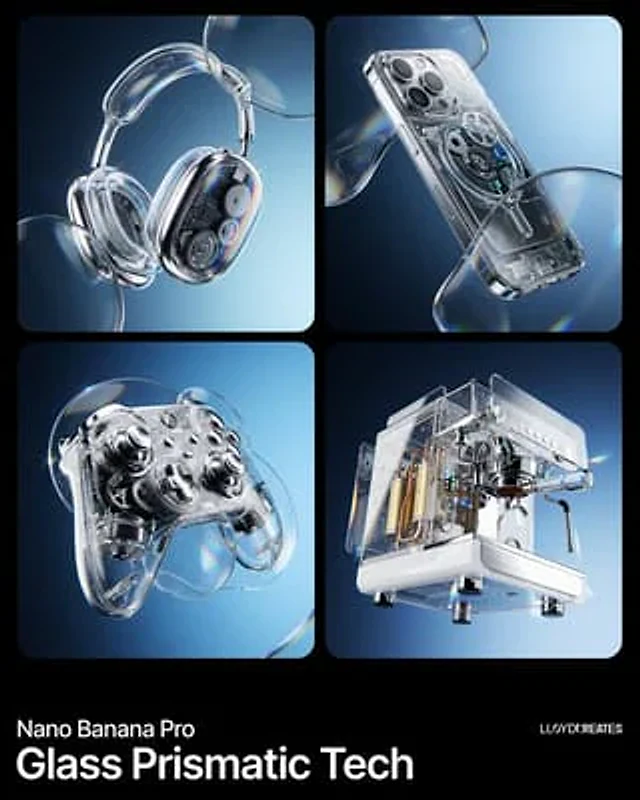
  "image_generation_request": {
    "subject": "[INSERT PRODUCT HERE]",
    "environment": {
      "background": "A smooth, professional dual-tone gradient transition between #111B24 and #CAEFFF",
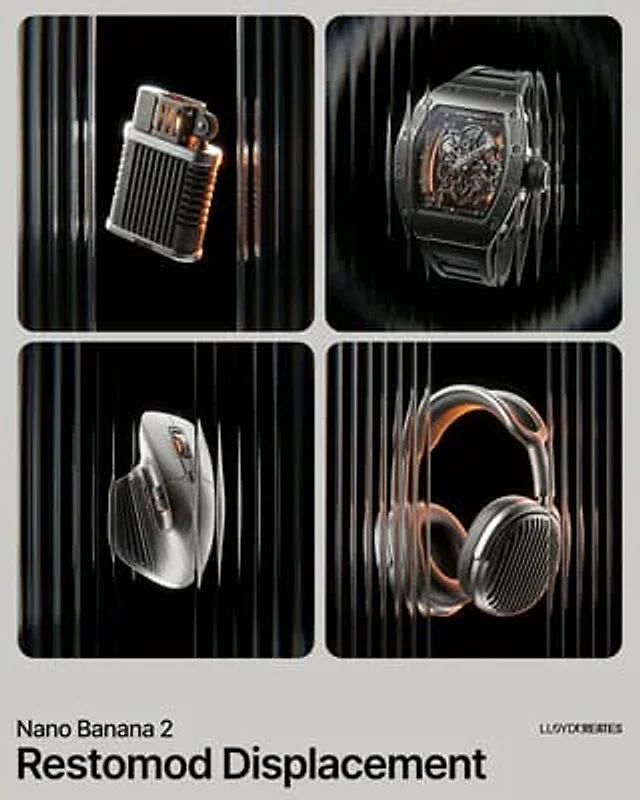
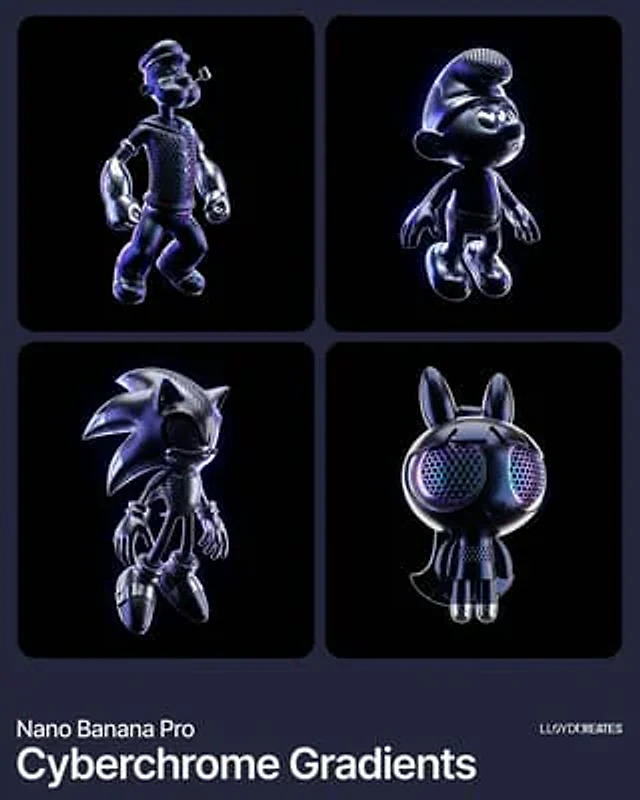
      "lighting": "High-contrast studio lighting with bright rim highlights to emphasize glossy textures"
    },
    "style_elements": {
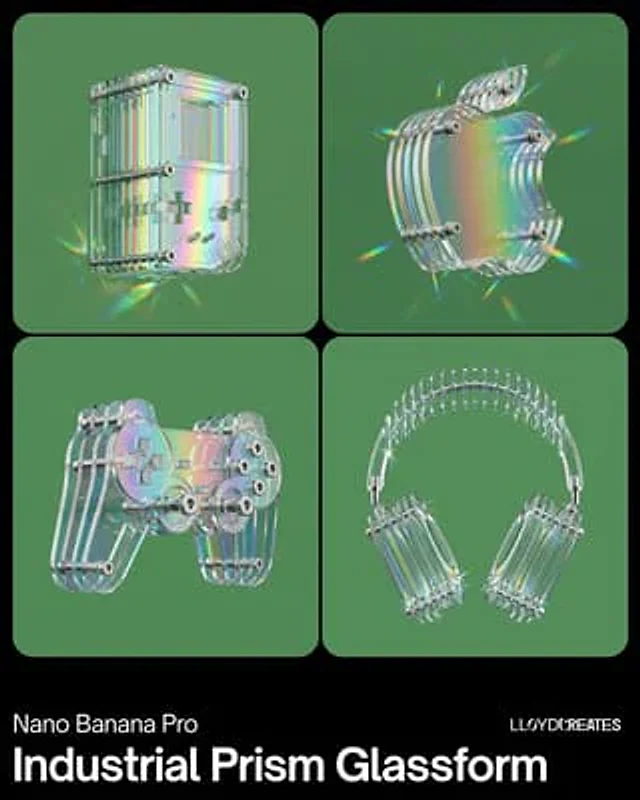
      "aesthetic": "Y2K Frutiger Aero meets modern hyper-realism",
      "optical_effects": [
        "Dynamic glass refraction",
        "Prismatic chromatic aberration at the edges of transparent objects",
        "Iridescent lens flares",
        "Distorted glass overlays floating in the foreground"
      ],
      "composition": "Floating, gravity-defying arrangement with a wide-angle perspective",
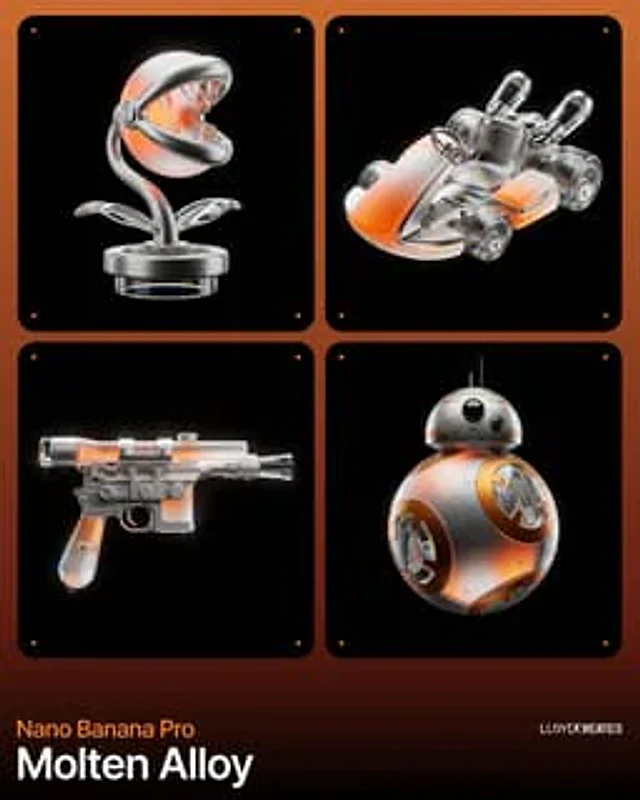
      "textures": "Polished chrome, transparent acrylic, and high-gloss plastic"
    },
    "technical_specs": {
      "resolution": "8k UHD",
      "render_engine": "Octane Render style",
      "detailing": "Macro photography focus, hyper-detailed mechanical parts"
    }
  }
}
Come usare
- Copia tutto il prompt originale, inclusi i parametri.
- Adatta soggetto, testo e composizione alle tue esigenze.
- Usa uno strumento esterno compatibile; verifica accesso e risultato.
Prima di iniziare
- Controlla se serve un’immagine di riferimento. La compatibilità non prova il modello usato per l’esempio.
- Verifica nomi, numeri e testi; i risultati cambiano con le versioni del modello.