Documento originale
GPT Image 2 · en
Scene:
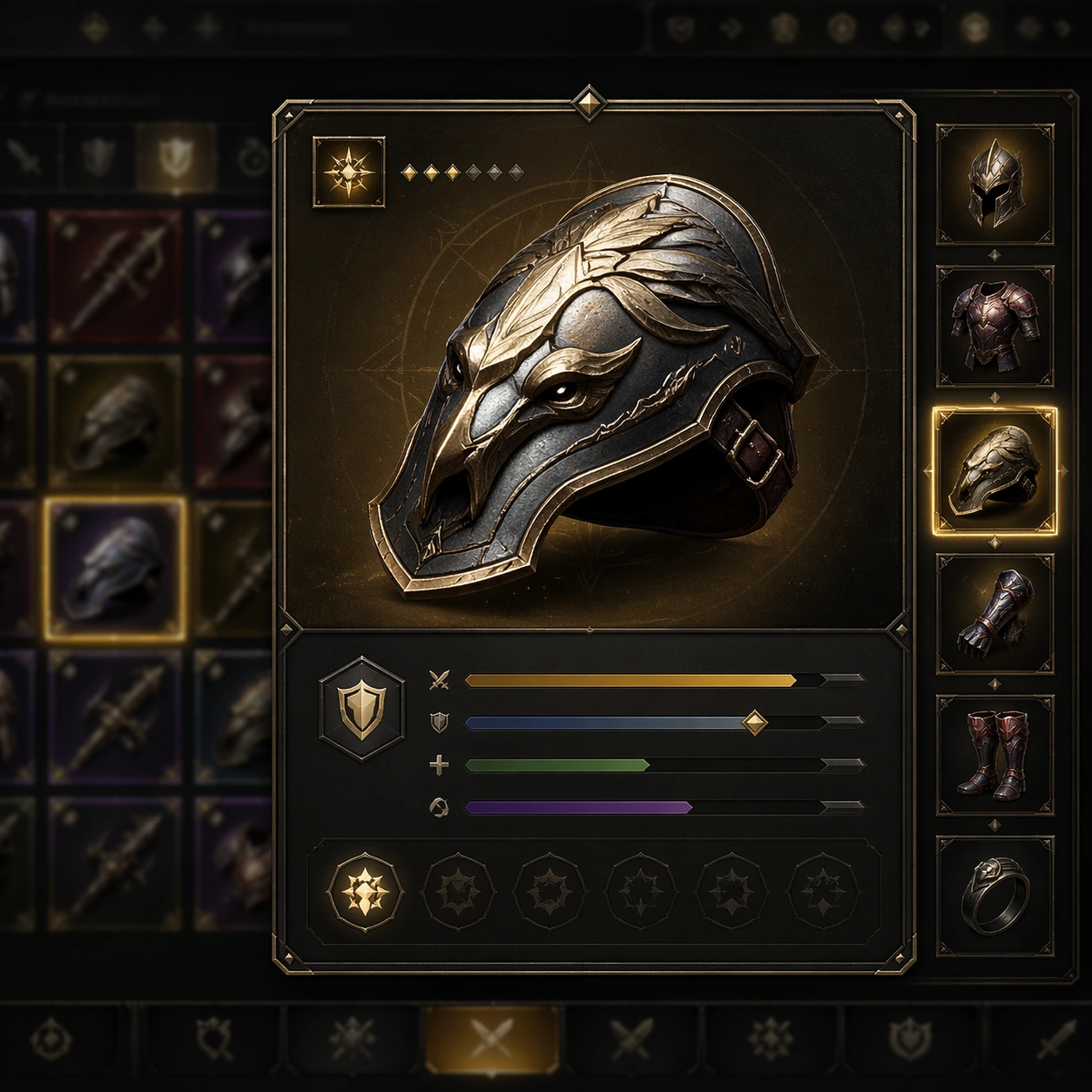
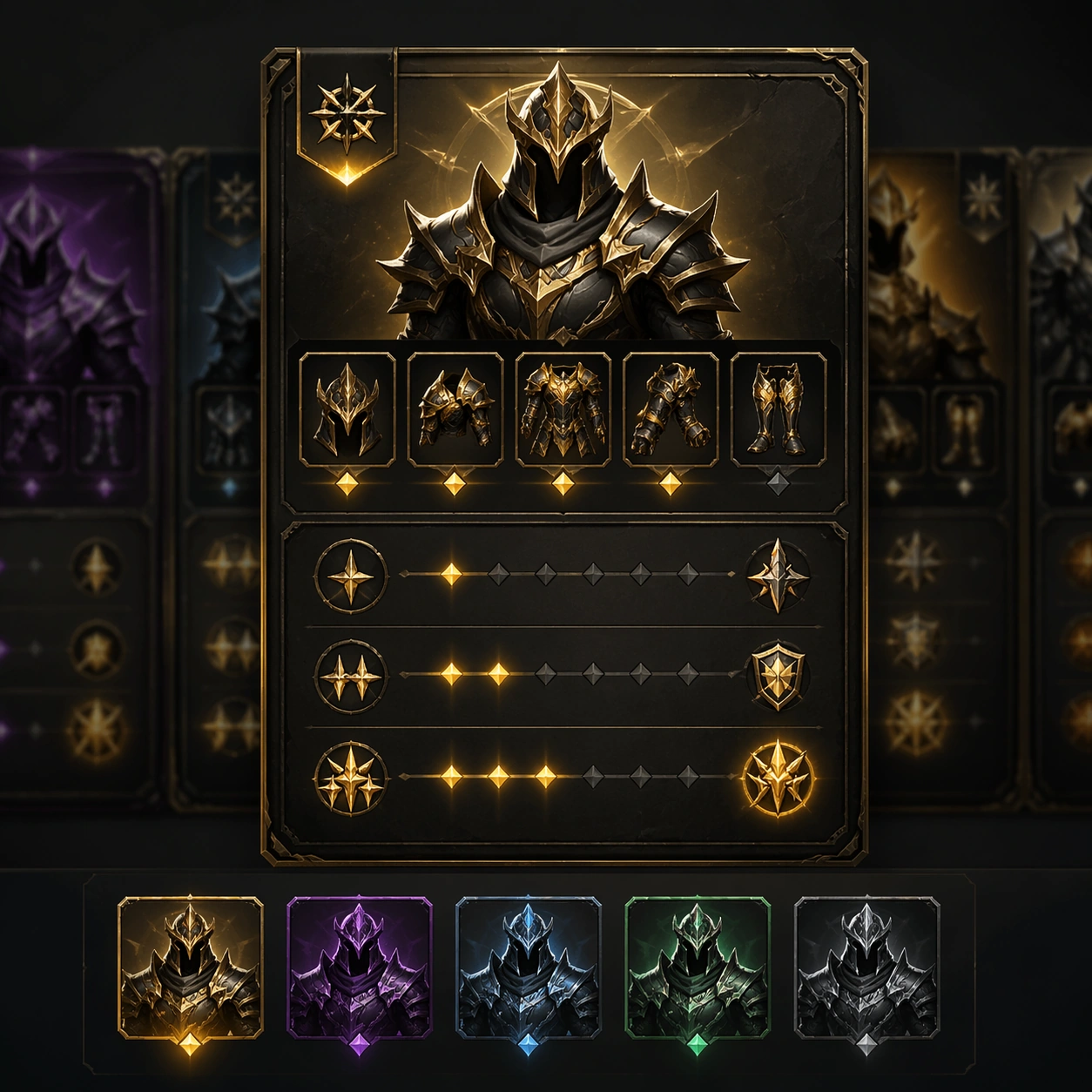
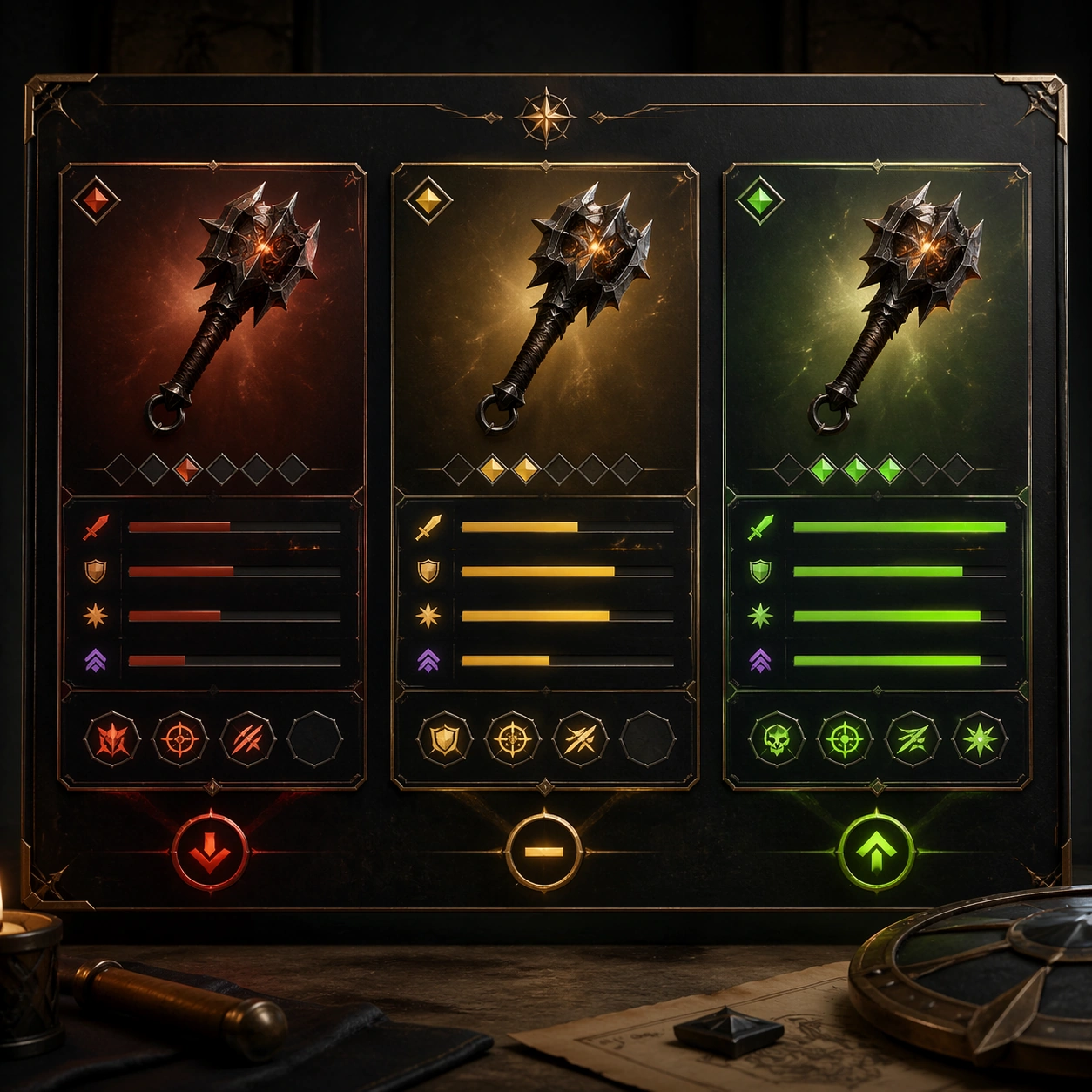
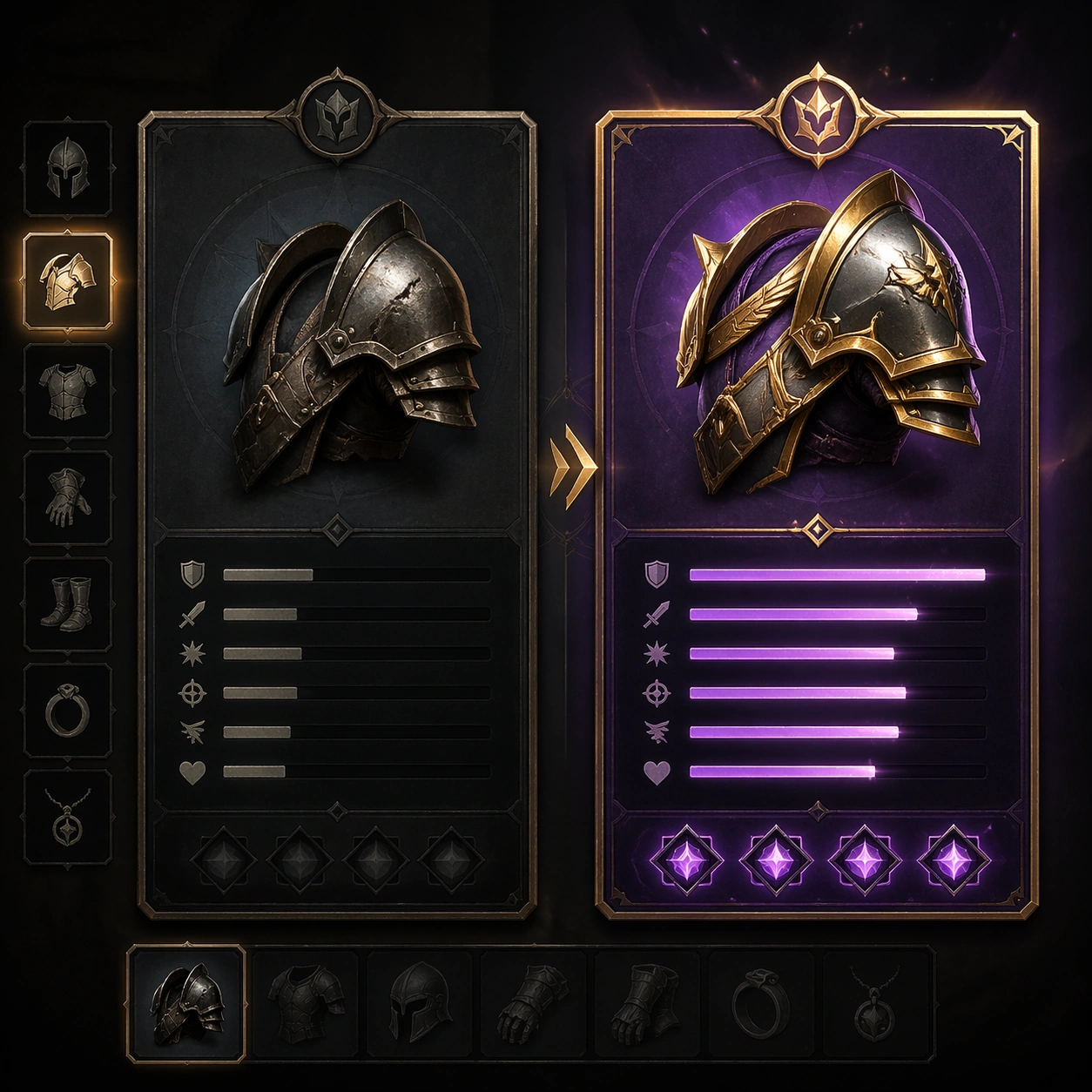
A square production-ready image designed for a game-art review wall and a commercial gallery at the same time. Frame an upgrade-path card that maps one item into higher rarity or enhanced versions with disciplined lighting, clean edge separation, and enough surrounding context to prove how the asset would behave in a real product surface. The camera, crop, and tonal balance should feel intentional rather than generic, with high readability at first glance and convincing material response under closer inspection.

Subject:
Center the study on an upgrade-path card that maps one item into higher rarity or enhanced versions. Translate the topic into a concrete, shippable visual statement instead of a loose mood board. Build layered object relationships, believable surface finish, and strong silhouette grouping so the image reads immediately as part of Inventory Tooltip Comparison Board. The subject should feel made for a live game pipeline: useful in store, UI, campaign, or art-review contexts, with visual hierarchy strong enough to survive aggressive cropping.

Important details:
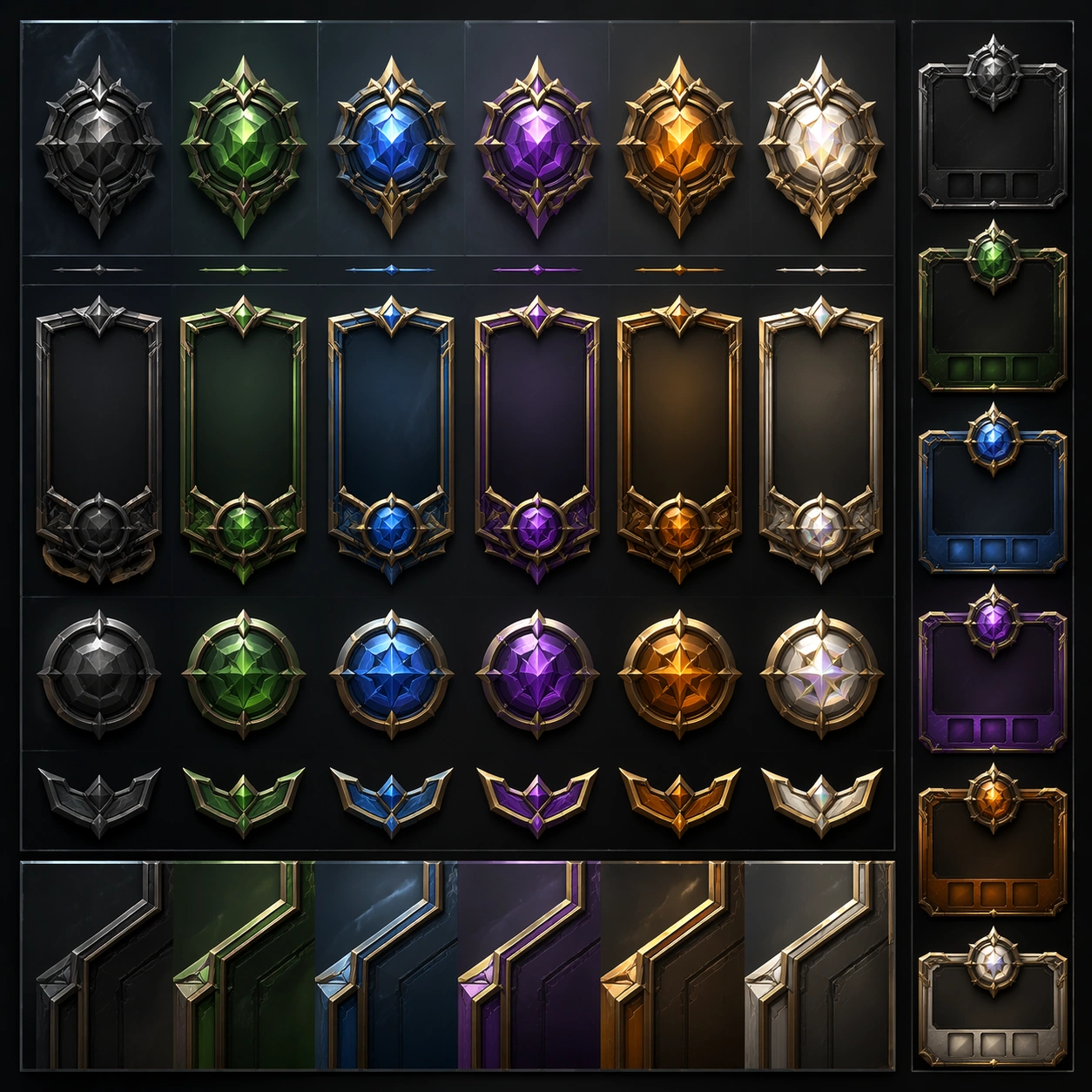
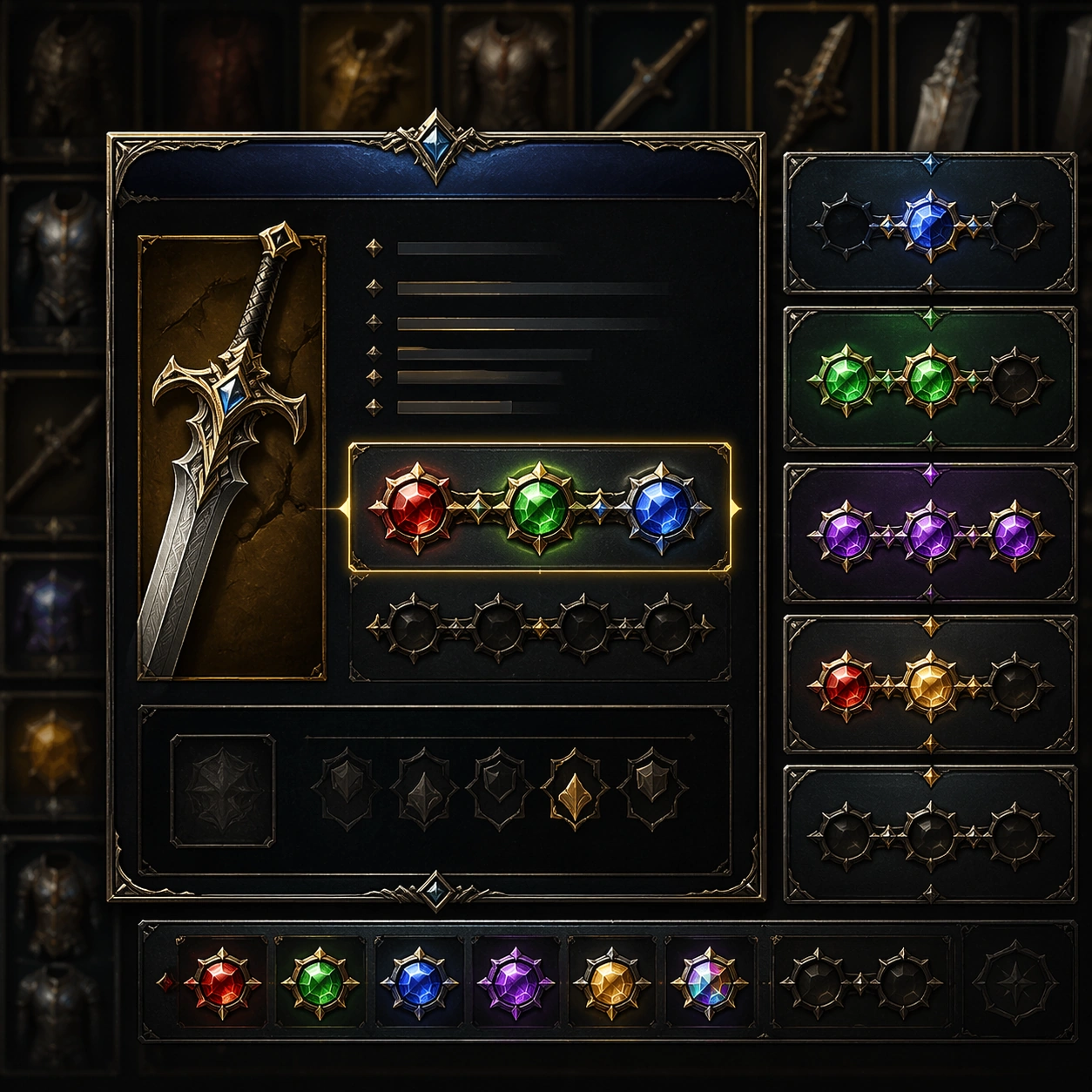
show progression desire and technical clarity together through clean panel logic. Keep every supporting element subordinate to the main read, and make category separation obvious through form, color zoning, depth, and material logic rather than words. Where panels, cards, badges, or interface blocks appear, they must look professionally structured but remain unreadable. The visual language should feel premium, original, and coherent across this package, with no filler clutter and no accidental resemblance to a specific shipped game IP.

Use case:
Inventory Tooltip Comparison Board single study 8/9, focused on upgrade path card.

Constraints:
No readable text, no watermark, no logos, preserve exact 1:1 aspect ratio, no arrows with text, no numerals, no broken hierarchy, no generic stock-photo staging, no accidental UI gibberish.
Come usare
- Copia tutto il prompt originale, inclusi i parametri.
- Adatta soggetto, testo e composizione alle tue esigenze.
- Usa uno strumento esterno compatibile; verifica accesso e risultato.
Prima di iniziare
- Controlla se serve un’immagine di riferimento. La compatibilità non prova il modello usato per l’esempio.
- Verifica nomi, numeri e testi; i risultati cambiano con le versioni del modello.