Documento originale
GPT Image 2 · en
Scene:
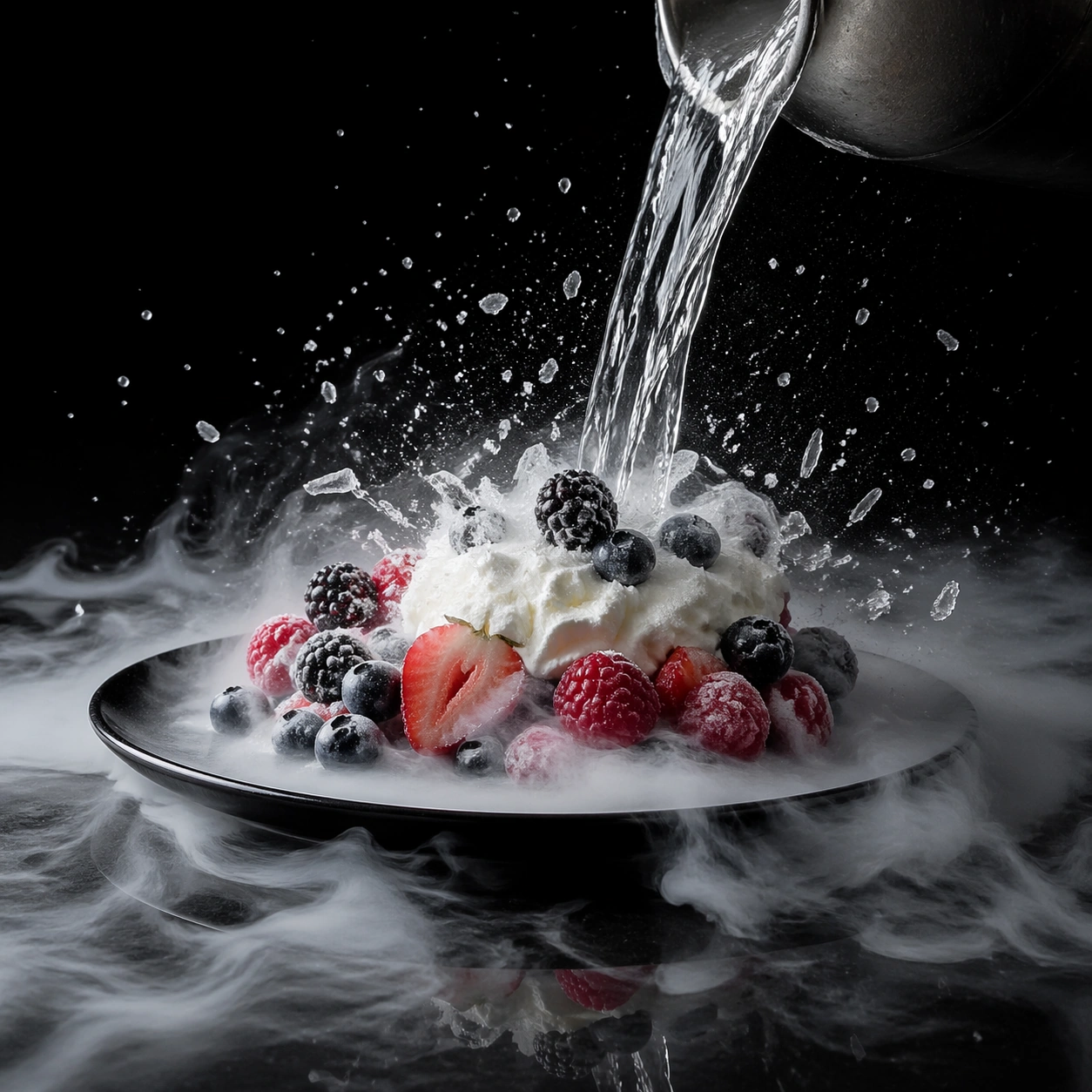
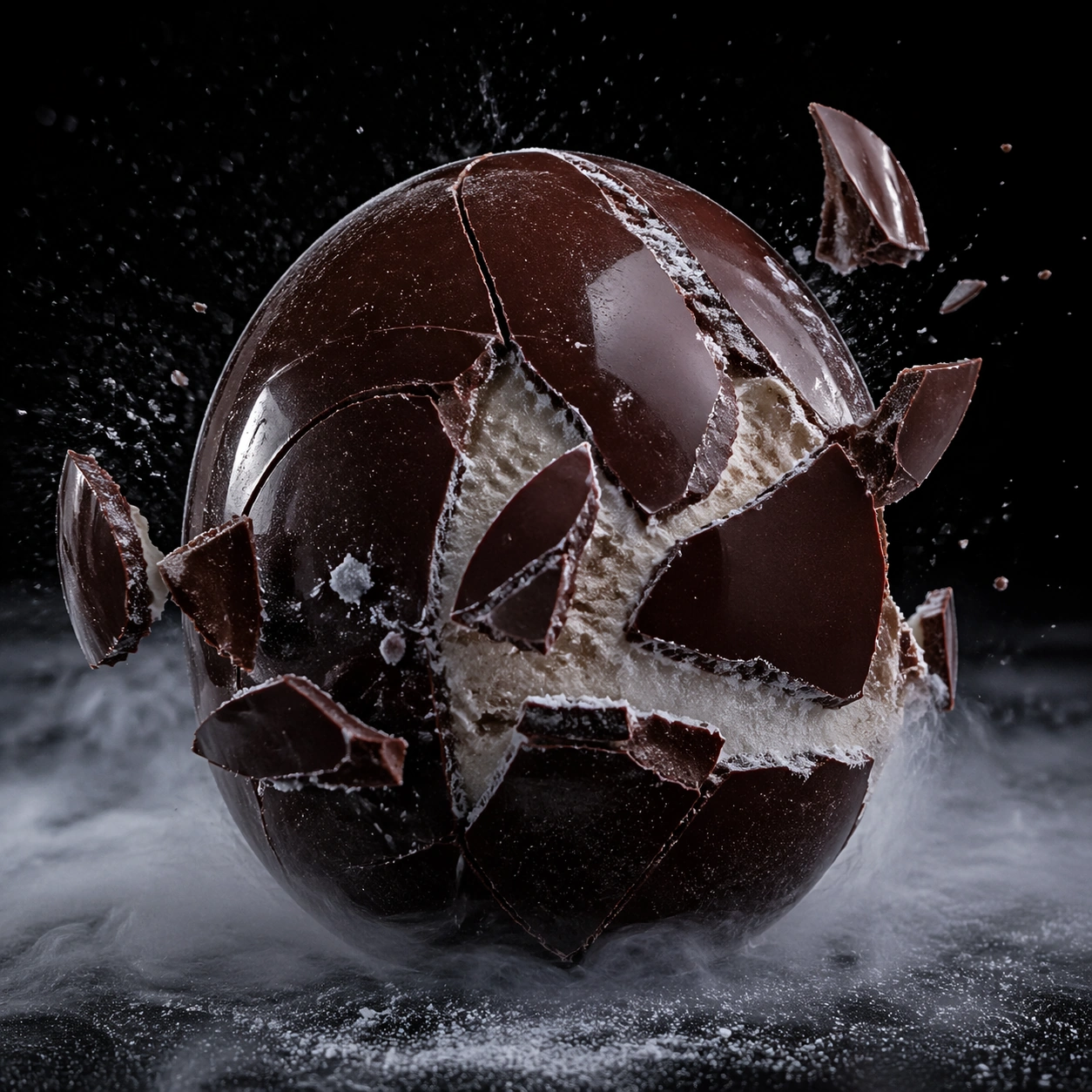
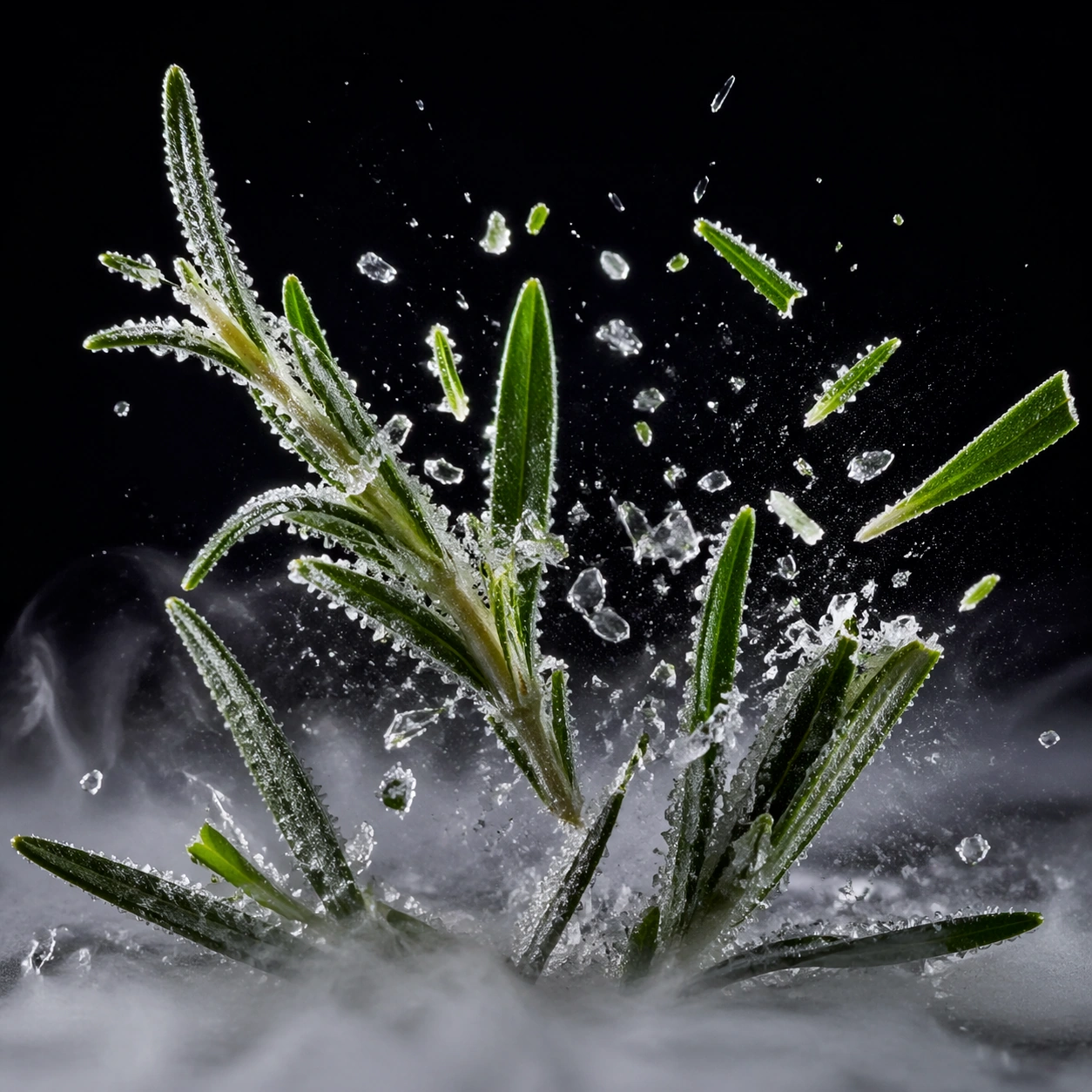
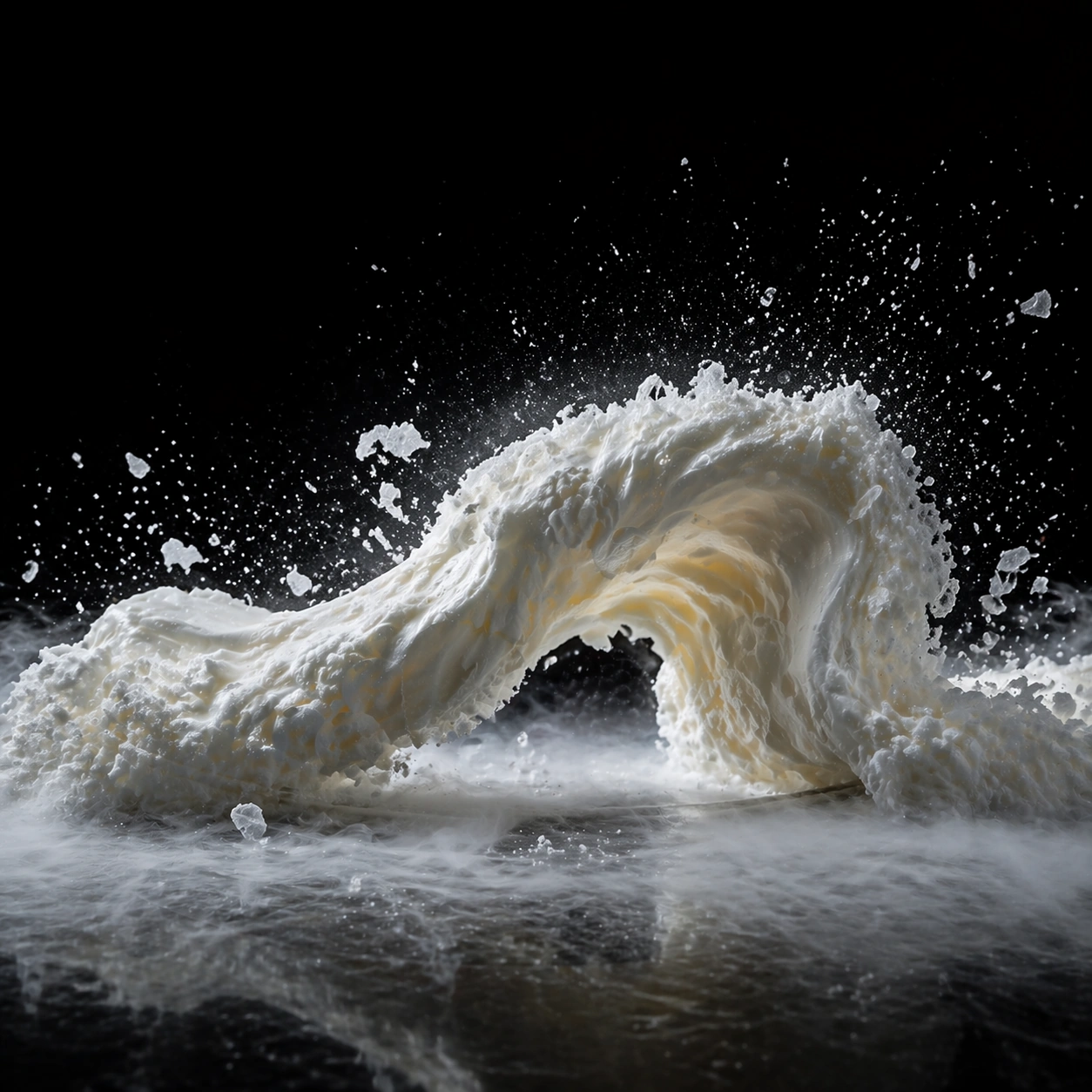
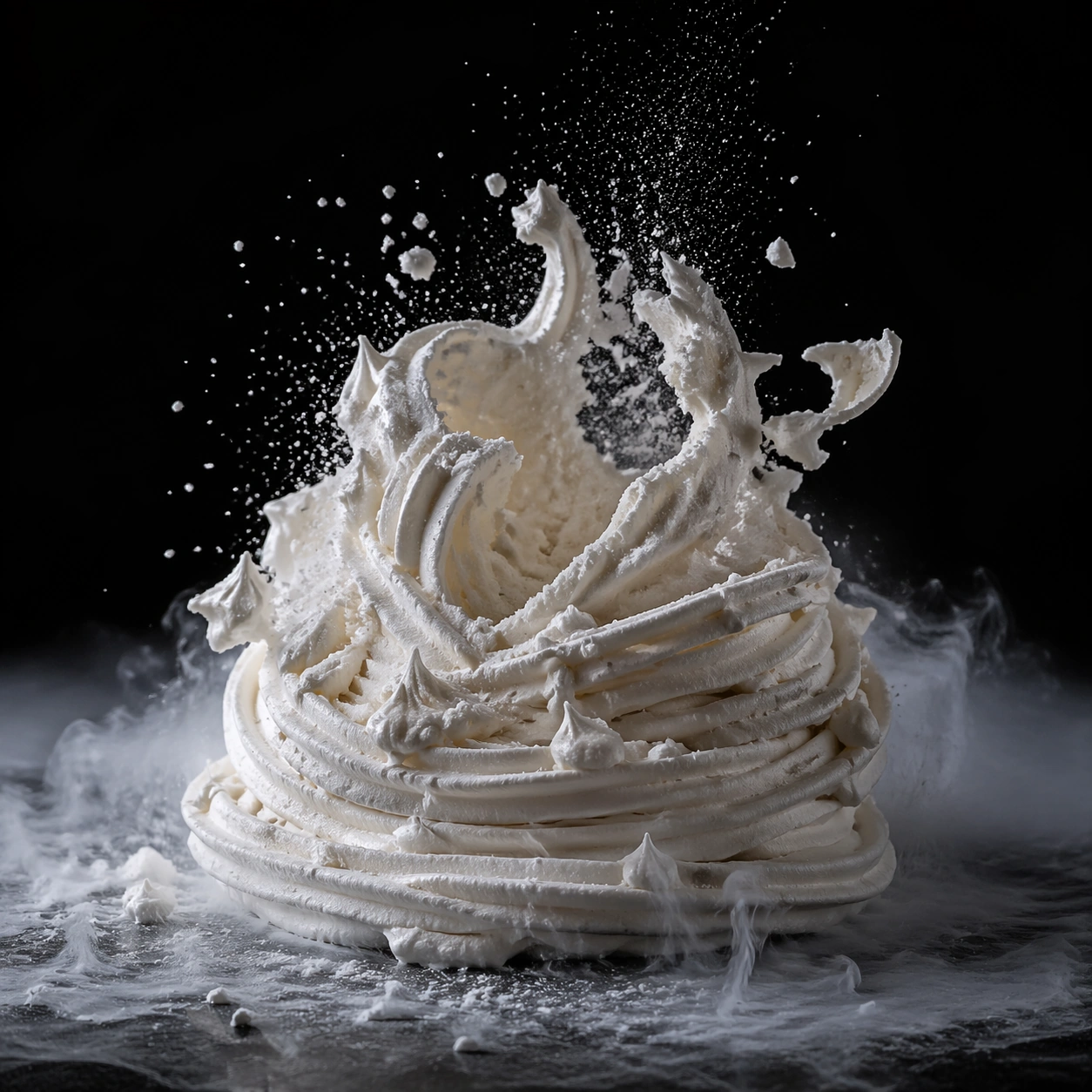
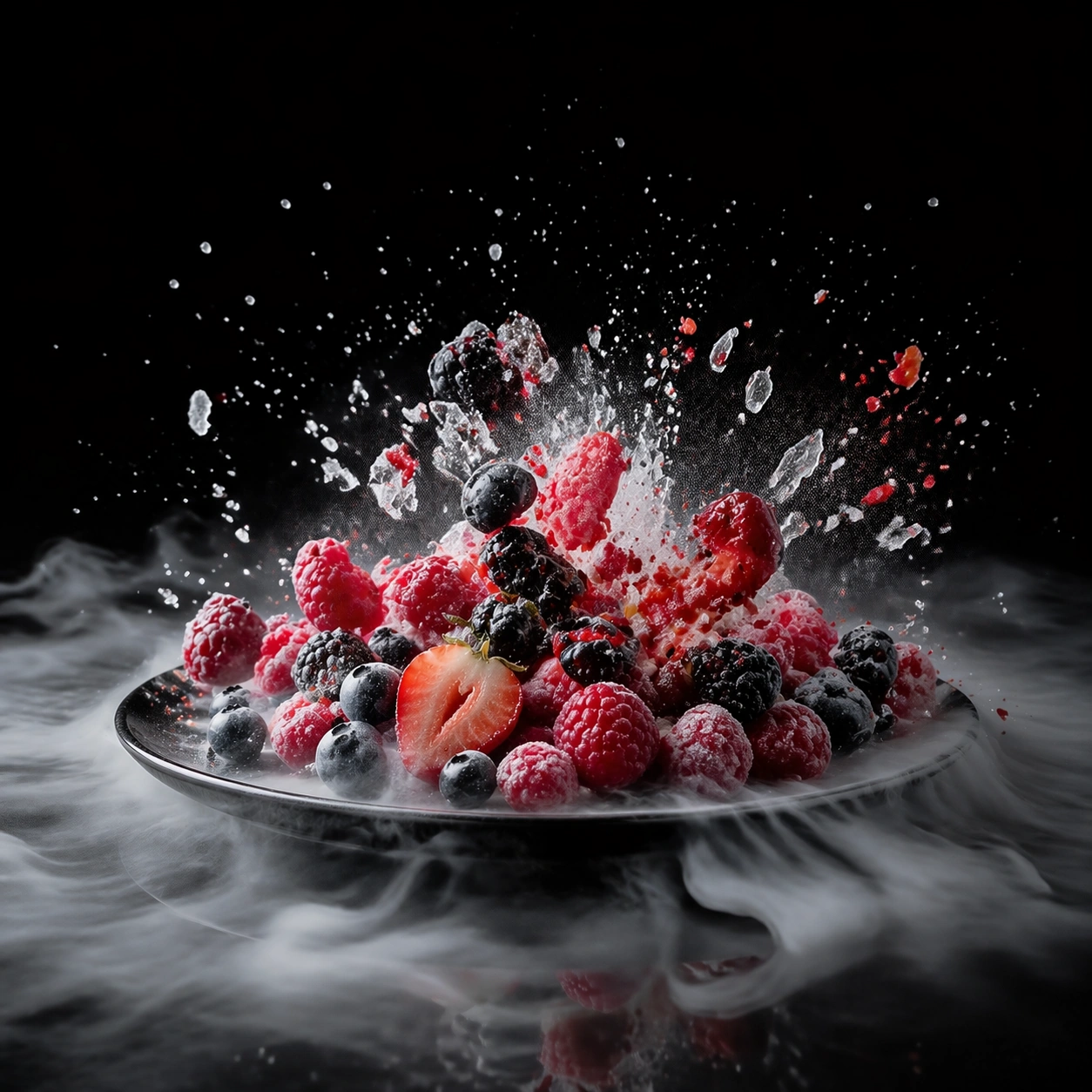
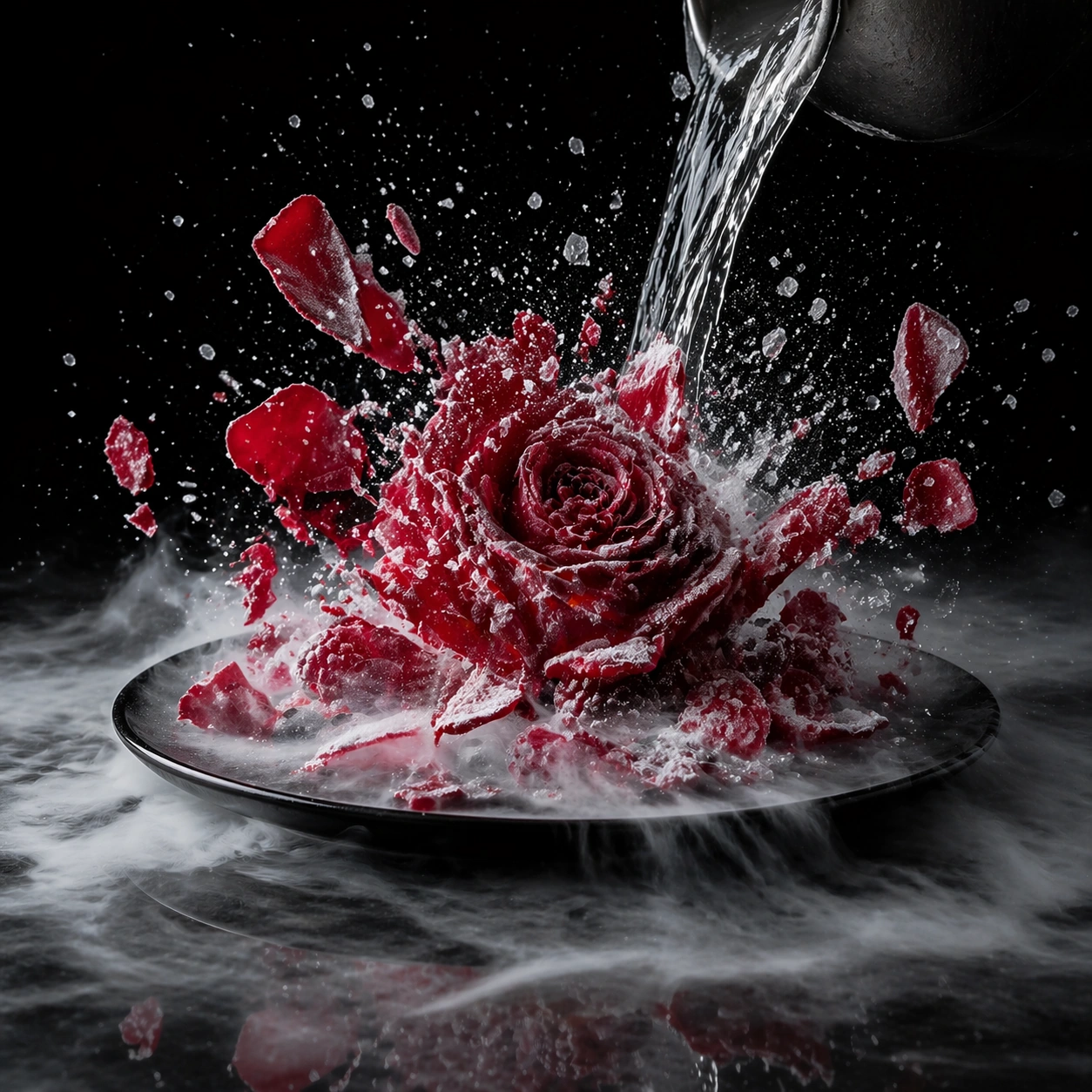
Create a square ultra-high-speed food photograph on a dark stage with precise flash freezing every crystal, fragment, and droplet. Cold vapor should sink and spread along the surface rather than billow upward like theatrical smoke. The scene must feel like a controlled scientific capture of an extreme thermal event, with deep blacks, disciplined highlights, and severe physical clarity. Keep the exact stage angle, black reflective base, flash crispness, and sinking vapor behavior from the reference image so the cryogenic system remains consistent. The light should catch thin petal edges and ice crystals without turning them metallic.

Subject:
Show a deep red edible rose at the instant it shatters after freezing, with petals splintering into crisp fragments and frost radiating along each vein. A faint remnant of the cryogenic pour may still appear at the edge of frame, but the flower is the hero event. The motion should feel brittle and directional, not like a generic explosion.

Important details:
The key challenge is believable thermal physics: frost bloom, brittle fracture, vapor density, wet-to-frozen transitions, and the texture of suddenly shocked food all need to feel accurate. Motion can be violent, but the image should remain legible and elegant. Every fragment must still read as part of a real food object. Preserve exact stage geometry, flash timing feel, and vapor logic from the reference model while shifting the subject from plated dish to botanical garnish. Petal fragments should vary in size and thickness, and frost must accumulate along real structural lines.

Use case:
Liquid nitrogen frozen moment series study 2/9, translating the anchor stage into a rose-shatter event.

Constraints:
No readable text, no watermark, no logos, preserve exact 1:1 aspect ratio, no fire effects, no sci-fi blue laser glow, no generic splash stock-photo look, no readable gauges, no dramatic stage props, no fireworks spark effect, no floral confetti randomness, no upward smoke plume.
Come usare
- Copia tutto il prompt originale, inclusi i parametri.
- Adatta soggetto, testo e composizione alle tue esigenze.
- Usa uno strumento esterno compatibile; verifica accesso e risultato.
Prima di iniziare
- Controlla se serve un’immagine di riferimento. La compatibilità non prova il modello usato per l’esempio.
- Verifica nomi, numeri e testi; i risultati cambiano con le versioni del modello.