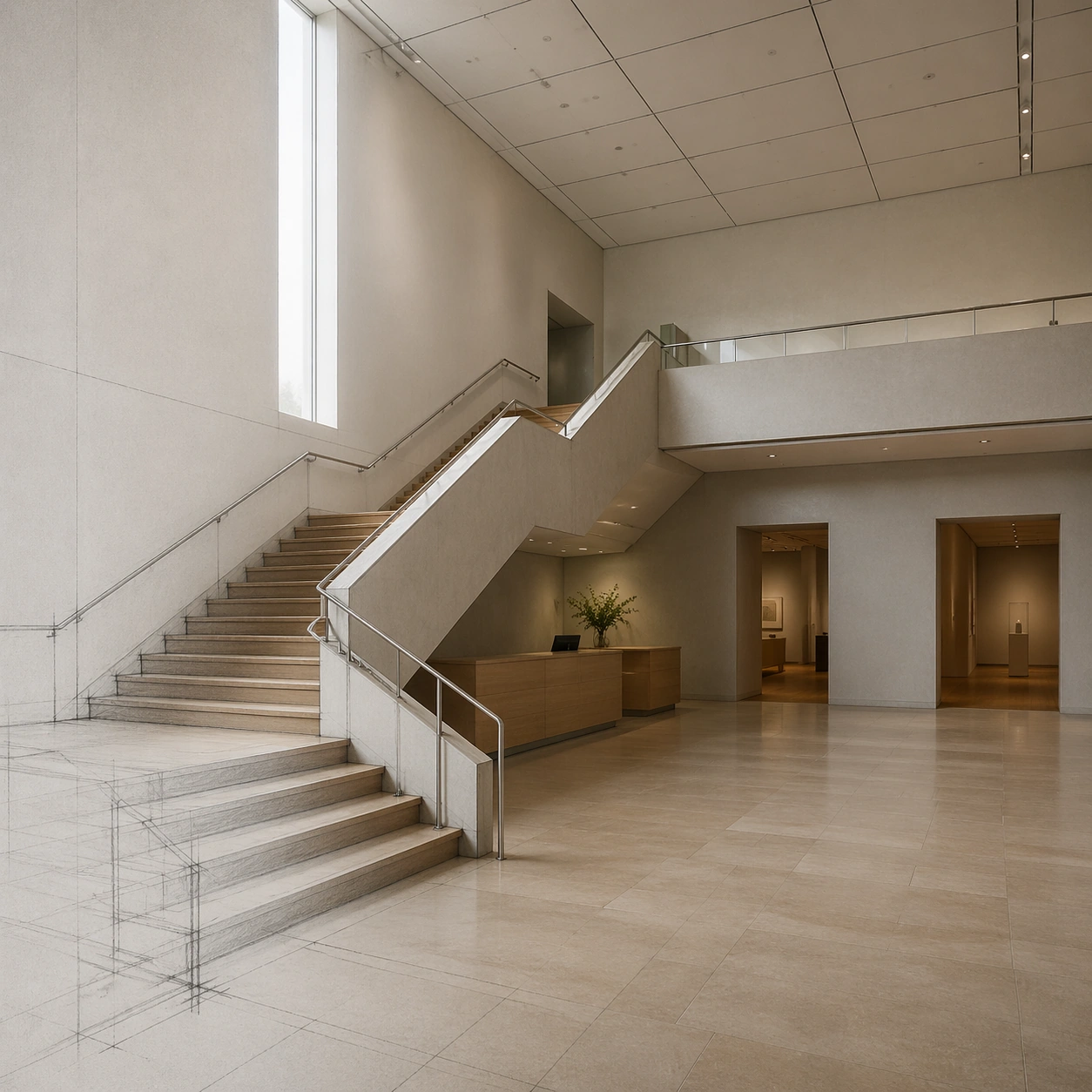
Documento originale
GPT Image 2 · en
Scene:
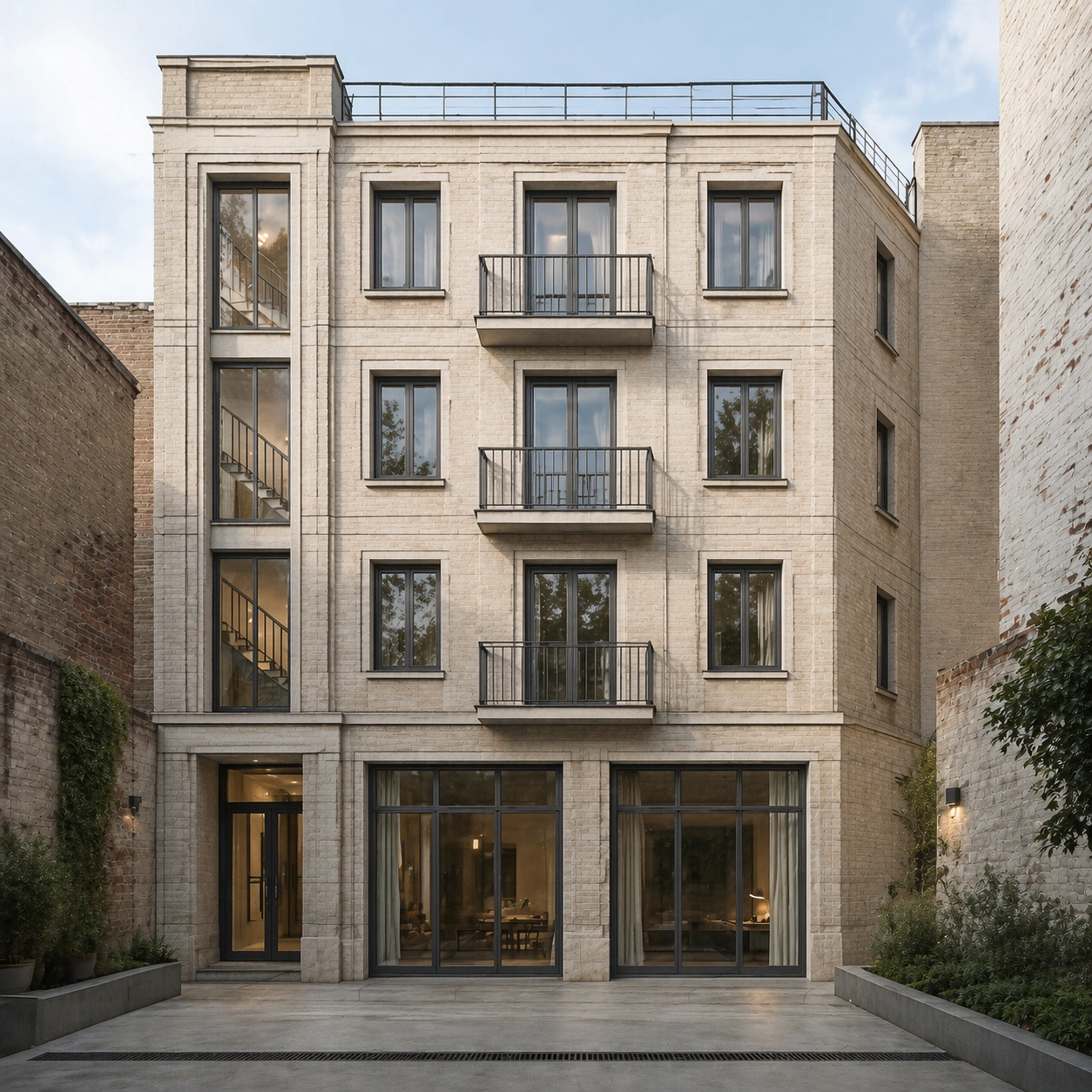
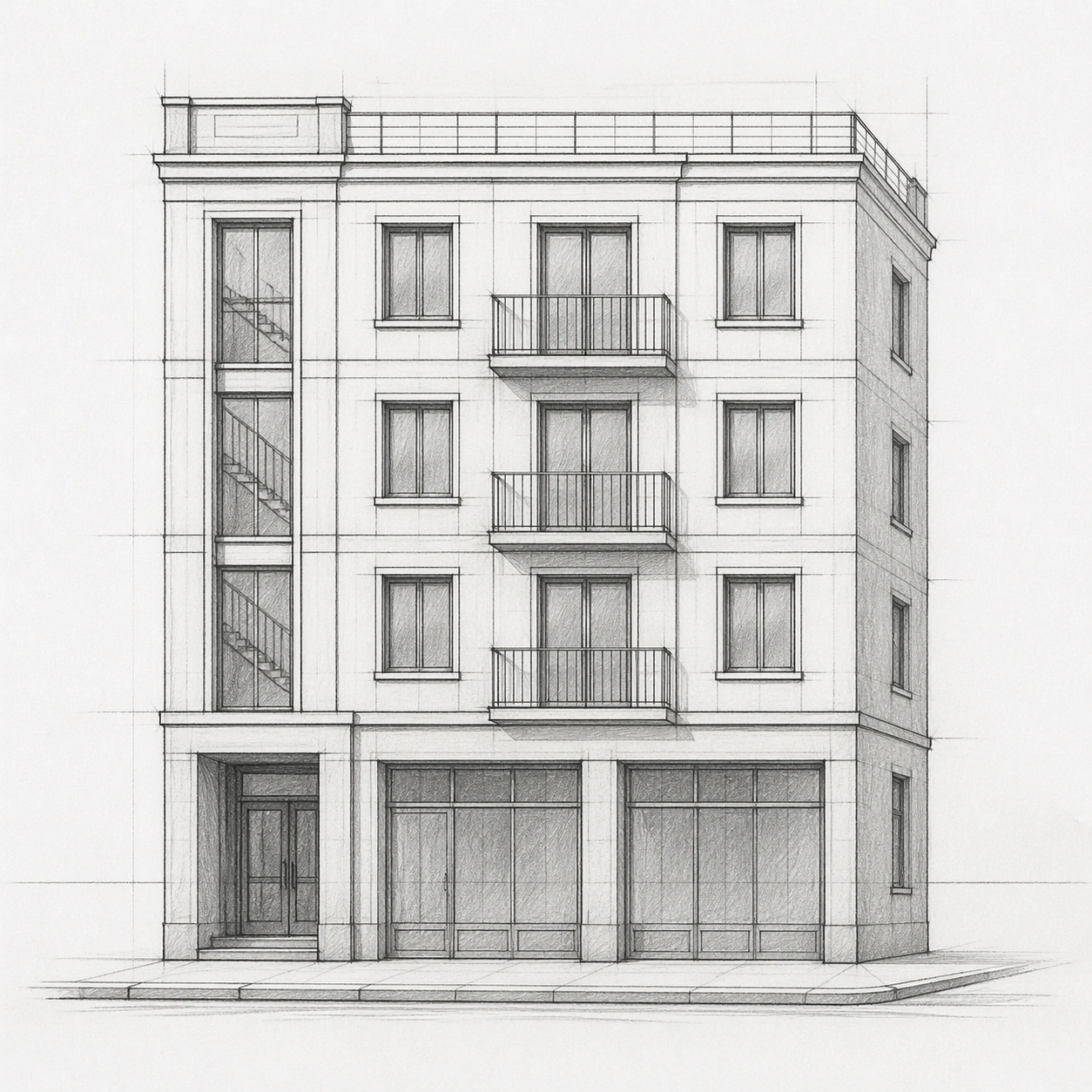
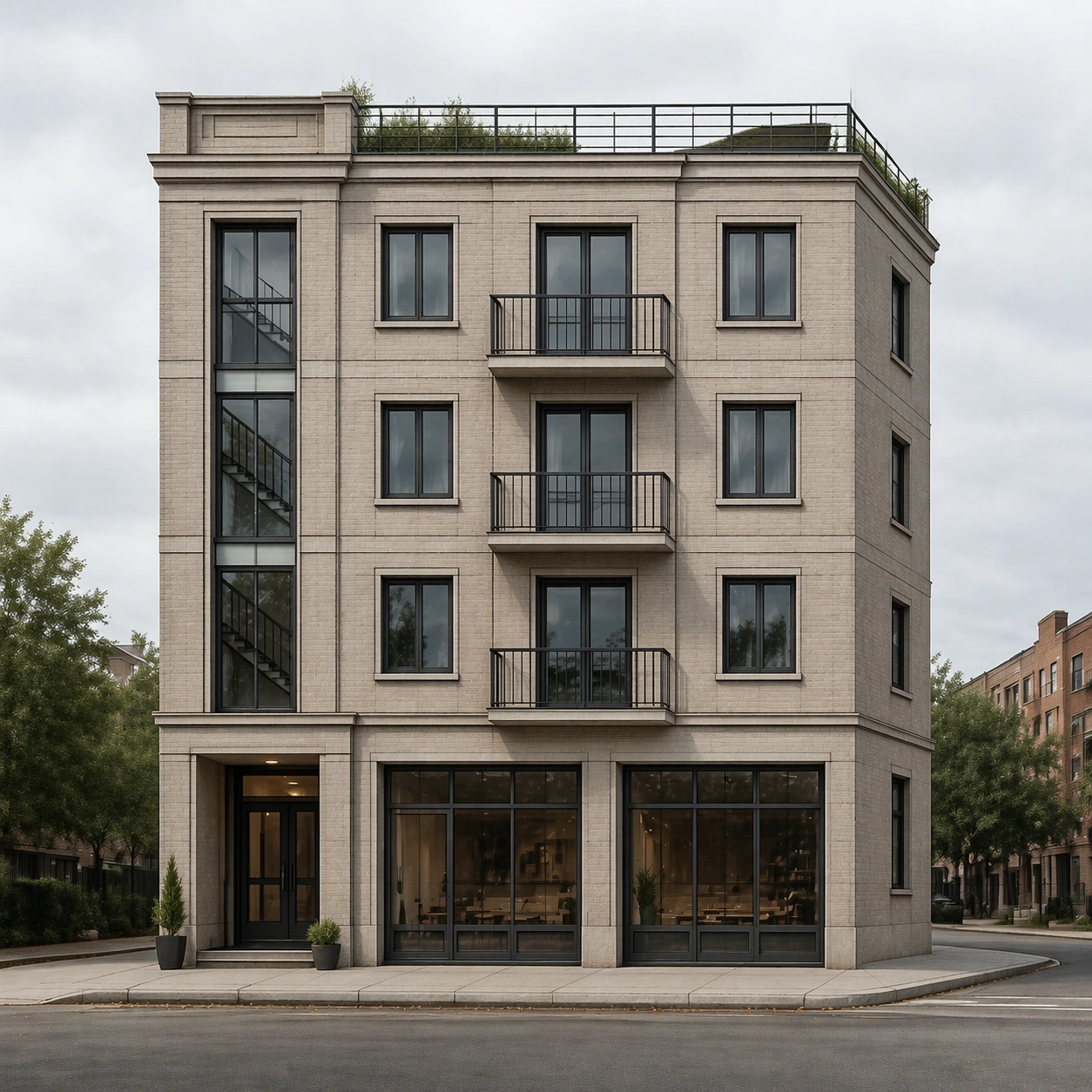
A square photoreal architectural render from street level in bright overcast daylight, using the provided pencil facade sketch as the primary layout reference. The camera is nearly straight-on with a slight corner angle, matching the sketch horizon and proportions. The mood is calm, contemporary, and plausible, with soft shadows, neutral color grading, and realistic lens behavior.

Subject:
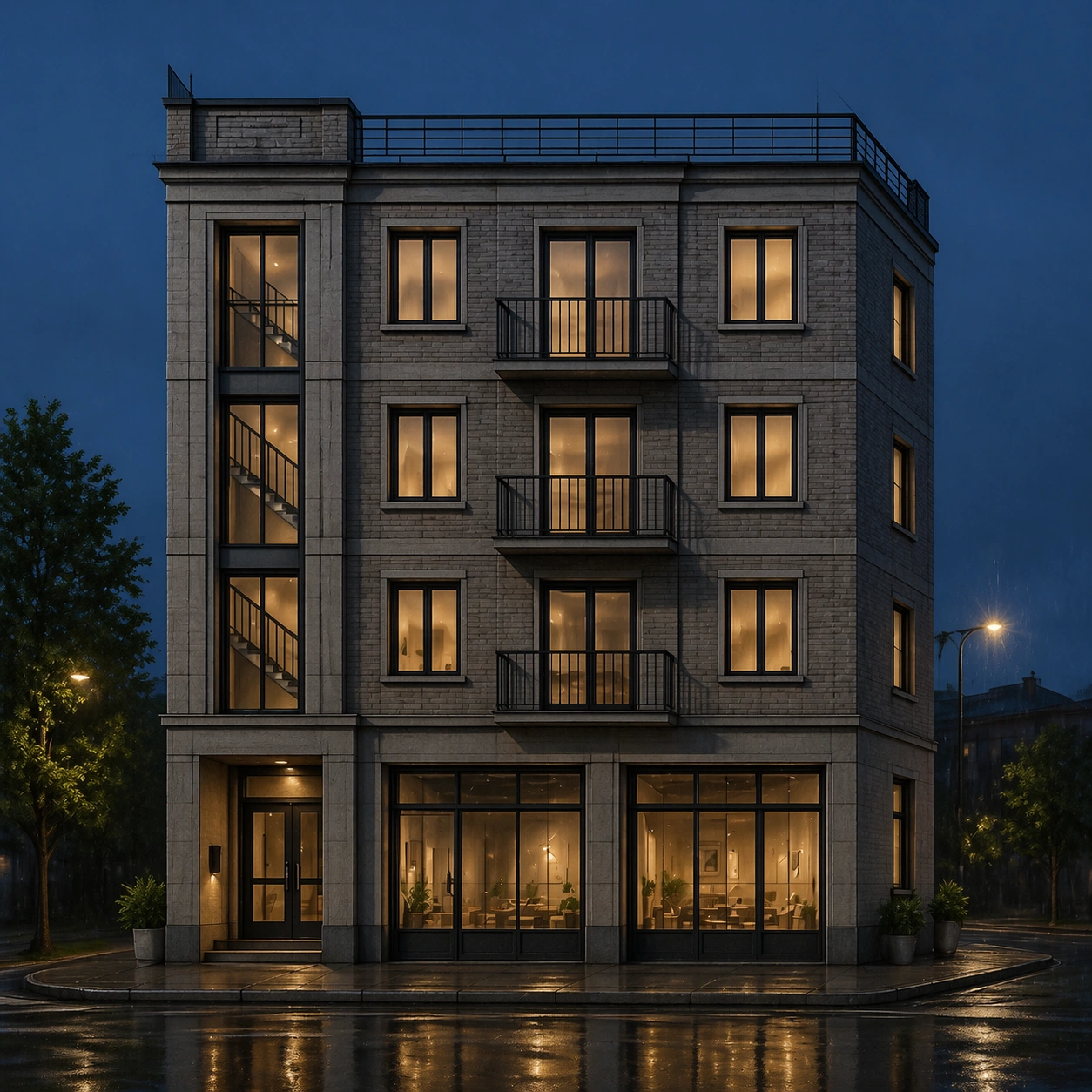
Render the same compact four-story corner apartment building from the reference: recessed entry at lower left, two shopfront bays at street level, three upper residential floors, shallow roof terrace, narrow side return on the right, regular window grid, slender balconies, vertical stairwell slot, and masonry panel divisions. Materials should become real: light warm-gray brick, matte metal balcony rails, clear glass, concrete curb, subtle shopfront glazing, and a restrained planted roof edge.

Important details:
Layout fidelity is the core test. Keep floor count, roofline, horizon height, window rhythm, balcony positions, entry placement, and side return aligned with the reference sketch. Do not redesign the building into a different style. Add only ordinary real-world context: a sidewalk, curb, a few small planters, and distant street surface. Photorealism should come from material response, natural light, scale cues, and believable construction details rather than decorative additions.

Use case:
Sketch to Photoreal Render series study 2/8, converting the reference sketch into a daylight photoreal street render while preserving layout.

Constraints:
No readable text, no watermark, no logos, preserve exact 1:1 aspect ratio, no extra floors, no moved windows, no added towers, no dramatic signage, no crowds, no cars blocking the facade, no fantasy materials.
Come usare
- Copia tutto il prompt originale, inclusi i parametri.
- Adatta soggetto, testo e composizione alle tue esigenze.
- Usa uno strumento esterno compatibile; verifica accesso e risultato.
Prima di iniziare
- Controlla se serve un’immagine di riferimento. La compatibilità non prova il modello usato per l’esempio.
- Verifica nomi, numeri e testi; i risultati cambiano con le versioni del modello.