Funny Chat App Screenshot Prompt

Funny Chat App Screenshot Prompt

Documento originale

GPT Image 2 · en

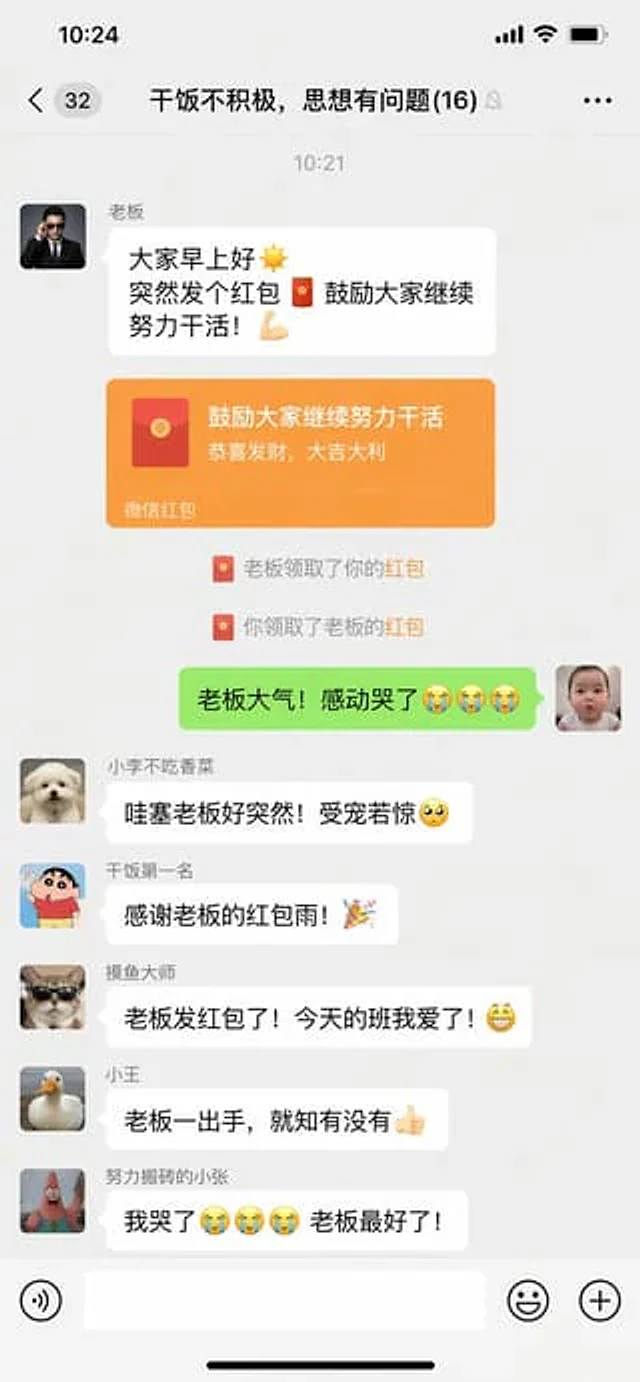
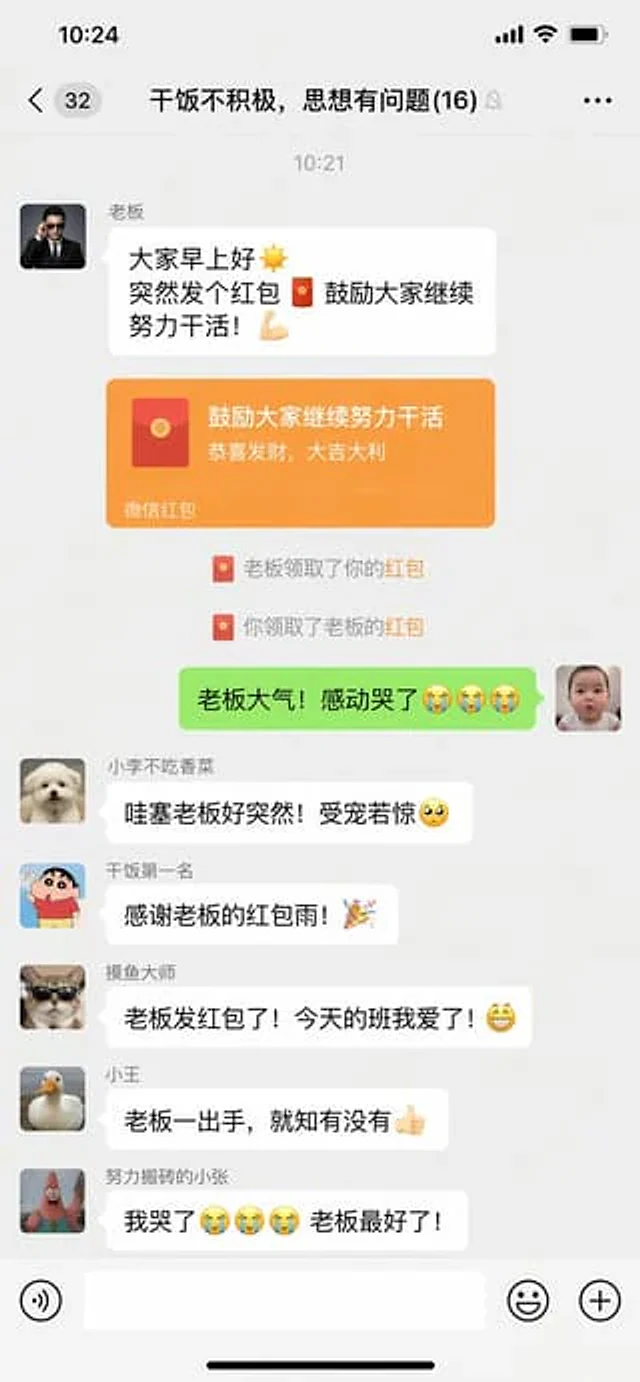
WeChat chat screenshots{argument name="scene" default="An interesting chat interface: the boss suddenly sends a red envelope in the group chat."} .

Come usare

  1. Copia tutto il prompt originale, inclusi i parametri.
  2. Adatta soggetto, testo e composizione alle tue esigenze.
  3. Usa uno strumento esterno compatibile; verifica accesso e risultato.

Prima di iniziare

  • Controlla se serve un’immagine di riferimento. La compatibilità non prova il modello usato per l’esempio.
  • Verifica nomi, numeri e testi; i risultati cambiano con le versioni del modello.
Esempi simili

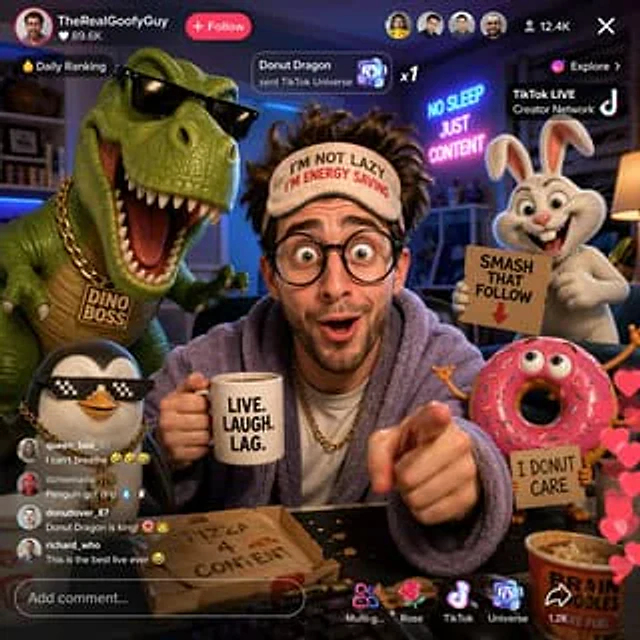
Funny TikTok livestream with cartoon characters
GPT Image 2en

Generate a{argument name="subject" default="Funny guy"} The picture, he is{argument name="platform" default="tiktok"} Go live, surrounded by{argument name="decorations" default="3D cartoon characters"} — Design some interesting content.

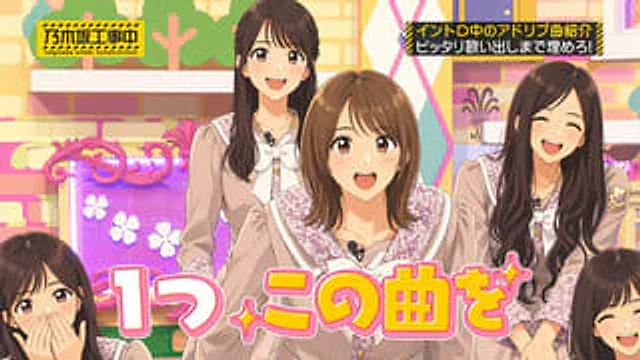
Japanese Idol TV Show Screenshot
GPT Image 2zh

A bright screenshot from a Japanese TV variety show studio, featuring a cheerful, soft color palette reminiscent of idol programs, and a mid-range wide-angle group shot, showcasing {argument name="group size" default="5"} The young women stood closely together, with the center pe

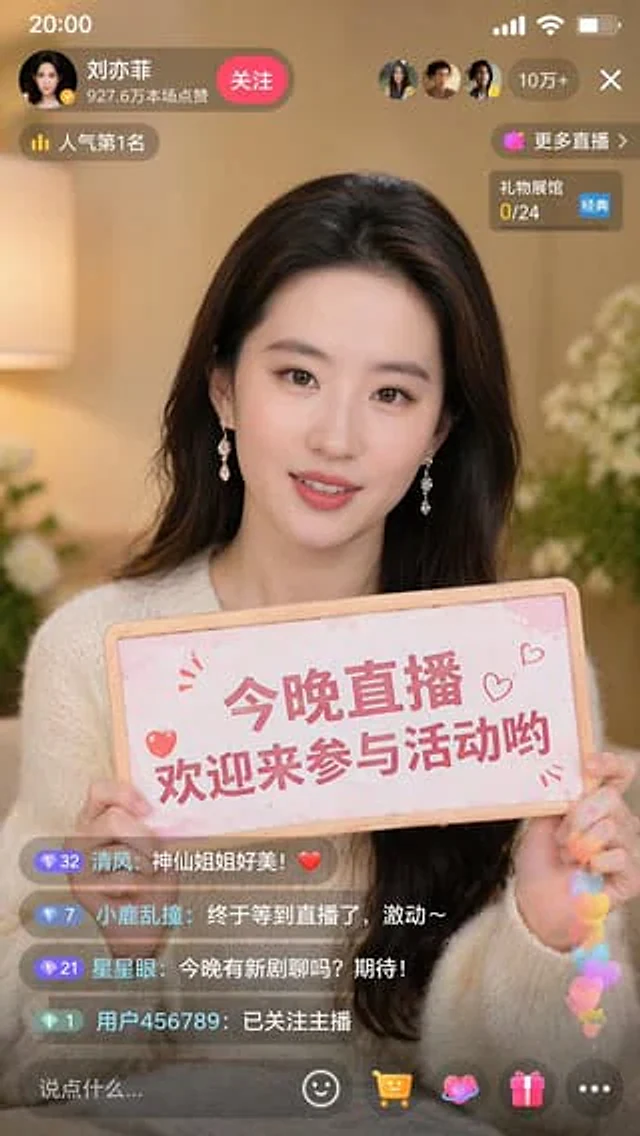
Live Stream Screenshot with Celebrity
GPT Image 2en

Generate a screenshot of a Douyin live stream at a 9:16 ratio, with the person in the picture being {argument name="character" default="Liu Yifei"} She was holding a sign that read, "{argument name="sign text" default="Join me for a live stream tonight and chat with Yifei!"} "

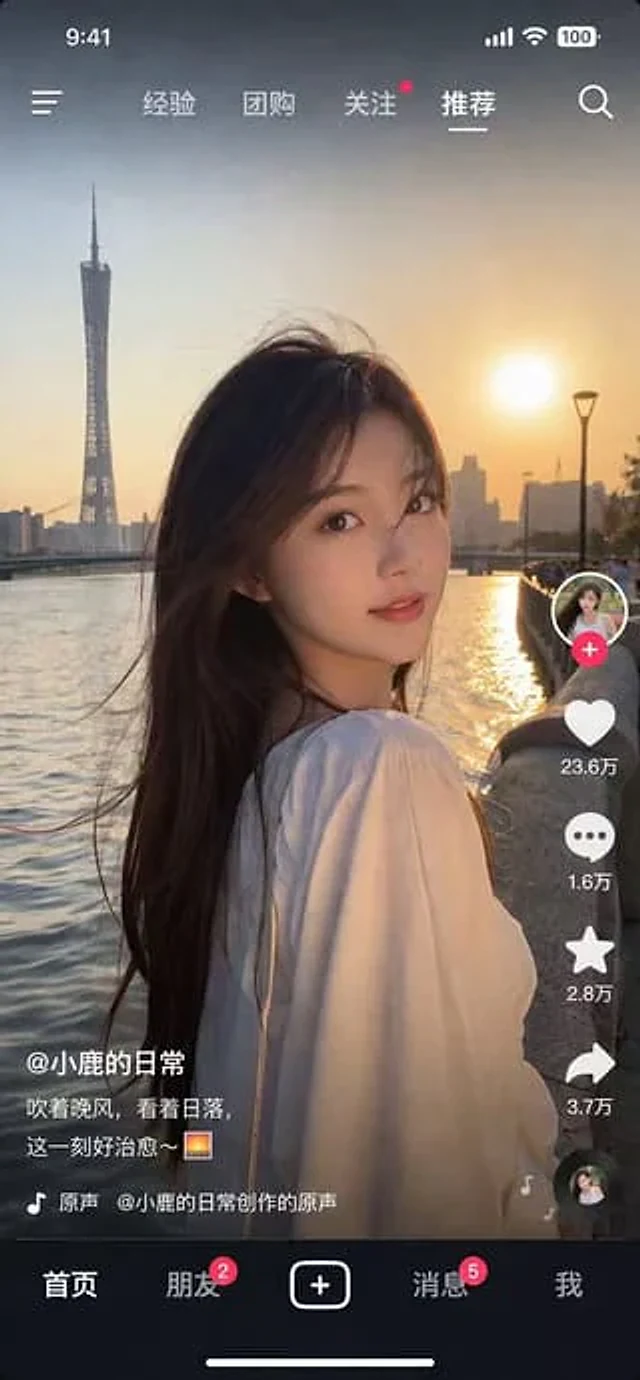
Photorealistic Short Video App Screenshot
GPT Image 2en

{ "type": "Screenshot of a mobile short video app", "style": "Photorealistic quality, highly detailed", "main_image": { "subject": "{argument name=\"subject description\" default=\"A young Asian woman with long dark hair, wearing a white top, turned to look at the camer

AI Image Generator Collage Failure Screenshot
GPT Image 2en

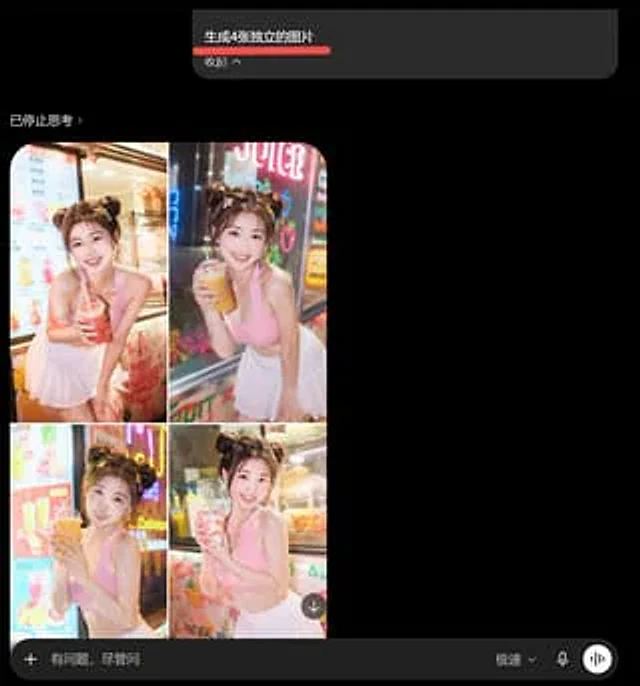
Goal: Create a dark-mode mobile chat screenshot showing an AI image generator response that incorrectly combines four requested images into one 2x2 collage. Canvas: Square screenshot, approximately 768×768 px, black background, cropped like a smartphone app interface in dark mod