Documento originale
GPT Image 2 · en
Scene:
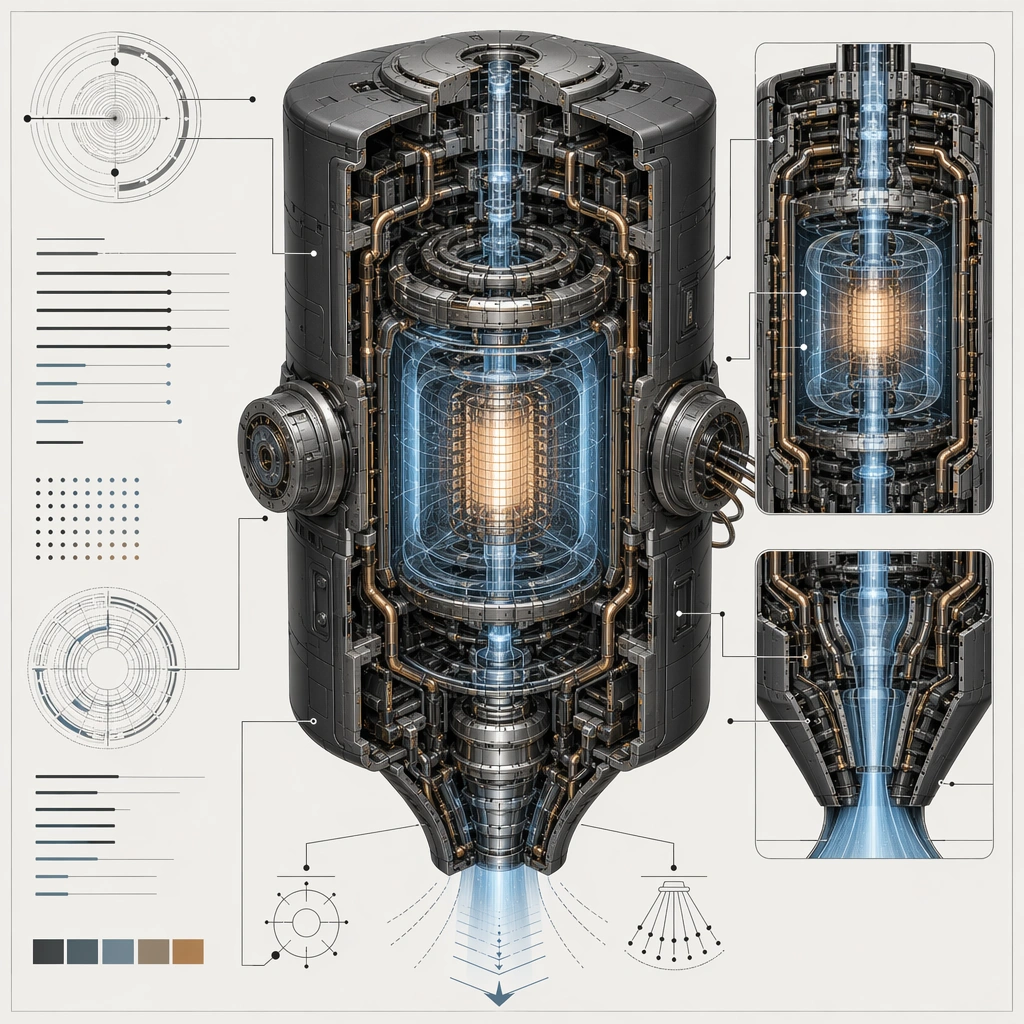
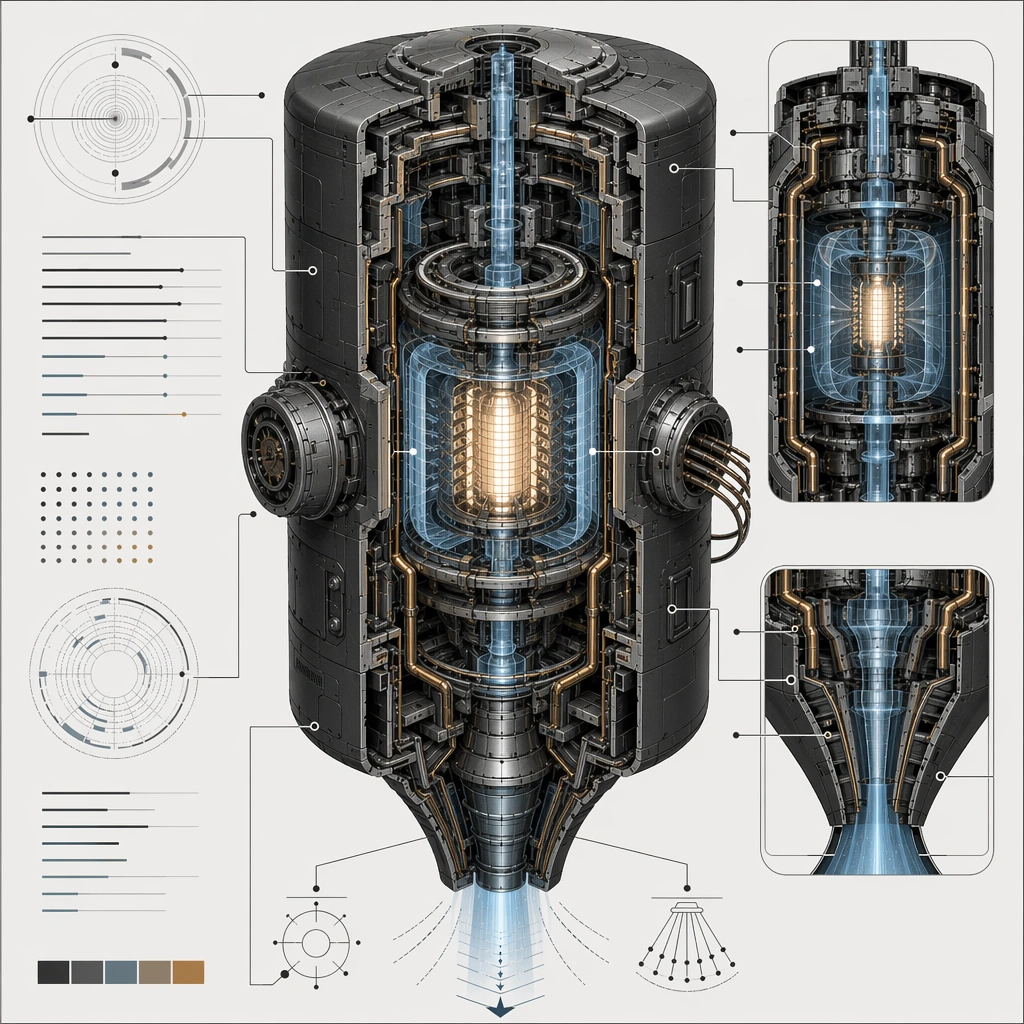
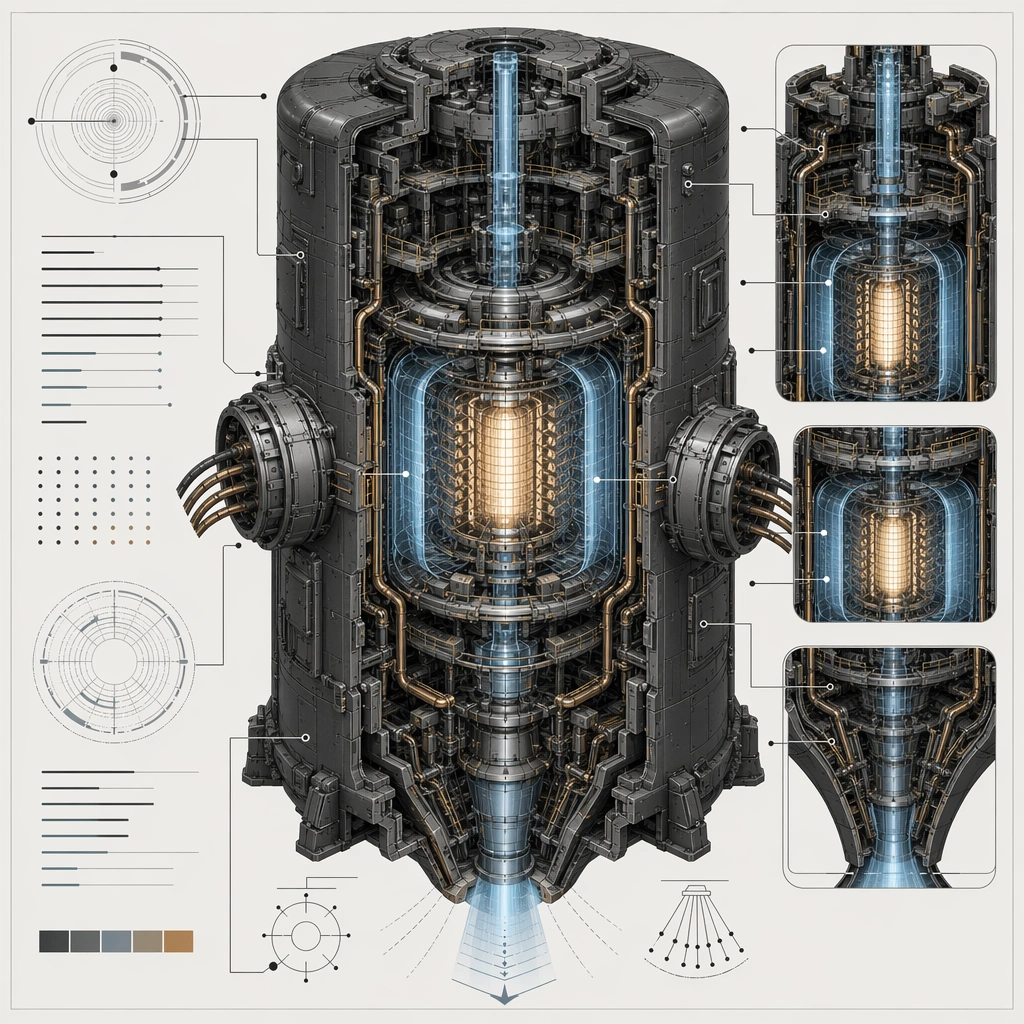
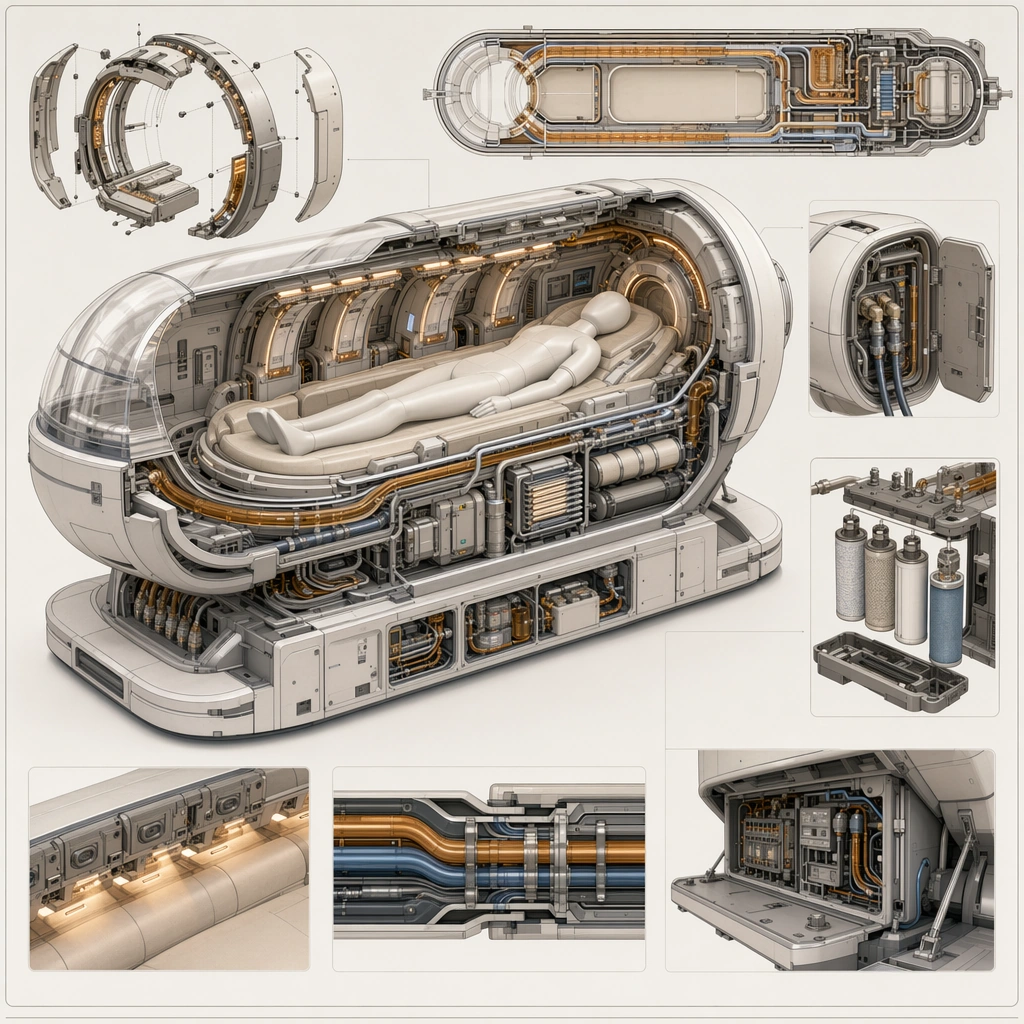
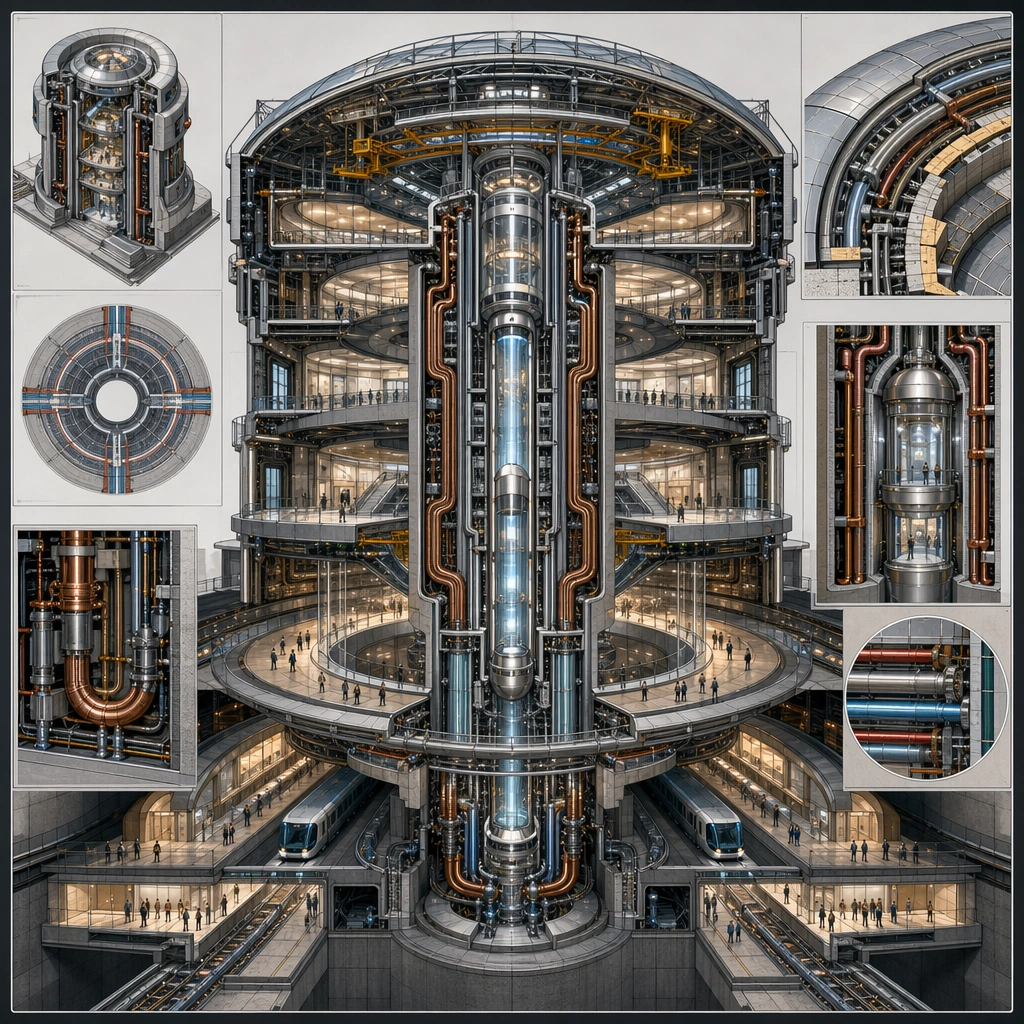
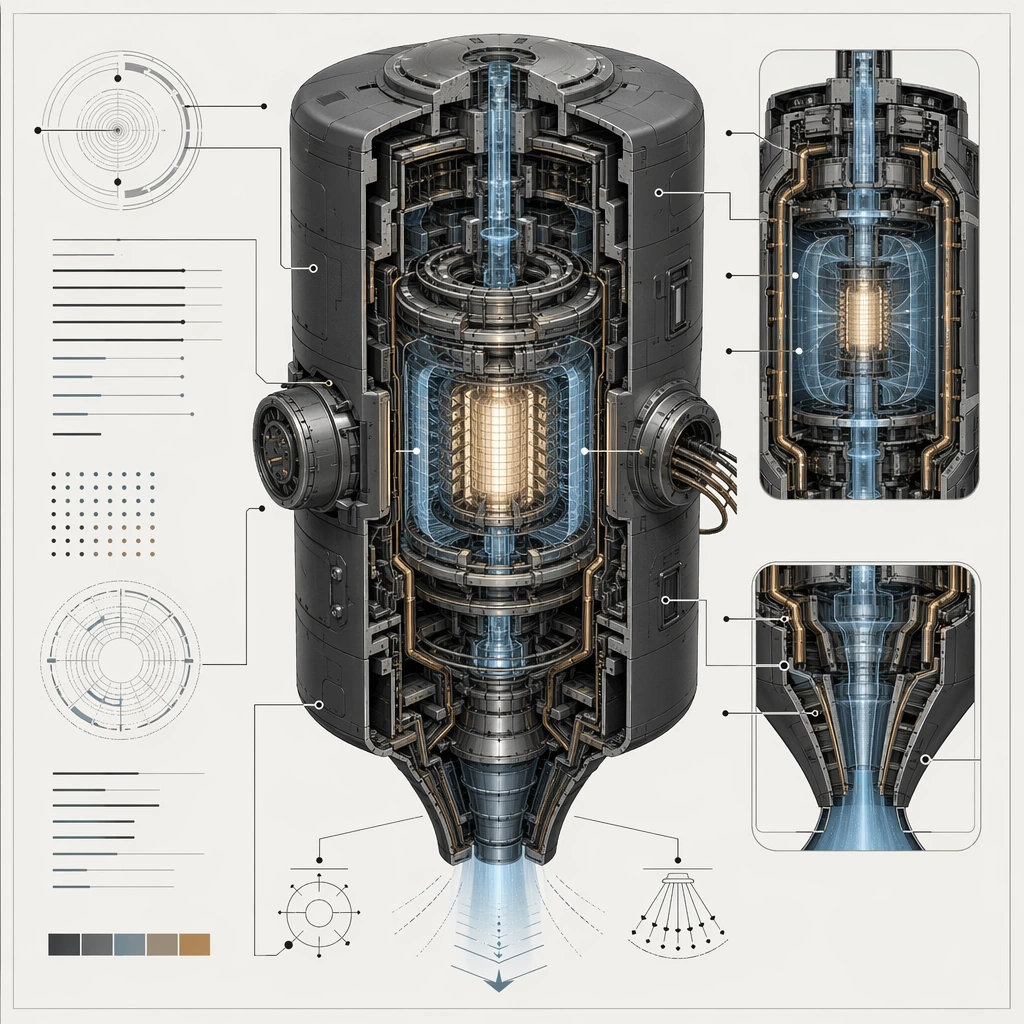
Create a square technical-poster composition for an impossible but convincing device, using cutaway views, section windows, and disciplined layout. The background should stay clean and poster-ready so internal chambers, conduits, shells, and field zones remain readable at a glance. Use lighting and color sparingly to clarify hierarchy rather than to decorate the page. Center a dense engine core on a clean poster field with one main shell cutaway, two supporting sectional windows, and cool industrial light.

Subject:
Center the image on one speculative machine whose internal logic feels thought through: shell, core, coolant path, field chamber, maintenance access, and energy routing should all relate coherently. The device can be fantastical, but it must read like it could be explained by an engineering team. Establish the reference device through a protected outer shell, concentric field chamber, coolant spine, maintenance ports, and emission throat arranged in clear sequence.

Important details:
Treat the poster as a visual explanation system without readable text. Use arrows, callout lines, index dots, section blocks, and sectional contrast only as abstract diagram grammar. The result should feel credible for a concept deck, patent-style board, or advanced product explanation poster. The anchor image should define how cutaway color, section depth, and callout geometry work for the rest of the series. Resolve the anchor rules that later reference-dependent variants must inherit, especially the outer shell silhouette, internal chamber sequencing, conduit routing, and diagram hierarchy.

Use case:
Spec Tech Cutaway series study 1/4, designed as a reusable core-system image for this topic.

Constraints:
No readable text, no watermark, no logos, preserve exact 1:1 aspect ratio, no readable labels, no exploded parts floating without logic, no cartoon simplification, no generic spaceship dashboard noise, no rainbow energy blast effects.
Come usare
- Copia tutto il prompt originale, inclusi i parametri.
- Adatta soggetto, testo e composizione alle tue esigenze.
- Usa uno strumento esterno compatibile; verifica accesso e risultato.
Prima di iniziare
- Controlla se serve un’immagine di riferimento. La compatibilità non prova il modello usato per l’esempio.
- Verifica nomi, numeri e testi; i risultati cambiano con le versioni del modello.