Documento originale
GPT Image 2 · en
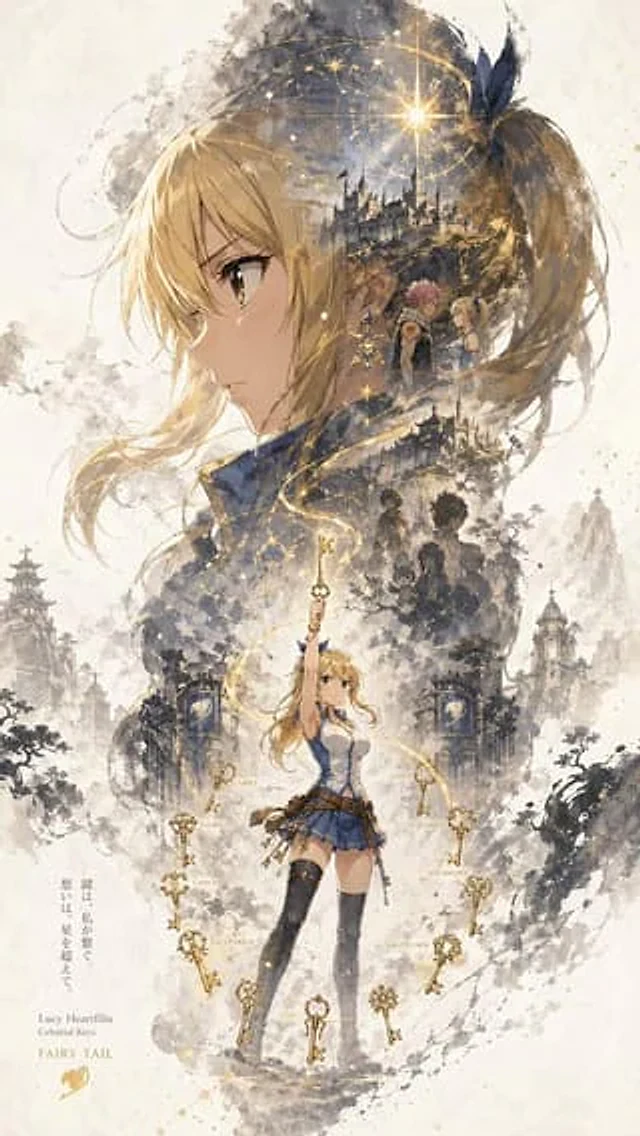
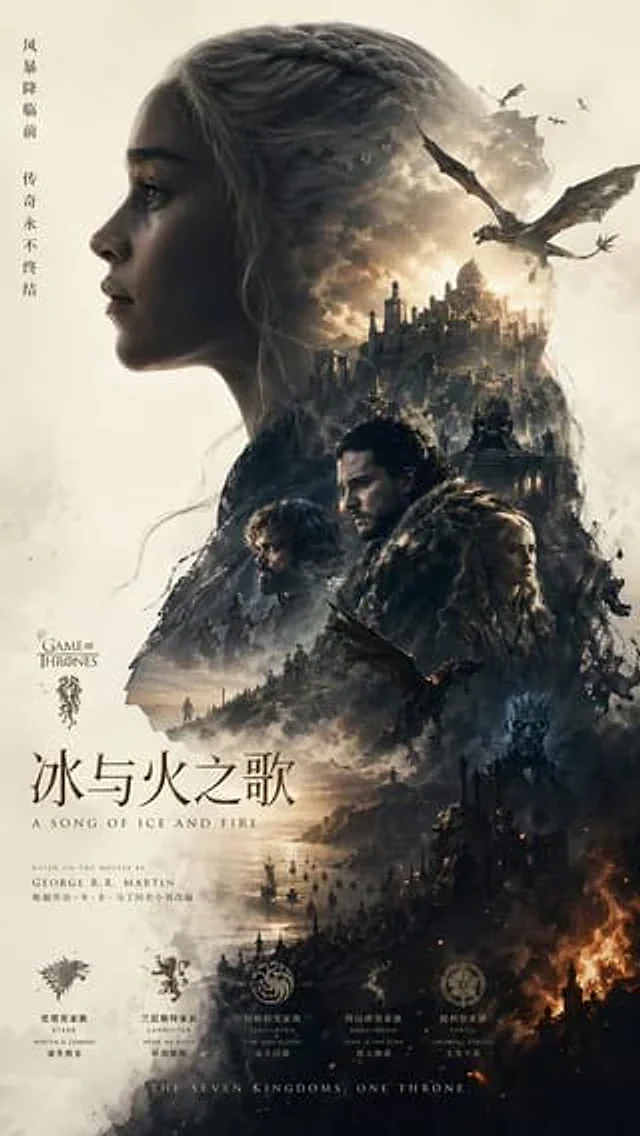
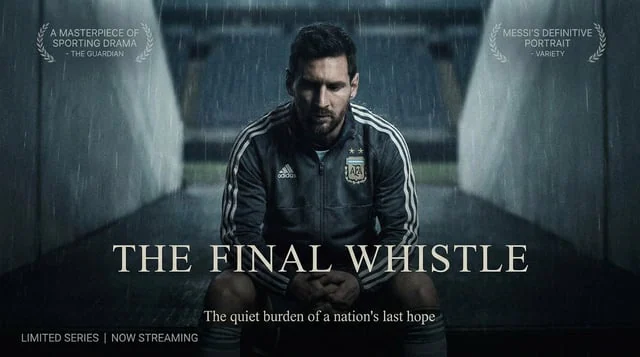
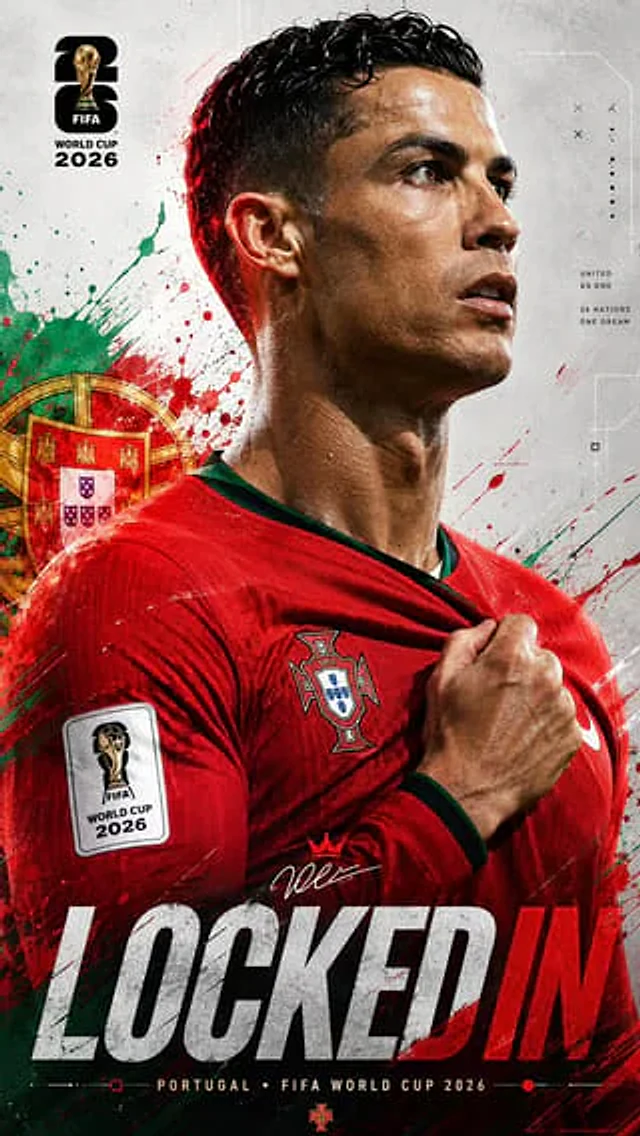
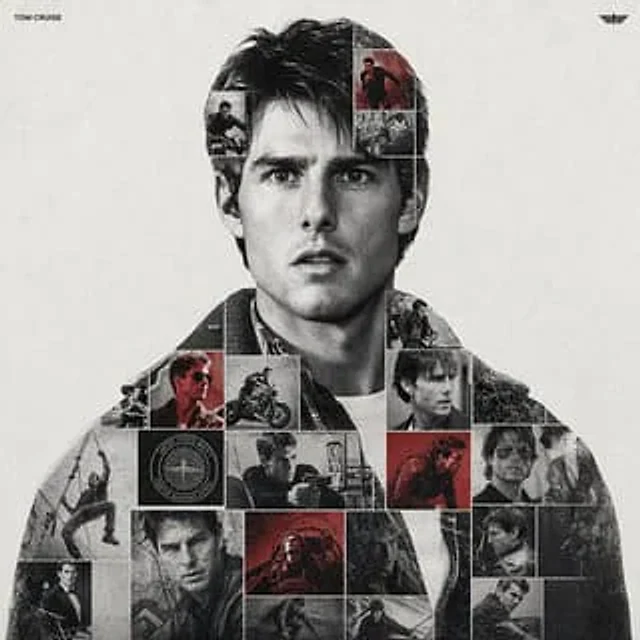
{argument name="subject name" default="[Person's Name]"} Please play the role of a high-end motion graphics designer and create a conceptual tribute poster. The style should be a complex "double exposure photo mesh composite" combined with mixed media textures. Core structure (carrier): The central focus is {argument name="subject name" default="[Person's Name]"} A large, high-contrast black-and-white portrait silhouette. This main portrait serves as the container. Grid Fill and Texture (Mixed Media): The silhouette is filled with a dense “photo mosaic grid” of action shots from the subject’s career. Key Texture Notes: Don’t just tile the photo. Apply artistic textures to different grid cells to create a tactile and collage-like feel. Use the following effects: Halftone Dots: Use a comic book-style raster pattern on selected cells. Fabric/Embroidery: Subtle stitching or canvas textures to suggest the feel of a jersey or patch. Film Grain: Add heavy noise to specific high-contrast action shots. Color Strategy: The base is black and white monochrome. Use selective color overlays (related to the team/flag) only on specific grid cells to create rhythm. Typography and Branding (Strict Miniature Scale): Top Left (Name): Use{argument name="font family" default="Inter Semibold"} Font writing{argument name="subject name" default="[Person's Name]"} ". Kicking Adjustment: Tight negative kicking (-4%). Size: Small and understated. Its width should not exceed 20% of the canvas width. Avoid making it too large or conspicuous. Top Right Corner (Symbol): Place the main logo (team/brand/flag). Size: Very small. Its width should not exceed 10% of the canvas width. Composition and Background: Background: Off-white or light gray with a visible high-quality paper or concrete texture. It should not be a flat, pure white number. Alignment: Perfectly center the subject. Maintain ample white space around the object."Come usare
- Copia tutto il prompt originale, inclusi i parametri.
- Adatta soggetto, testo e composizione alle tue esigenze.
- Usa uno strumento esterno compatibile; verifica accesso e risultato.
Prima di iniziare
- Controlla se serve un’immagine di riferimento. La compatibilità non prova il modello usato per l’esempio.
- Verifica nomi, numeri e testi; i risultati cambiano con le versioni del modello.