Documento originale
GPT Image 2 · en
Scene:
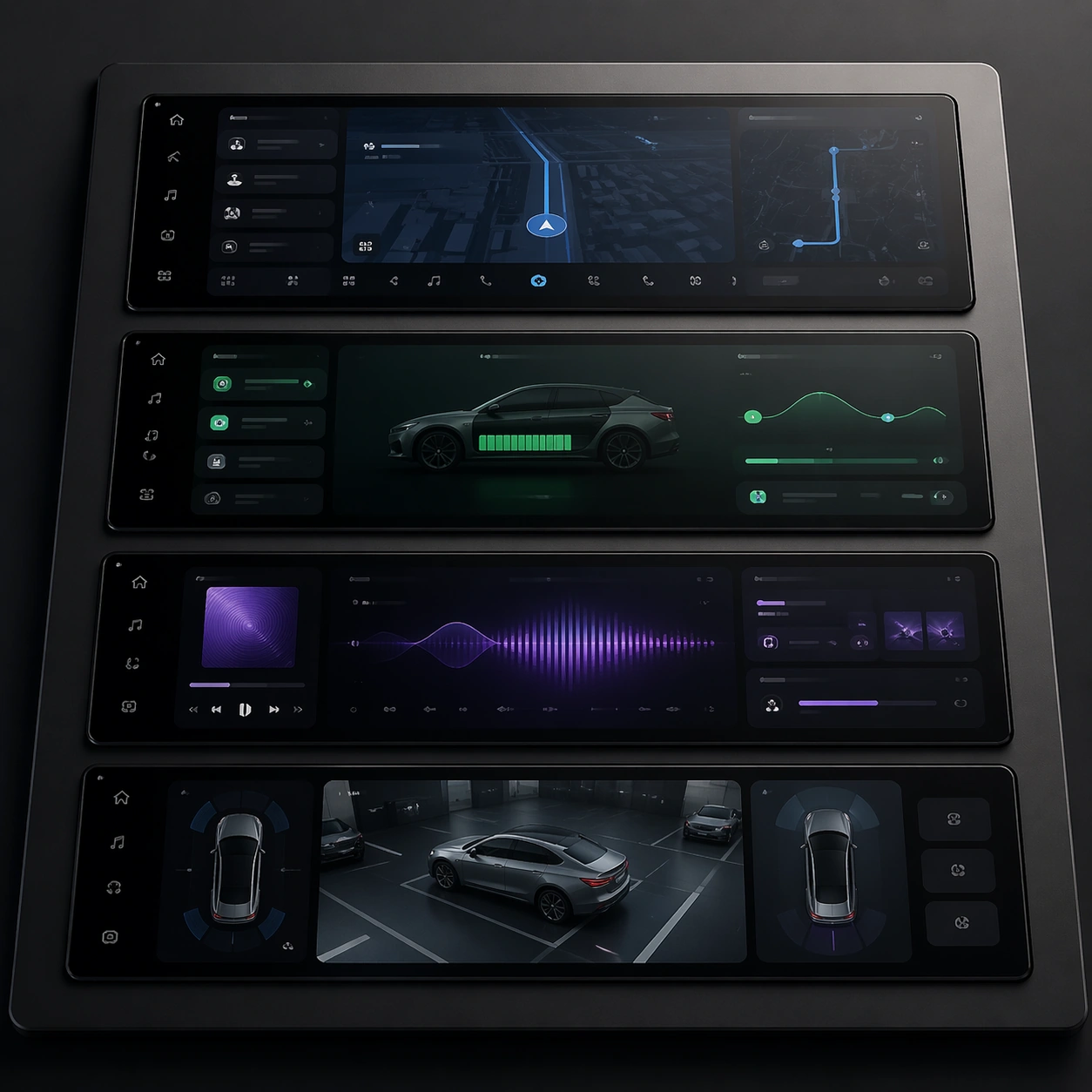
A square flat-to-slightly-angled board with screen panels, clean reflections, dark neutral ground, and disciplined spacing. Compose the frame as a square key visual with disciplined camera placement, premium lighting control, and believable real-world scale. The tonal range should feel polished and intentional, with enough atmosphere to create depth without obscuring form. Keep contrast calibrated for launch, catalog, or research presentation use rather than casual snapshot aesthetics.

Subject:
Center original in-car interface states for navigation, energy, audio, and parking embedded into premium display surfaces. Make the subject feel original, production-aware, and clearly grounded in Automotive Interior Cockpit UI Hero. Treat this as an independent study that must feel complete and coherent without relying on any external reference image. The focal hierarchy should be immediate: primary form first, then material behavior, then supporting environmental cues that clarify use context and difficulty.

Important details:
Use automotive UI logic with abstract graphs, icon blocks, and map fields that remain non-readable. The board should feel like a real design review artifact rather than a fantasy dashboard collage. The visual language should still feel native to Automotive Interior Cockpit UI Hero, using disciplined industrial or campaign composition instead of generic stock photography. Use believable materials, engineering logic, and professional composition discipline. Reflections, shadows, edge breaks, texture scale, interface density, and small physical joints must all support realism. Avoid filler props, vague mood-board clutter, or any element that weakens the sense of a purpose-built industrial or automotive image.

Use case:
Cockpit UI single study 5/9 for Automotive Interior Cockpit UI Hero, built as image support-one.

Constraints:
No readable text, no watermark, no logos, preserve exact 1:1 aspect ratio, no readable text, no logos, no app-store iconography, no fantasy holograms, no navigation labels, no brand marks.
Come usare
- Copia tutto il prompt originale, inclusi i parametri.
- Adatta soggetto, testo e composizione alle tue esigenze.
- Usa uno strumento esterno compatibile; verifica accesso e risultato.
Prima di iniziare
- Controlla se serve un’immagine di riferimento. La compatibilità non prova il modello usato per l’esempio.
- Verifica nomi, numeri e testi; i risultati cambiano con le versioni del modello.