
Documento originale
GPT Image 2 · en
Scene:
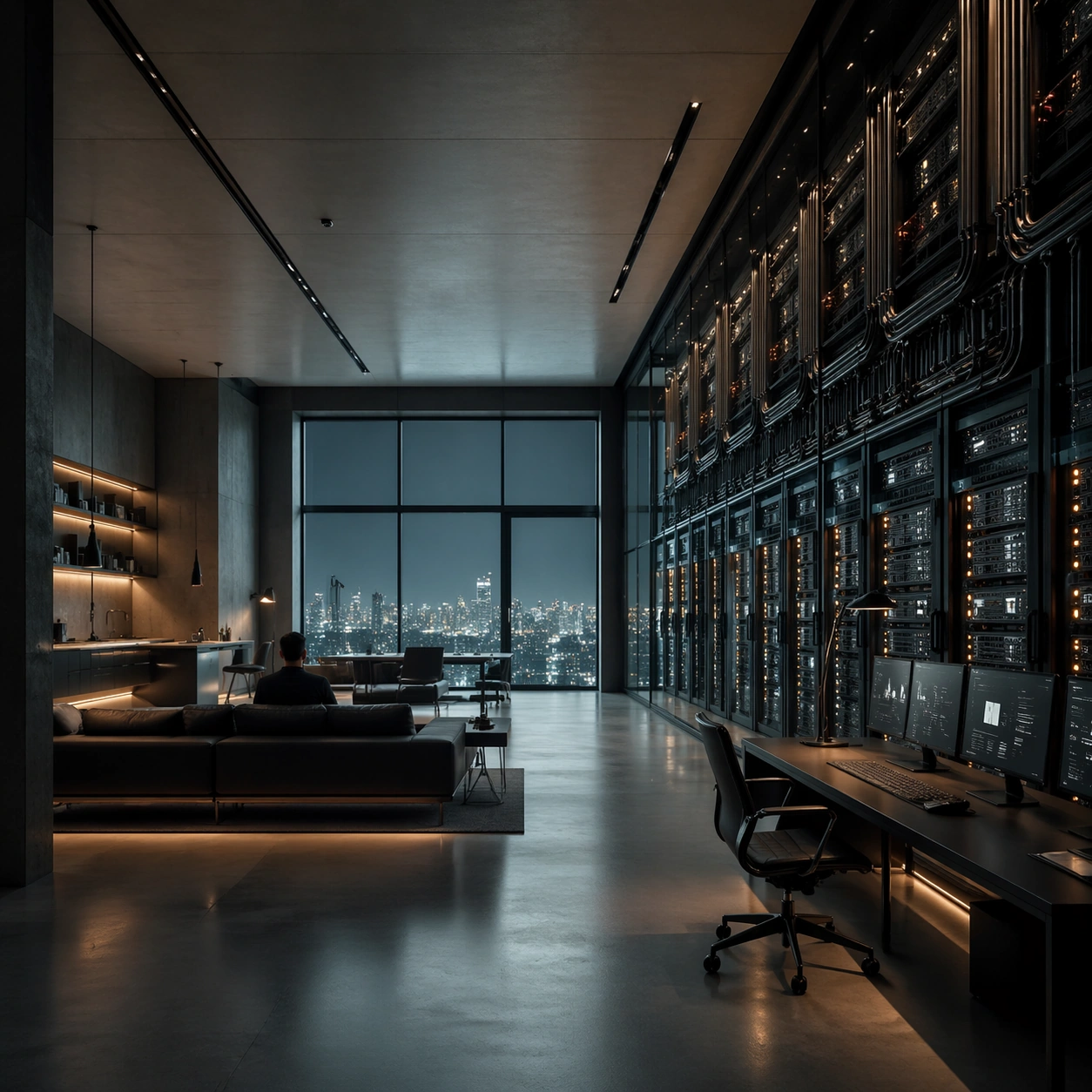
A square interior image defined by desaturated teal, nicotine amber, matte charcoal, and polished glass, with every desk, chair, monitor, and light source positioned with mathematical restraint. The room should feel contemporary and expensive, but emotionally distant, as if every element has been audited for balance and control. Compose a loft apartment where one wall has been replaced by server racks and cable management channels, balanced by calm residential furnishings on the opposite side.

Subject:
Use office floors, apartments, control rooms, or meeting spaces where human figures appear small, backlit, and subordinate to the grid of furniture and screens. The subject is not one person so much as the cold system of objects, reflections, and intervals between them. A resident in dark clothing sits at a minimalist sofa facing the racks, small against the machine wall.

Important details:
The signature depends on exact spacing, subdued color, restrained contrast, and a polished investigative mood. Preserve orderly cable paths, clean desk surfaces, sensible monitor glow, and strong negative space. Avoid colorful personality clutter, playful decor, or casual lived-in mess. Keep the electronics elegant and believable, with amber status lights punctuating a largely teal, charcoal, and smoke palette.

Use case:
Cold Precision Grid Interior single study 7/9.

Constraints:
No readable text, no watermark, no logos, preserve exact 1:1 aspect ratio, no visible logos on screens, no colorful sticky notes, no comic exaggeration, no warm family-home coziness, no random clutter piles, no broken anatomy, no low-detail background, no accidental text fragments.
Come usare
- Copia tutto il prompt originale, inclusi i parametri.
- Adatta soggetto, testo e composizione alle tue esigenze.
- Usa uno strumento esterno compatibile; verifica accesso e risultato.
Prima di iniziare
- Controlla se serve un’immagine di riferimento. La compatibilità non prova il modello usato per l’esempio.
- Verifica nomi, numeri e testi; i risultati cambiano con le versioni del modello.