Documento originale
GPT Image 2 · en
Scene:
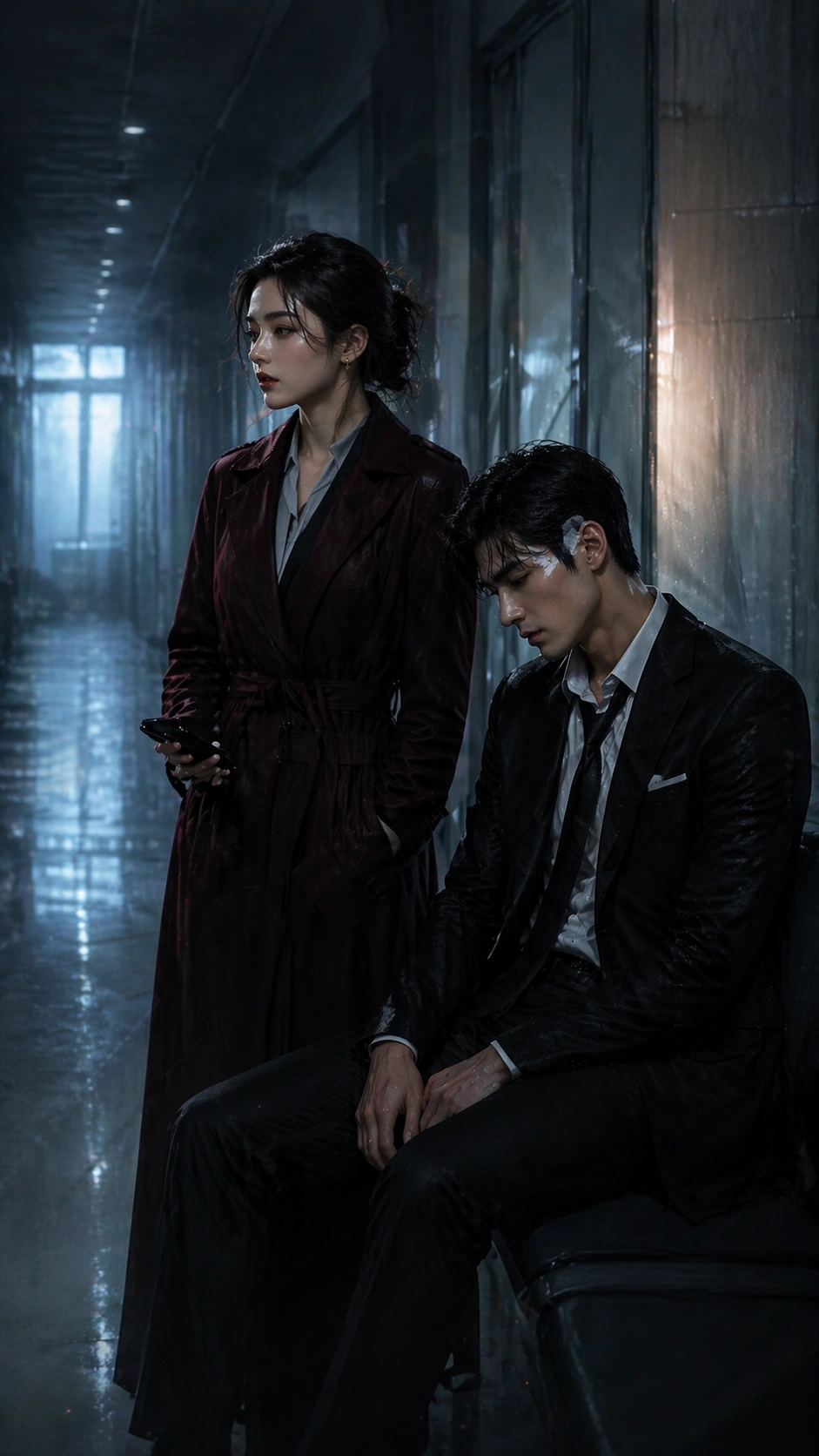
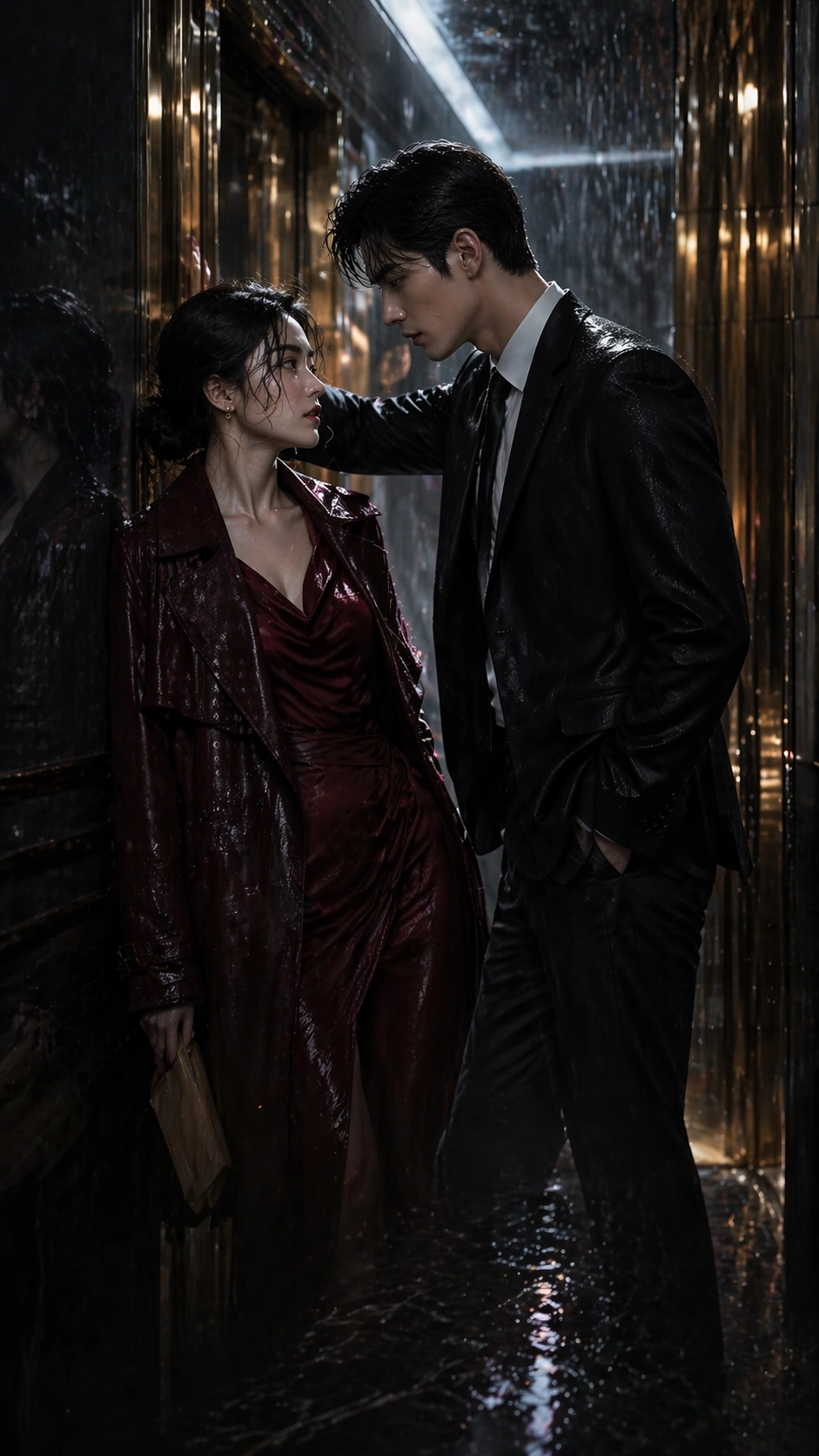
A tall 9:16 episode-cover poster inside a mirrored elevator lobby during heavy rain, with gold lift doors, water tracked across marble floor, and cool overhead light reflected in long vertical strips. The composition must remain instantly legible on mobile: a dramatic top third, a tight emotional midsection, and a restrained lower area where platform labels or episode markers could later sit as unreadable graphic blocks. Keep the palette deep charcoal, champagne gold, storm blue, and wine red.

Subject:
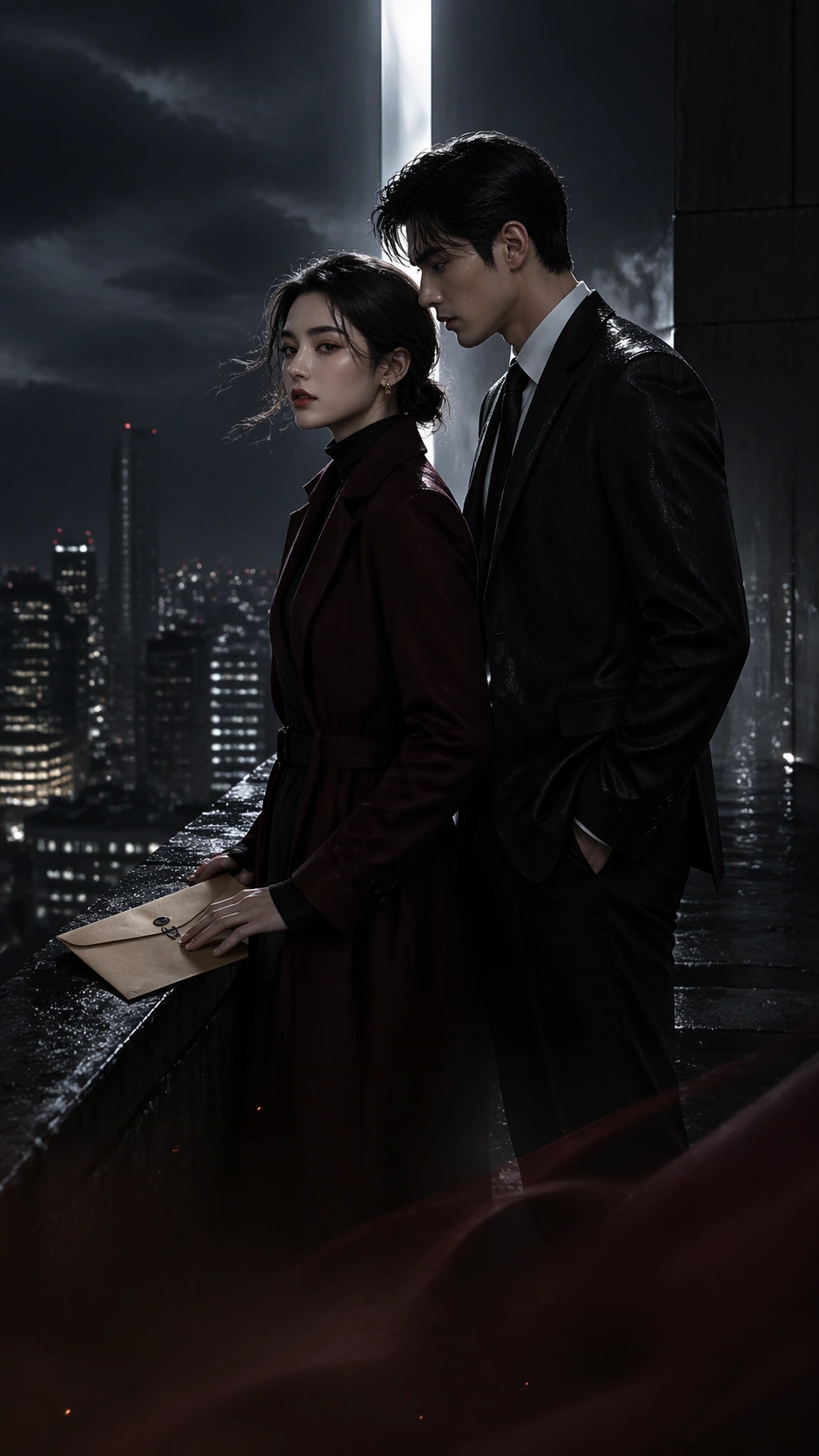
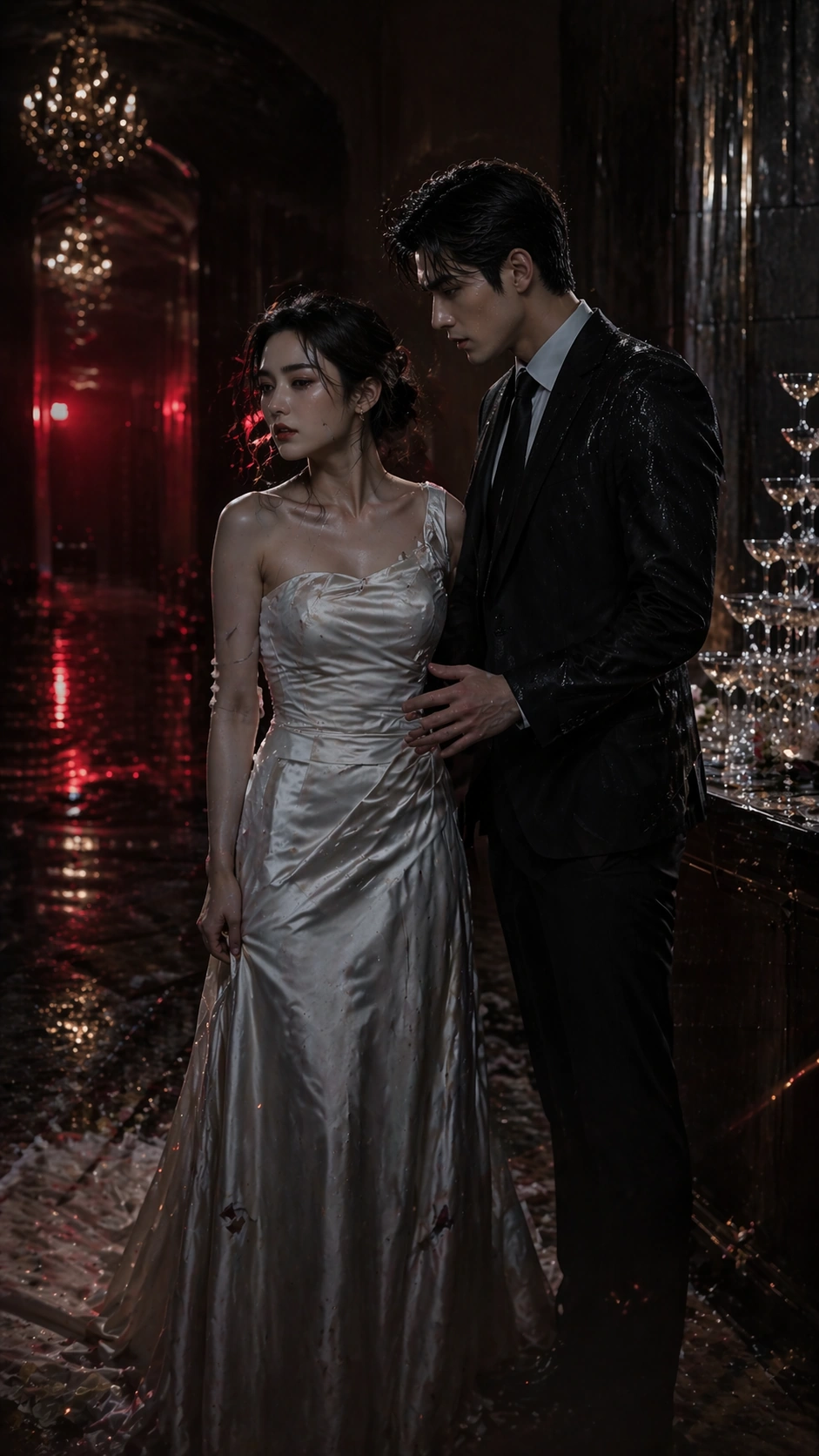
Using the referenced lead pair as the primary continuity source, preserve the same heiress and bodyguard identities, their height difference, face structure, hair silhouettes, and distrust-charged attraction. Move them into a rain-soaked elevator standoff: the heiress has just stepped out in a dark red dress under a soaked coat, and the bodyguard blocks the closing doors with one hand while looking directly at her. Their poses should intensify the relationship while clearly remaining the same characters from image 01. Rain droplets, coat texture, and mirrored reflections should add melodrama without cluttering the narrow frame.

Important details:
This image tests whether the poster system can evolve chapter to chapter while staying platform-clean. Keep the visual hierarchy disciplined: top rain atmosphere, center face tension, bottom quiet area for overlay. Preserve character continuity more than styling novelty. The poster should feel like a real vertical-drama app cover that could run as episode two artwork, with room for unreadable hook-badge shapes but no literal text.

Use case:
Vertical Drama Poster System series study 2/9, preserving the reference couple while translating them into a rain-soaked elevator episode cover.

Constraints:
No readable text, no watermark, no logos, preserve exact 9:16 aspect ratio, no cast swap, no extra paparazzi, no broad embrace, no empty white studio backdrop, no comic lightning effects, no overfilled lower frame, no platform UI buttons.
Come usare
- Copia tutto il prompt originale, inclusi i parametri.
- Adatta soggetto, testo e composizione alle tue esigenze.
- Usa uno strumento esterno compatibile; verifica accesso e risultato.
Prima di iniziare
- Controlla se serve un’immagine di riferimento. La compatibilità non prova il modello usato per l’esempio.
- Verifica nomi, numeri e testi; i risultati cambiano con le versioni del modello.