Documento originale
GPT Image 2 · en
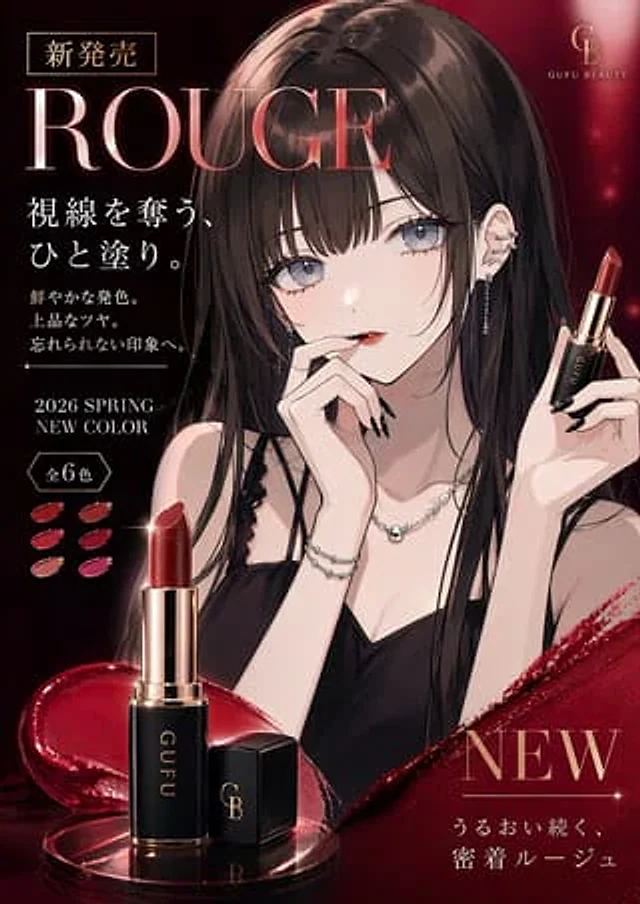
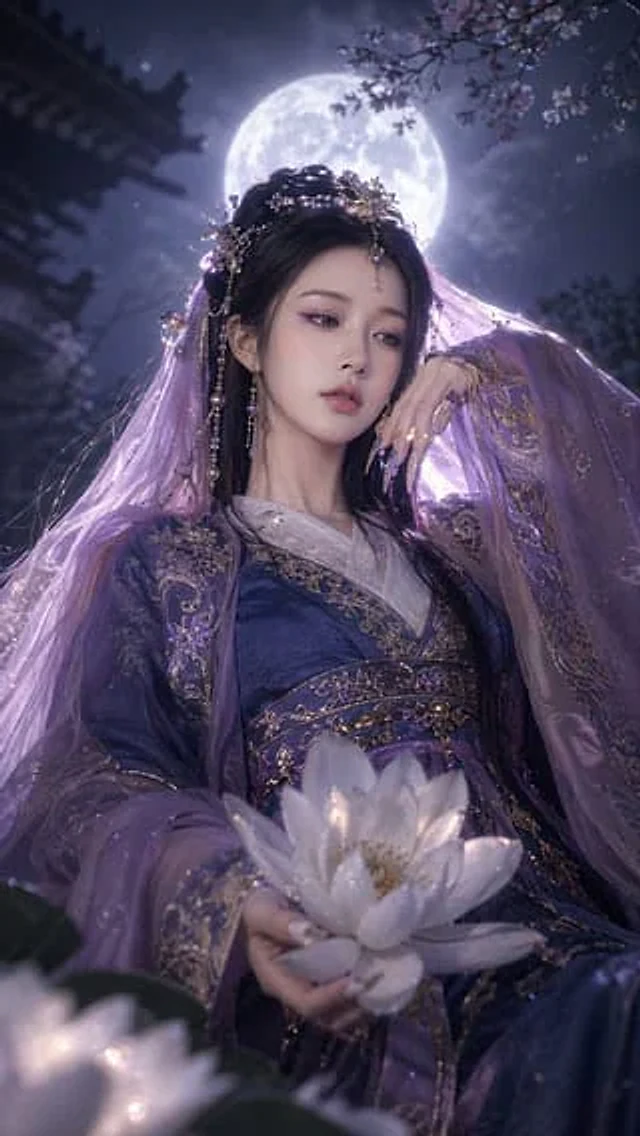
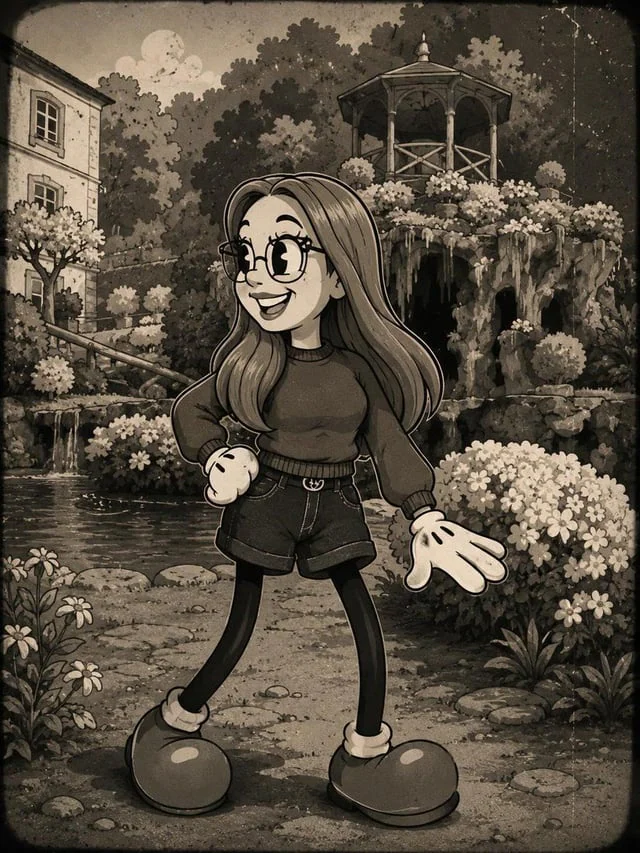
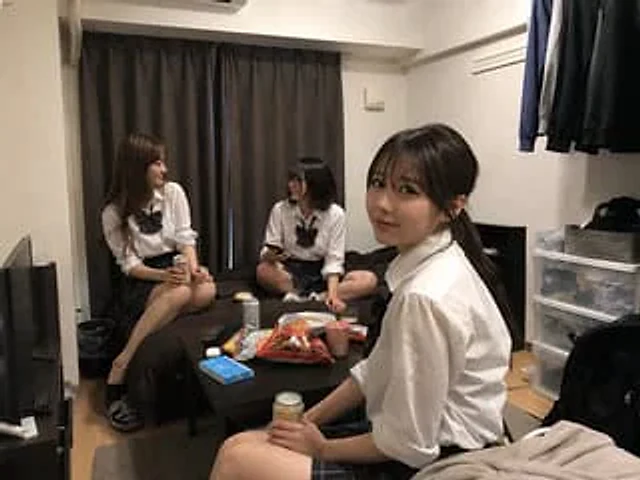
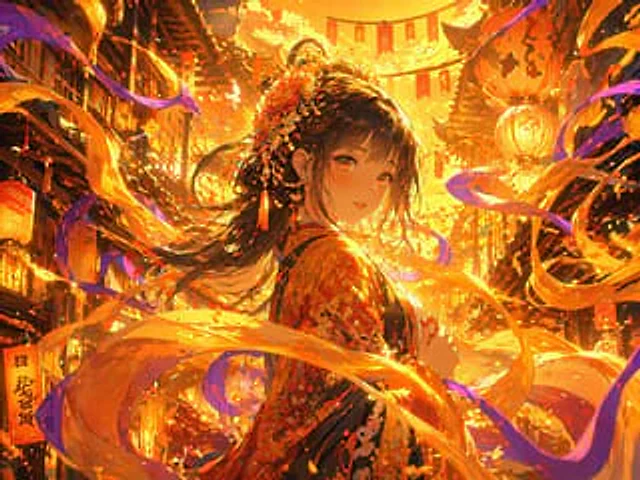
Using the provided reference image, apply a strong {argument name="lighting color" default="Gold and orange"} Use lighting effects to transition scenes. Add dynamic, rotating effects.{argument name="magical element" default="Glowing ribbons and energy trails"} This allows the light to surround the character and move through the foreground and background. The character's hair is made to dynamically flow in the wind, and the air is filled with shimmering light particles. While retaining the original character design, pose, and lantern-lit street background, the overall visual effect is elevated to a higher level.{argument name="aesthetic style" default="A magical anime with dazzling light"} Aesthetic style.Come usare
- Copia tutto il prompt originale, inclusi i parametri.
- Adatta soggetto, testo e composizione alle tue esigenze.
- Usa uno strumento esterno compatibile; verifica accesso e risultato.
Prima di iniziare
- Controlla se serve un’immagine di riferimento. La compatibilità non prova il modello usato per l’esempio.
- Verifica nomi, numeri e testi; i risultati cambiano con le versioni del modello.