Documento originale
GPT Image 2 · en
{
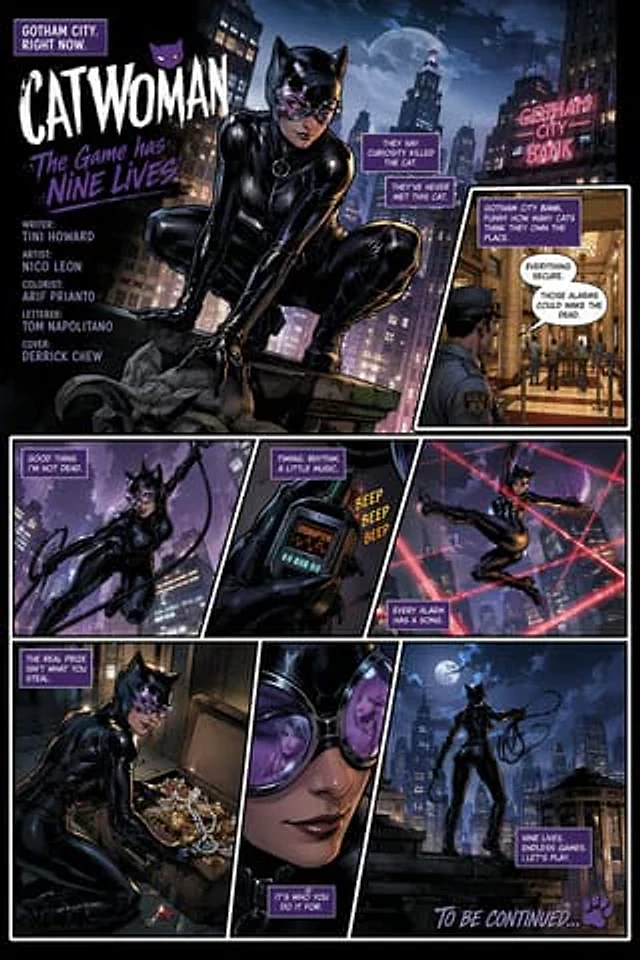
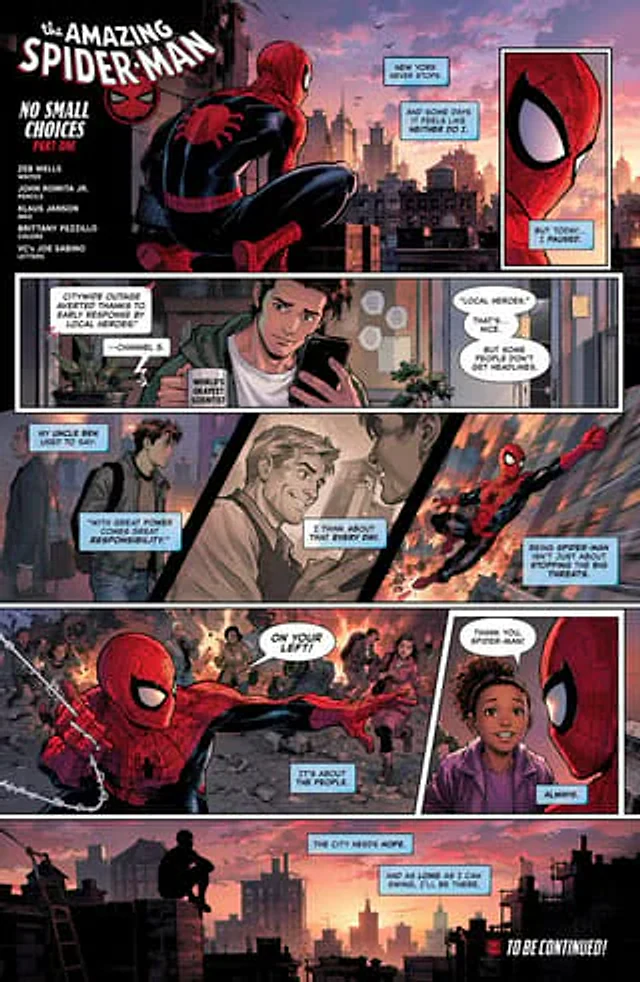
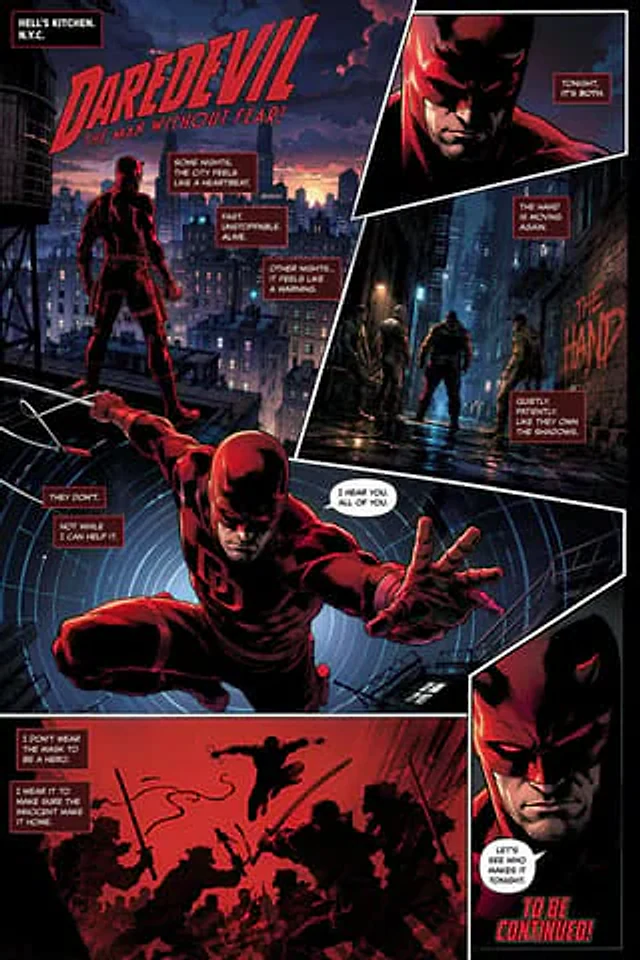
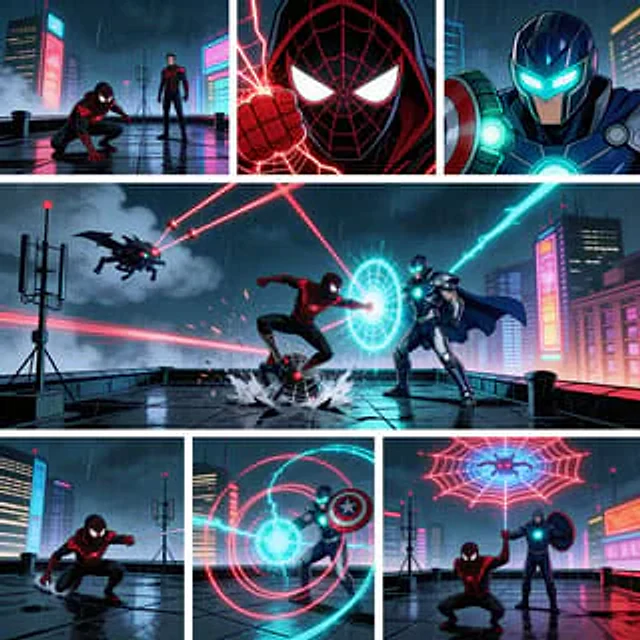
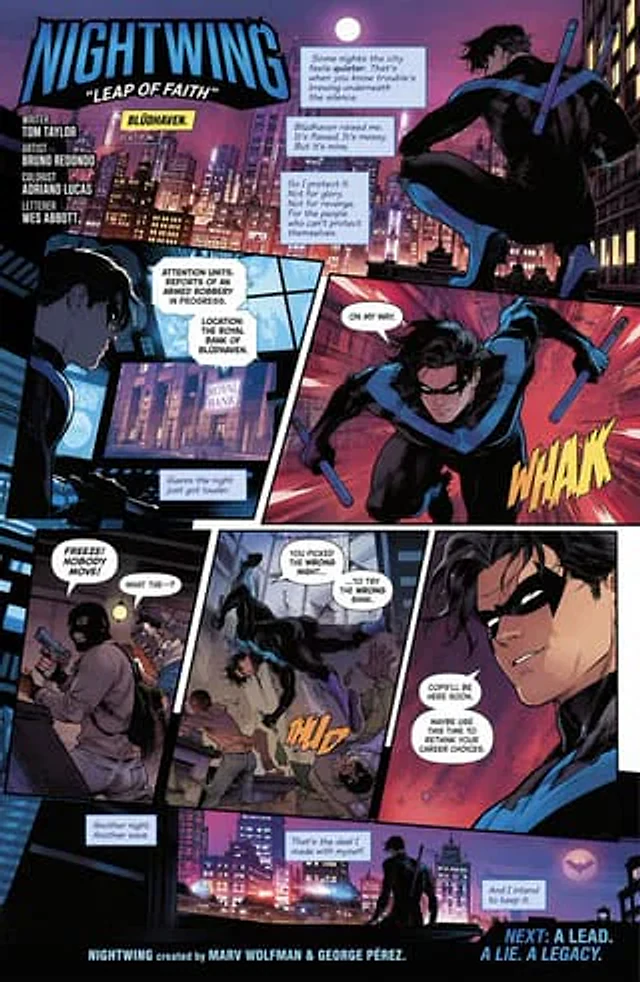
  "type": "Comic page",
  "style": "Modern American comic book style, dynamic composition, neon night scene lighting effects.",
  "character": "{argument name=\"hero description\" default=\"A sporty male vigilante dressed in a black bodysuit, adorned with a blue bird badge and a domino mask, wielding two short batons.\"}",
  "layout": {
    "description": "7. A grid layout with overlapping elements and text boxes.",
    "panels": [
      {
        "position": "Top width",
        "scene": "The protagonist crouches atop a gargoyle statue on a rooftop, overlooking the neon-lit city.",
        "text_elements": [
          "title:{argument name=\"main title\" default=\"NIGHTWING\"}",
          "subtitle:{argument name=\"subtitle\" default=\"Leap of Faith\"}",
          "Place:{argument name=\"location\" default=\"Brudhaven\"} 11:47 PM.",
          "Production staff (screenwriter, illustrator, colorist, typist)",
          "3 narrative narration boxes"
        ]
      },
      {
        "position": "left side of the middle",
        "scene": "The protagonist stares at the glowing computer screen displaying the bank's information.",
        "text_elements": [
          "2 police dispatch chat bubbles",
          "1 character dialogue bubble"
        ]
      },
      {
        "position": "Right side of the middle",
        "scene": "The protagonist leaps forward, weapon in hand.",
        "text_elements": [
          "1 speech bubble",
          "Yellow sound effect text:{argument name=\"action sound\" default=\"WHAK\"}"
        ]
      },
      {
        "position": "Bottom left",
        "scene": "Two masked, armed robbers took civilians hostage inside a bank.",
        "text_elements": [
          "2 speech bubbles"
        ]
      },
      {
        "position": "Bottom Middle",
        "scene": "The protagonist descends from the sky to fight off the robbers.",
        "text_elements": [
          "2 speech bubbles",
          "Orange sound effect text: THUD"
        ]
      },
      {
        "position": "Bottom right",
        "scene": "Close-up portrait of the protagonist's confident smile",
        "text_elements": [
          "2 speech bubbles"
        ]
      },
      {
        "position": "Bottom width",
        "scene": "The protagonist stands on the rooftop watching the police cars arrive, as bat-shaped flares light up in the sky.",
        "text_elements": [
          "3 narrative narration boxes",
          "Footer creation team",
          "Preview text: Next episode preview: Clues. Lies. Legacy."
        ]
      }
    ]
  }
}
Come usare
- Copia tutto il prompt originale, inclusi i parametri.
- Adatta soggetto, testo e composizione alle tue esigenze.
- Usa uno strumento esterno compatibile; verifica accesso e risultato.
Prima di iniziare
- Controlla se serve un’immagine di riferimento. La compatibilità non prova il modello usato per l’esempio.
- Verifica nomi, numeri e testi; i risultati cambiano con le versioni del modello.