Documento originale
Nano Banana · en
{
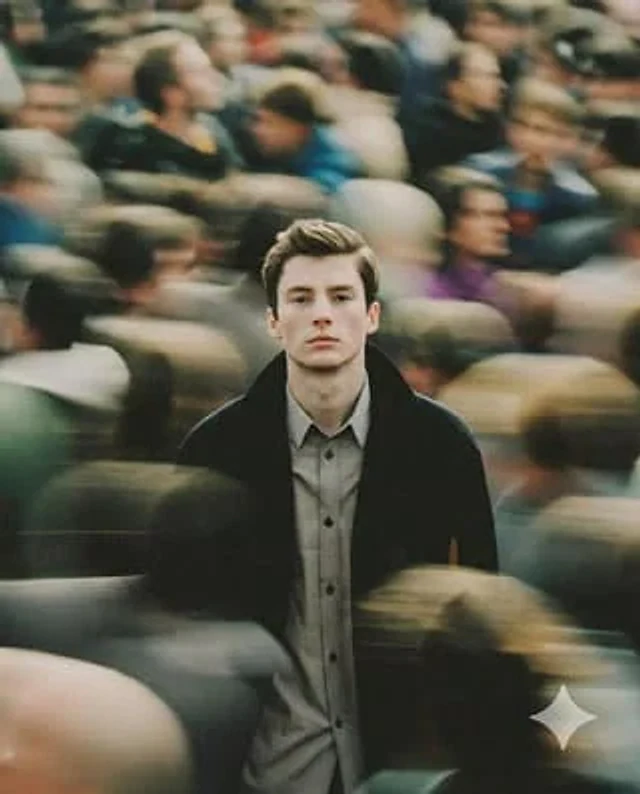
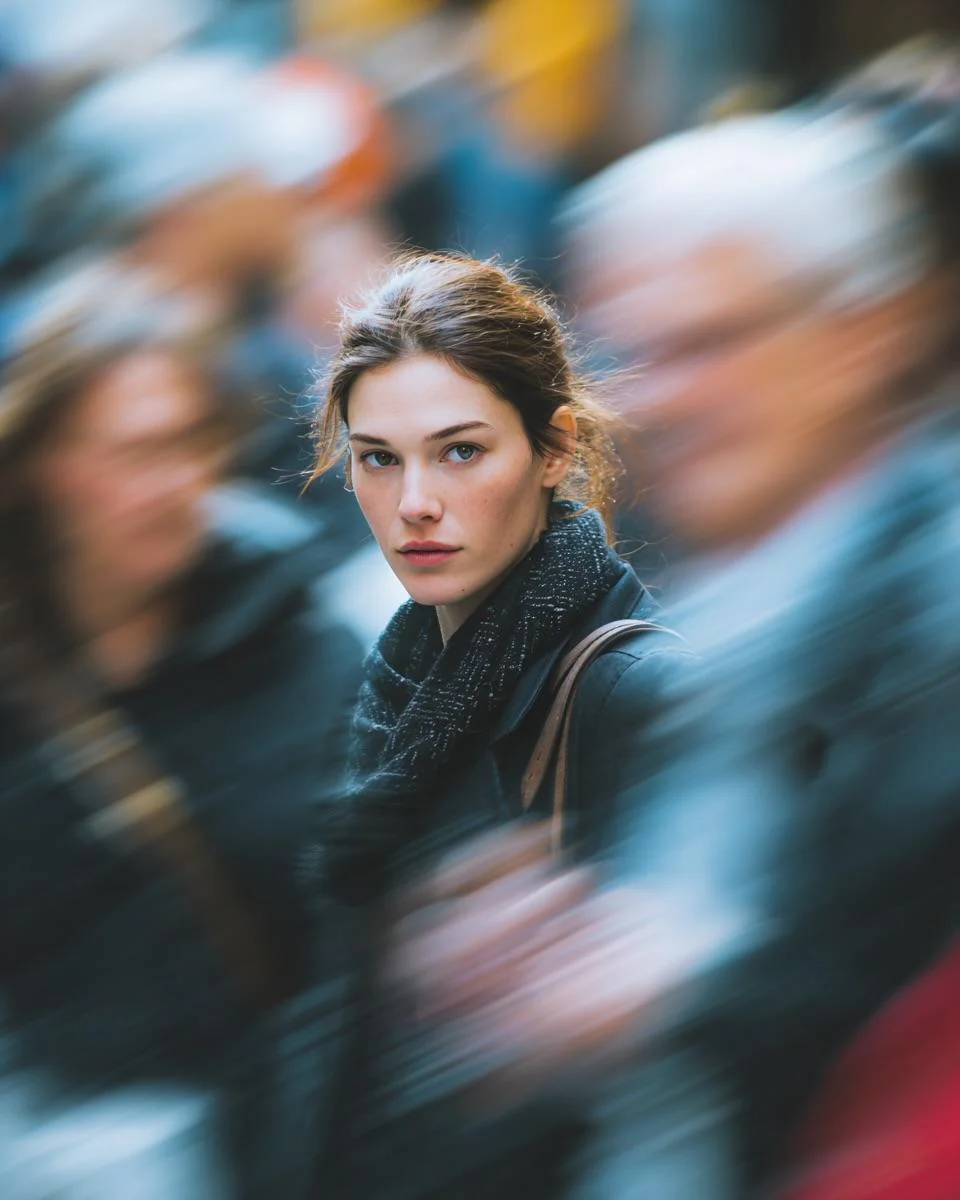
  "image_generation_prompt": {
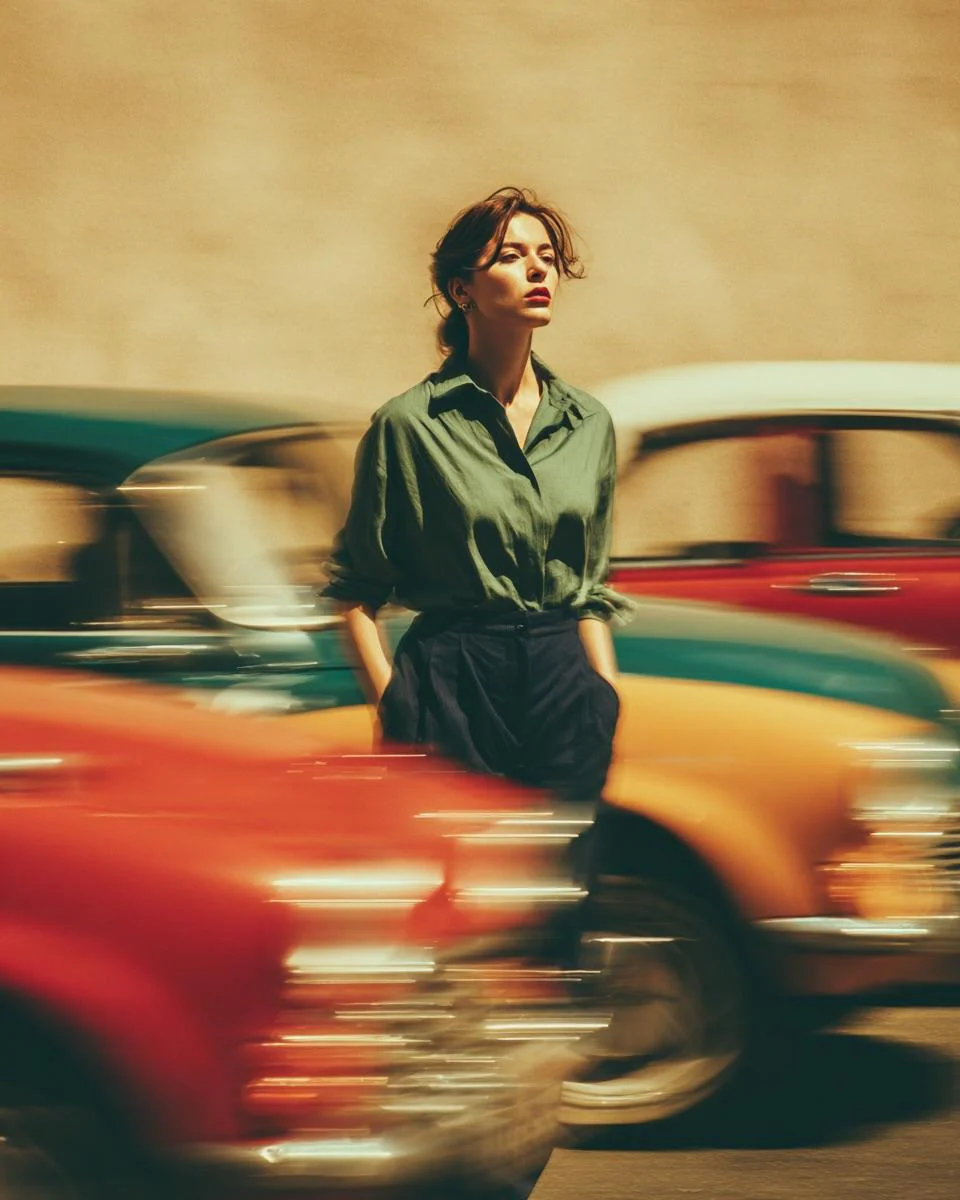
    "subject": {
      "description": "Stylish woman",
      "expression": "calm and confident",
      "pose": "standing still, hands in pockets",
      "attire": {
        "top": "loose sage-green button-up shirt, tucked in",
        "bottom": "high-waisted dark trousers"
      }
    },
    "scene_dynamics": {
      "action": "vintage cars rushing past at high speed",
      "effect": "dramatic motion blur trails, long-exposure photography effect, dynamic motion contrast"
    },
    "environment": {
      "setting": "Street portrait",
      "atmosphere": "nostalgic, busy but focused"
    },
    "lighting_and_color": {
      "lighting": "warm golden-hour lighting",
      "color_palette": "muted retro palette",
      "accents": "reds, teals, and yellows streaking across the frame"
    },
    "technical_specifications": {
      "focus": "strong subject isolation, sharp focus on the woman, shallow depth of field",
      "style": "cinematic realism, editorial fashion mood, nostalgic 1970s film look",
      "texture": "soft grain, ultra-detailed",
      "resolution": "high resolution"
    }
  }
}
Come usare
- Copia tutto il prompt originale, inclusi i parametri.
- Adatta soggetto, testo e composizione alle tue esigenze.
- Usa uno strumento esterno compatibile; verifica accesso e risultato.
Prima di iniziare
- Controlla se serve un’immagine di riferimento. La compatibilità non prova il modello usato per l’esempio.
- Verifica nomi, numeri e testi; i risultati cambiano con le versioni del modello.