Documento originale
GPT Image 2 · en
Scene:
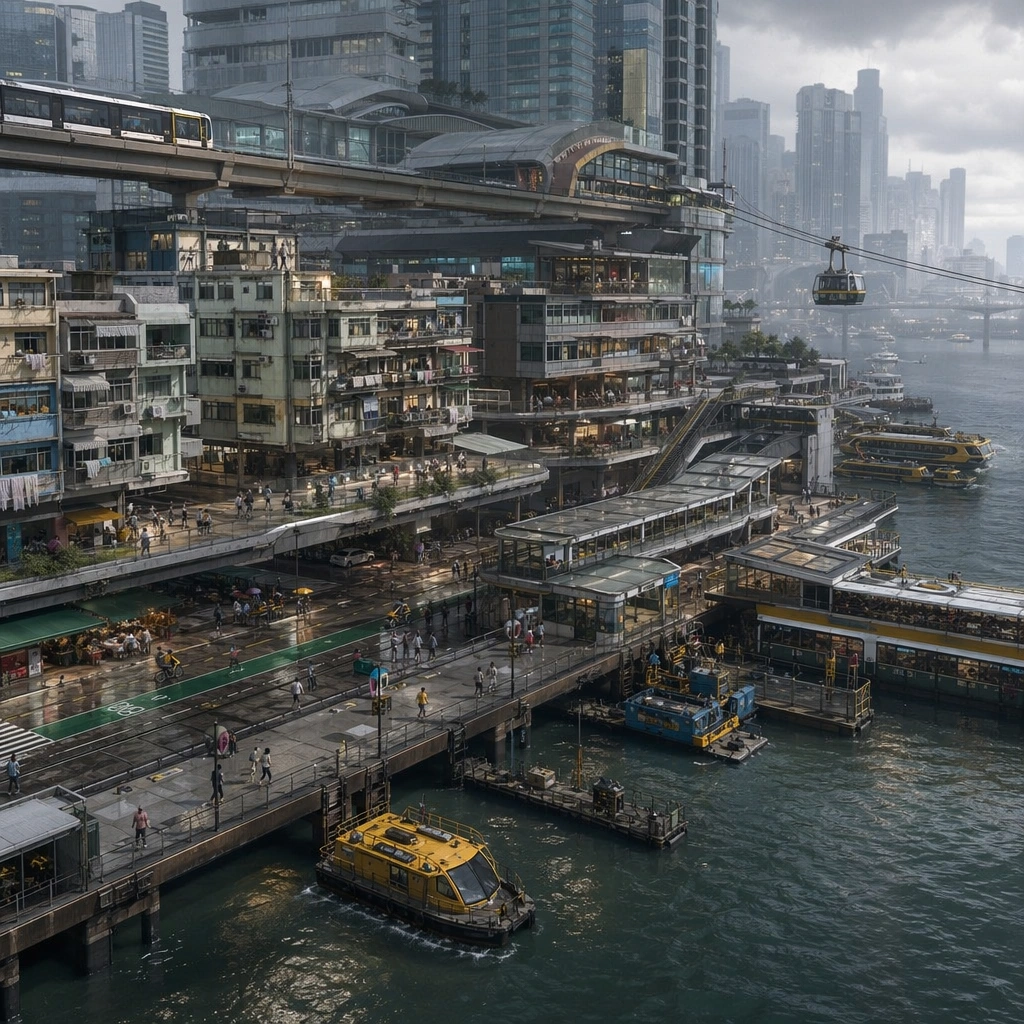
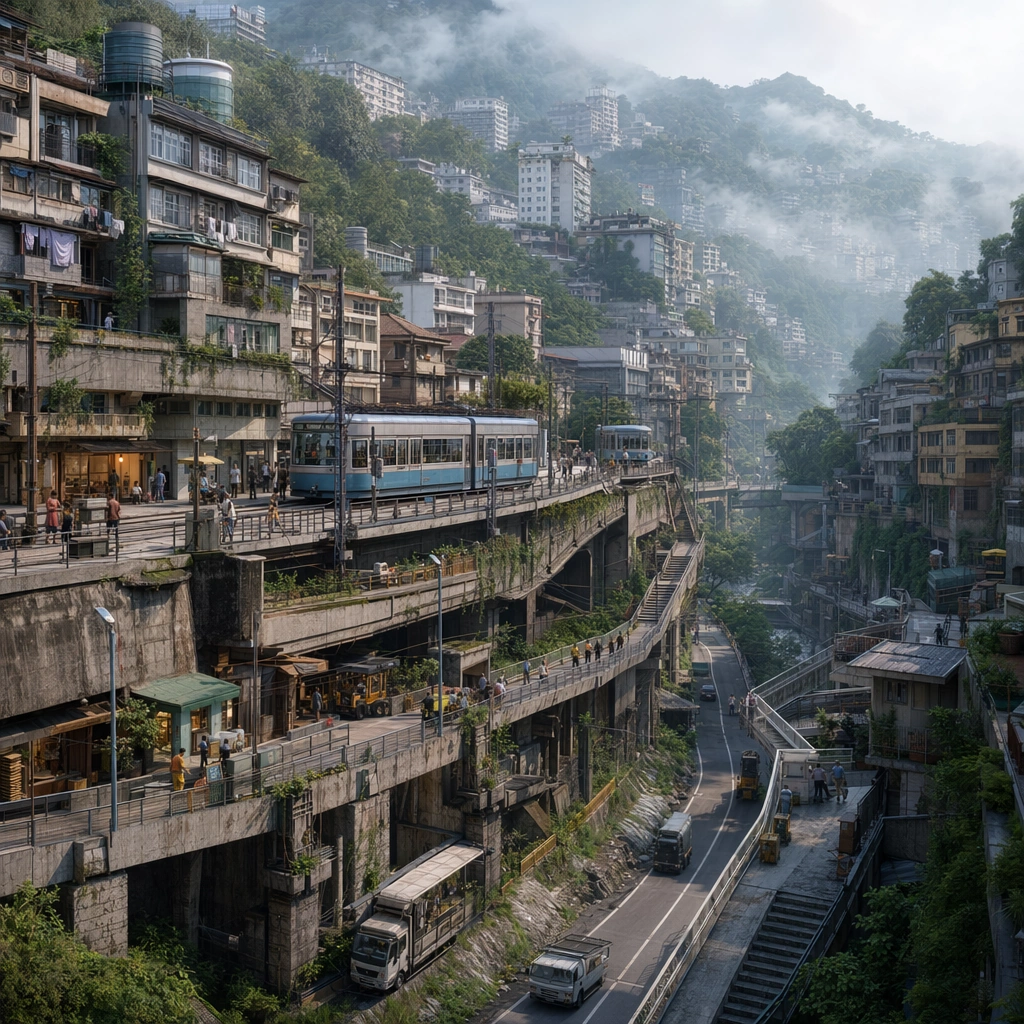
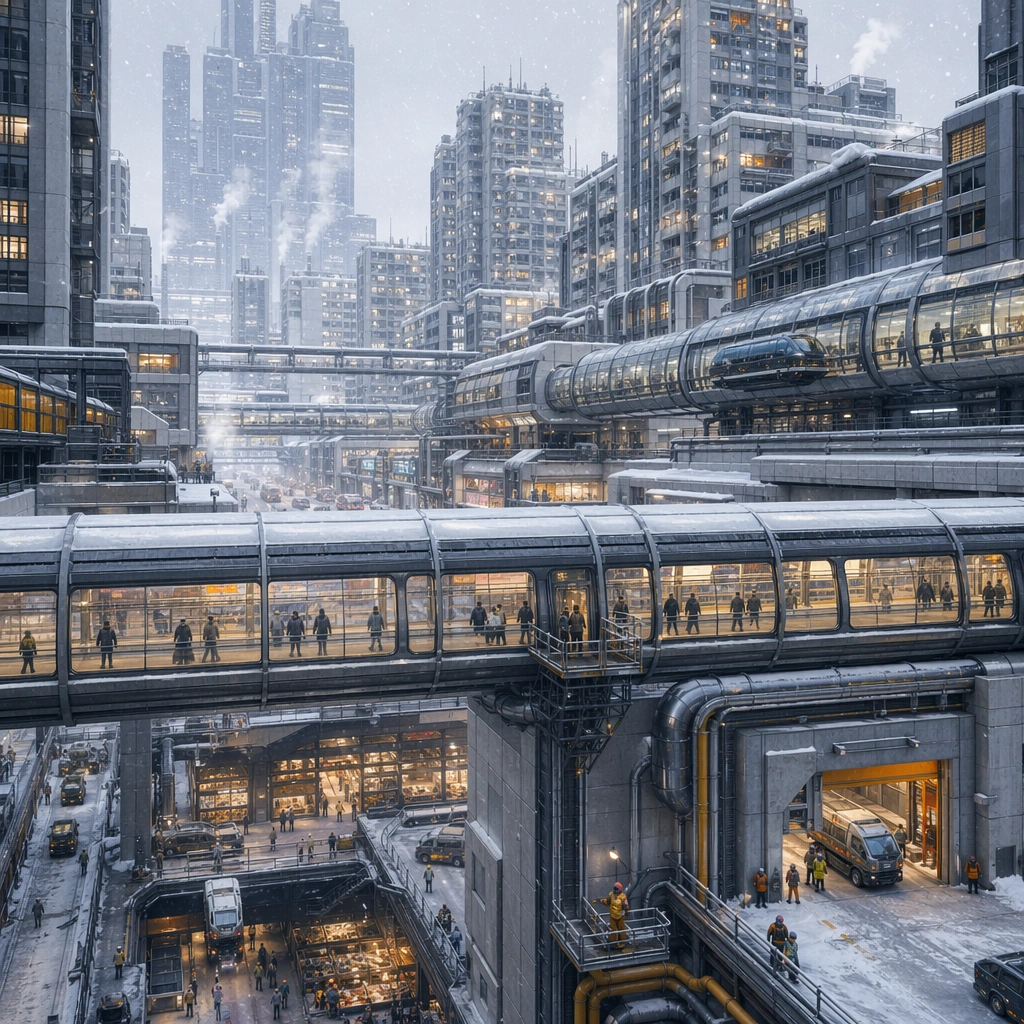
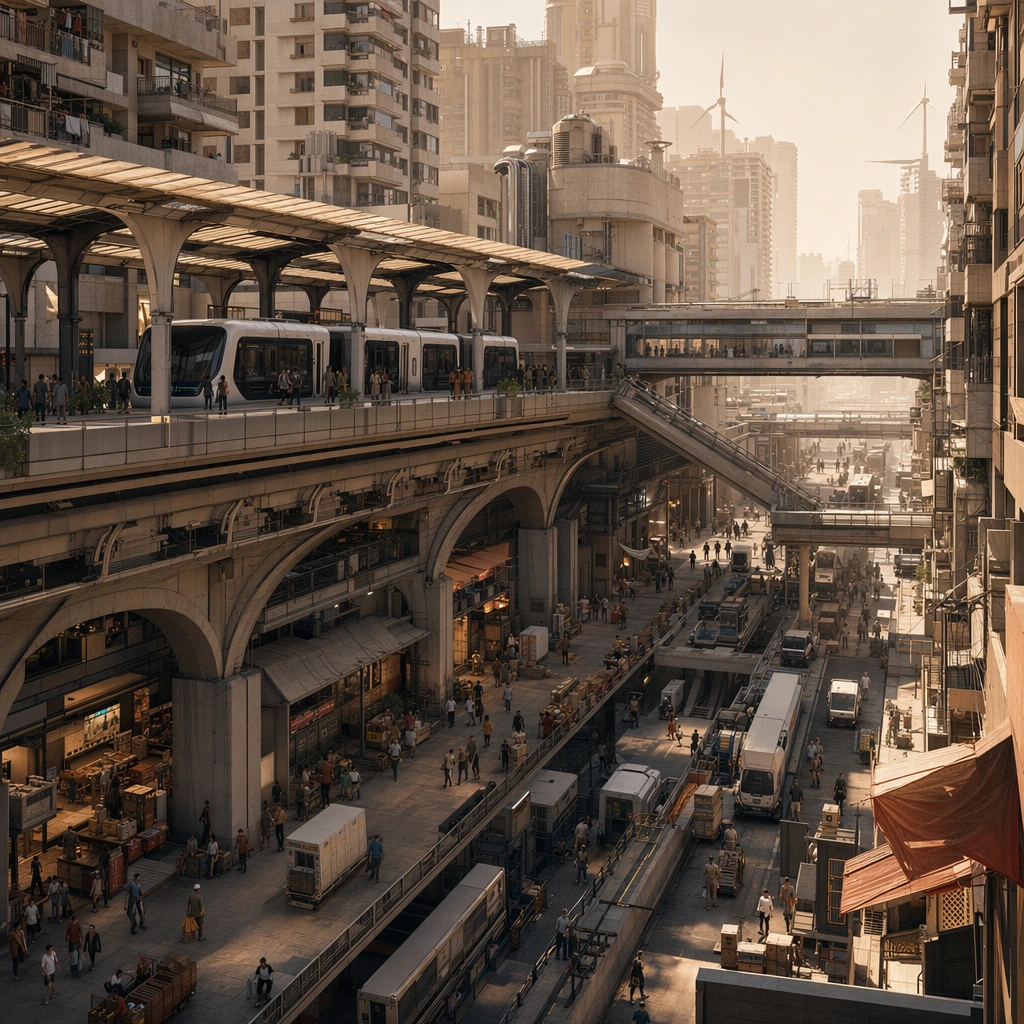
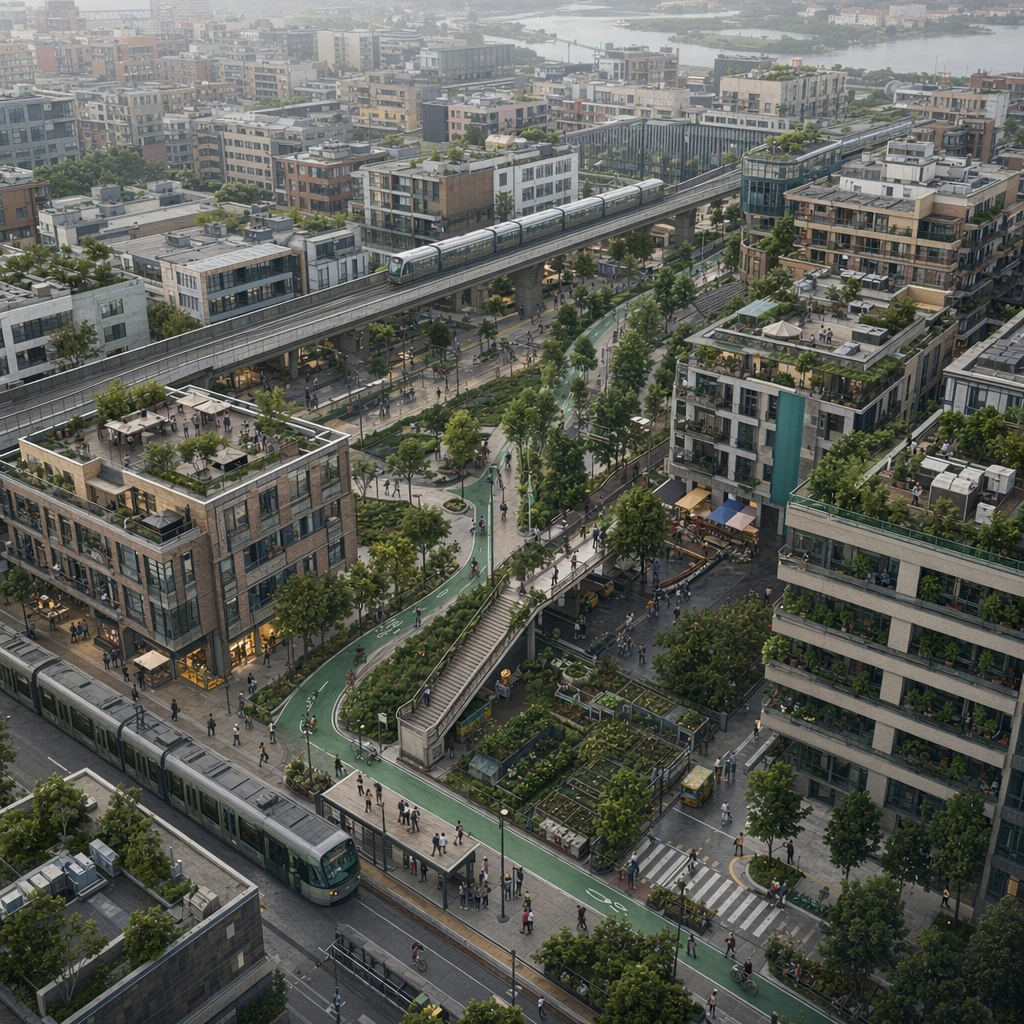
Design a square urban concept image that sells one future-city mobility idea clearly enough for an editorial spread, launch visual, or worldbuilding board. The framing should always reveal at least two transport layers and one strong lived-in density cue. Compose a neighborhood from above where a green mobility loop threads through midrise housing, tram stops, and civic terraces.

Subject:
Show a complete district-scale mobility ecosystem with believable housing, transit, commerce, and utility access. Human presence can appear as tiny commuters, riders, or maintenance workers, but the main protagonist is the city system itself. Show how transit, public planting, and everyday amenities coexist without surrendering density or efficiency.

Important details:
Use depth layering, disciplined architecture families, and just enough weather or atmosphere to create mood without erasing the logic of roads, bridges, lines, and occupancy. The result should feel specific to a place and function, not like an all-purpose neon metropolis. The district should feel plausible for a real planning board, with readable circulation, believable public space, and minimal decorative excess. Preserve credible circulation between transport levels so every district reads as somewhere people could actually move through and inhabit.

Use case:
Future City single study 5/5, designed as a self-contained support image for this topic.

Constraints:
No readable text, no watermark, no logos, preserve exact 1:1 aspect ratio, no superhero chase scenes, no floating random platforms without support, no unreadable giant signage, no sterile empty plazas, no suburban emptiness, no giant sculptural gimmicks.
Come usare
- Copia tutto il prompt originale, inclusi i parametri.
- Adatta soggetto, testo e composizione alle tue esigenze.
- Usa uno strumento esterno compatibile; verifica accesso e risultato.
Prima di iniziare
- Controlla se serve un’immagine di riferimento. La compatibilità non prova il modello usato per l’esempio.
- Verifica nomi, numeri e testi; i risultati cambiano con le versioni del modello.