Documento originale
GPT Image 2 · en
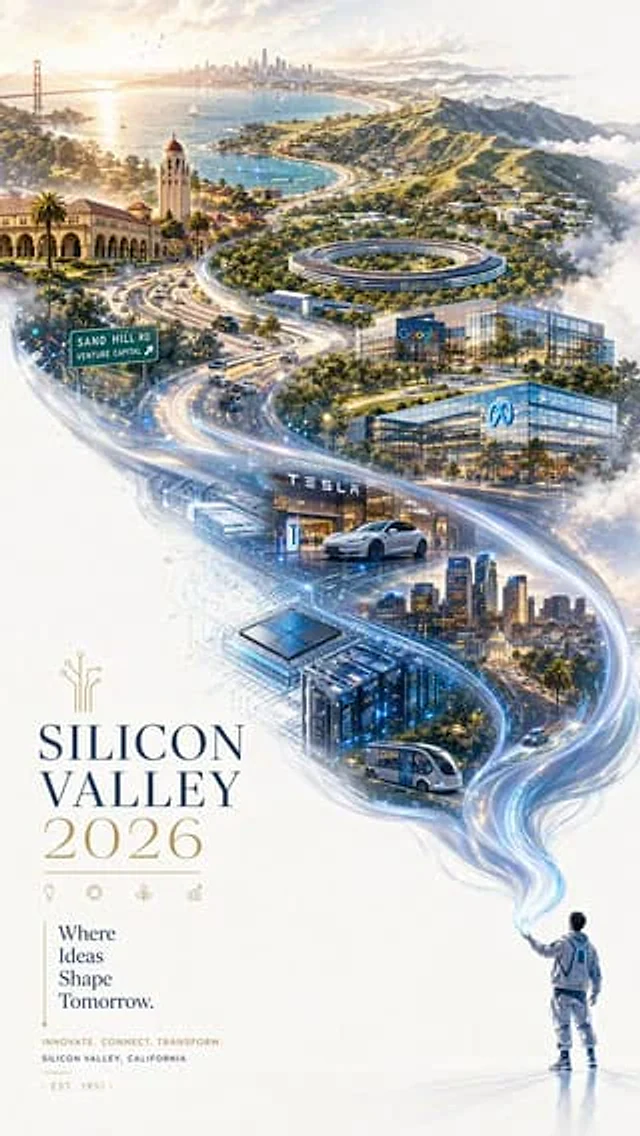
A refined 2026 Silicon Valley city promotional poster with a futuristic yet elegant atmosphere.

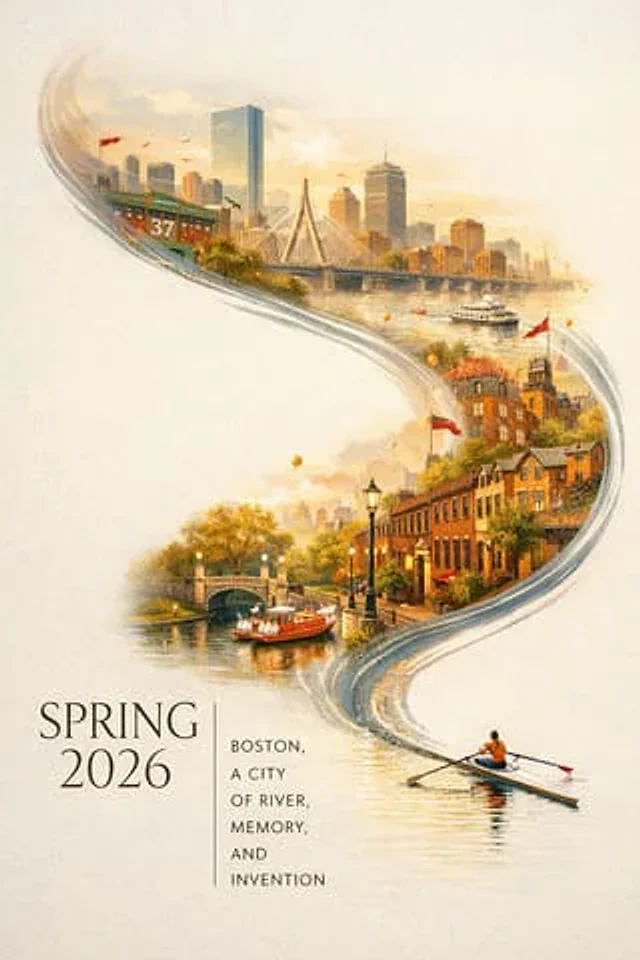
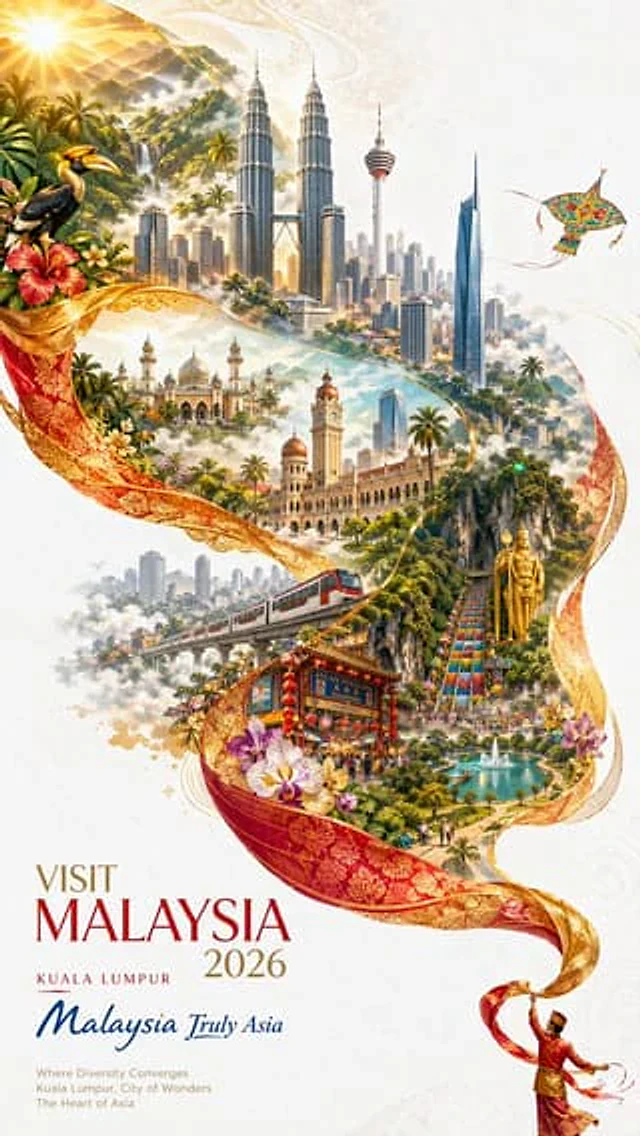
Double exposure composition, preserving an S-shaped sense of flowing movement. On a pure white textured background, in the lower-right corner, a miniature figure dressed in sleek modern techwear is releasing a long ribbon of luminous silver-blue light. The ribbon flows gracefully through the air, showing a soft silk-like texture, and as it drifts toward the upper-left, it magically transforms into a grand landscape of rolling hills, coastline, data streams, and illuminated urban terrain.

Within this flowing “river of light,” overlay a hand-drawn panoramic map of Silicon Valley, blending technology, nature, innovation, and California sunlight. The scene feels visionary, expansive, sophisticated, and inspiring.

Include iconic Silicon Valley and Bay Area elements: Stanford University arches, Apple Park, Google campus-inspired buildings, Meta-like glass offices, Tesla-style innovation imagery, venture capital offices on Sand Hill Road, Palo Alto tree-lined streets, San Jose skyline, the Santa Cruz Mountains, San Francisco Bay, highways, autonomous vehicles, startup labs, semiconductor patterns, AI data centers, and subtle circuit-board textures.

Surrounded by soft mist, golden California light, floating clouds, and delicate digital particles. Rich colors, complex structure, highly detailed, grand and breathtaking, yet still fresh and minimal because of the large areas of white space.

In the lower-left corner, elegant typography reads “SILICON VALLEY 2026” with a vertical promotional slogan: “Where Ideas Shape Tomorrow.” Beautiful editorial layout, graceful spacing, clear and complete lettering, premium city branding poster, cinematic lighting, sophisticated details, 9:16 aspect ratio.
Come usare
- Copia tutto il prompt originale, inclusi i parametri.
- Adatta soggetto, testo e composizione alle tue esigenze.
- Usa uno strumento esterno compatibile; verifica accesso e risultato.
Prima di iniziare
- Controlla se serve un’immagine di riferimento. La compatibilità non prova il modello usato per l’esempio.
- Verifica nomi, numeri e testi; i risultati cambiano con le versioni del modello.