Documento originale
GPT Image 2 · en
Scene:
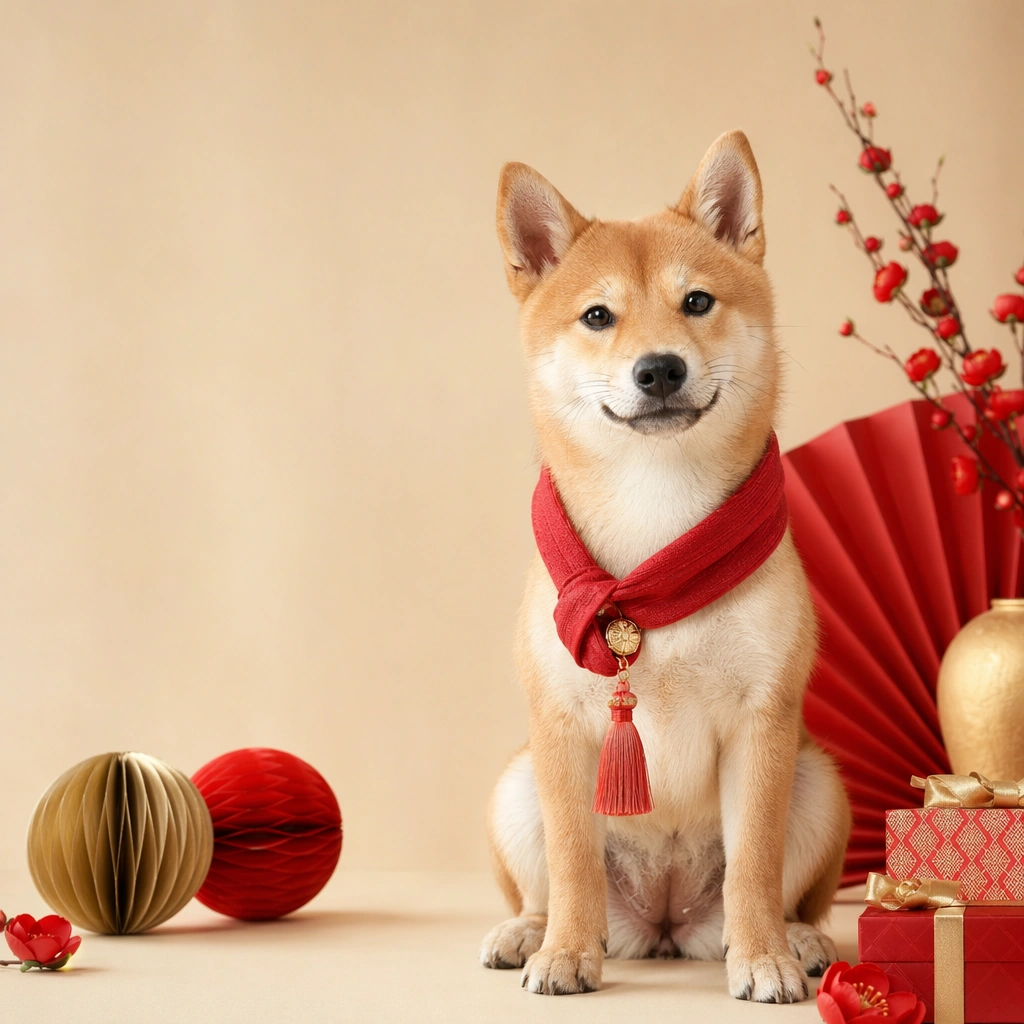
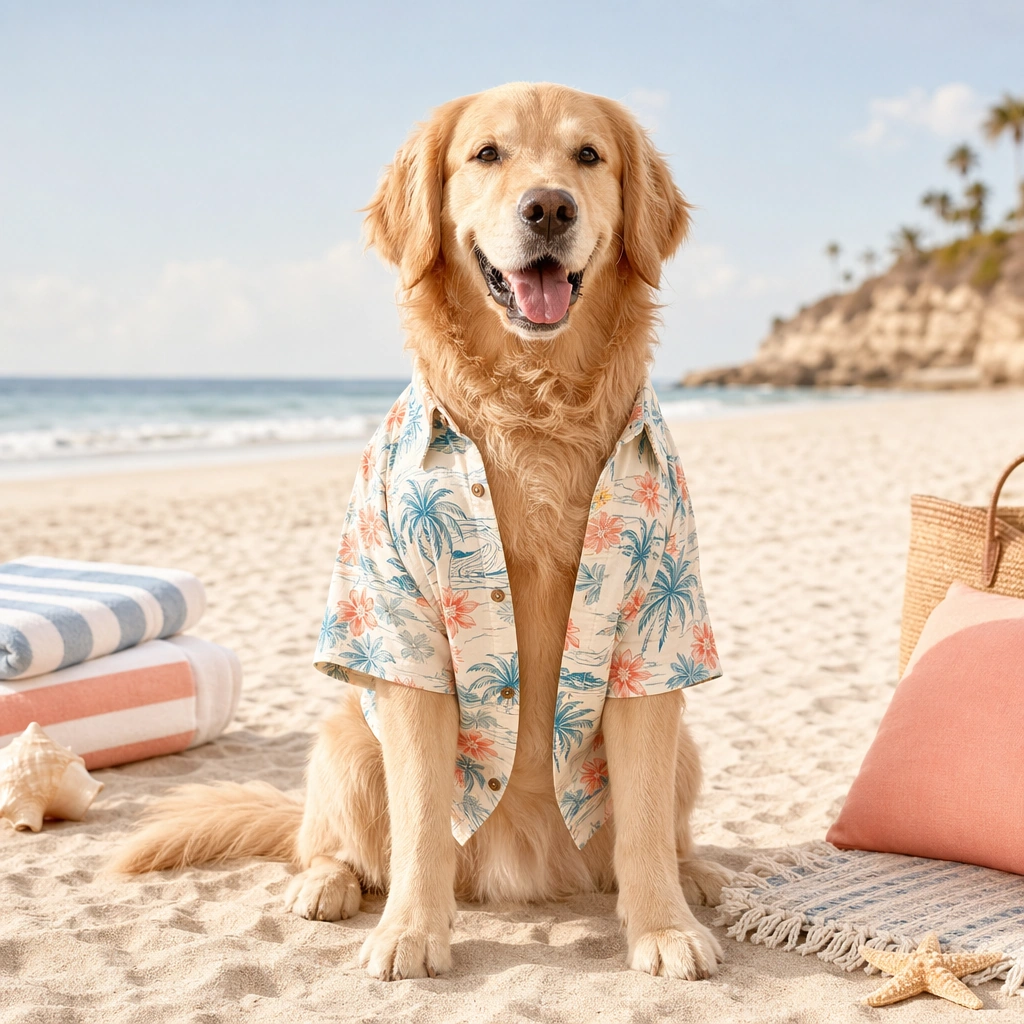
A square pet holiday promo tile designed for brand campaigns, combining believable costume styling with feed friendly layout control and polished product marketing energy. The framing should feel commercial and celebratory rather than amateur party photography. Use clean seasonal props, soft placeholder graphic zones, and strong central subject clarity so the image can function across ads, organic social, and shop features. Use bright coastal daylight, pale sand tones, and a minimal beach set with striped towel shapes and airy negative space.

Subject:
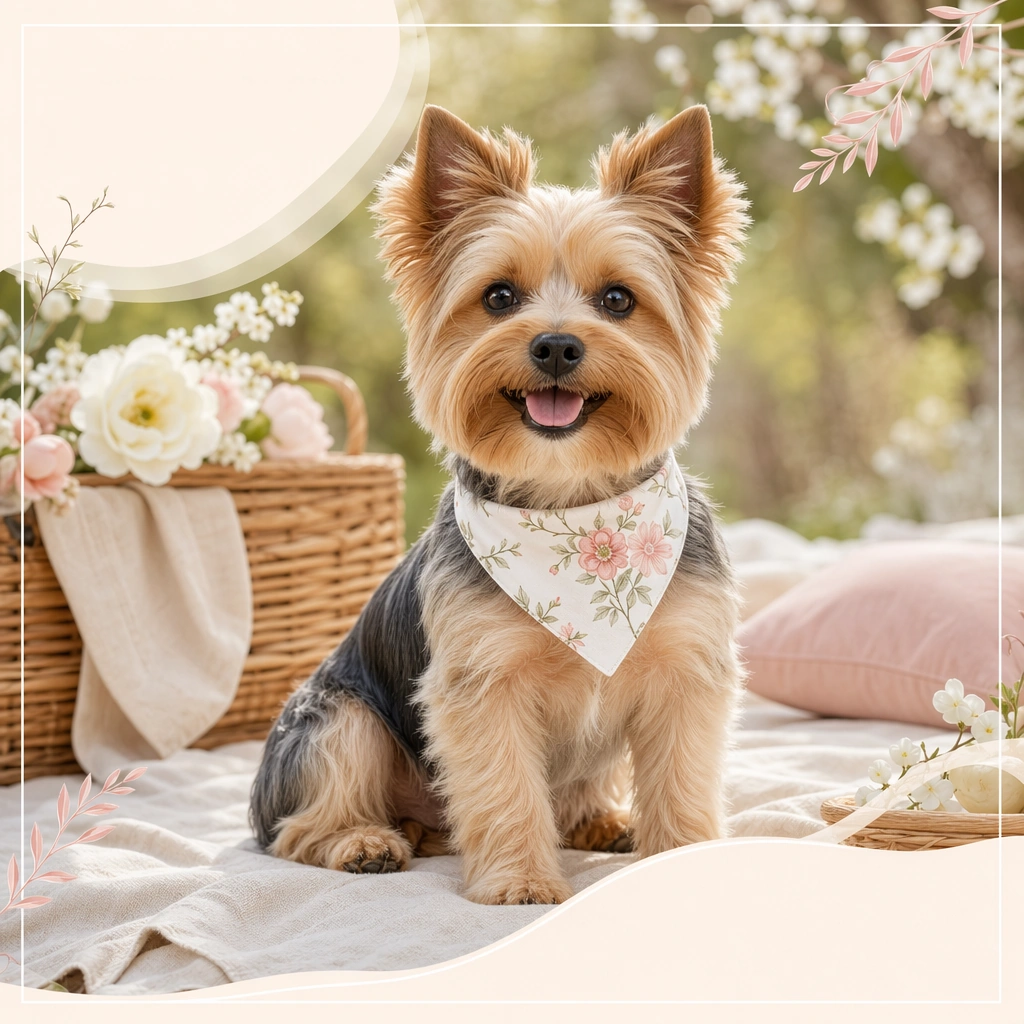
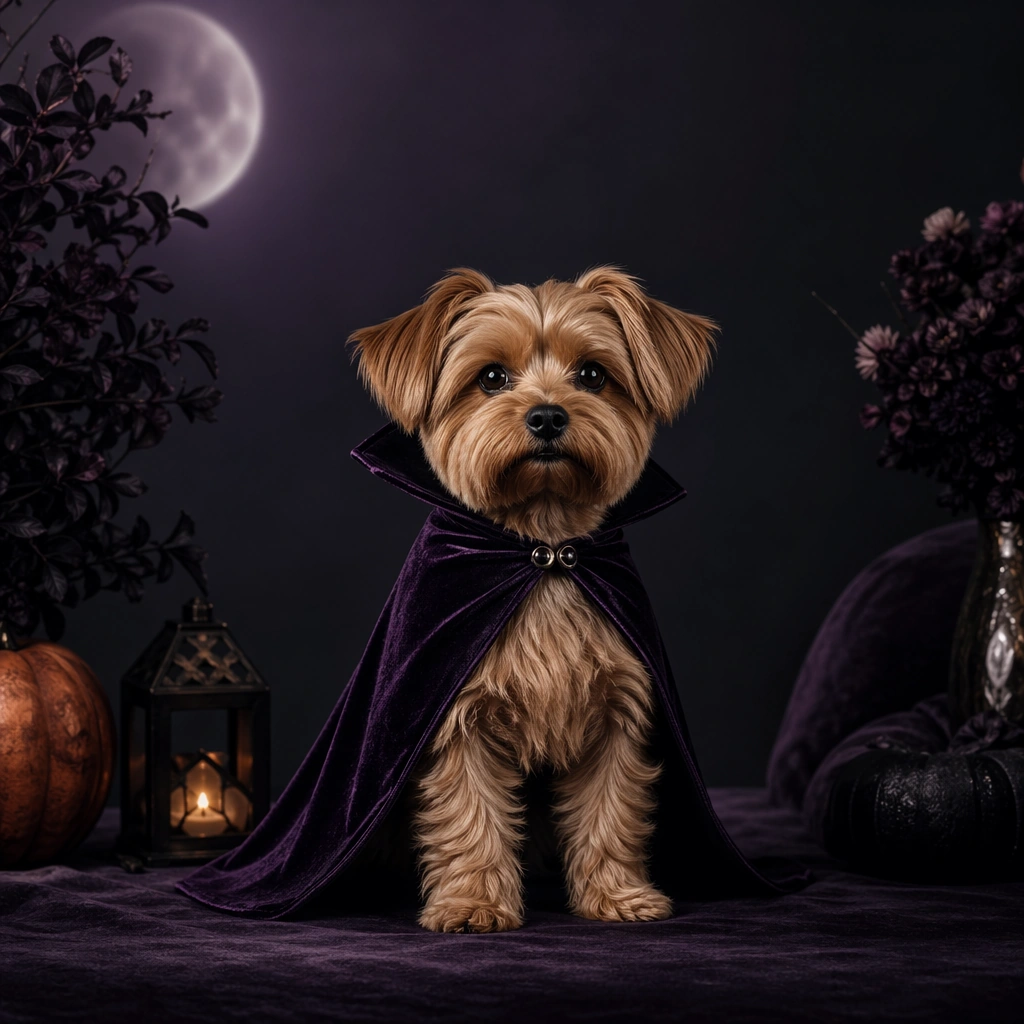
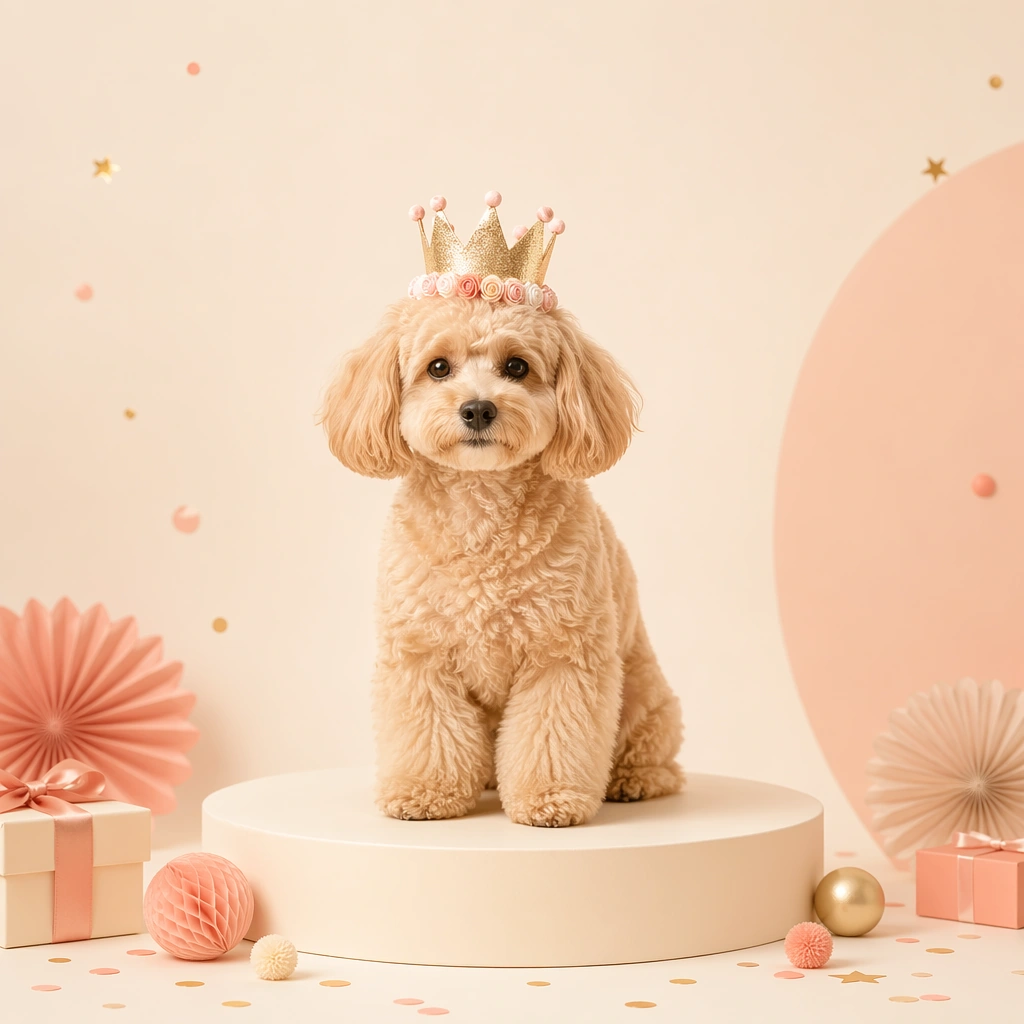
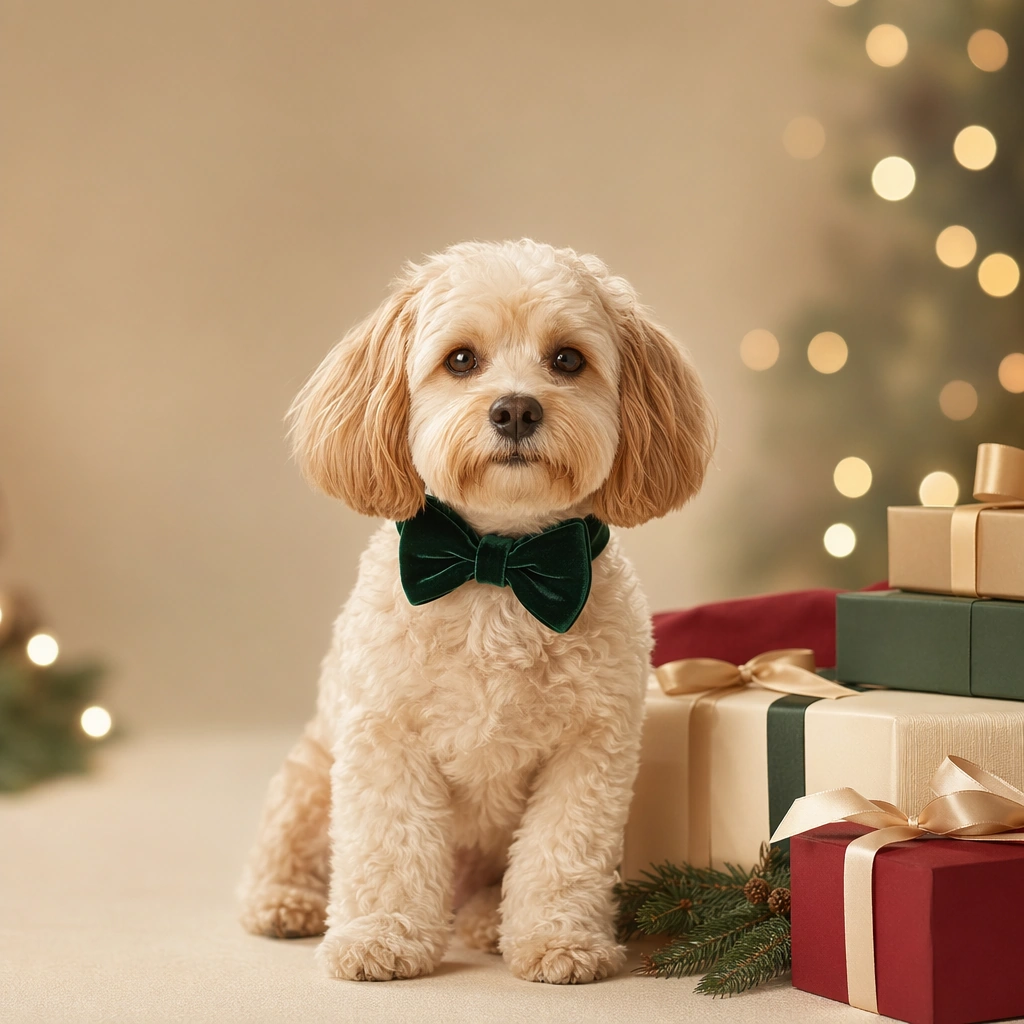
Center one pet in a holiday outfit or themed accessory that looks comfortable, well fitted, and genuinely photographable. The animal must remain the hero, not the prop pile. Expression, posture, and styling should communicate the seasonal mood while preserving real anatomy, fur detail, and a sense of animal comfort. Avoid parody or heavy anthropomorphic comedy. Feature a pet in a relaxed open shirt or lightweight neck scarf, seated confidently with coat detail preserved despite the brighter environment.

Important details:
Treat each image like a campaign key tile with a disciplined palette, controlled set dressing, and enough compositional breathing room for future text overlays outside the image generation. Holiday atmosphere can come from color, lighting, and a few strong props. Keep the tone premium, charming, and retailer ready. The result should feel useful for product pages, promo banners, and carousel campaigns. The image should feel vacation ready and playful while remaining polished enough for product drops and ad placements.

Use case:
Pet Holiday Costume Promo Set single study 6/9, summer beach shirt post for a commercially reusable prompt atlas example.

Constraints:
No readable text, no watermark, no logos, preserve exact 1:1 aspect ratio, no readable sale text, no oversized mascots, no heavy human costume parody, no chaotic party clutter, no unsafe accessories, no generic stock holiday card vibe, no surfboard overload, no sunglasses gag, no harsh midday burn.
Come usare
- Copia tutto il prompt originale, inclusi i parametri.
- Adatta soggetto, testo e composizione alle tue esigenze.
- Usa uno strumento esterno compatibile; verifica accesso e risultato.
Prima di iniziare
- Controlla se serve un’immagine di riferimento. La compatibilità non prova il modello usato per l’esempio.
- Verifica nomi, numeri e testi; i risultati cambiano con le versioni del modello.