
Documento originale
GPT Image 2 · en
Scene:
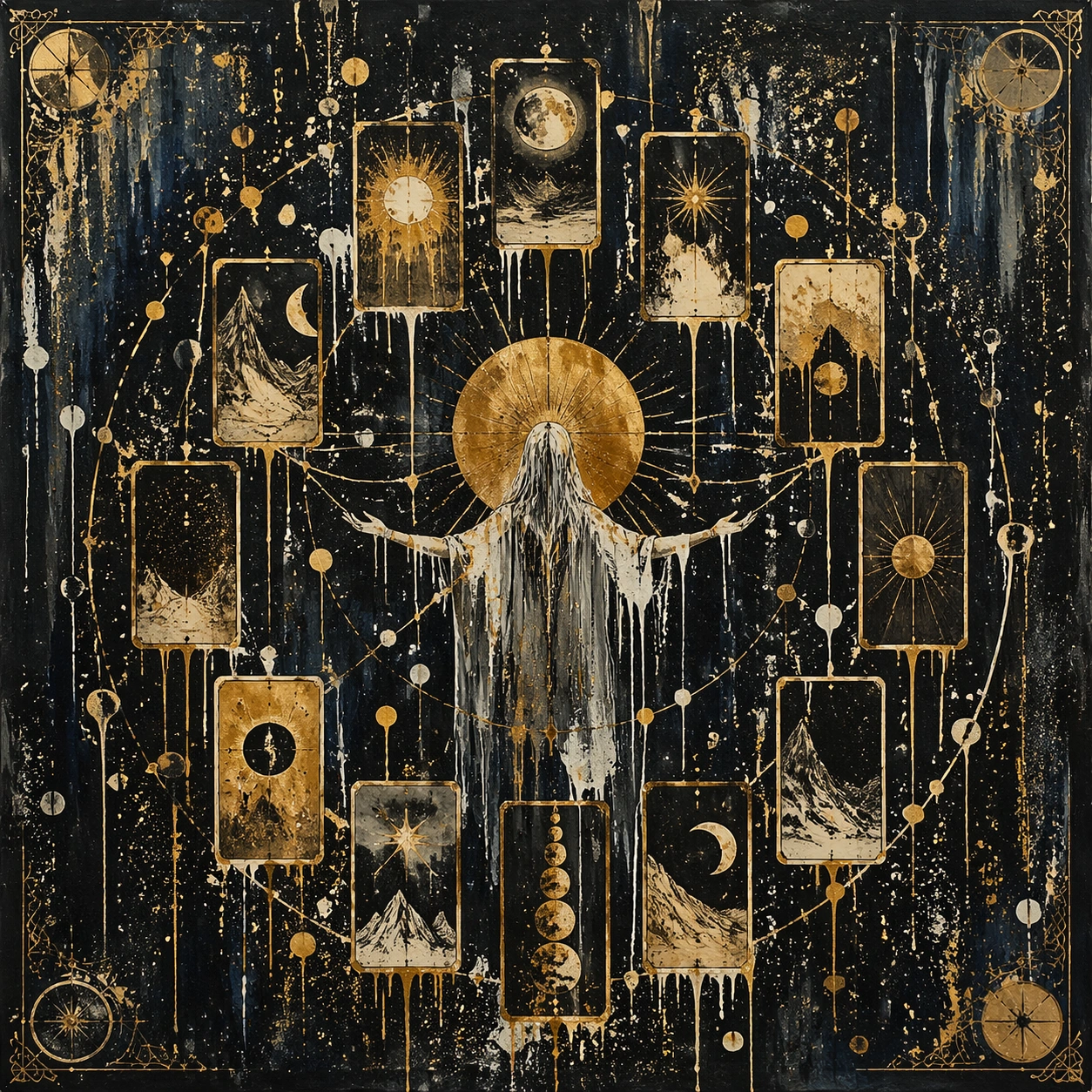
A square, gallery-ready composition with painterly surfaces, controlled negative space, and a deliberate fine-art presentation. Build the frame around a dense all-over field of marks that feels suspended between chaos and structure. Keep the lighting, camera distance, and spatial organization tuned for a high-signal research image rather than a casual snapshot. The image belongs to the Tarot Card Deck theme and should feel immediately legible as a prompt atlas theme for tarot card deck, testing multi-image-reference with gpt image 2..

Subject:
Center the study on a dense all-over field of marks that feels suspended between chaos and structure. Translate the theme into a concrete visual statement instead of an abstract mood board: the viewer should understand what kind of image this is, what is being tested, and why the composition is difficult. Use the slug idea of tarot card deck as a literal guide for subject matter, materials, and staging.

Important details:
Focus on authored mark-making, hierarchy, rhythm, and a visual idea that reads immediately before the viewer inspects the brushwork. Preserve a disciplined square composition, clear focal hierarchy, and enough secondary information to make the image feel complete rather than underspecified. The image should look polished, novel, and exhibition-ready, with topic-specific credibility coming from the way surfaces, structure, and visual language reinforce Tarot Card Deck. Avoid generic filler elements that do not serve the main concept.

Use case:
Tarot Card Deck single study 1/8, testing multi-image-reference through the drip constellation variation.

Constraints:
No readable text, no watermark, no logos, preserve exact 1:1 aspect ratio, no direct copy of a known artwork, no comic speech bubbles, no accidental typography, no low-effort doodle energy, no muddy center, no fake museum label.
Come usare
- Copia tutto il prompt originale, inclusi i parametri.
- Adatta soggetto, testo e composizione alle tue esigenze.
- Usa uno strumento esterno compatibile; verifica accesso e risultato.
Prima di iniziare
- Controlla se serve un’immagine di riferimento. La compatibilità non prova il modello usato per l’esempio.
- Verifica nomi, numeri e testi; i risultati cambiano con le versioni del modello.