Documento originale
GPT Image 2 · en
Scene:
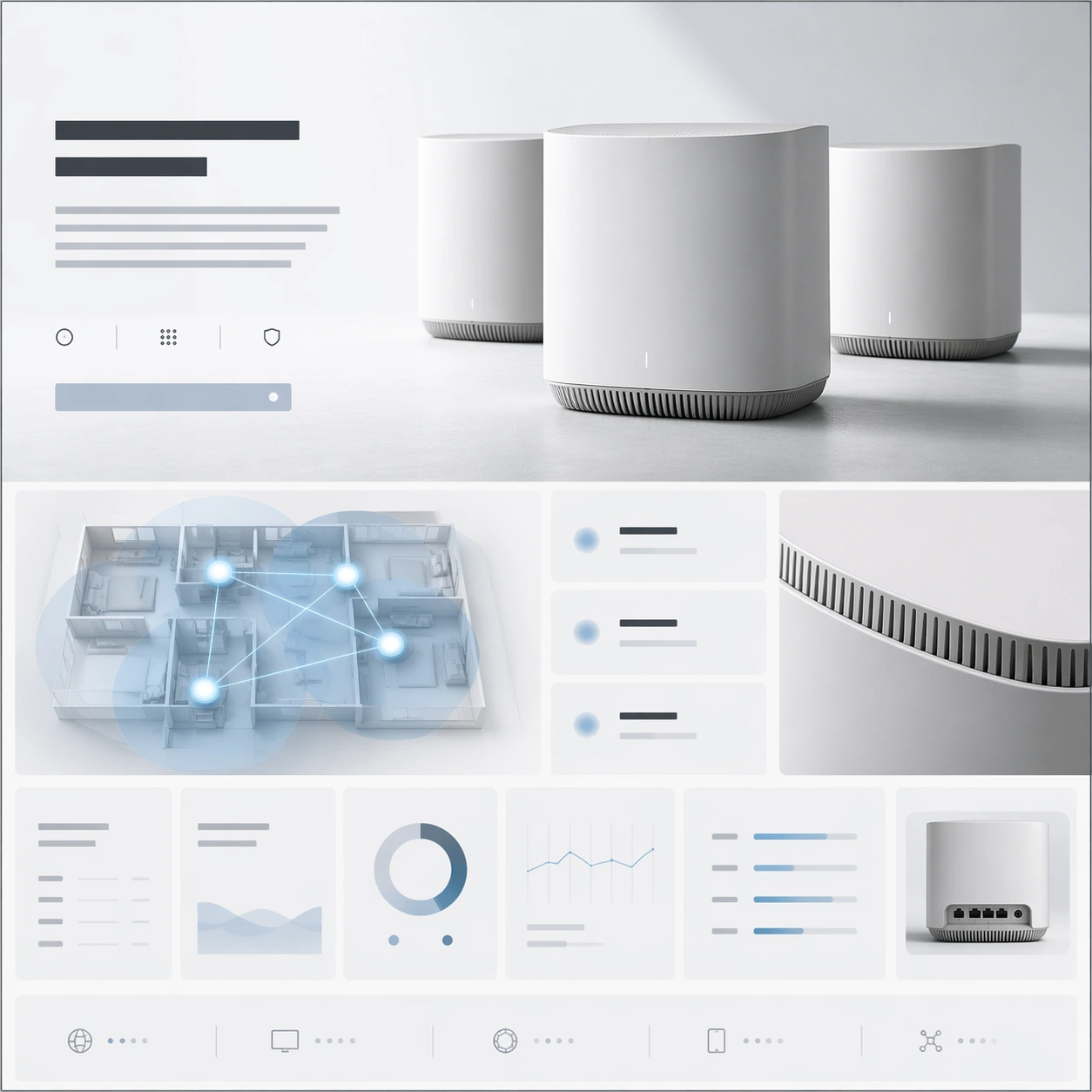
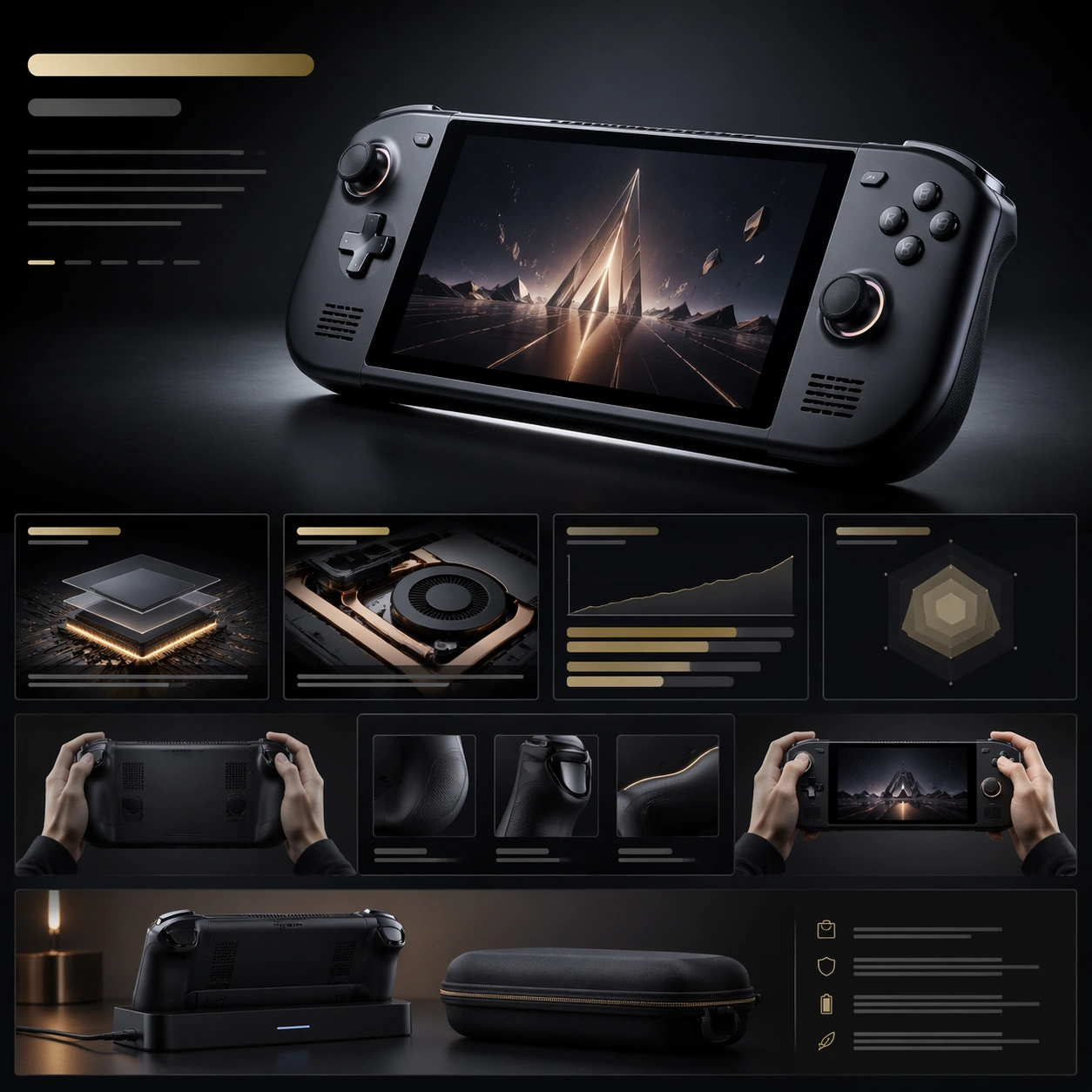
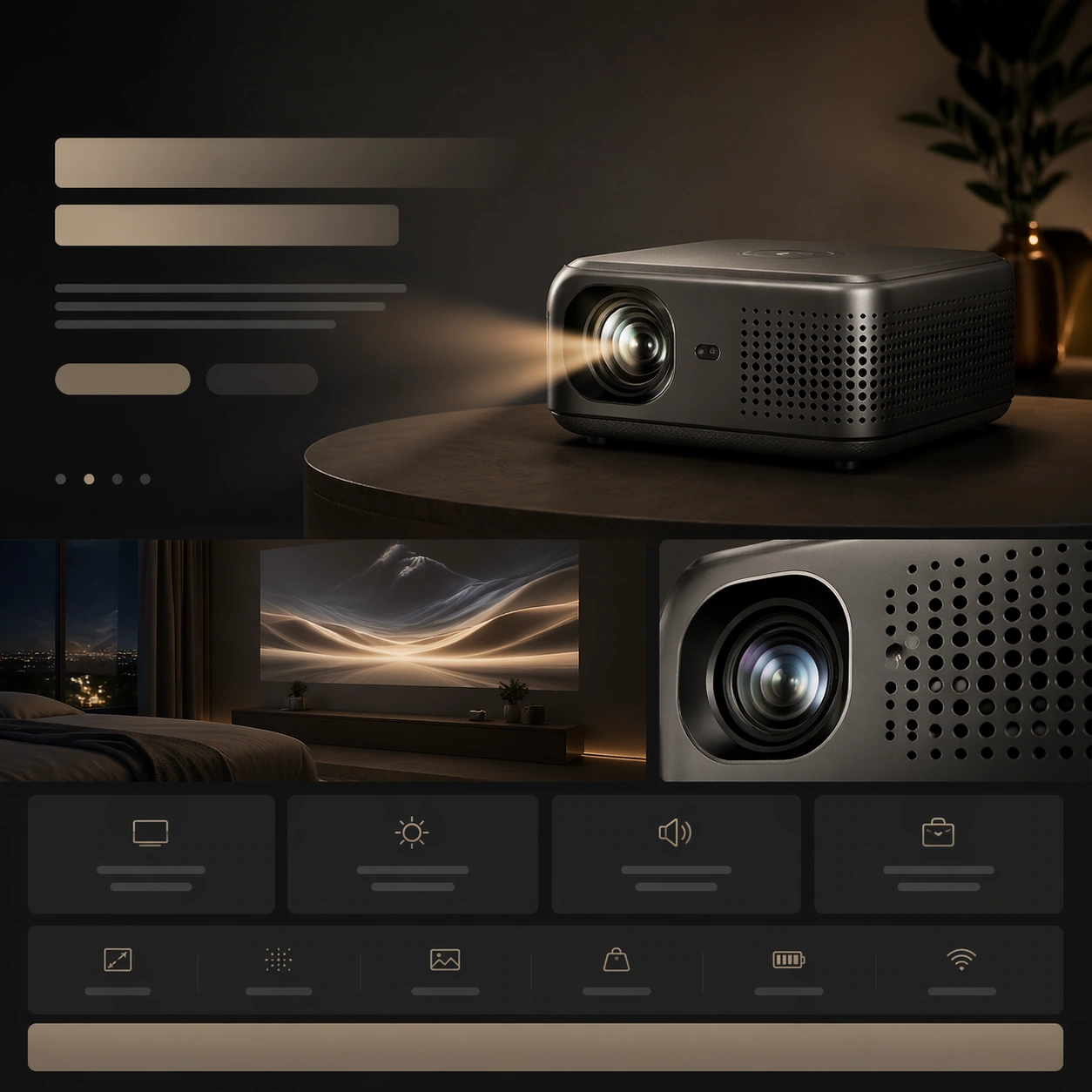
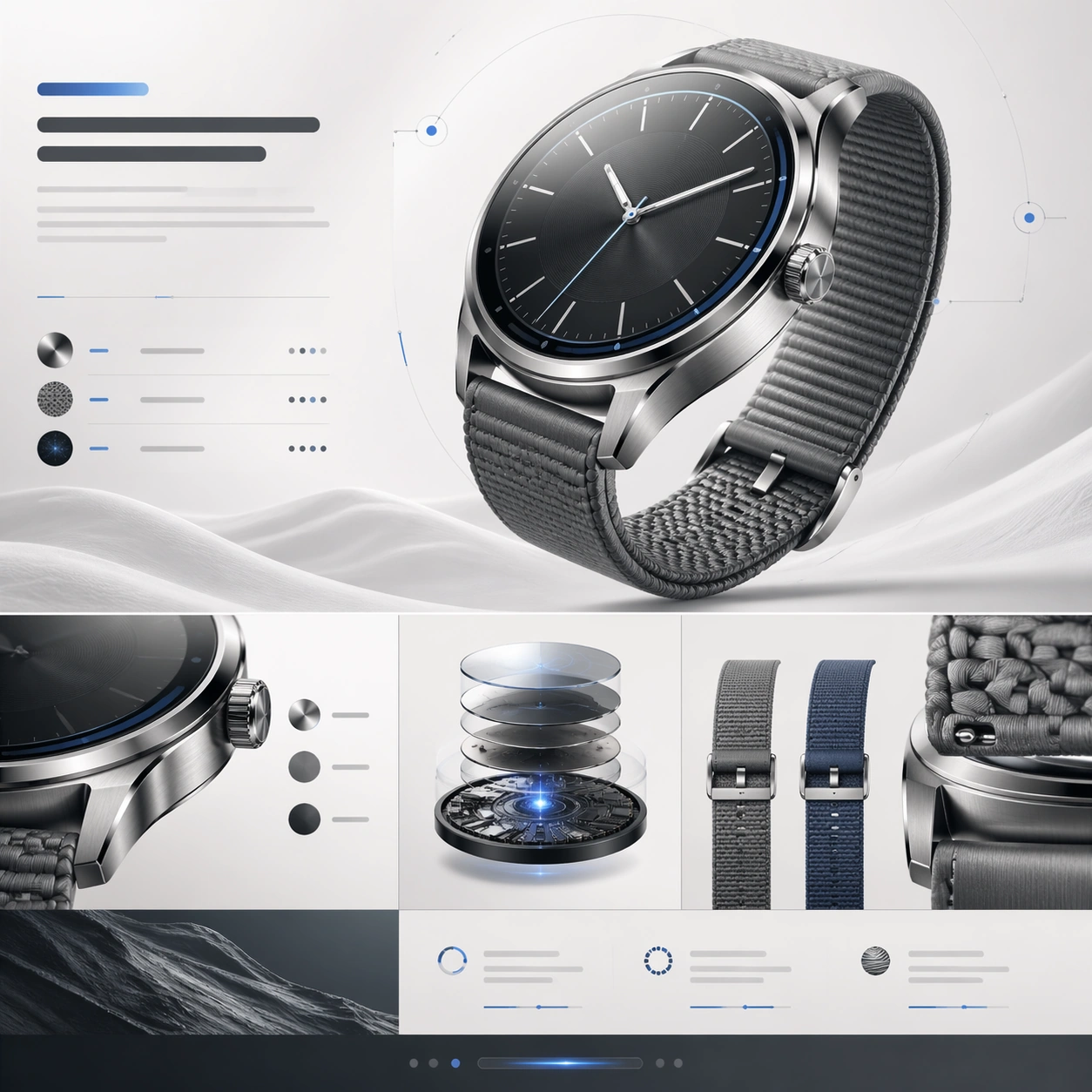
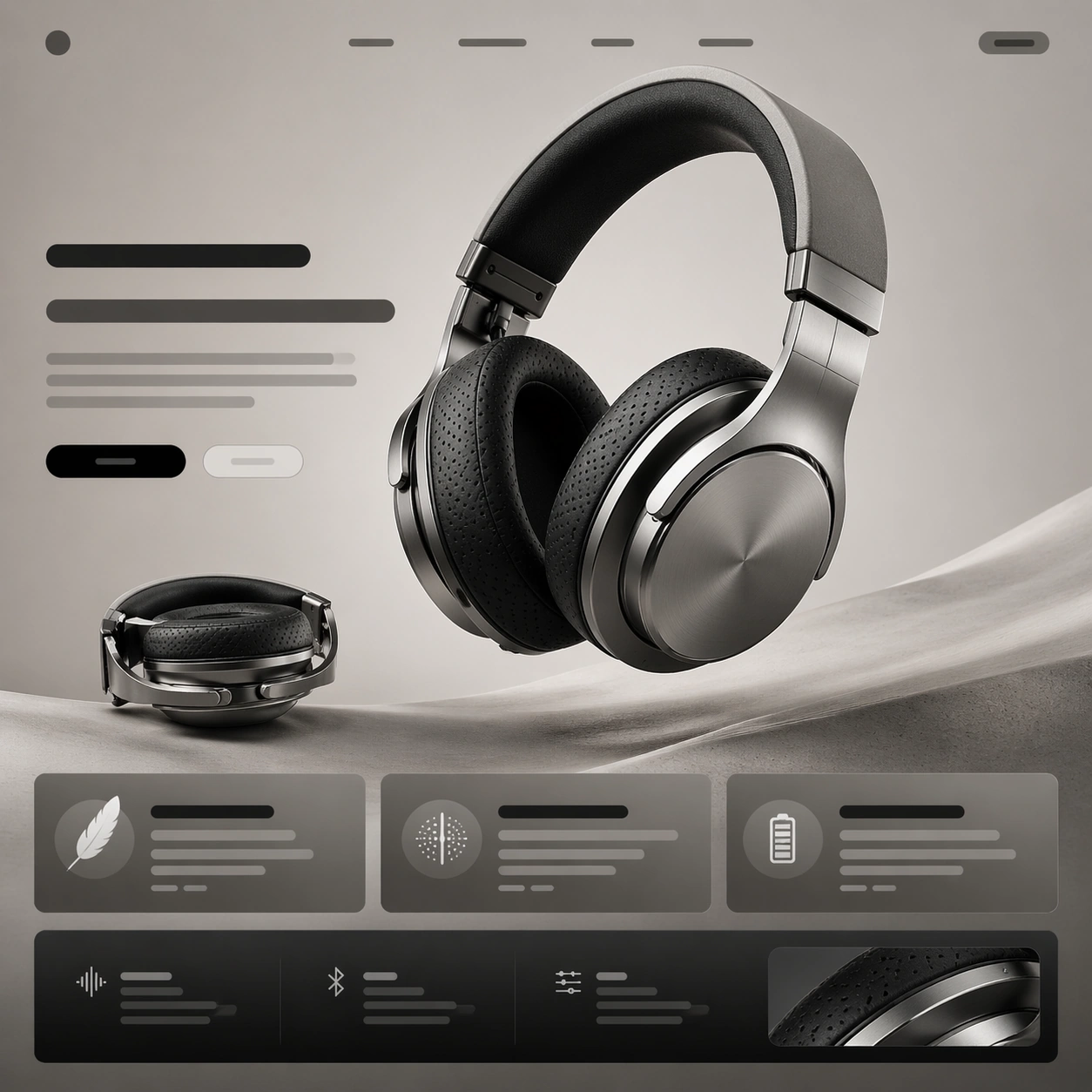
A square premium landing-page still for a flagship over-ear headphone, composed like the first viewport of a hardware launch website. The page is shown front-on with crisp vertical rhythm, a pale graphite background fading into warm stone gray, and a controlled studio-light glow that makes the page feel expensive rather than flashy. The upper half should read like a hero section, while the lower half suggests supporting modules and CTA blocks. Keep the lighting bright enough to reveal materials, with subtle reflections and disciplined shadows.

Subject:
Center a titanium over-ear headphone with a floating three-quarter view, slightly larger than life, showing the brushed metal yoke, perforated ear cushions, fine seam lines, and a soft matte headband interior. Around the product, build an elegant landing-page hierarchy using abstract headline bars, short paragraph blocks, pill-shaped CTA zones, and two or three clean value cards that imply features like comfort, acoustic isolation, and battery life without containing readable words. Add one smaller secondary render of the headphone folded flat to suggest portability.

Important details:
The image must feel like a real premium product launch page, not a random UI mockup. Product photography is the hero; typography zones, spacing, and module cadence support it. Preserve believable industrial design proportions, distinct titanium texture, soft black fabric, and restrained monochrome accents. Use generous margins, precise alignment, and a convincing rhythm from hero to feature modules to specification snippets.

Use case:
Premium Product Landing Page single study 1/9, testing a premium headphone hero frame with strong product-first web hierarchy.

Constraints:
No readable text, no watermark, no logos, preserve exact 1:1 aspect ratio, no browser chrome, no cluttered ecommerce thumbnails, no human model, no exploded parts, no neon gamer styling, no distorted headphone anatomy.
Come usare
- Copia tutto il prompt originale, inclusi i parametri.
- Adatta soggetto, testo e composizione alle tue esigenze.
- Usa uno strumento esterno compatibile; verifica accesso e risultato.
Prima di iniziare
- Controlla se serve un’immagine di riferimento. La compatibilità non prova il modello usato per l’esempio.
- Verifica nomi, numeri e testi; i risultati cambiano con le versioni del modello.