Documento originale
GPT Image 2 · en
Scene:
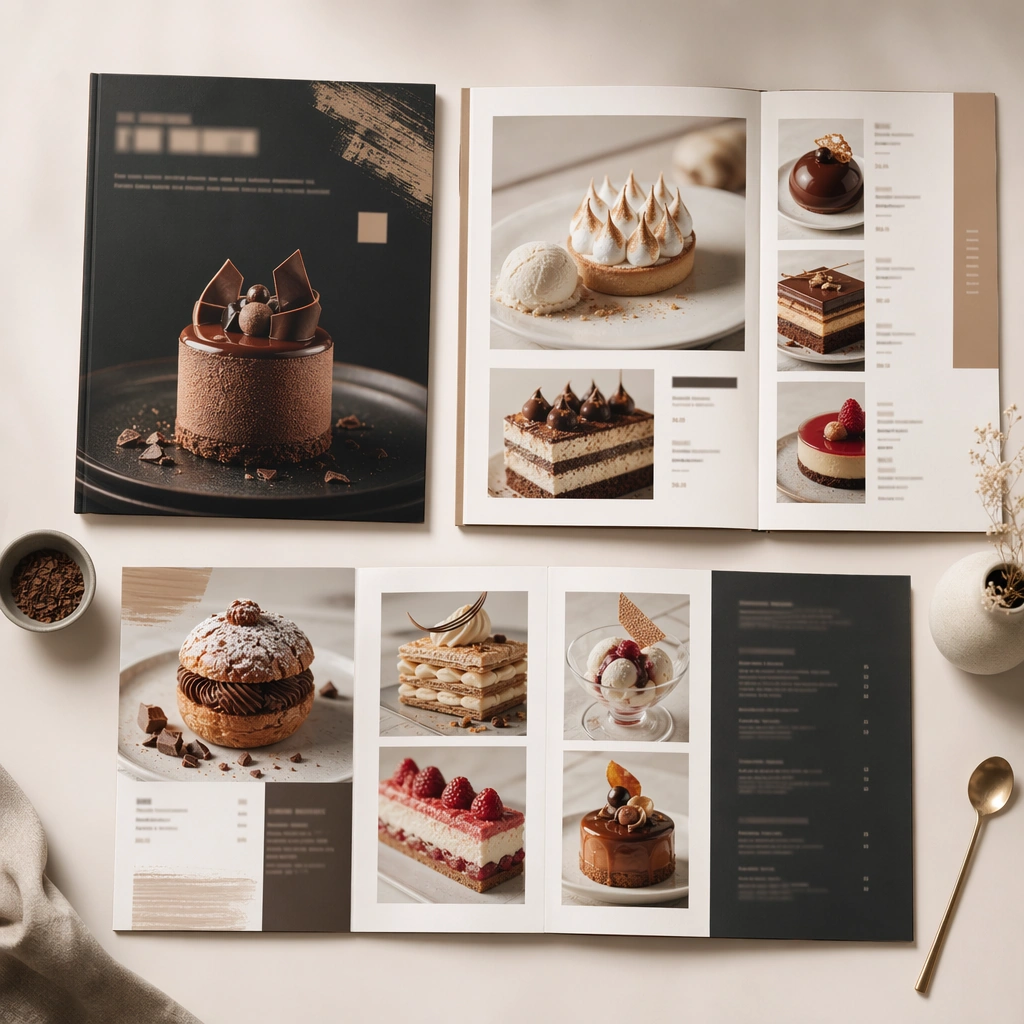
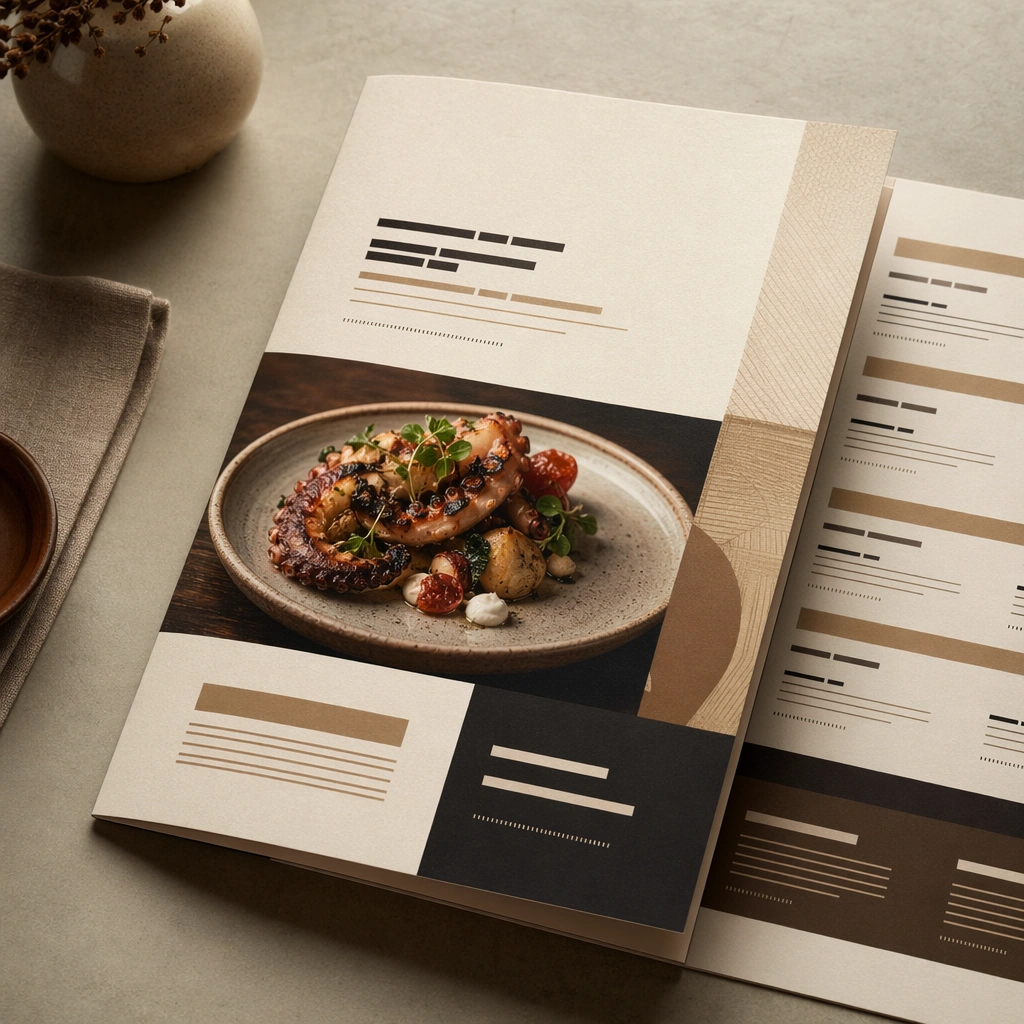
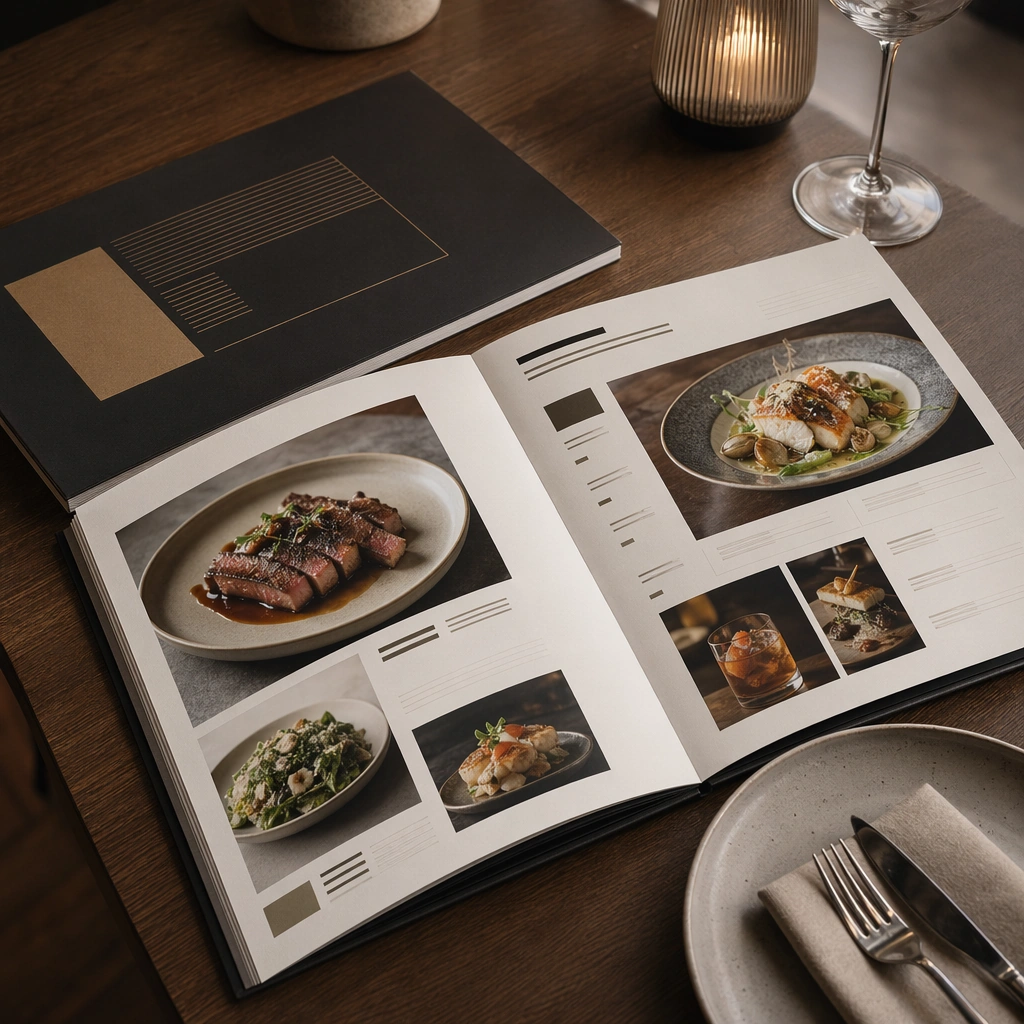
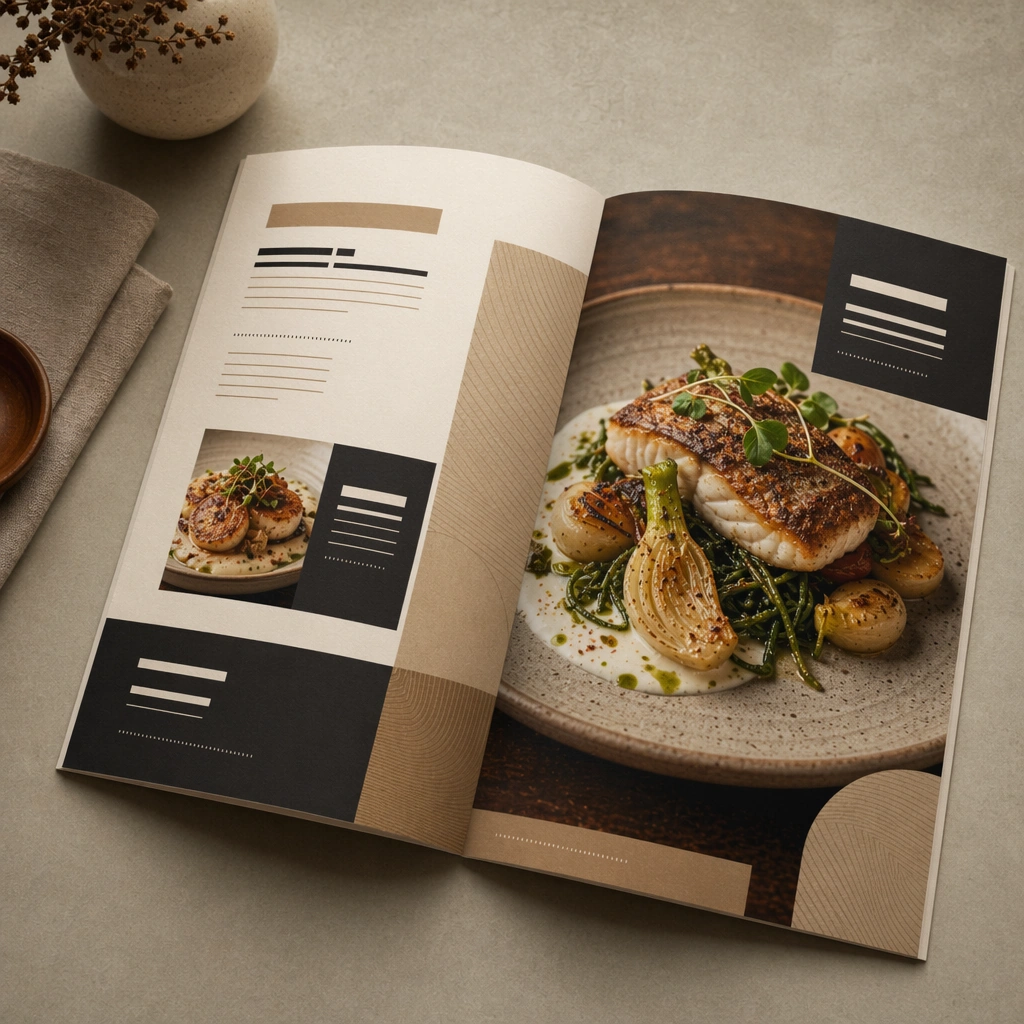
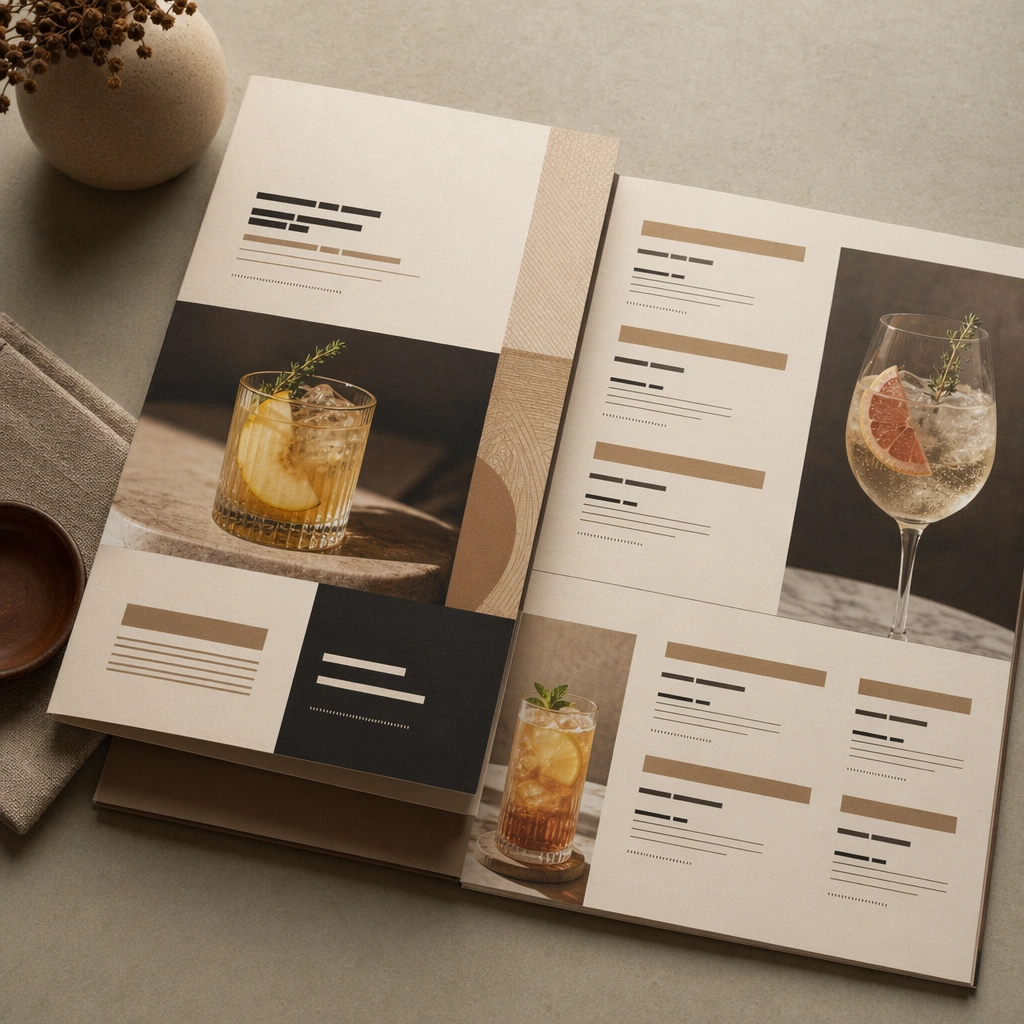
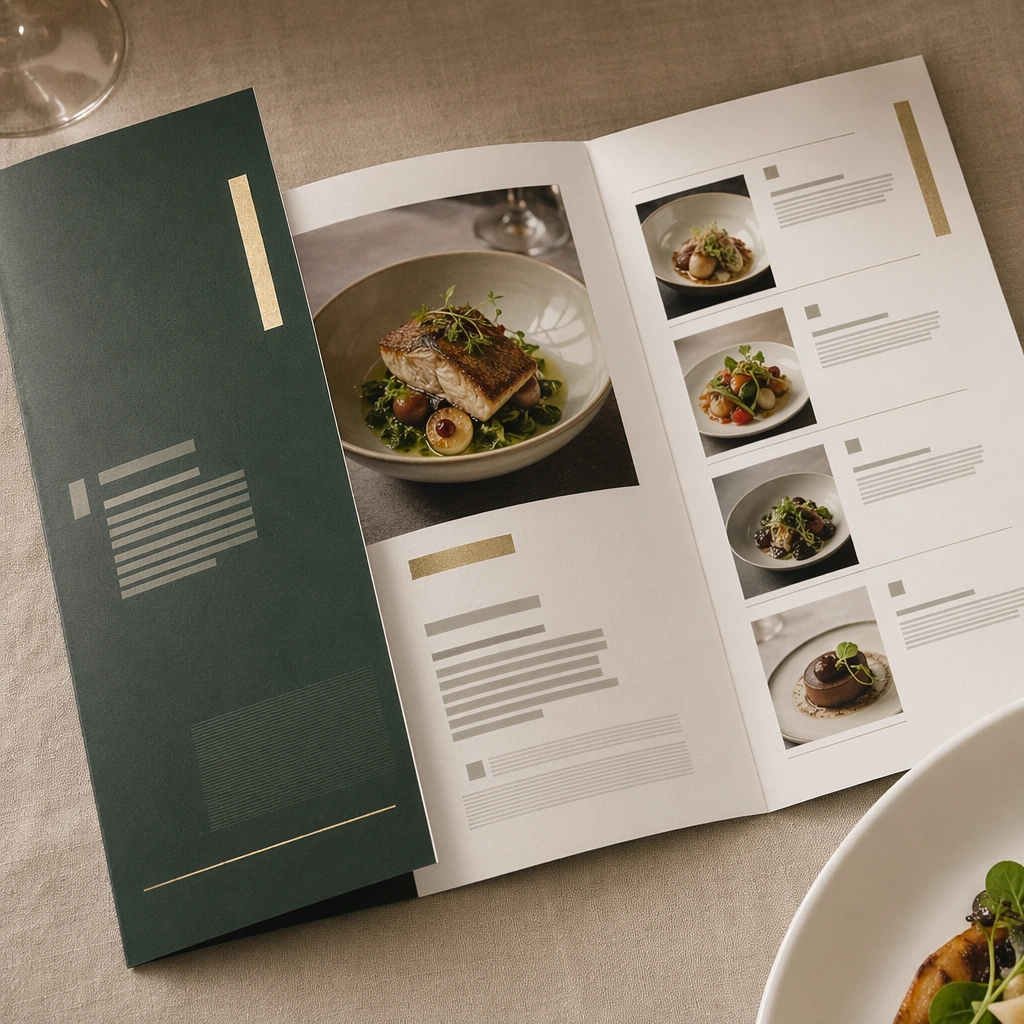
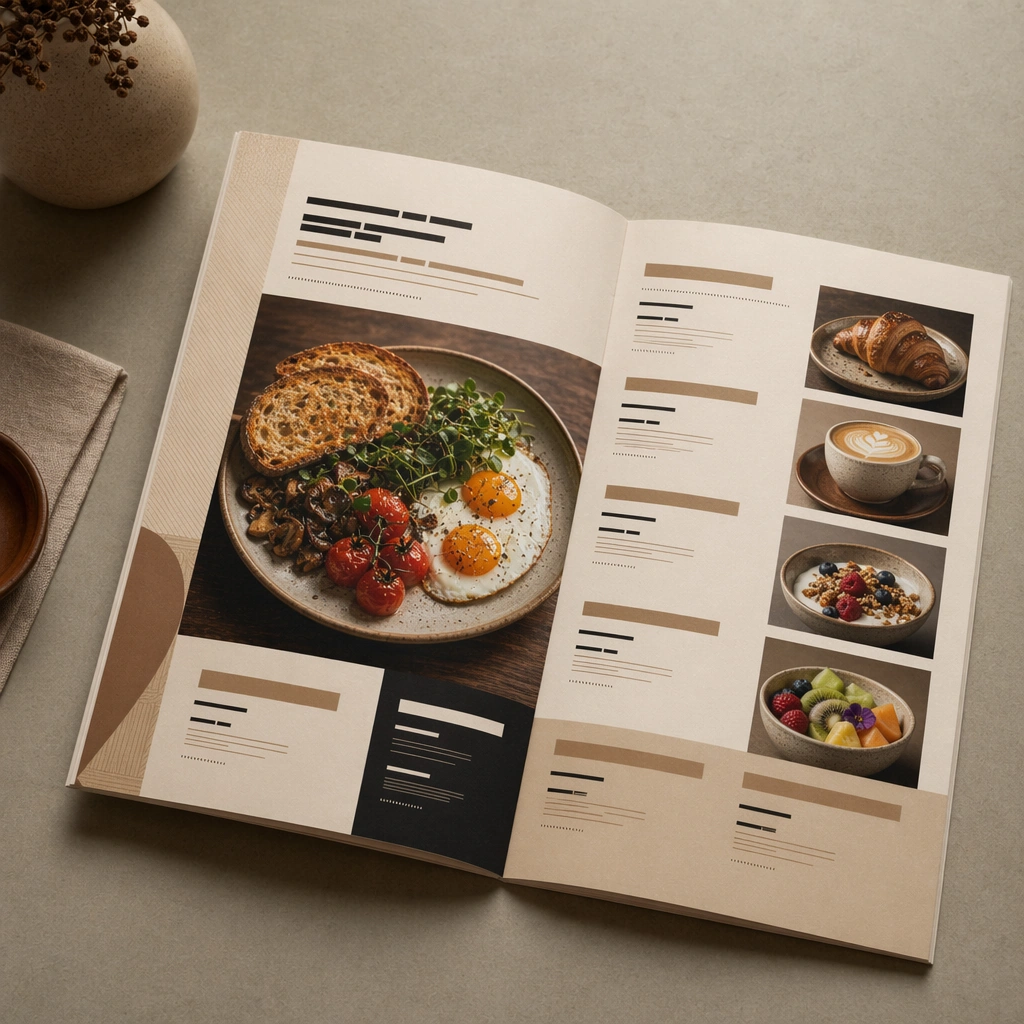
Compose a square menu-design mockup that combines printed surfaces, structured page hierarchy, and appetizing food photography into one coherent brand-authored system. The page layouts should feel intentional and premium, with strong margins, modular blocks, and realistic print or board materials even though all textual zones remain unreadable. Preserve the same paper stock, print lighting, and layout language, but open the spread wider so multiple food images, dividers, and modular text blocks can coexist.

Subject:
The menu should communicate category structure, hero dish placement, and brand tone through composition, image framing, typographic blocks, and page rhythm rather than through readable copy. Food imagery must stay believable and publication-ready. Show a breakfast menu spread with one large dish photo, several smaller supporting photos, and clearly separated but unreadable content areas.

Important details:
This topic tests layout reasoning as much as food styling. Preserve clean grids, realistic paper behavior, credible shadows, and strong focal hierarchy between cover, spreads, dish photos, and placeholder text zones. Text-like marks can exist only as abstract or unreadable forms; clarity must come from design structure. Preserve the exact camera height, lens feel, prop family, tabletop scale, palette discipline, and brand logic established by 01-cover-anchor. The anchor system must remain visible in spacing, page ratio, and typographic rhythm, while the breakfast imagery adds warmth and hospitality cues.

Use case:
Menu System series study 2/9, built for Prompt Atlas coverage of a food and beverage commercial visual system.

Constraints:
No readable text, no watermark, no logos, preserve exact 1:1 aspect ratio, no readable text, no logos, no fake menu prices, no warped paper errors, no amateur flyer clutter, no chaotic collage, no obvious software UI chrome, no readable headings, no fake prices, no sloppy page curl.
Come usare
- Copia tutto il prompt originale, inclusi i parametri.
- Adatta soggetto, testo e composizione alle tue esigenze.
- Usa uno strumento esterno compatibile; verifica accesso e risultato.
Prima di iniziare
- Controlla se serve un’immagine di riferimento. La compatibilità non prova il modello usato per l’esempio.
- Verifica nomi, numeri e testi; i risultati cambiano con le versioni del modello.