Style demo · Infographic — how HTTPS works

Style demo · Infographic — how HTTPS works

Documento originale

Not disclosed · en

Create a clean infographic: How HTTPS works, for developers.

Four or five steps max: DNS, TCP, TLS handshake, encrypted HTTP.
Flat vector, limited palette, large readable labels, 16:9.
No tiny paragraph walls. No fake browser chrome clutter.
Dark or light — pick one and stay consistent.

Come usare

  1. Copia tutto il prompt originale, inclusi i parametri.
  2. Adatta soggetto, testo e composizione alle tue esigenze.
  3. Usa uno strumento esterno compatibile; verifica accesso e risultato.

Prima di iniziare

  • Controlla se serve un’immagine di riferimento. La compatibilità non prova il modello usato per l’esempio.
  • Verifica nomi, numeri e testi; i risultati cambiano con le versioni del modello.
Esempi simili

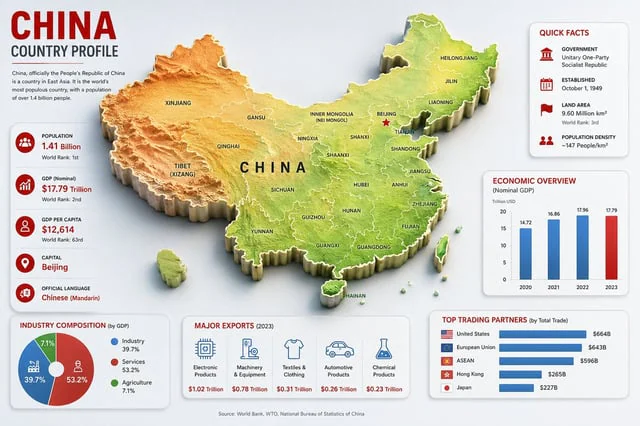
China Country Profile Infographic
GPT Image 2en

Goal: Create a clean, modern country-profile infographic for {argument name="country name" default="China"}, titled “CHINA COUNTRY PROFILE,” with a large central 3D raised relief map and surrounding statistical cards. Canvas: 16:9 horizontal infographic, light gray background, c

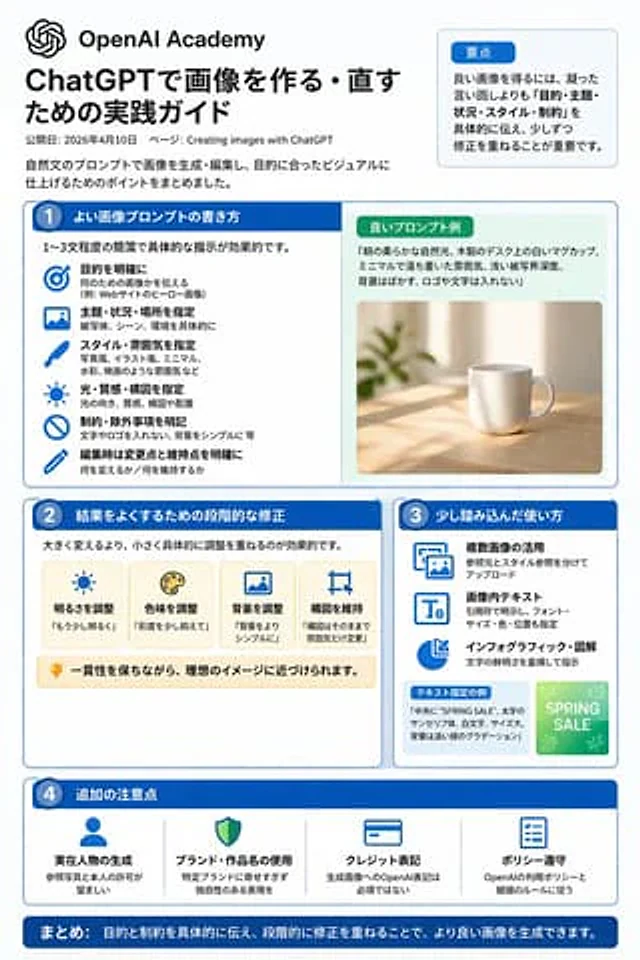
ChatGPT Image Generation Guide Infographic
GPT Image 2en

{"type":"infographic","style":"Simple, corporate style, flat design, soft color accents, dark blue main color","header":{"logo":"swirl icon","academy_name":"}}{argument name="academy name" default="OpenAI Academy"} ","main_title":"{argument name="main title" default="ChatGPT Imag

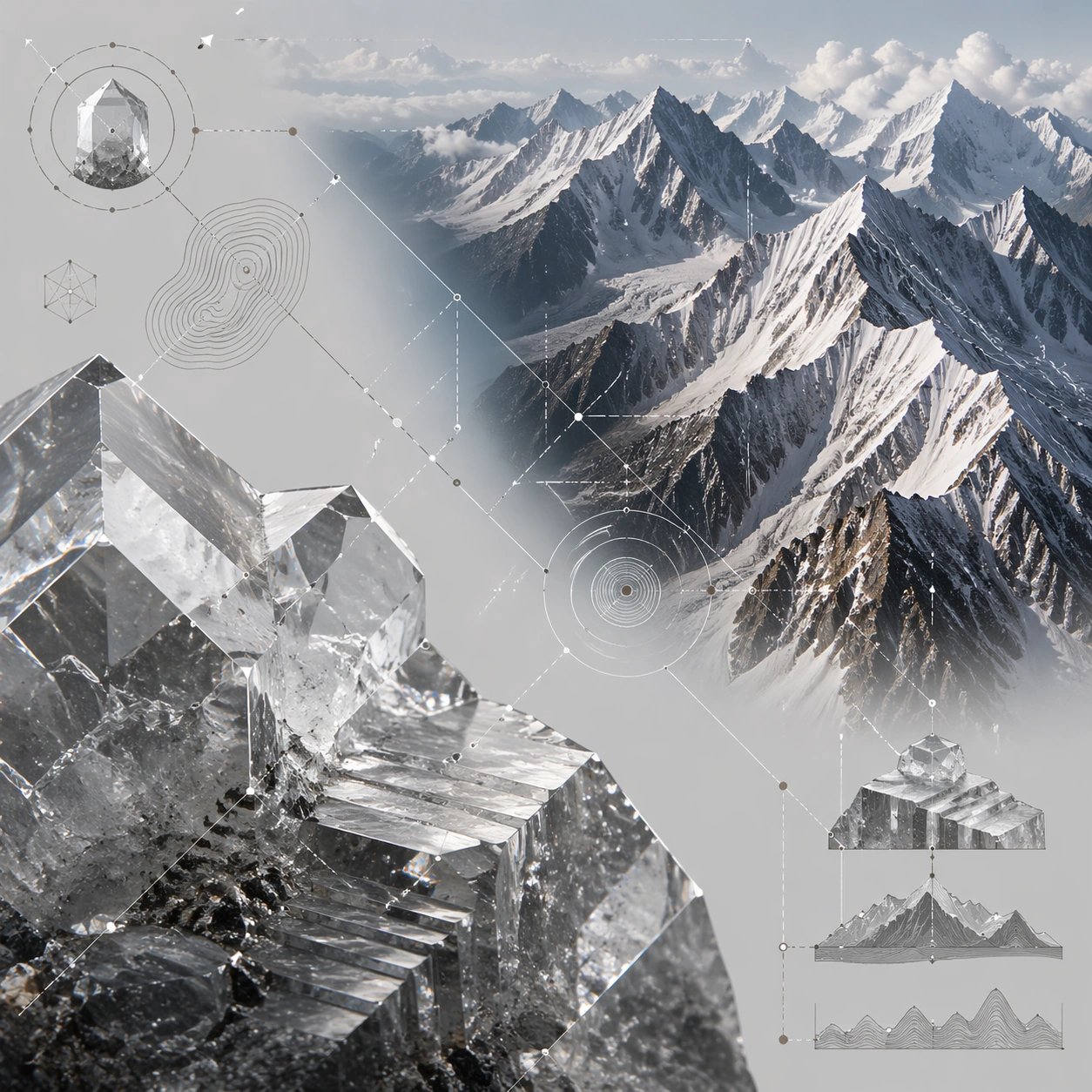
Micro Macro Infographic — Crystal Mountain Range
GPT Image 2en

Scene: A square premium science infographic with a pale mineral-gray background, crisp studio lighting, and a central mirrored composition. The lower-left quadrant shows a microscopic crystal surface; the upper-right quadrant shows an alpine mountain range. Thin diagonal guides,

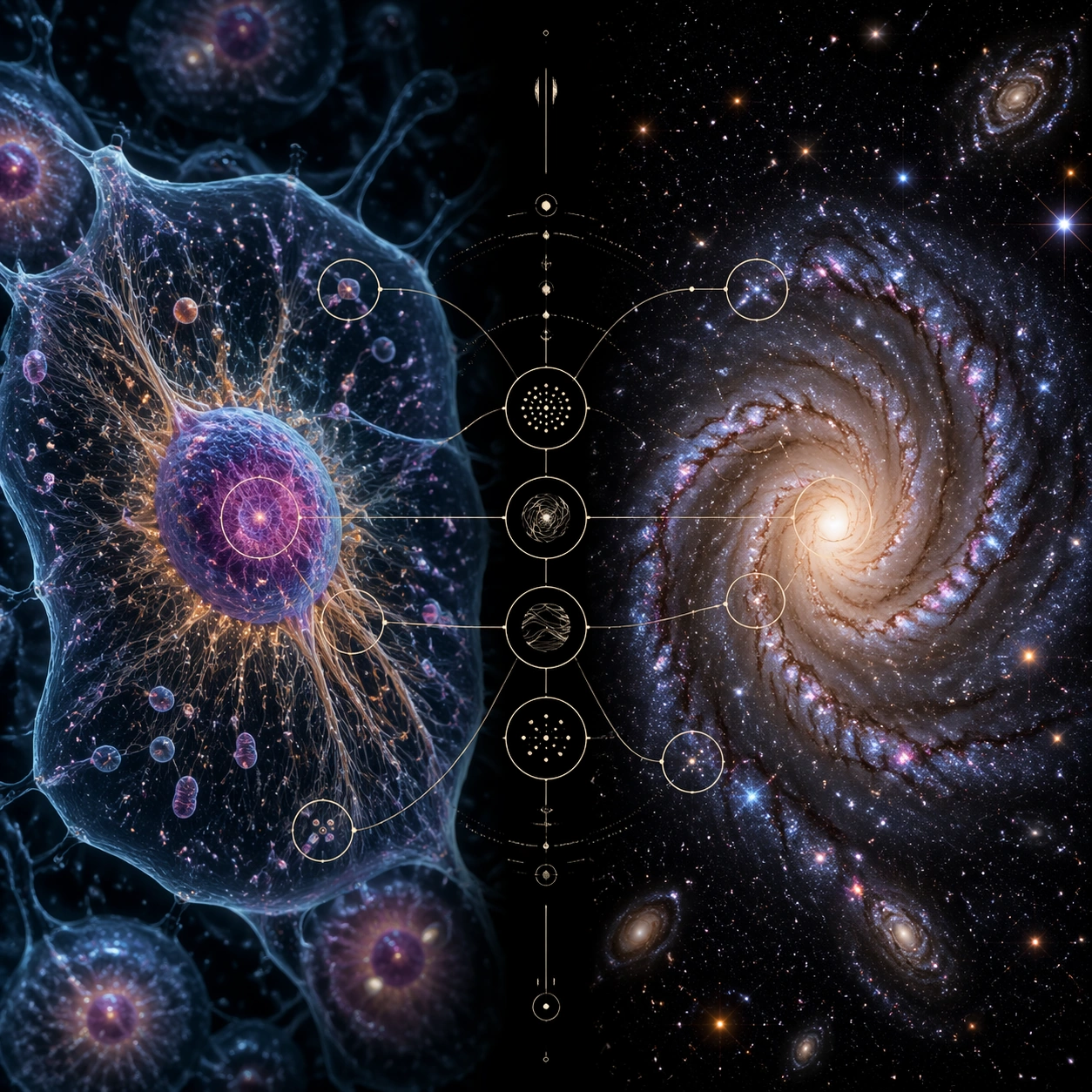
Micro Macro Infographic — Cell Galaxy Echo
GPT Image 2en

Scene: A square science-editorial infographic plate with a restrained black background, soft rim lighting, and a precise two-panel layout. The left half is a photorealistic microscope view; the right half is a deep-space telescope-style view. A narrow central bridge contains thin

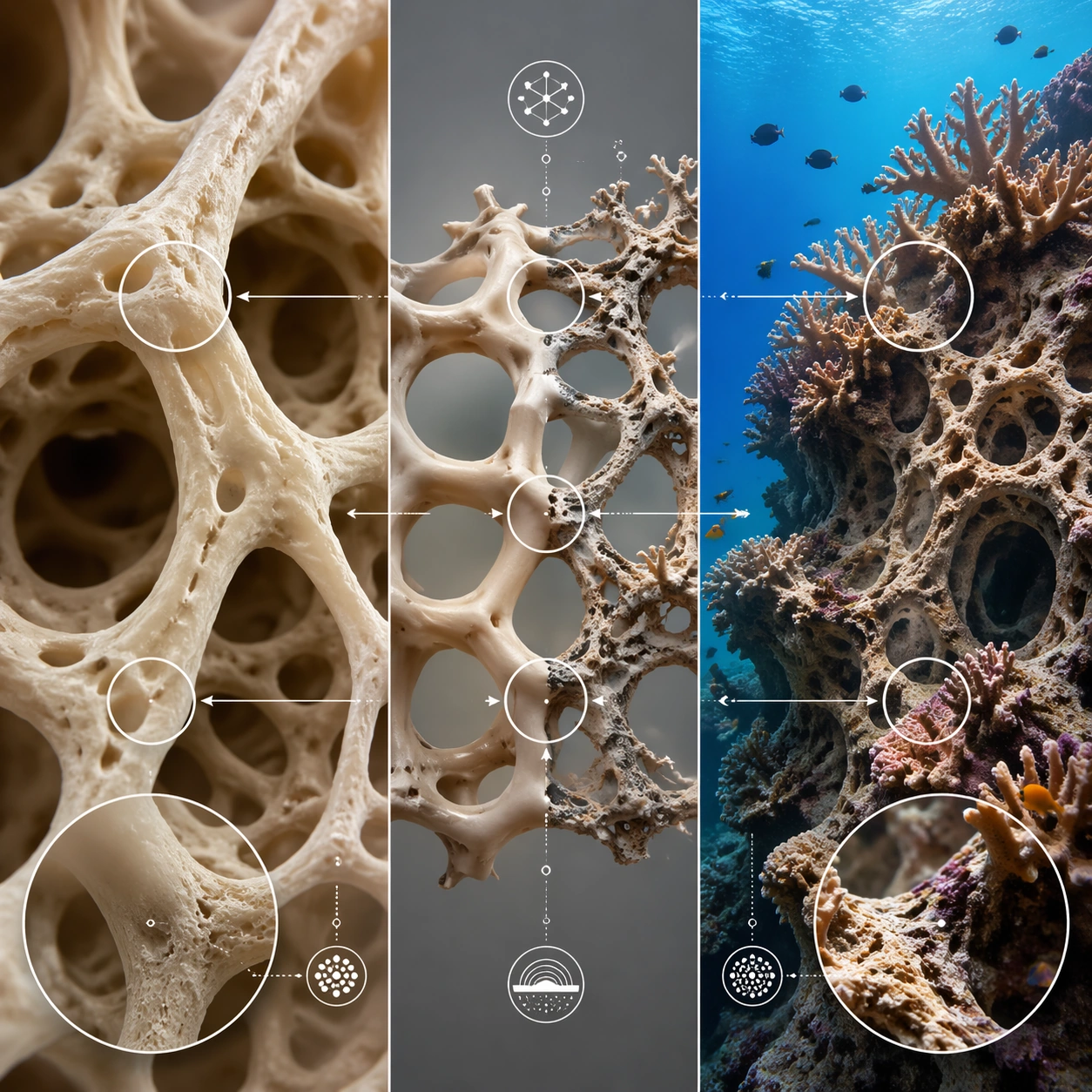
Micro Macro Infographic — Bone Coral Architecture
GPT Image 2en

Scene: A square photorealistic science infographic with a soft studio-gray background and a balanced triptych structure: microscopic bone lattice on the left, central transition column, coral reef architecture on the right. The layout uses thin white dividers, translucent callout

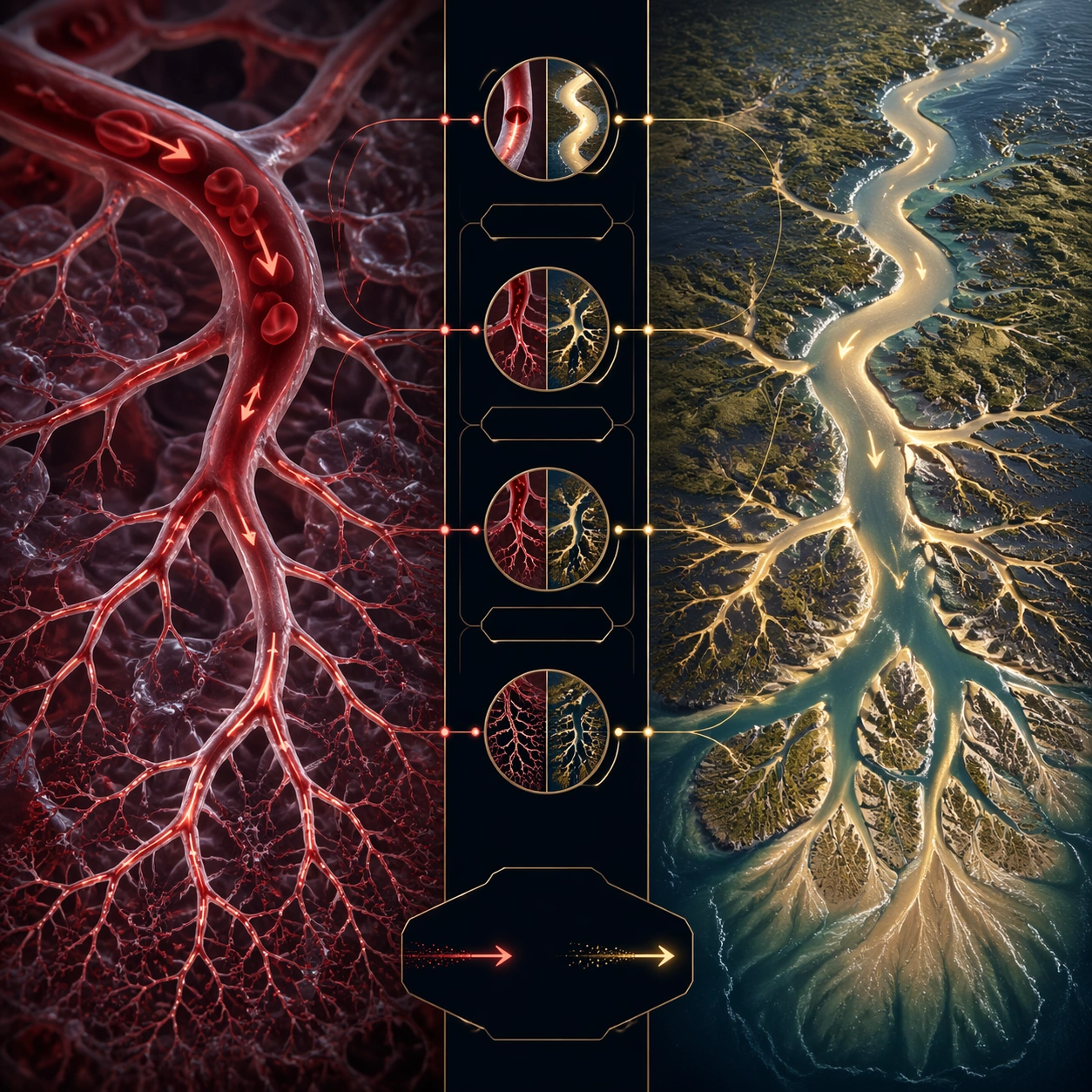
Micro Macro Infographic — Capillary River Delta
GPT Image 2en

Scene: A square split-panel infographic on a deep blue-black background with luminous red and gold accents. The left side shows a microvascular network under magnification; the right side shows a satellite-like river delta. A central vertical spine contains clean connector arcs,