Documento originale
GPT Image 2 · en
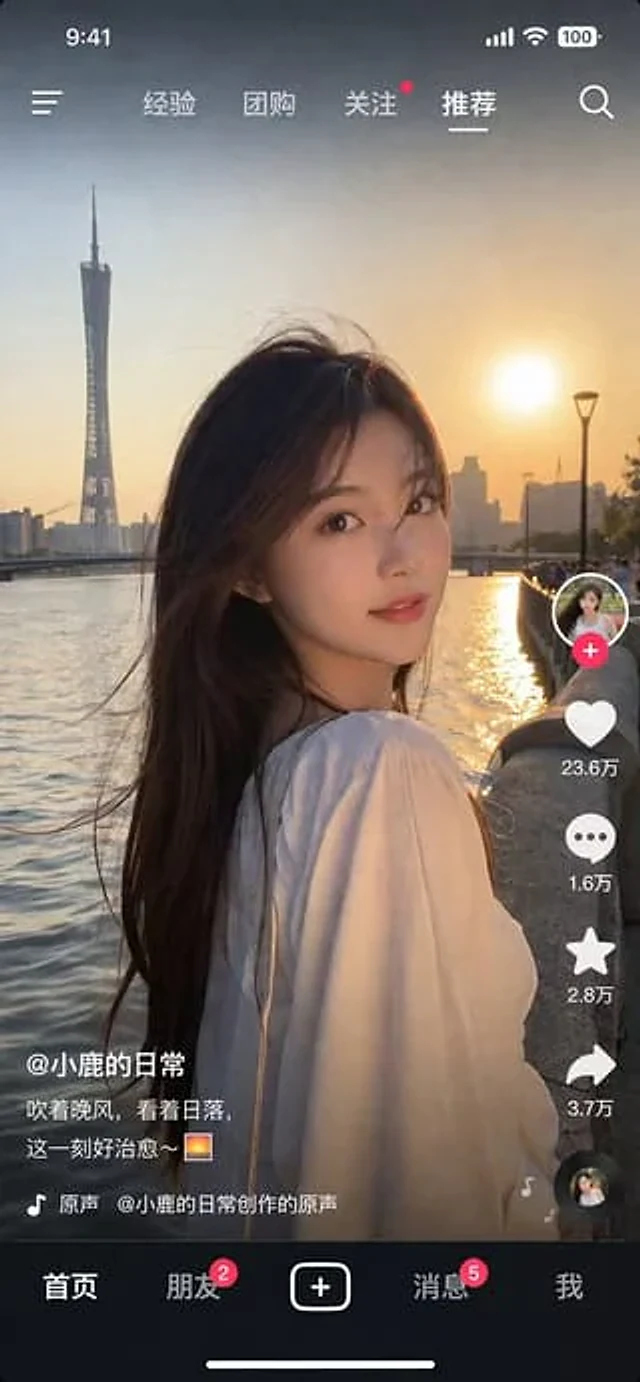
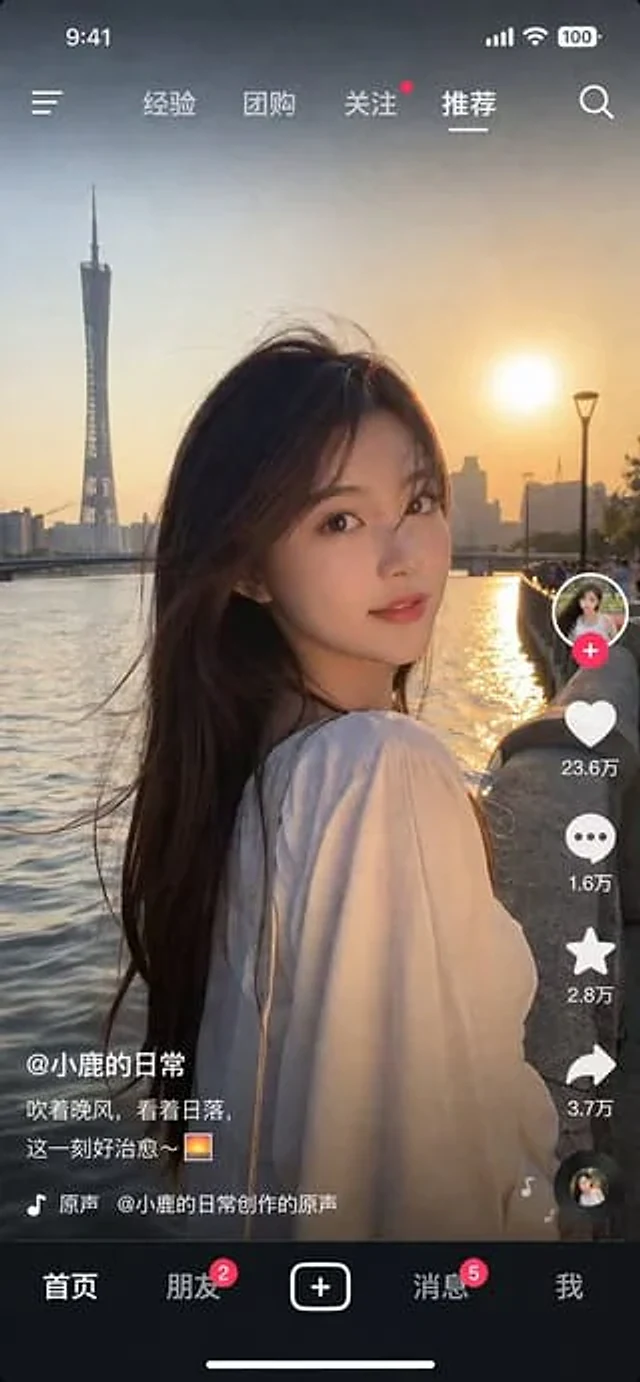
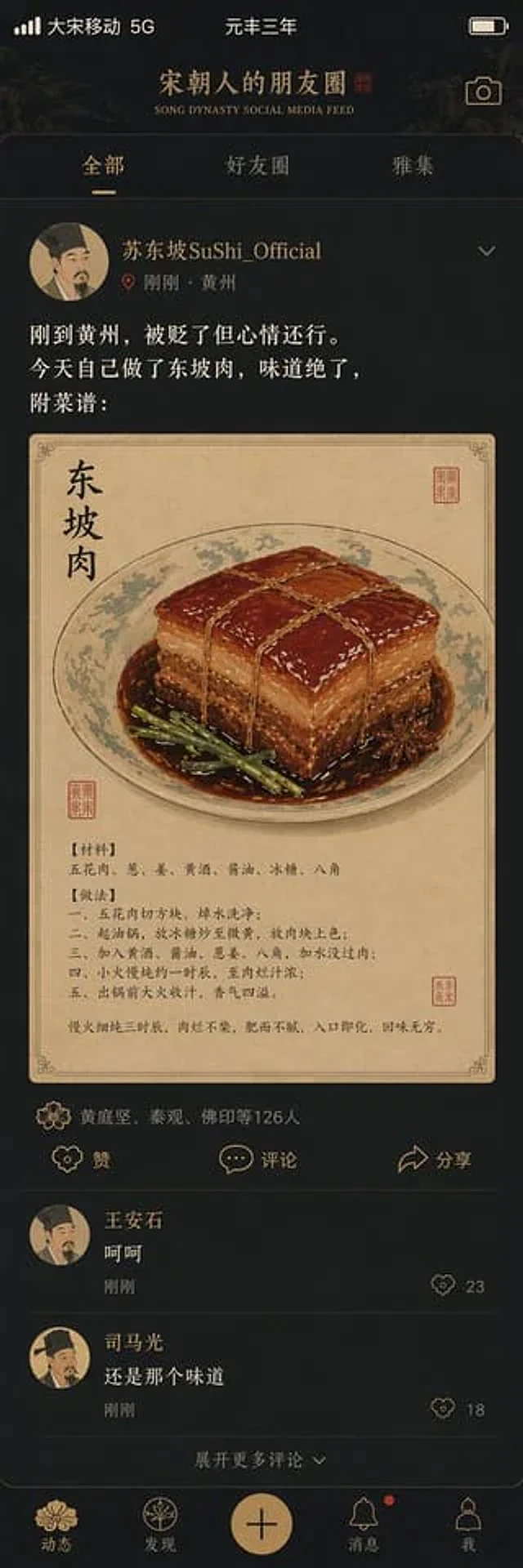
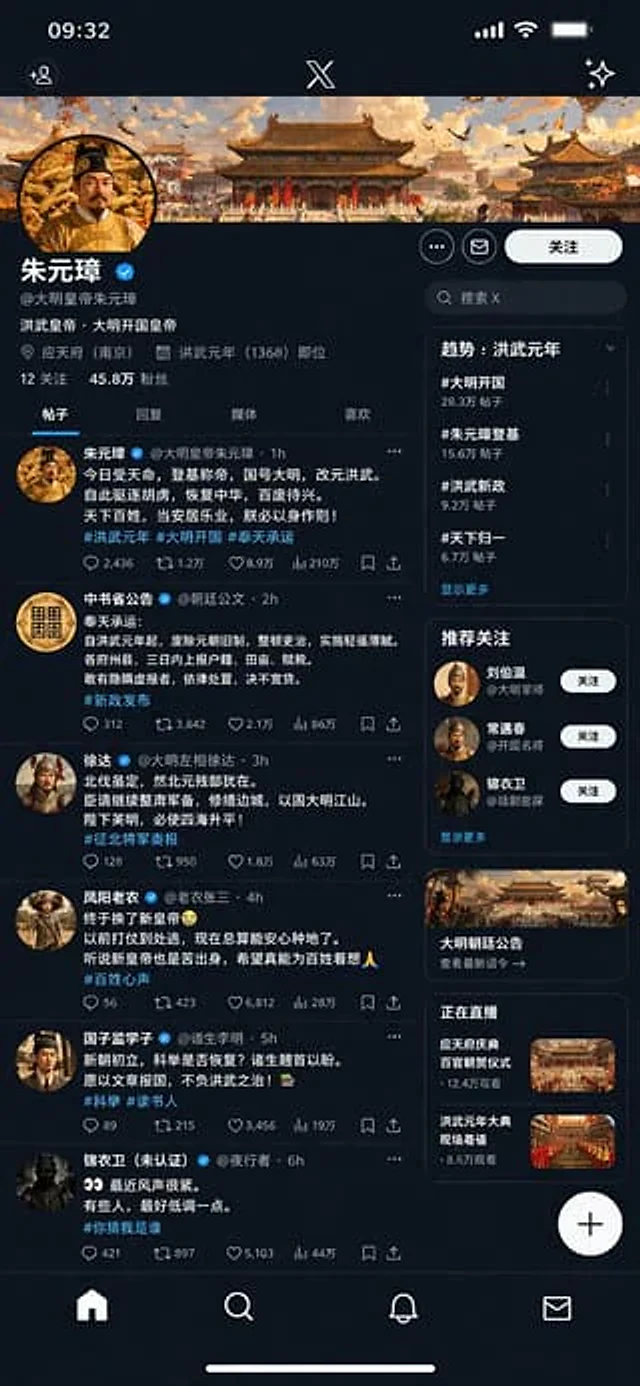
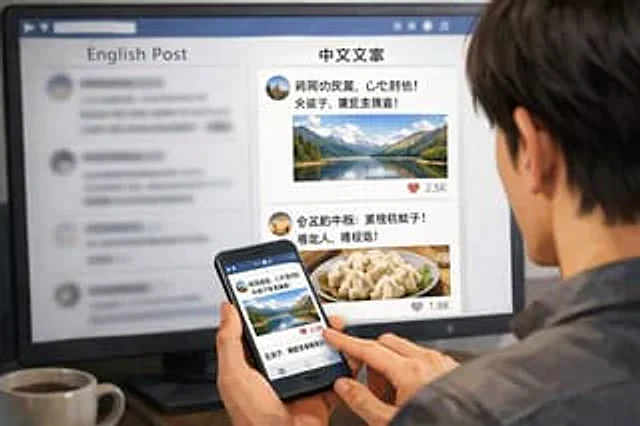
A realistic over-the-shoulder photo shows a person with dark hair, wearing a gray shirt, sitting at a table looking at a large computer monitor, holding a black smartphone. A small object is placed on the lower left corner of the table.{argument name="drink on desk" default="White mug filled with black coffee"} The monitor displays a split-screen social media interface. The left sidebar is titled "{argument name="left column header" default="English post"} Below is a blurry feed of information. The right sidebar is in sharp focus and has the title "{argument name="right column header" default="Chinese copywriting"} Below the title on the right are two different social media posts: the upper post contains an avatar, pseudo-Chinese text, and {argument name="first post image" default="A landscape photo of a mountain lake."} And a heart-shaped icon displaying "2.5K"; the post below includes an avatar, pseudo-Chinese text,{argument name="second post image" default="A photo of dumplings on a plate"} And a heart-shaped icon displaying "1.8K". The person is holding a smartphone in their left hand, with their right index finger tapping the screen. The content displayed on the phone screen is exactly the same as the social media post about a mountain lake seen on the monitor. The image has a shallow depth-of-field effect, with the left side of the screen blurred to highlight the right sidebar and the phone screen.Come usare
- Copia tutto il prompt originale, inclusi i parametri.
- Adatta soggetto, testo e composizione alle tue esigenze.
- Usa uno strumento esterno compatibile; verifica accesso e risultato.
Prima di iniziare
- Controlla se serve un’immagine di riferimento. La compatibilità non prova il modello usato per l’esempio.
- Verifica nomi, numeri e testi; i risultati cambiano con le versioni del modello.