Documento originale
GPT Image 2 · en
Scene:
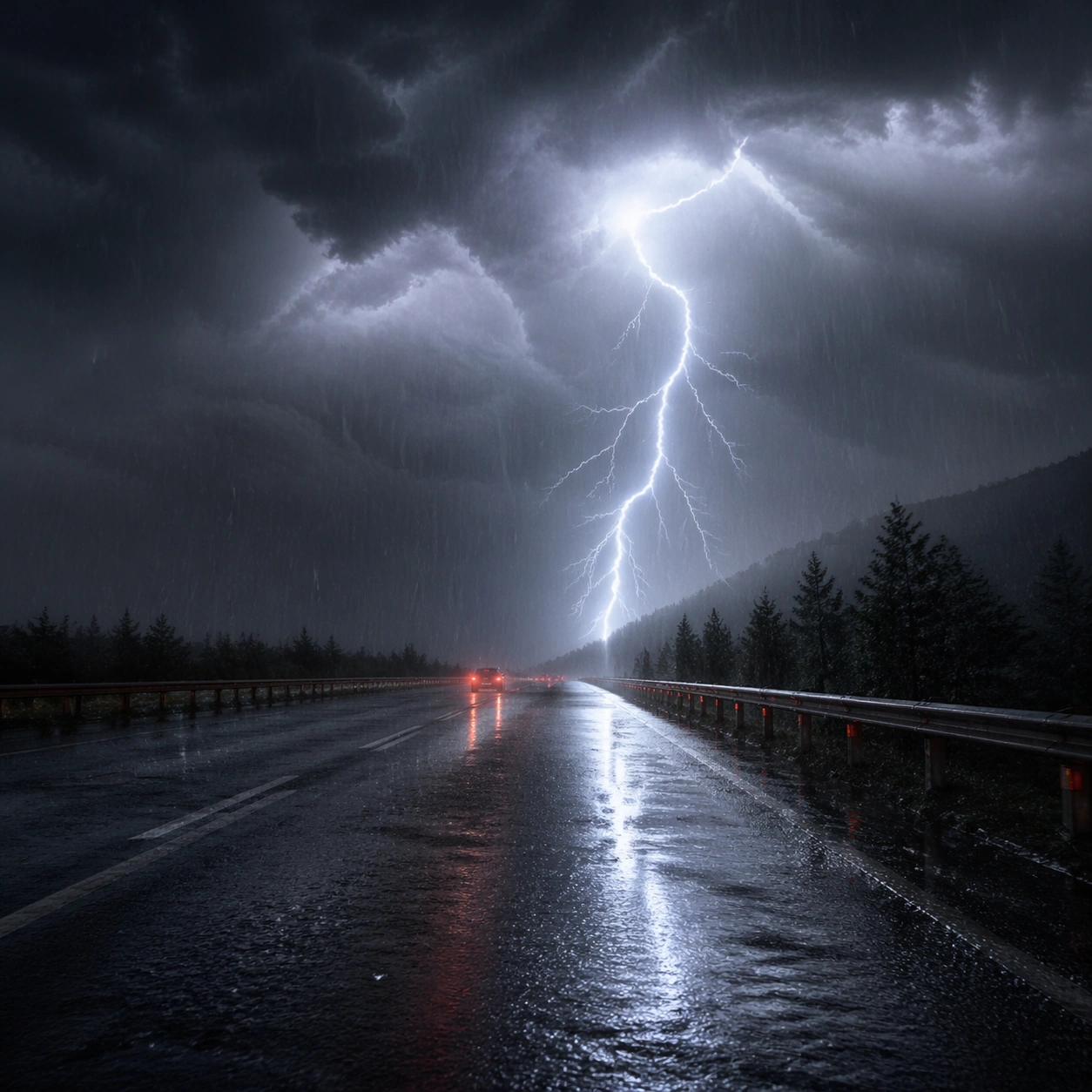
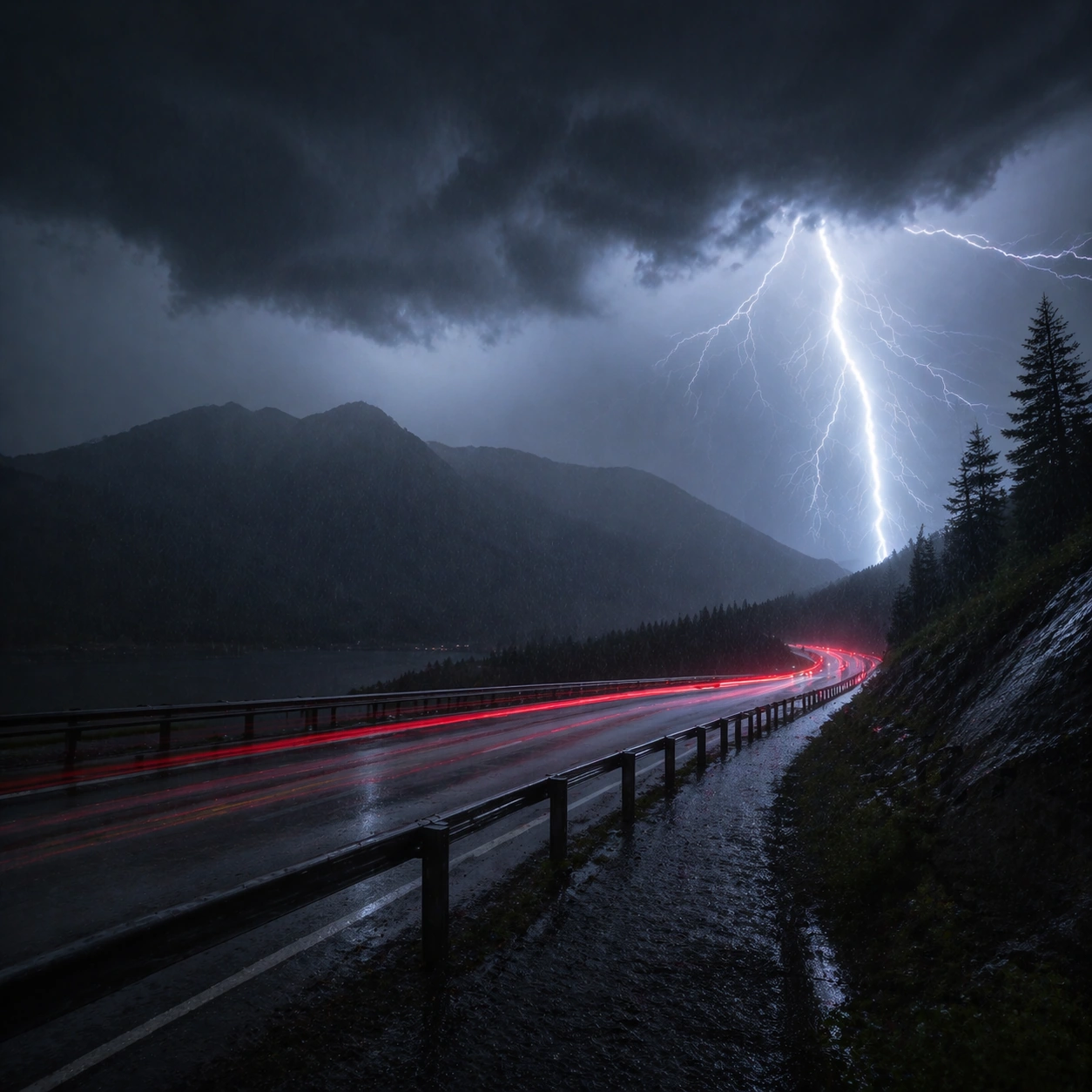
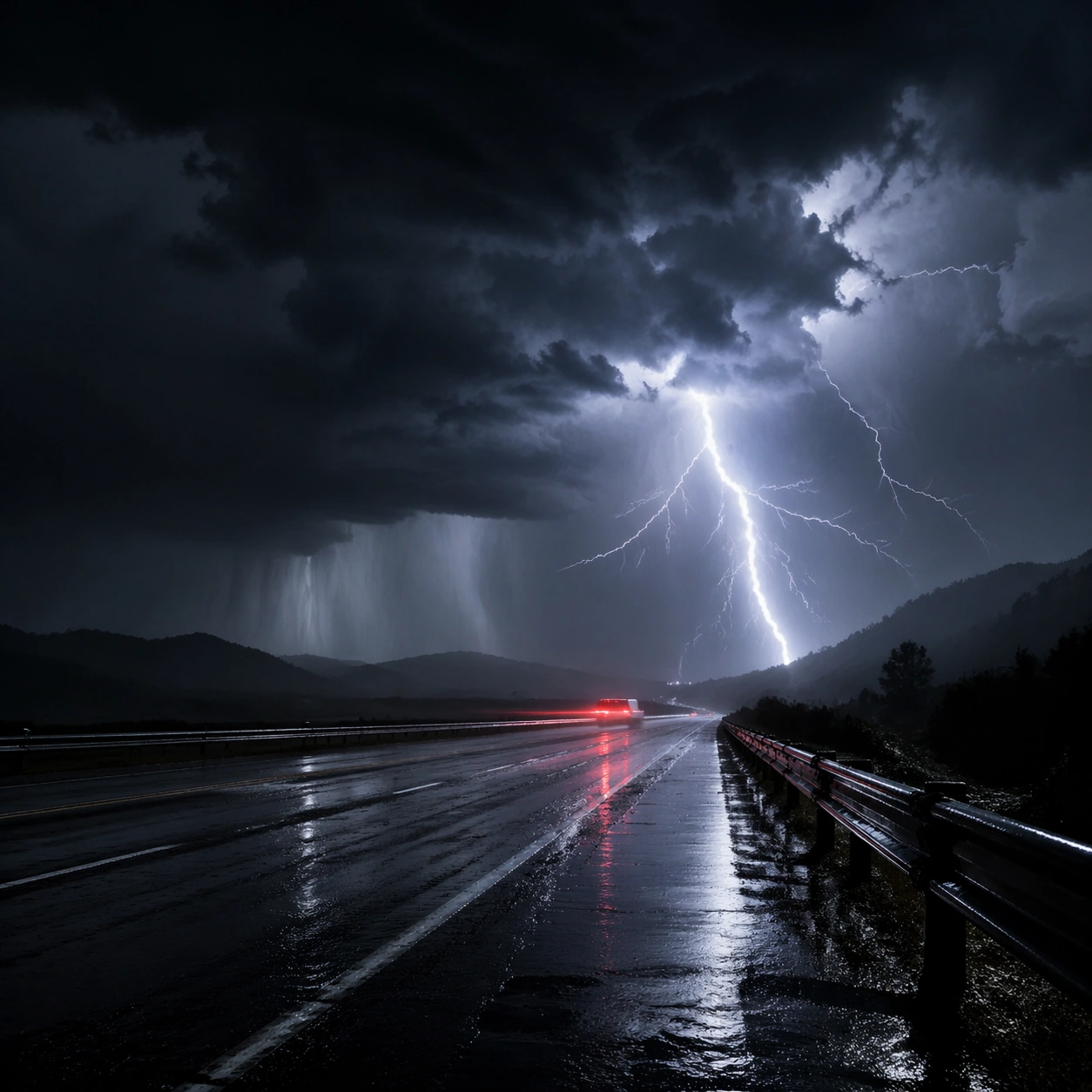
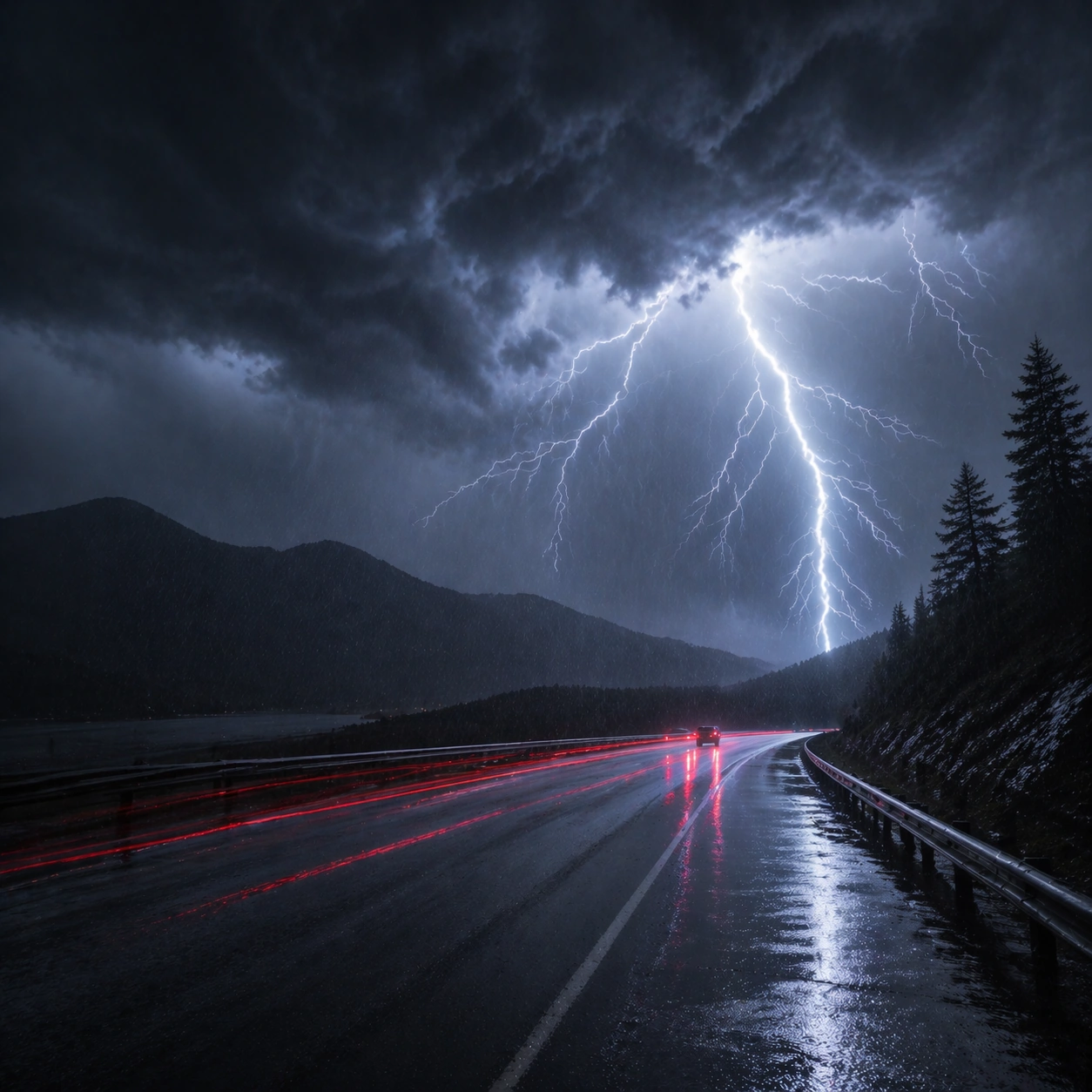
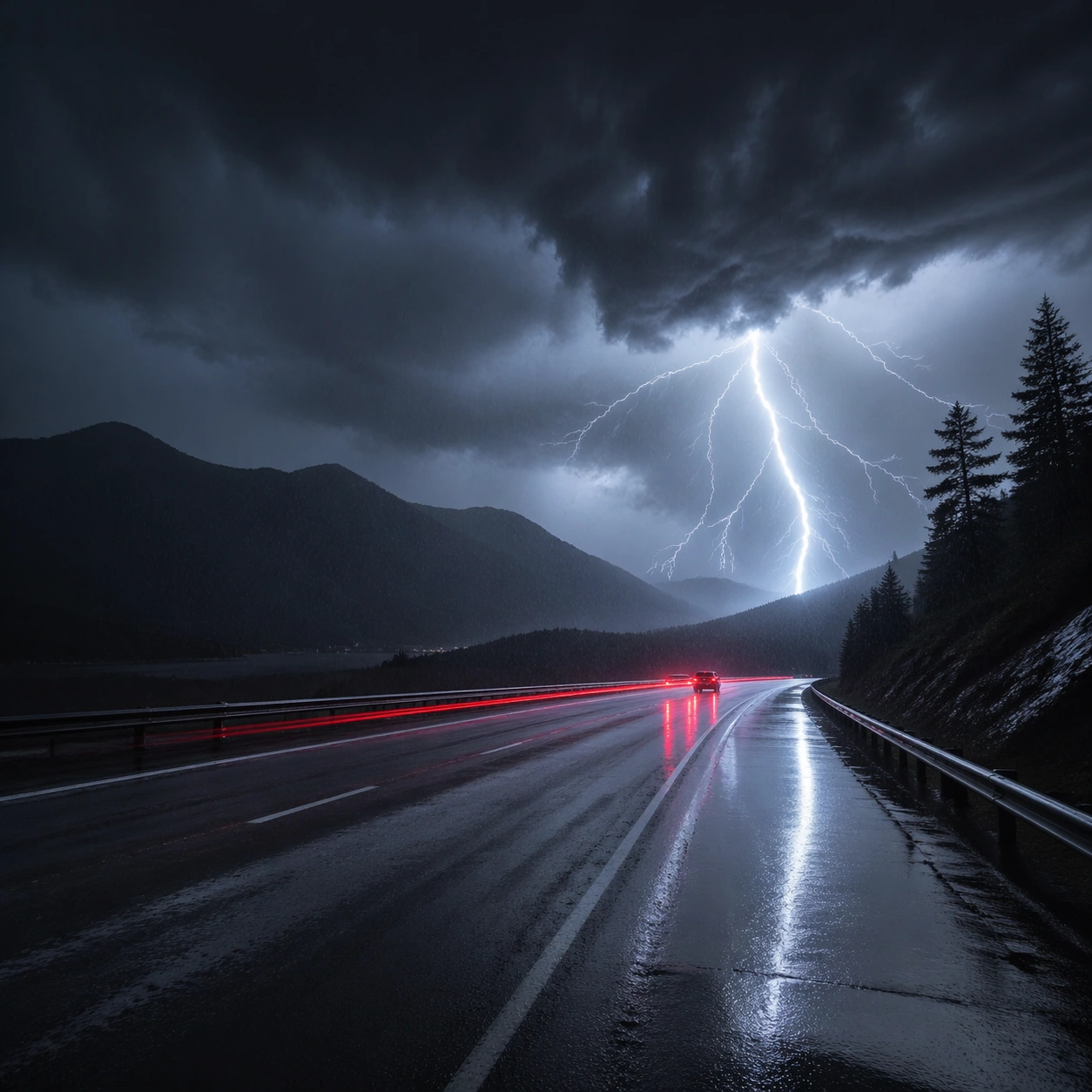
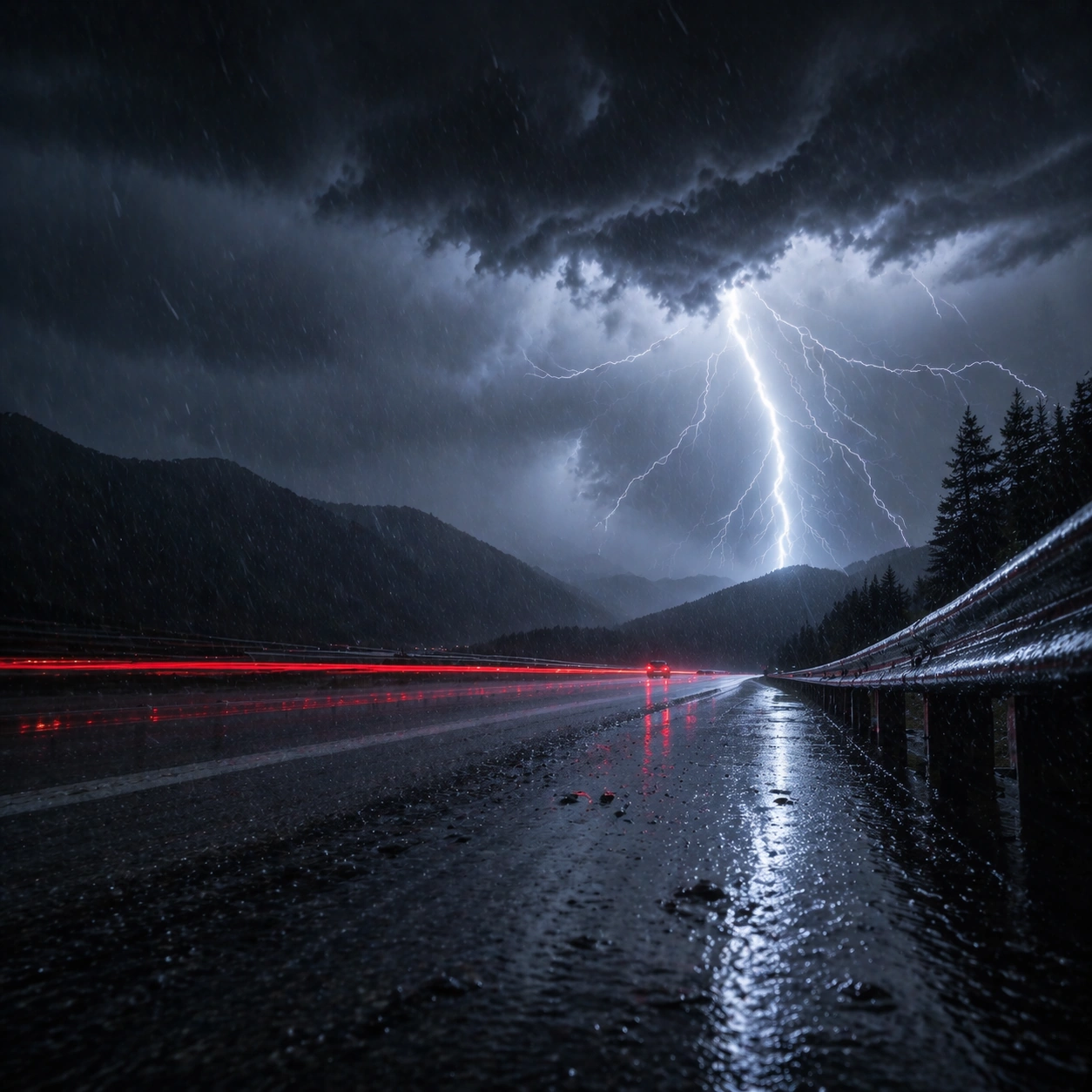
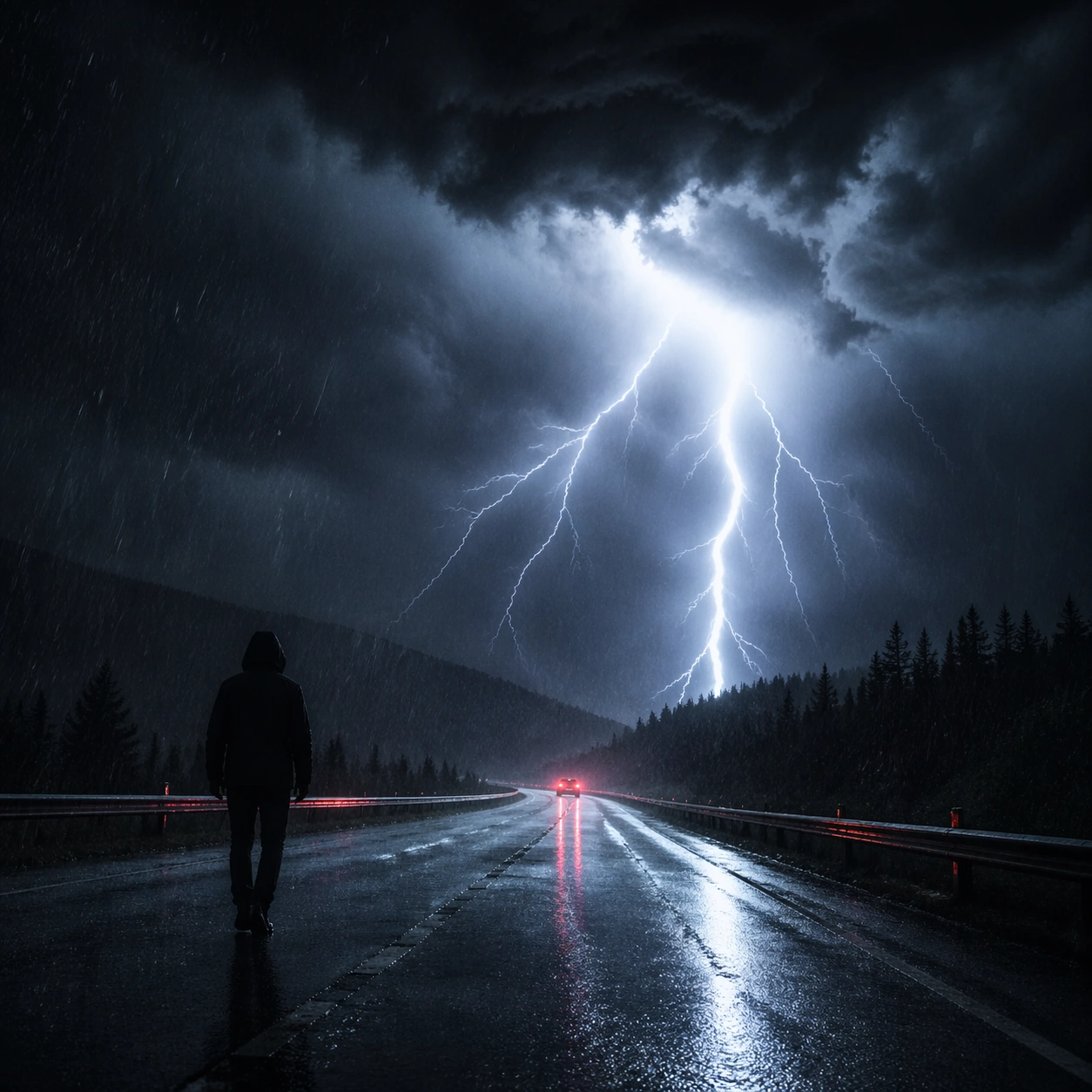
Create a square cinematic still for Thunderstorm Cinematic Strobe. Use production-grade photoreal lighting, disciplined lens behavior, and a composition that feels like a finished key frame from an original film rather than a casual snapshot. A lonely wet highway at night is split open by a lightning flash, with black storm mass above, slick asphalt reflecting cold light, distant taillight streaks cutting red through the rain, and sheets of water visible in the air. Compose an independent frame where one human, animal, or object silhouette negotiates with the atmospheric light event in a clean, readable way.

Subject:
Build a coherent original scene whose emotional center comes from atmosphere, light physics, and spatial clarity. Avoid relying on celebrity likeness, franchise iconography, or stylized illustration shortcuts. The roadway, the lightning event, and one or two vehicles far enough away to remain anonymous should carry the image, with guardrails, lane geometry, and storm cloud depth staying legible under the strobe. The silhouette should supply scale and emotional orientation, but the environment still needs to carry most of the storytelling weight.

Important details:
Preserve a believable physical world with strong depth layering, careful color separation, and premium image discipline. Balance the feeling of a frozen lightning moment with believable long-exposure traces, crisp raindrops, internal cloud illumination, and directional reflections on the pavement so the weather feels physically dangerous and immediate. Keep the silhouette simple and believable, avoiding poster-like graphic flattening while preserving strong contrast.

Use case:
Thunderstorm Strobe single study 6/9.

Constraints:
No readable text, no watermark, no logos, preserve exact 1:1 aspect ratio, no city skyline, no readable road signs, no disaster-movie debris, no fantasy electric colors, no vehicle close-up hero shot.
Come usare
- Copia tutto il prompt originale, inclusi i parametri.
- Adatta soggetto, testo e composizione alle tue esigenze.
- Usa uno strumento esterno compatibile; verifica accesso e risultato.
Prima di iniziare
- Controlla se serve un’immagine di riferimento. La compatibilità non prova il modello usato per l’esempio.
- Verifica nomi, numeri e testi; i risultati cambiano con le versioni del modello.