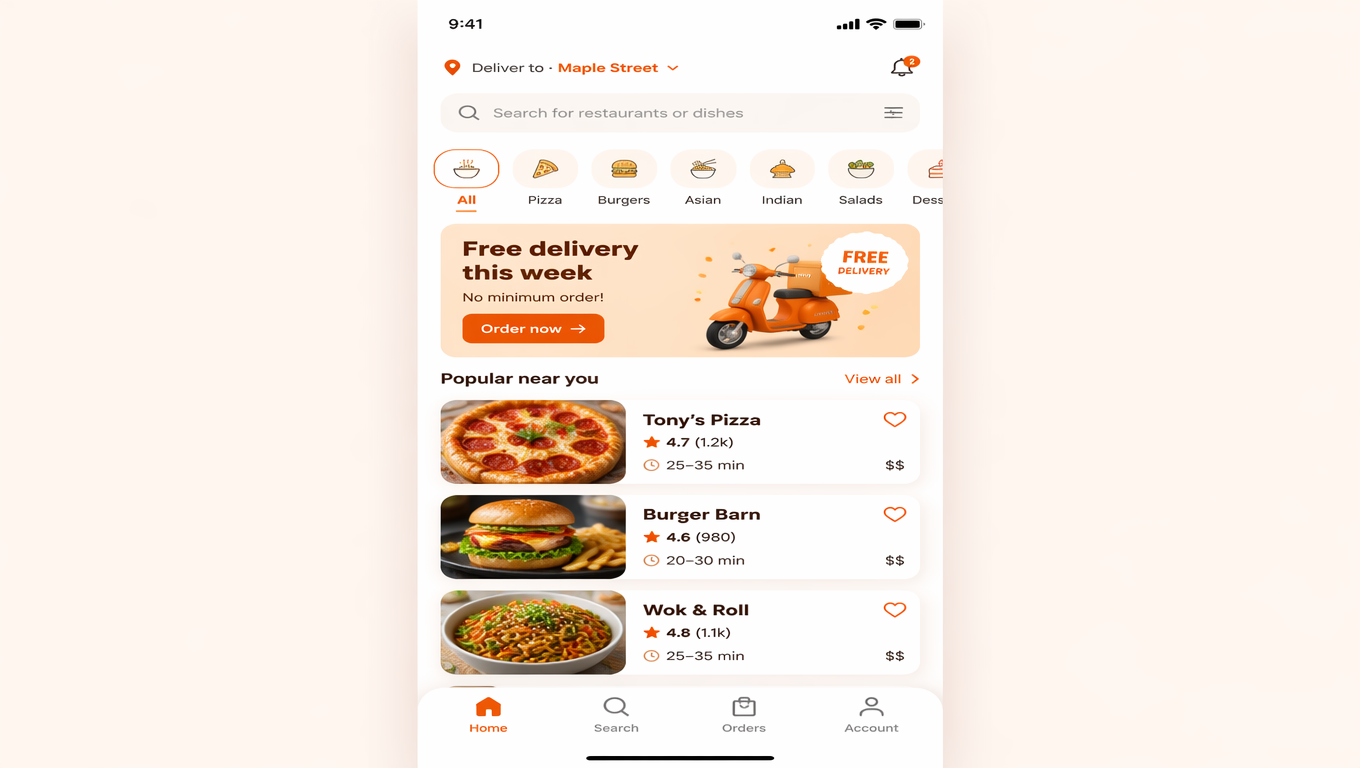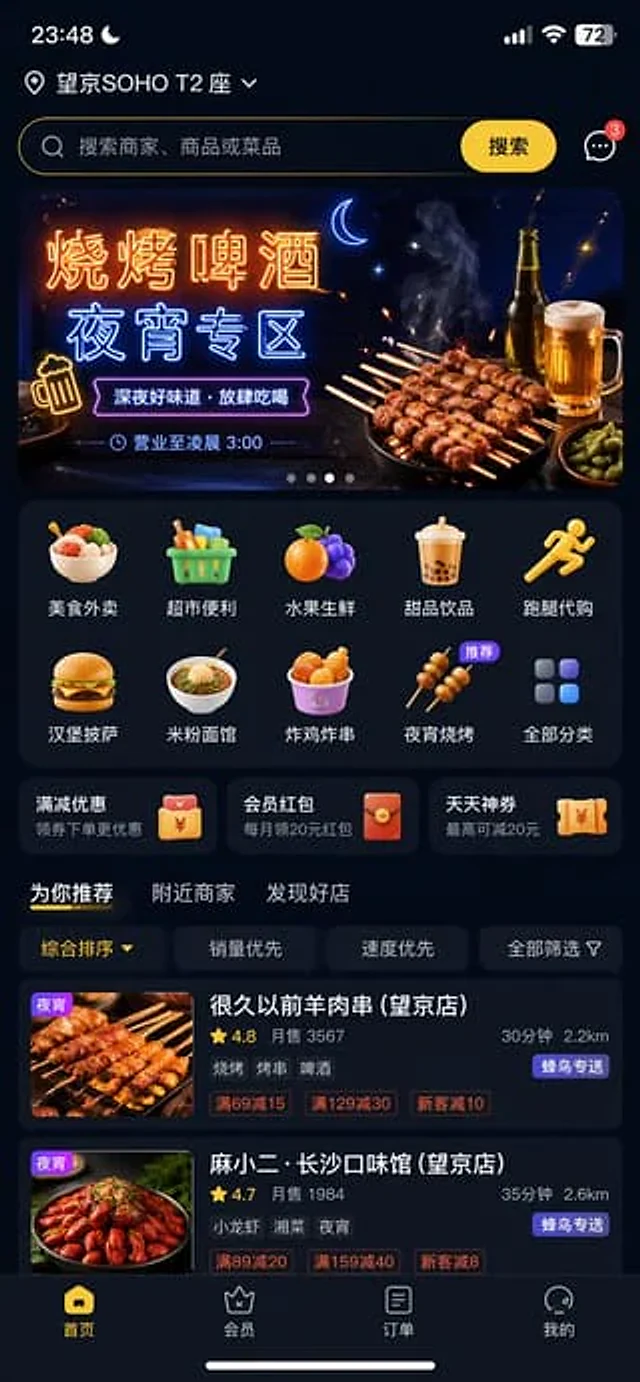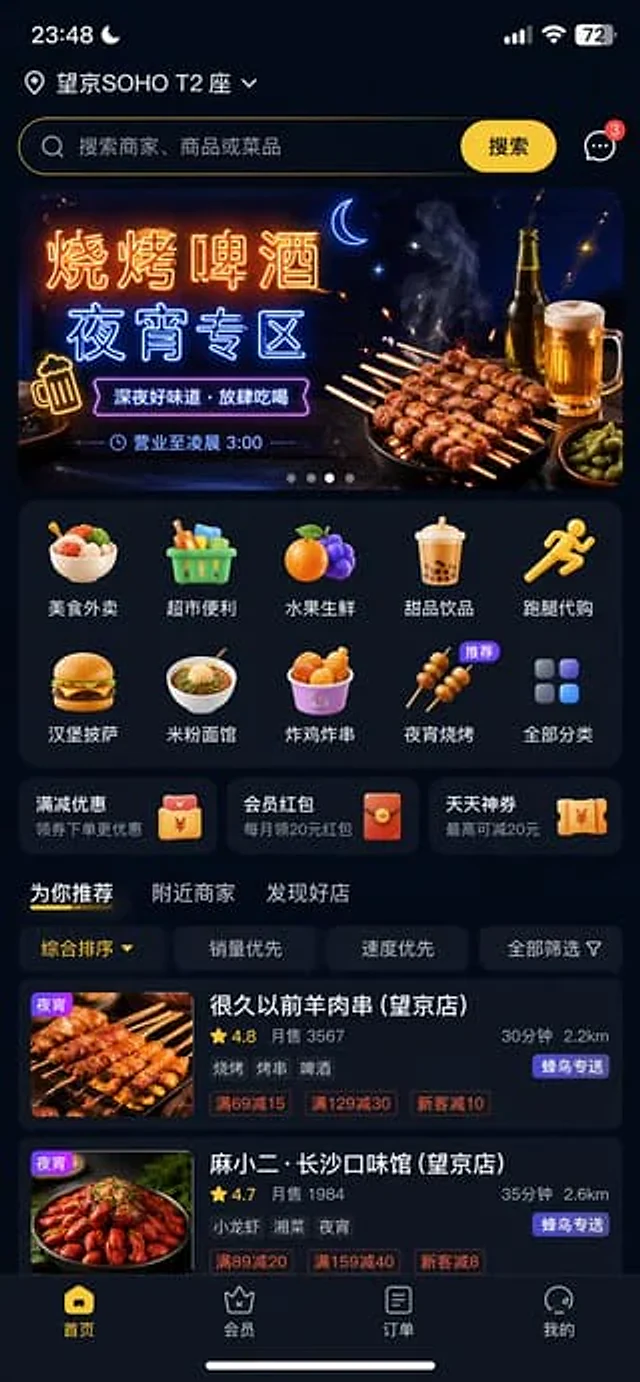
Food Delivery App UI Prompt

Food Delivery App UI Prompt

Documento originale

GPT Image 2 · zh

外卖App首页界面,深夜模式,推荐"{argument name="推荐专区" default="烧烤啤酒夜宵专区"}"

Come usare

  1. Copia tutto il prompt originale, inclusi i parametri.
  2. Adatta soggetto, testo e composizione alle tue esigenze.
  3. Usa uno strumento esterno compatibile; verifica accesso e risultato.

Prima di iniziare

  • Controlla se serve un’immagine di riferimento. La compatibilità non prova il modello usato per l’esempio.
  • Verifica nomi, numeri e testi; i risultati cambiano con le versioni del modello.
Esempi simili

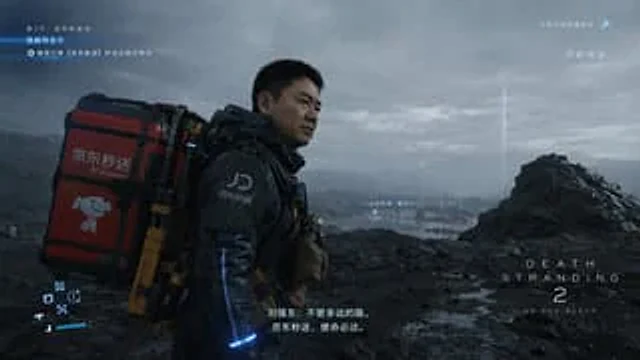
Cinematic Sci-Fi Delivery Game Screenshot
GPT Image 2en

{ "type": "Video game screenshots", "style": "Realistic, cinematic, post-apocalyptic sci-fi style", "scene": { "character": "One{argument name=\"character face\" default=\"A middle-aged Asian man who looks remarkably like Liu Qiangdong\"} He wore a futuristic black tact

Futuristic 3D Food Printer Landing Page
GPT Image 2en

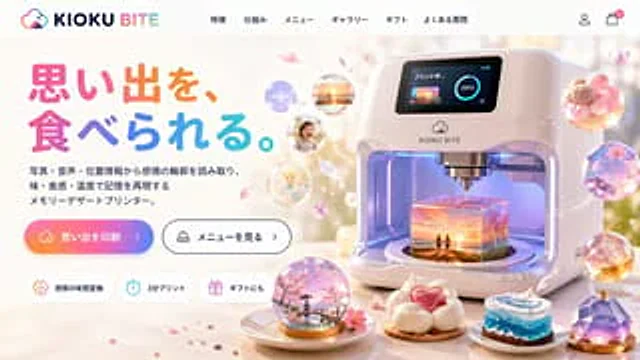
{ "type": "Website landing page model", "theme": "Futuristic Memory-to-Food 3D Printer", "header": { "logo": "{argument name=\"brand name\" default=\"KIOKU BITE\"} It features cloud and bite mark icons.", "navigation_links": { "count": 6, "labels": [

Chengdu Hand-Drawn Food Map UI
GPT Image 2en

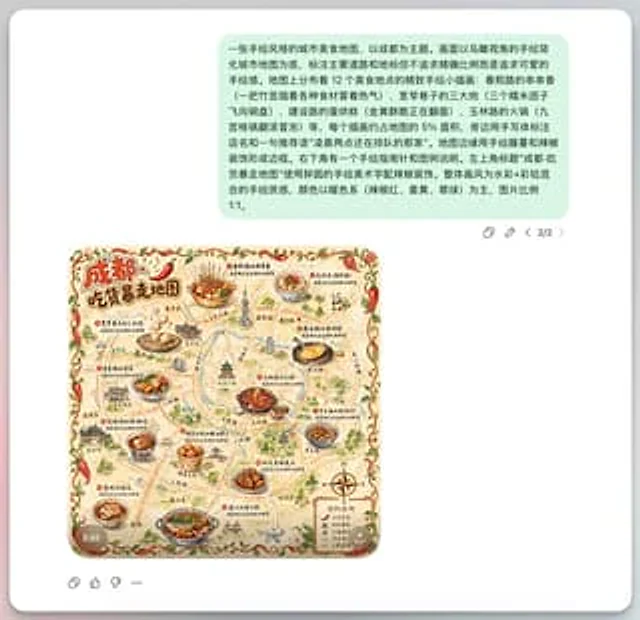
This is a screenshot-style AI-generated chat interface composition. The background is a light gray application interface, with a rounded white panel with a soft shadow in the center. Near the top is a large, light mint green chat bubble containing a black sans-serif Chinese strin

Food Delivery App UI Prompt
GPT Image 2en

Dark mode is recommended for the homepage of food delivery apps.{argument name="recommendation zone" default="Barbecue, beer and late-night snack area"} "