Documento originale
GPT Image 2 · en
Scene:
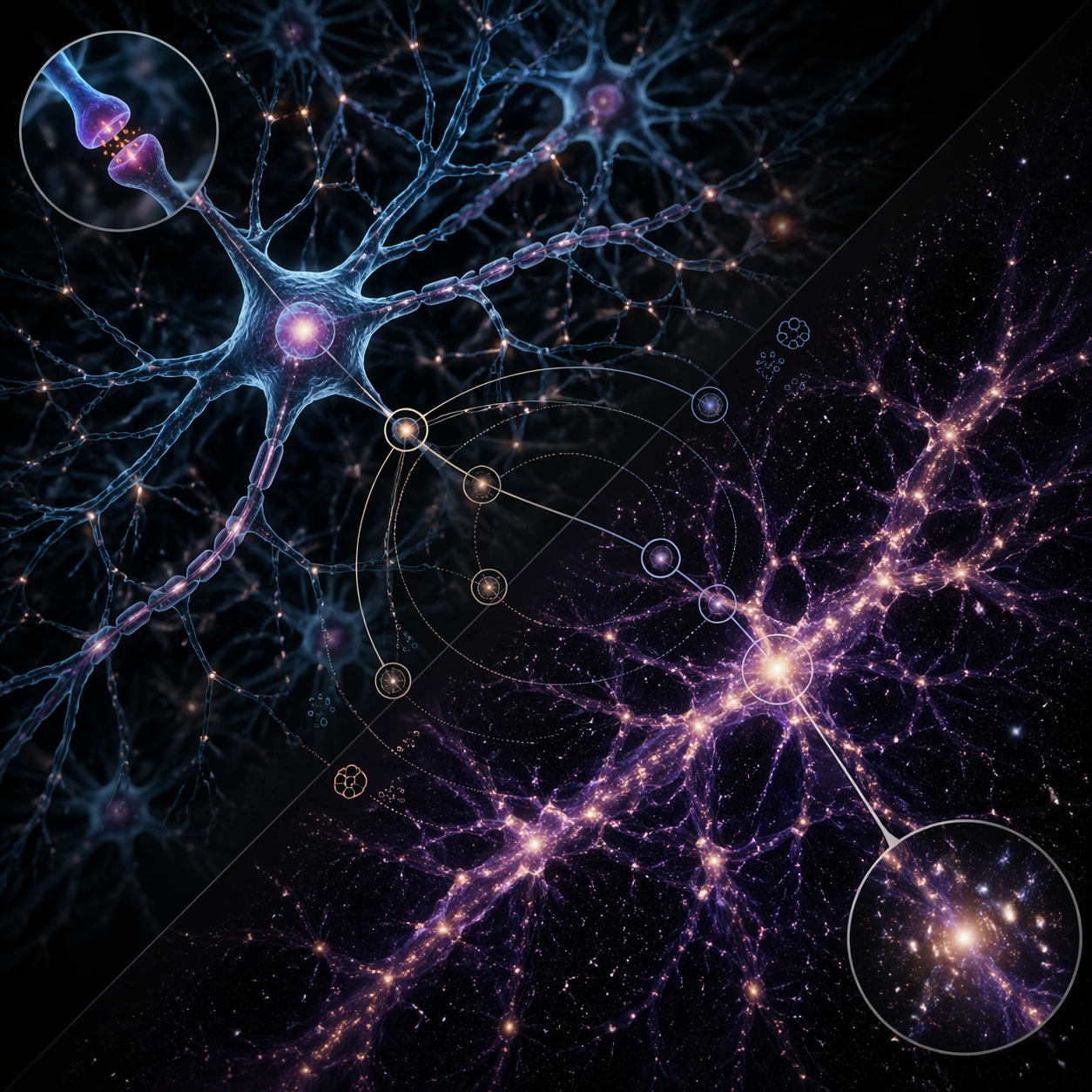
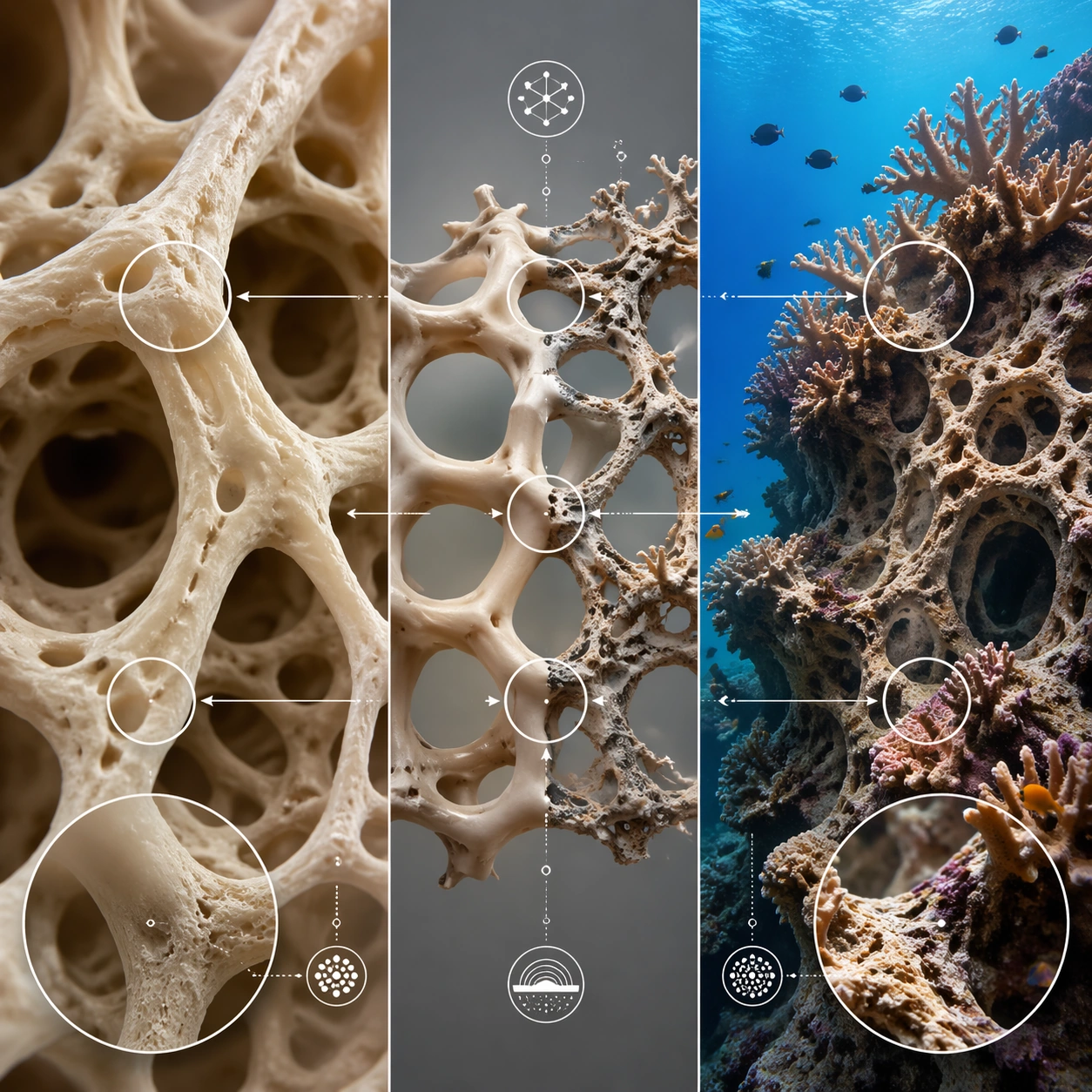
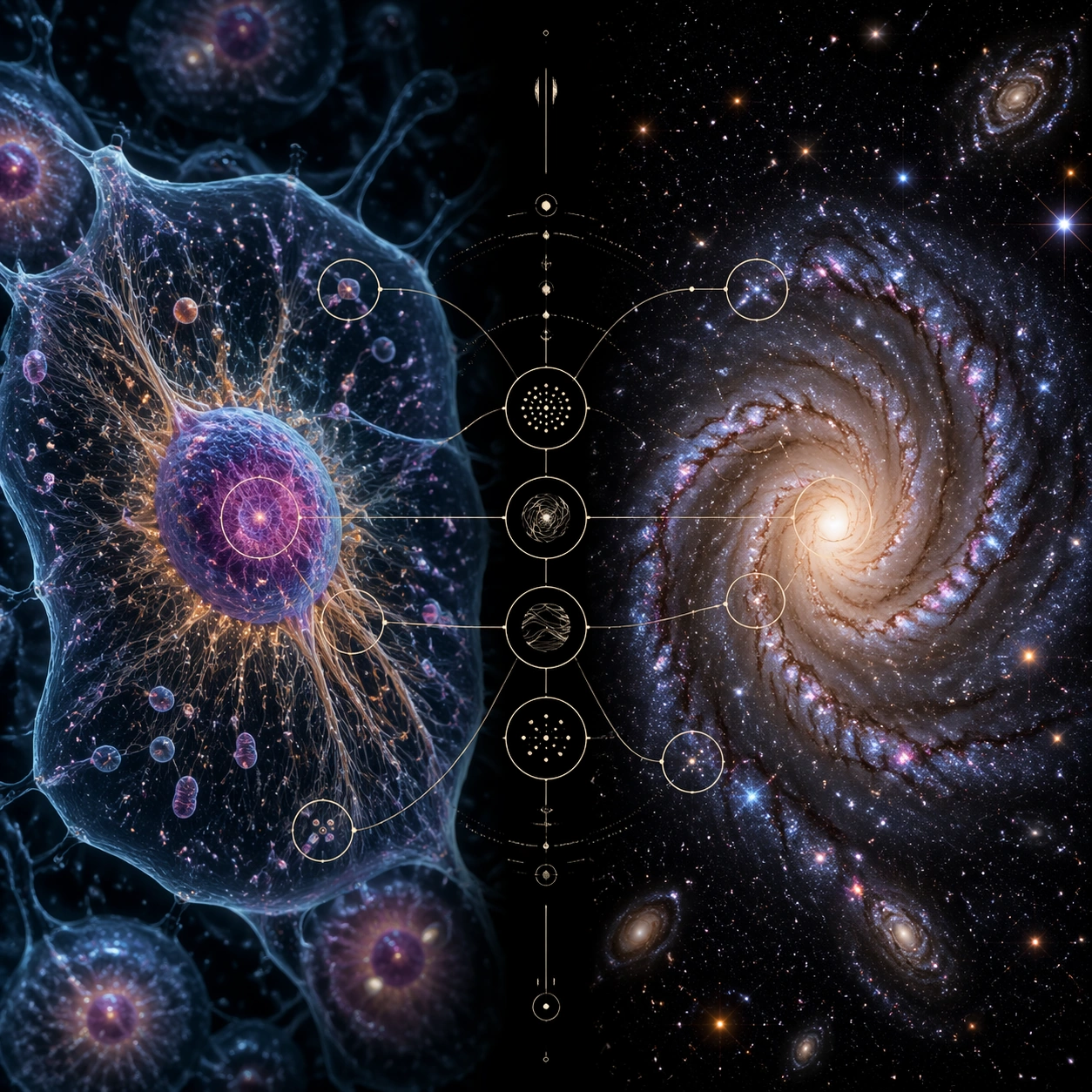
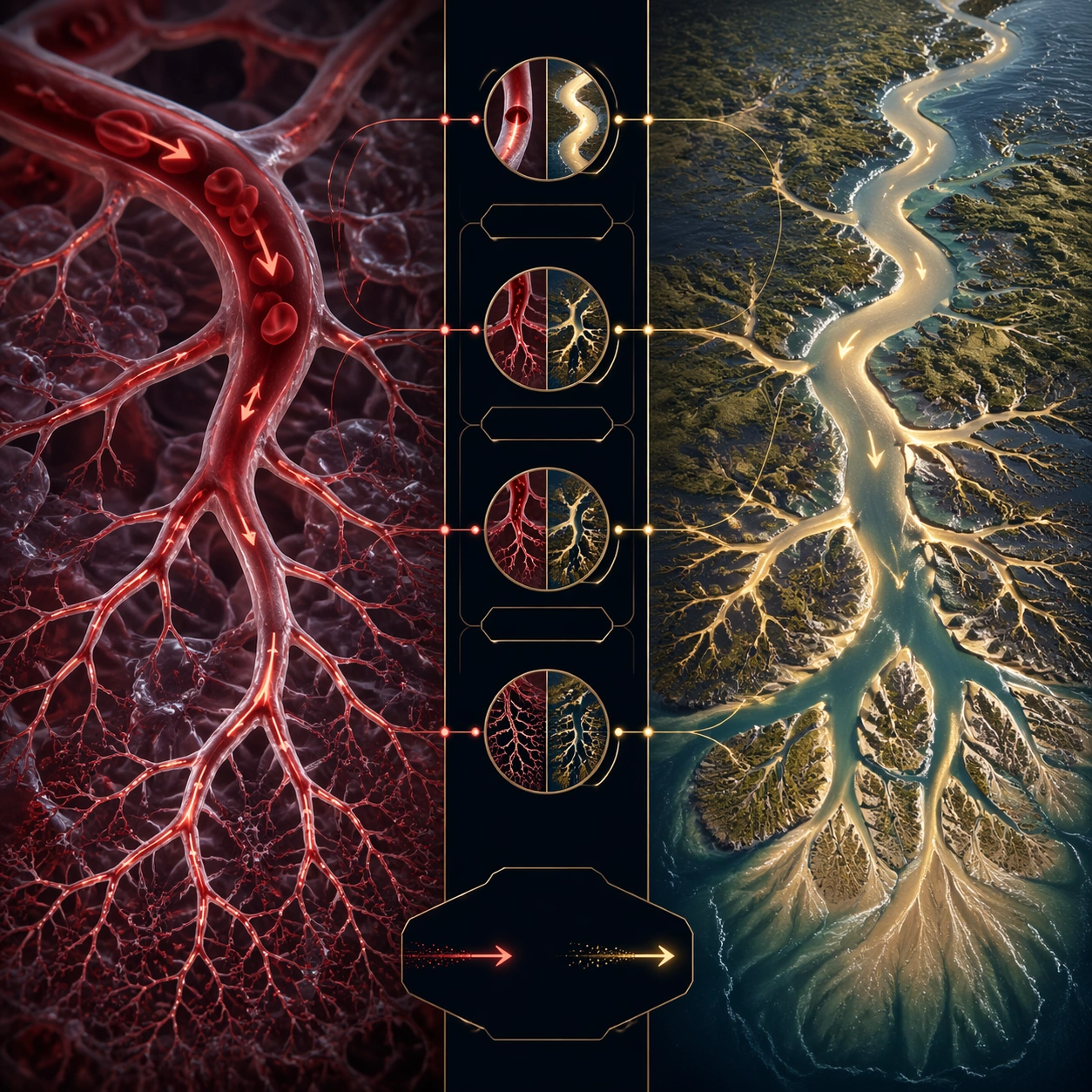
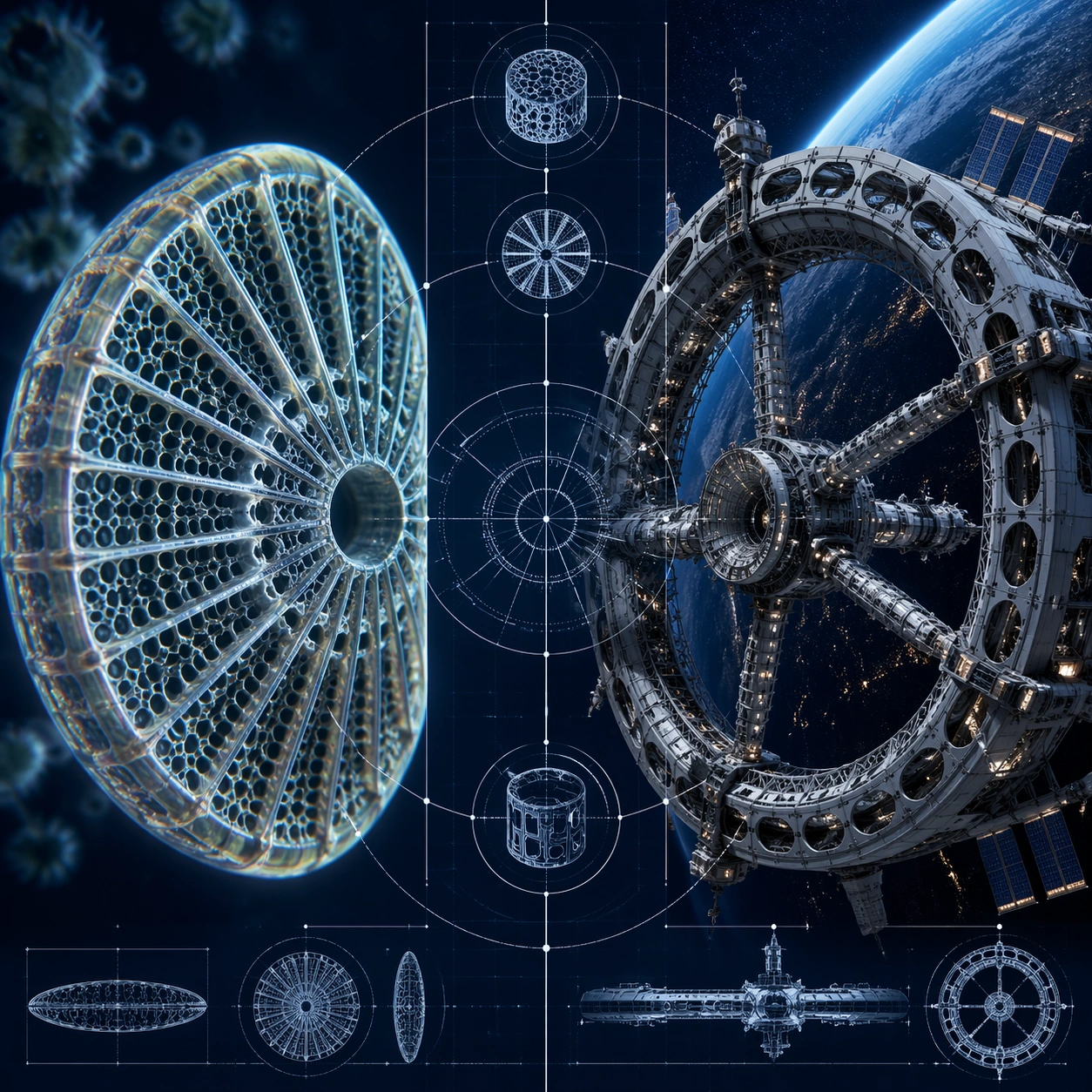
A square high-contrast science concept infographic with a deep navy background and precise white line overlays. The left panel shows a microscopic diatom shell; the right panel shows a large orbital space station ring. A central transparent blueprint layer connects structural ribs, holes, and radial geometry. The layout feels like a museum wall graphic combining microscopy, engineering, and cosmic scale.

Subject:
Left panel: a diatom silica shell under microscope lighting, with delicate glass lattice, radial pores, ribbed geometry, and slight iridescent edges. Right panel: a speculative but believable circular space station with habitat modules, truss ribs, docking arms, solar panels, and small lights against Earth glow. The comparison highlights how lightweight perforated structures can be strong: diatom lattice pores echo station modules and truss openings.

Important details:
Make both sides materially distinct: translucent biological glass on the left, engineered metal and solar panels on the right. Use clean radial alignment so the viewer sees the shared geometry immediately. Include small blueprint circles, ghosted cross-sections, and connector arcs, but no readable text. The station should not copy any real spacecraft; it should feel plausible and original. Keep the composition structured and visually spectacular without becoming a sci-fi poster.

Use case:
Micro-Macro Infographic single study 8/8, comparing diatom shell architecture with orbital station engineering through radial structural logic.

Constraints:
No readable text, no watermark, no logos, preserve exact 1:1 aspect ratio, no real agency marks, no real mission names, no fake labels, no weaponized spacecraft, no chaotic blueprint clutter, no cartoon microscope style, no generic starfield-only background.
Come usare
- Copia tutto il prompt originale, inclusi i parametri.
- Adatta soggetto, testo e composizione alle tue esigenze.
- Usa uno strumento esterno compatibile; verifica accesso e risultato.
Prima di iniziare
- Controlla se serve un’immagine di riferimento. La compatibilità non prova il modello usato per l’esempio.
- Verifica nomi, numeri e testi; i risultati cambiano con le versioni del modello.