Documento originale
GPT Image 2 · en
Scene:
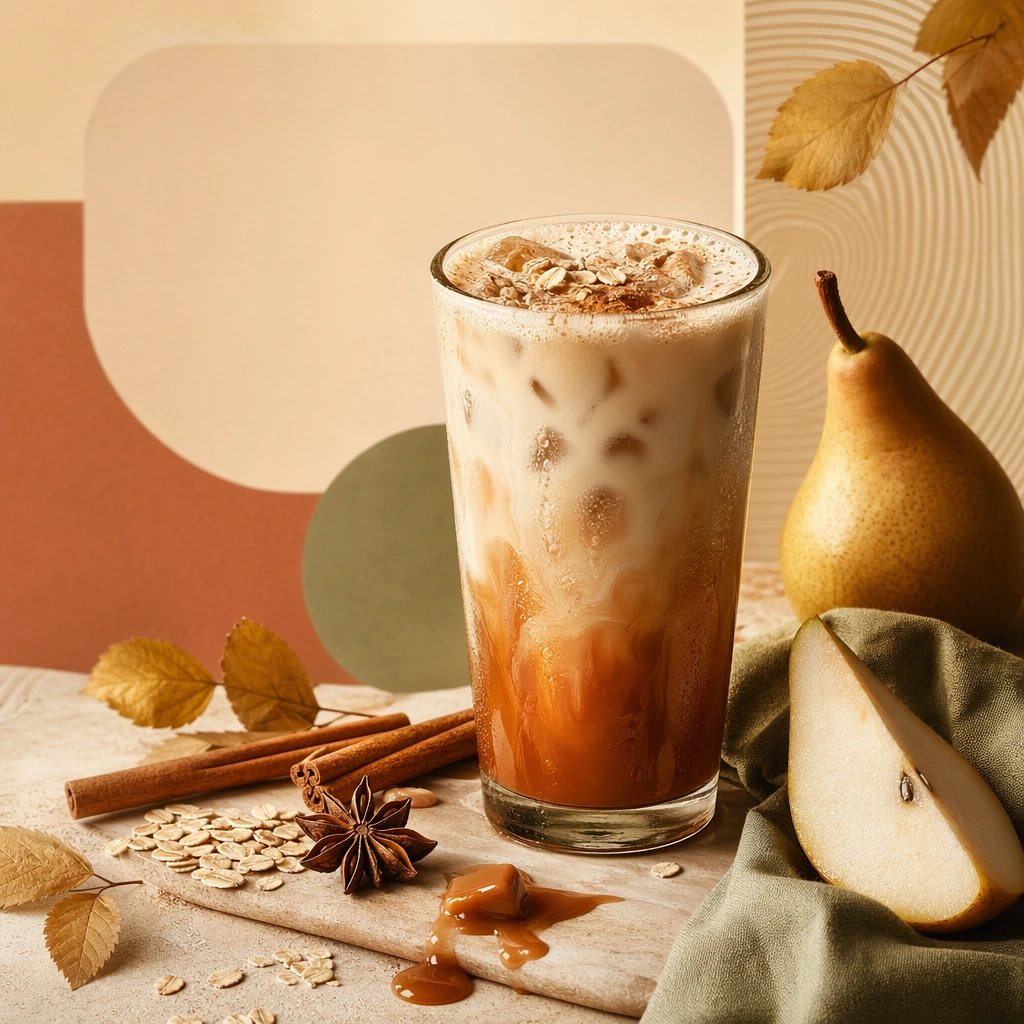
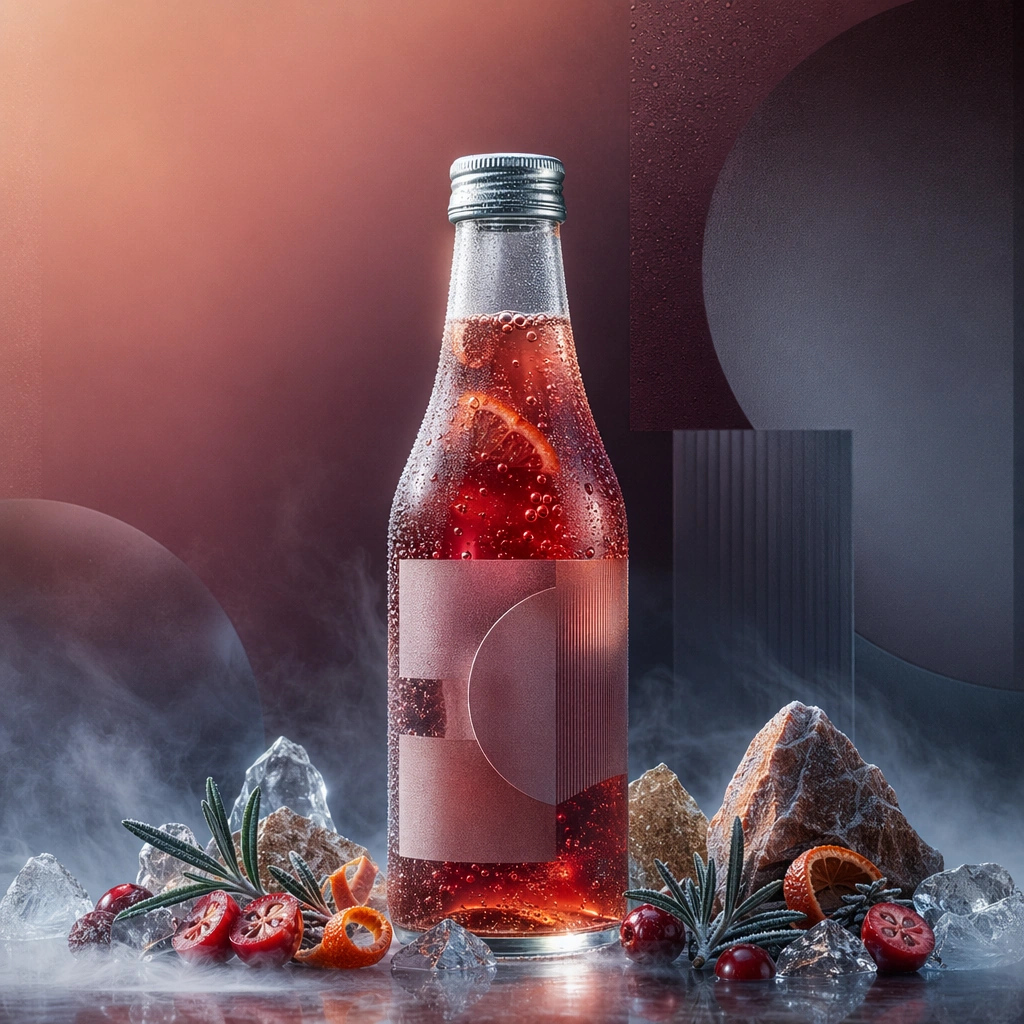
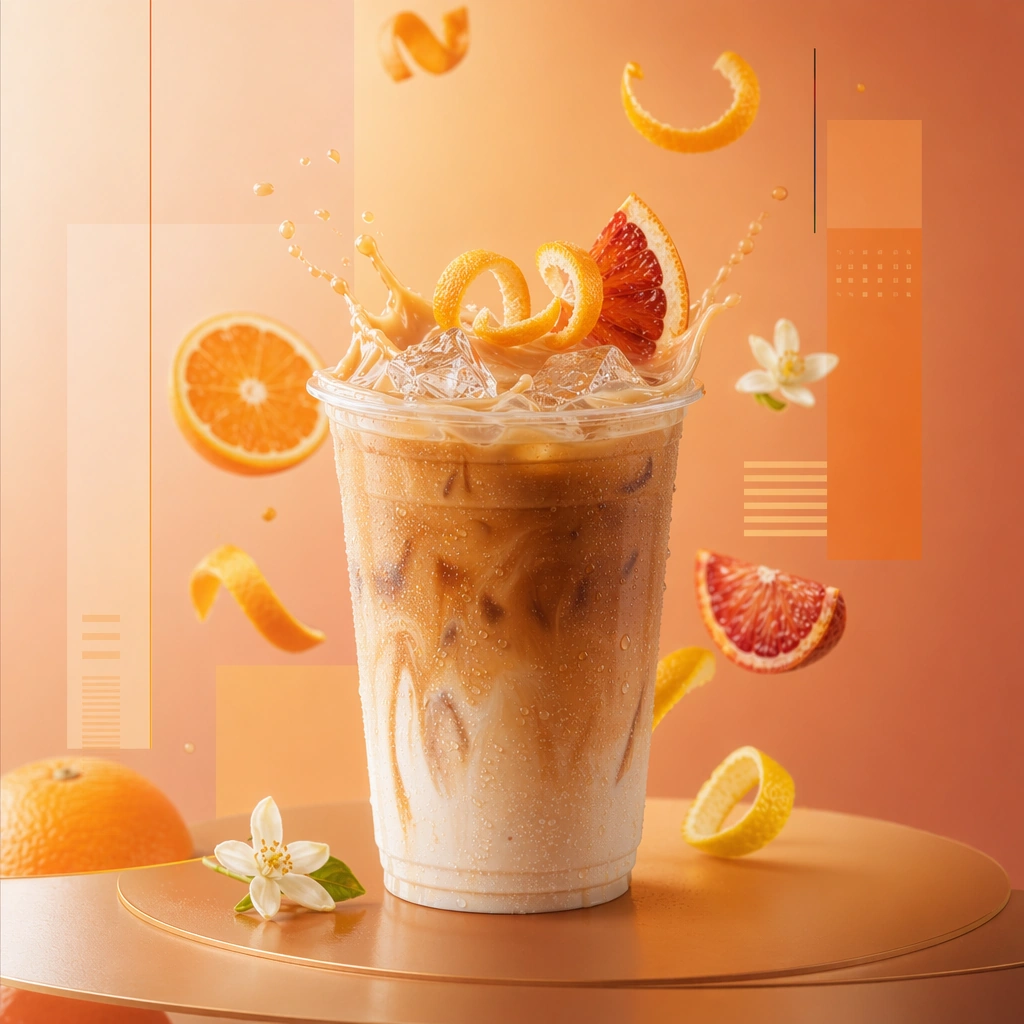
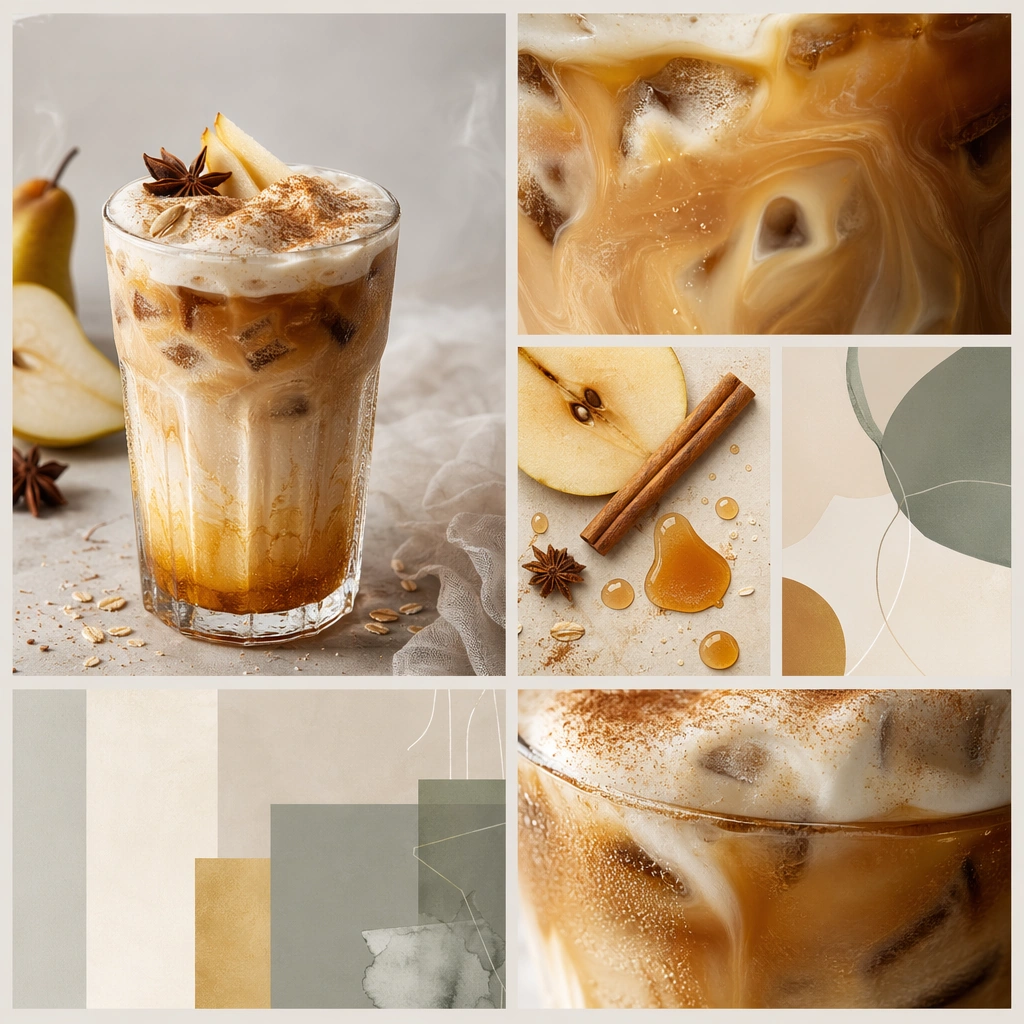
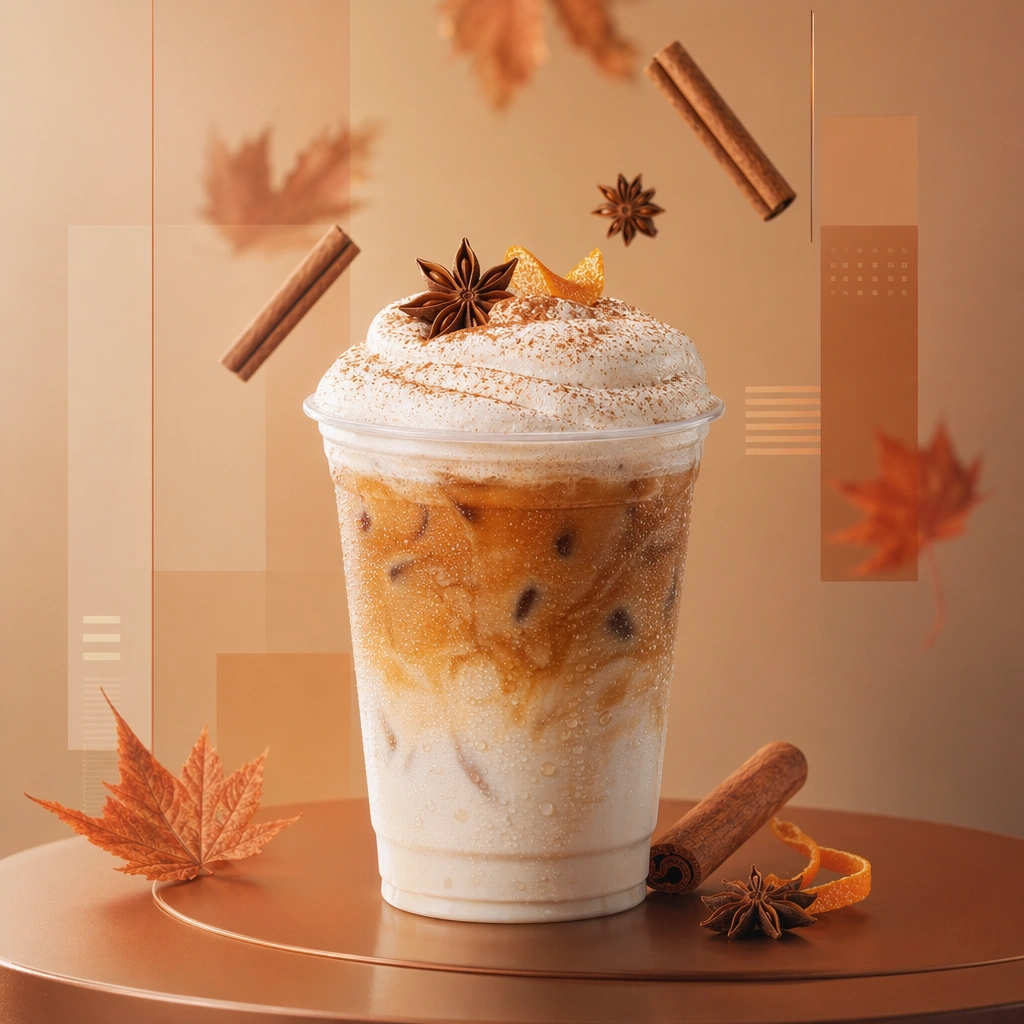
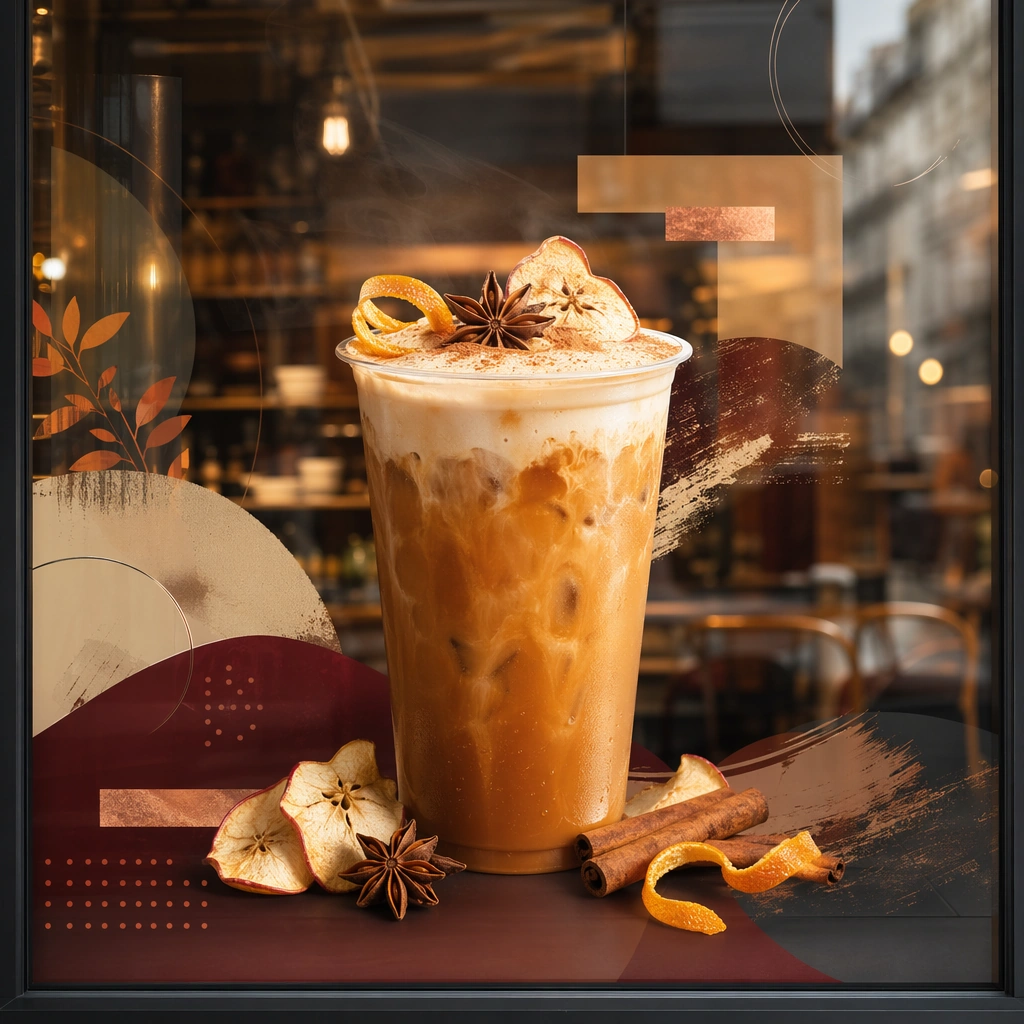
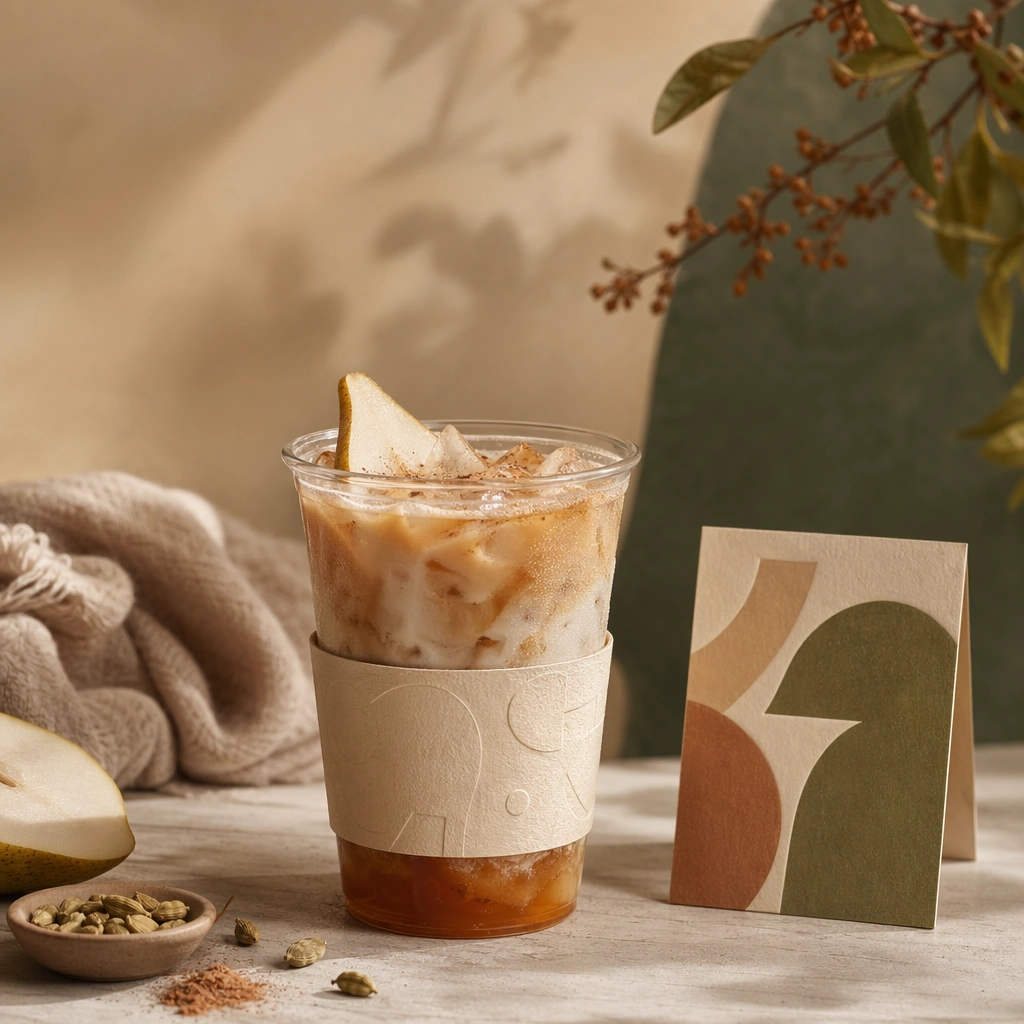
Compose a square seasonal drink campaign image that can function as a poster, counter card, or launch visual. The frame should combine a hero beverage with strong art direction, abstract text-safe zones, and seasonal cues expressed through ingredients, color shifts, atmosphere, and material accents rather than readable copy. Use a square counter setup with one drink, one sleeve or wrap, and one small standing card under soft retail light.

Subject:
The beverage must remain physically believable and delicious, with clear cup or bottle silhouette, realistic liquid behavior, and ingredients that support a limited-time seasonal story. Show how the seasonal campaign translates from hero beverage into tactile point-of-sale materials without readable words.

Important details:
This theme lives at the intersection of product photography and campaign layout. Preserve strong focal hierarchy, poster-safe negative space, and refined color systems that suggest seasonality without relying on legible words. Abstract lettering forms or blocks are allowed only as unreadable design elements. The drink must still look like something a real brand could launch tomorrow. This image should feel fully self-contained while still belonging to the same broader topic and commercial world. Paper stock, cup texture, and material alignment need to feel intentional and commercially credible. The drink should remain the clear focal point.

Use case:
Seasonal Drinks single study 6/9, built for Prompt Atlas coverage of a food and beverage commercial visual system.

Constraints:
No readable text, no watermark, no logos, preserve exact 1:1 aspect ratio, no readable text, no logos, no fake holiday slogans, no amusement-park color overload, no unreadable clutter, no cheap stock-poster look, no readable POS copy, no barcode sticker, no cashier hardware.
Come usare
- Copia tutto il prompt originale, inclusi i parametri.
- Adatta soggetto, testo e composizione alle tue esigenze.
- Usa uno strumento esterno compatibile; verifica accesso e risultato.
Prima di iniziare
- Controlla se serve un’immagine di riferimento. La compatibilità non prova il modello usato per l’esempio.
- Verifica nomi, numeri e testi; i risultati cambiano con le versioni del modello.