Documento originale
GPT Image 2 · en
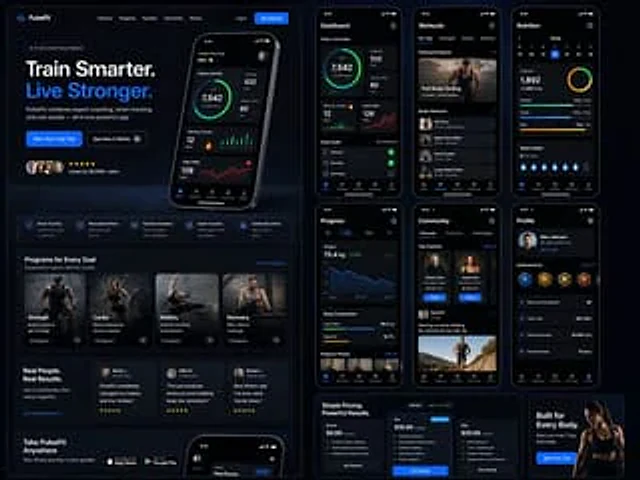
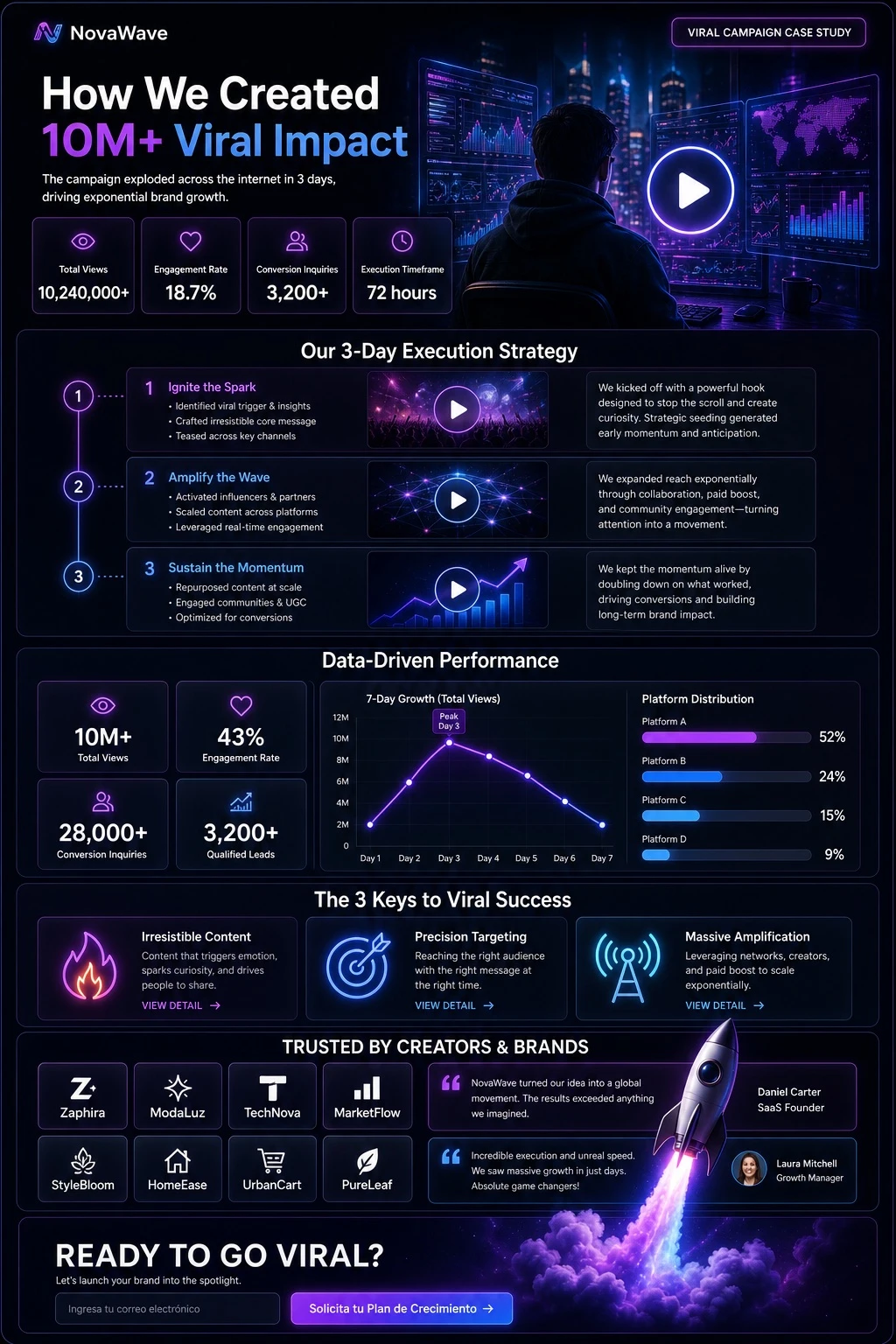
Design a UI/UX landing page mockup in dark mode with a sleek, modern glassmorphism aesthetic and glowing [ACCENT_COLOR] accents throughout. In the header, place a logo reading '[BRAND_NAME]' on the left and a top-right tag labeled 'VIRAL CAMPAIGN CASE STUDY'. The page layout should include the following sections in order: (1) A Hero section with a bold headline '[HERO_HEADLINE]' and a subheadline stating that the campaign exploded across the internet in 3 days, driving exponential brand growth; below it, a row of 4 stat cards labeled Total Views, Engagement Rate, Conversion Inquiries, and Execution Timeframe, with values '[MAIN_STATISTIC]', '18.7%', '3,200+', and '72 hours'; the hero visual is a cinematic shot of a person in a hoodie looking at glowing digital screens and graphs, with a large play button overlay. (2) A Strategy section titled 'Our 3-Day Execution Strategy' laid out as a vertical timeline with 3 steps, each containing a timeline node, a title, bullet points, a video thumbnail with a play button, and a description box. (3) A Performance section titled 'Data-Driven Performance' with a left column of 4 stat cards showing '10M+', '43%', '28,000+', and '3,200+', and a right column with two charts: a line graph showing 7-day growth peaking at Day 3, and a horizontal segmented bar chart showing platform distribution as [PLATFORM_DISTRIBUTION]. (4) A 'Keys to Success' section titled 'The 3 Keys to Viral Success' with 3 cards, each featuring a glowing icon (fire, target, or antenna), a title, a description, and a 'VIEW DETAIL' link. (5) A Social Proof section titled 'TRUSTED BY CREATORS & BRANDS' with a left column showing an 8-logo grid arranged 2x4 featuring [BRAND_LOGOS], and a right column with 2 testimonial cards each containing a quote and an author title such as SaaS Founder or Growth Manager. (6) A Call to Action section titled 'READY TO GO VIRAL?' with a text input field and a glowing button reading '[CTA_TEXT]', accompanied by a 3D render of a rocket ship taking off with purple and blue flames.Come usare
- Copia tutto il prompt originale, inclusi i parametri.
- Adatta soggetto, testo e composizione alle tue esigenze.
- Usa uno strumento esterno compatibile; verifica accesso e risultato.
Prima di iniziare
- Controlla se serve un’immagine di riferimento. La compatibilità non prova il modello usato per l’esempio.
- Verifica nomi, numeri e testi; i risultati cambiano con le versioni del modello.