
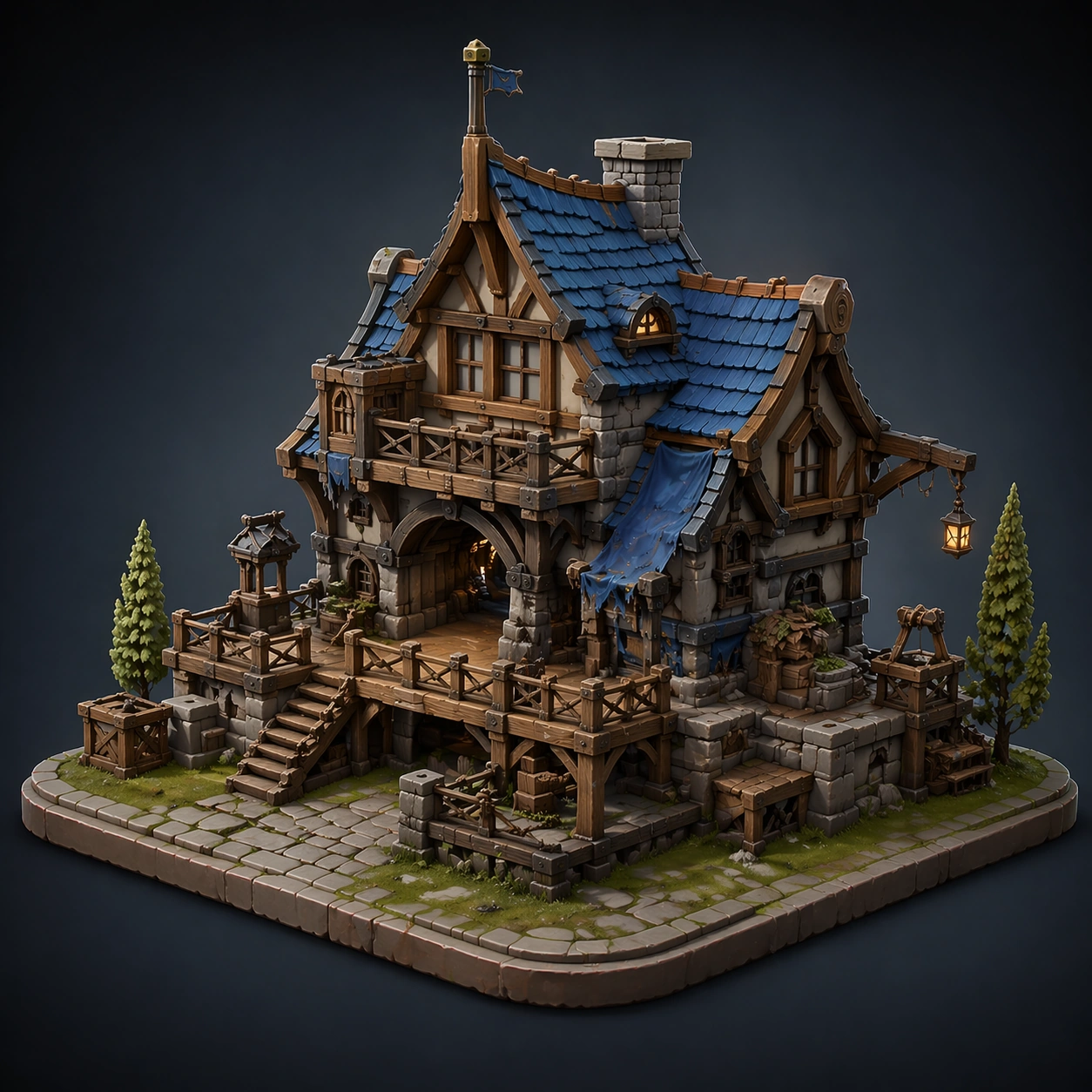
Documento originale
GPT Image 2 · en
Scene:
A square continuity-locked proof frame showing the pre-improvement state with matched angle logic. Frame the composition like a premium game-production deliverable rather than generic concept art, with disciplined square balance, controlled highlight placement, and enough negative space to keep the focal structure easy to parse. Use lighting, value grouping, and depth layers to make the scene feel intentional, collectible, and immediately useful for internal review or outward-facing promotion.

Subject:
Show the same subject before change, preserving identity, environment logic, and camera coherence. Build the image around one dominant primary read, then support it with clearly organized secondary shapes, props, interface shells, or environment structures that reinforce gameplay context and commercial usefulness. Every object should look original, fully resolved, and designed to survive cropping for store, profile, patch, or gallery surfaces.

Important details:
The state difference should be honest and grounded. Make every frame conversion-oriented, with credible product or subject continuity, strong proof logic, and a premium commerce finish that could sit inside a real carousel or detail page. Subject identity and proof logic must remain consistent. The variation may change framing, intensity, or layout emphasis, but it must still feel like a direct continuation of the same design system.

Use case:
Before-After Proof Carousel series study 2/9.

Constraints:
No readable text, no watermark, no logos, preserve exact 1:1 aspect ratio, no exaggerated miracle effects, no readable copy blocks, no brand logos, no fake certification seals, no chaotic ecommerce clutter.
Come usare
- Copia tutto il prompt originale, inclusi i parametri.
- Adatta soggetto, testo e composizione alle tue esigenze.
- Usa uno strumento esterno compatibile; verifica accesso e risultato.
Prima di iniziare
- Controlla se serve un’immagine di riferimento. La compatibilità non prova il modello usato per l’esempio.
- Verifica nomi, numeri e testi; i risultati cambiano con le versioni del modello.