Cat to Human Portrait Transformation

Cat to Human Portrait Transformation

原文

GPT Image 2 · en

Using the provided reference image, transform the cat into a realistic human portrait while maintaining the same languid pose, camera angle, composition, and the same plush turquoise chair background. Inspired by the cat's orange and white markings, translate them into a human appearance: portray a fair-skinned young woman with warm ginger-yellow hair and a soft, serene expression. Have her wear comfortable off-white loungewear: a loose-fitting knitted V-neck sweater and cream-colored drawstring trousers, sitting naturally in a relaxed posture. A photorealistic, soft indoor natural lighting is required, aiming for a magazine-style lifestyle photography feel.

使い方

  1. パラメータを含む元のプロンプト全体をコピーします。
  2. 被写体、文字、構図を自分の要件に置き換えます。
  3. 対応する外部ツールで使用し、利用条件と結果を確認します。

開始前の確認

  • 参考画像の要否を確認してください。互換モデルの表示は、そのモデルでの生成実績を意味しません。
  • 名前、数値、画像内の文字を確認します。モデルの版で結果は変わります。
似た事例

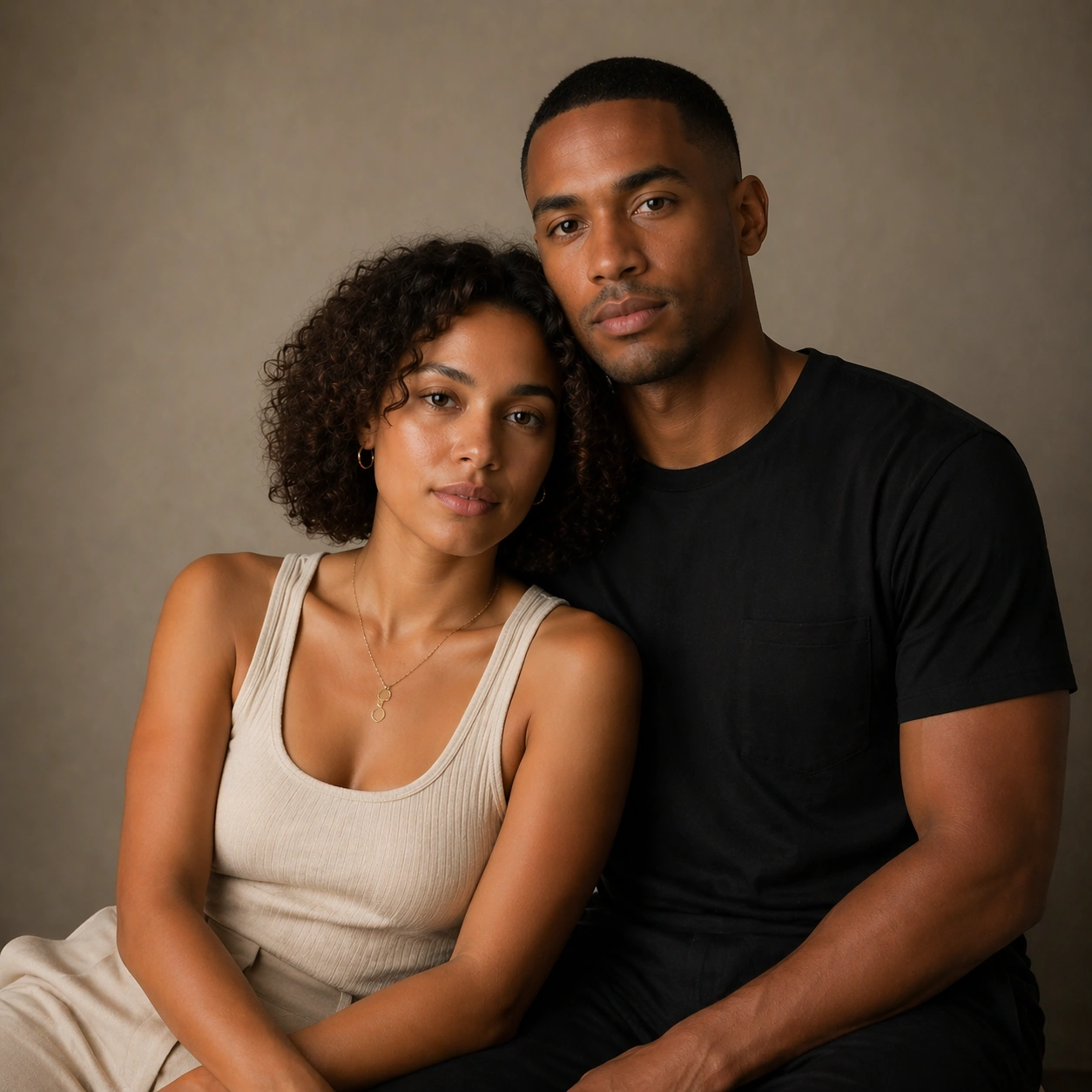
Relationship Portrait Series — Shared Laugh Candid
GPT Image 2en

Scene: Create a square 1:1 portrait image for Relationship Portrait Series. Use a natural-light or soft practical-light frame with believable candid energy and controlled composition. The frame should feel like a finished professional deliverable rather than a casual snapshot, wi

Relationship Portrait Series — Closeness Shot
GPT Image 2en

Scene: Create a square 1:1 portrait image for Relationship Portrait Series. Use a warm intimate frame with subtle touch, soft light, and premium but believable portrait craft. The frame should feel like a finished professional deliverable rather than a casual snapshot, with clear

Relationship Portrait Series — Tension Shot
GPT Image 2en

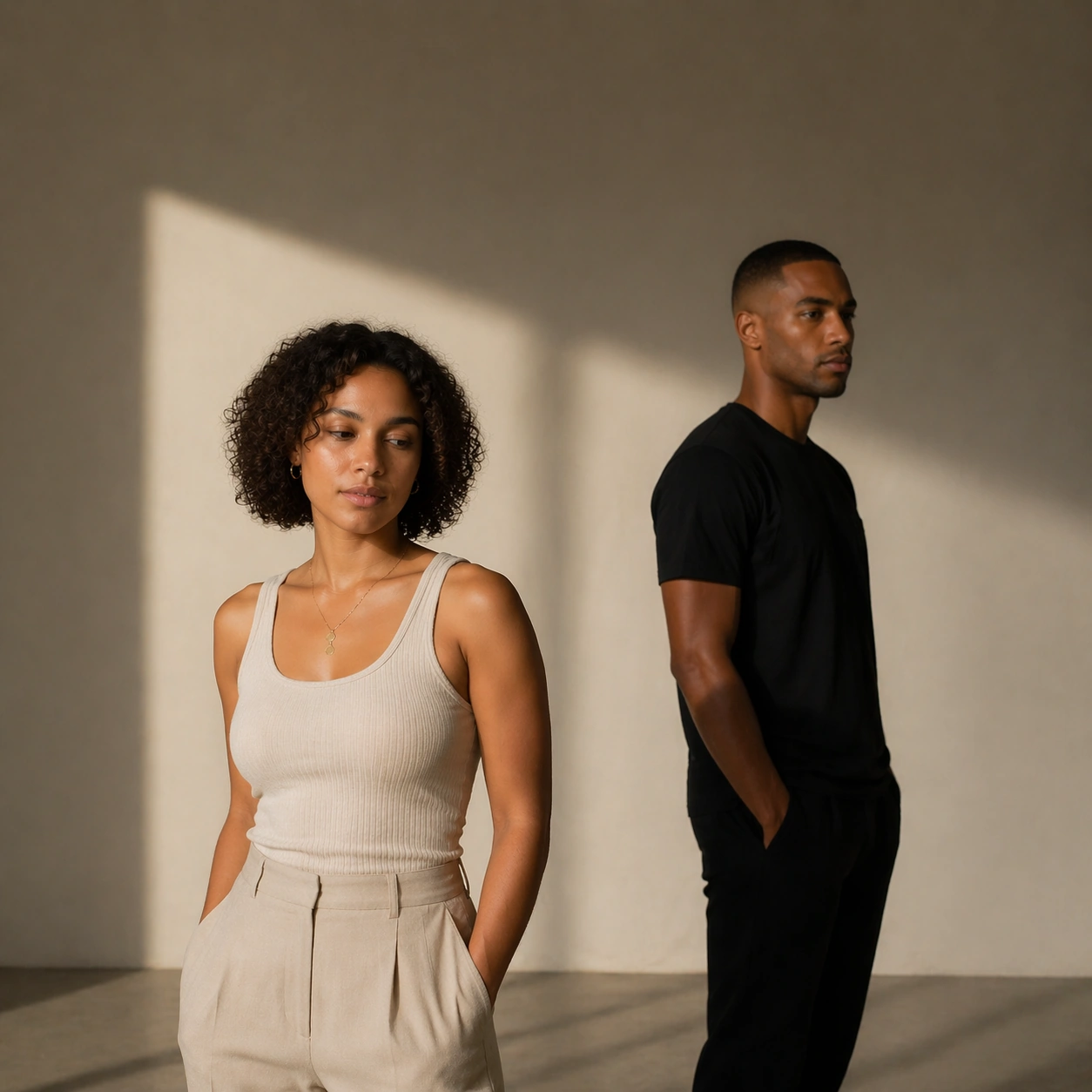
Scene: Create a square 1:1 portrait image for Relationship Portrait Series. Use a cleaner portrait frame with more distance, directional light, and readable emotional friction in body language. The frame should feel like a finished professional deliverable rather than a casual sn

Student Hangout Room Transformation
GPT Image 2en

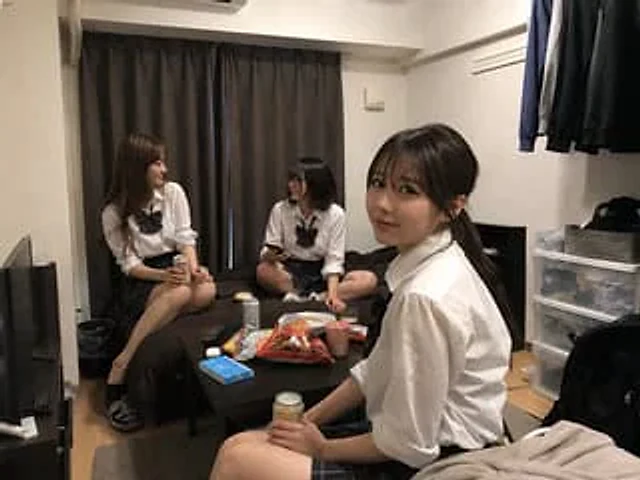
Using REFERENCE_0 as the room base, create a natural realistic photo as if this room has become a casual hangout for {argument name="number of students" default="three"} {argument name="student type" default="20-year-old female college students"}. Keep the room layout, camera ang