原文
GPT Image 2 · en
Scene:
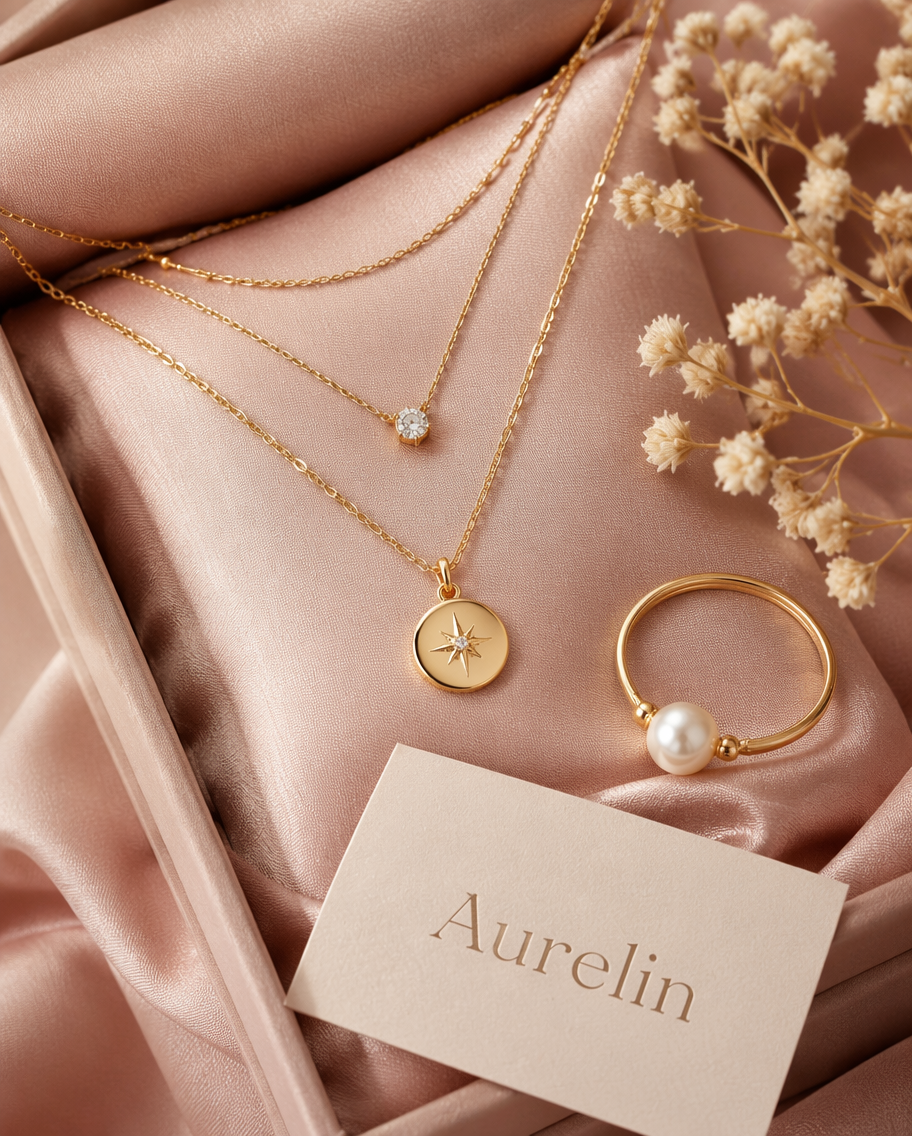
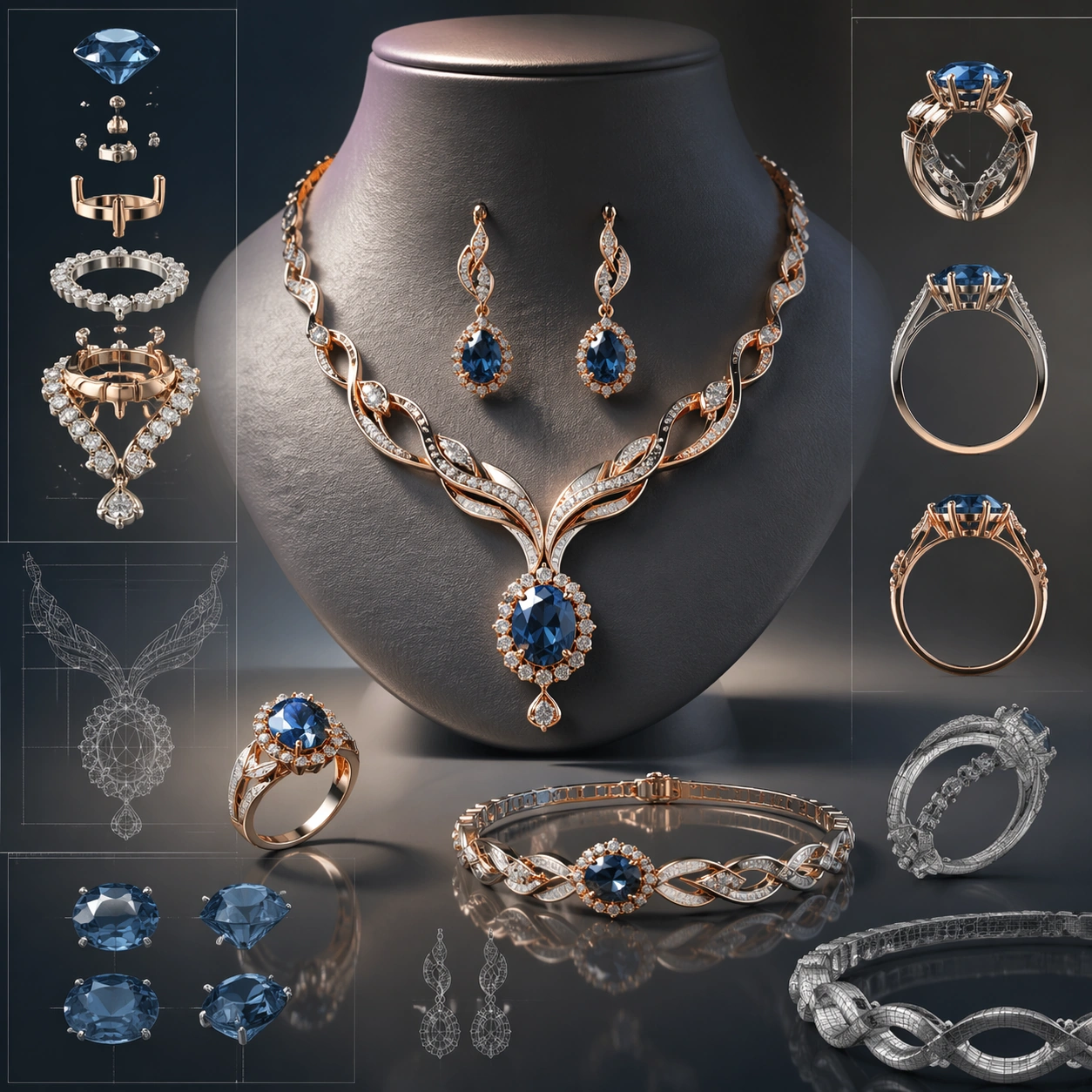
A square CGI or design-visualization frame with calibrated lighting, intentional composition, and premium material rendering. Build the frame around a flagship render that establishes form, stance, and material identity. Keep the lighting, camera distance, and spatial organization tuned for a high-signal research image rather than a casual snapshot. The image belongs to the Jewelry CAD Wearable Set theme and should feel immediately legible as a prompt atlas theme for jewelry cad wearable set, testing photorealism, physics-materials, technical-diagram, style-transfer, commercial-mockup with gpt image 2..

Subject:
Center the study on a flagship render that establishes form, stance, and material identity. Translate the theme into a concrete visual statement instead of an abstract mood board: the viewer should understand what kind of image this is, what is being tested, and why the composition is difficult. Use the slug idea of jewelry cad wearable set as a literal guide for subject matter, materials, and staging. If helpful, borrow the broad visual cues suggested by CAD, Octane, iPhone, but keep the result original and specific to this study.

Important details:
The model must feel engineered or art-directed rather than merely stylized: edges, seams, translucency, reflections, and scale cues should all hold up. Preserve a disciplined square composition, clear focal hierarchy, and enough secondary information to make the image feel complete rather than underspecified. The image should look polished, novel, and exhibition-ready, with topic-specific credibility coming from the way surfaces, structure, and visual language reinforce Jewelry CAD Wearable Set. Avoid generic filler elements that do not serve the main concept.

Use case:
Jewelry CAD Wearable Set single study 1/8, testing photorealism, physics-materials, technical-diagram, style-transfer, commercial-mockup through the hero model variation.

Constraints:
No readable text, no watermark, no logos, preserve exact 1:1 aspect ratio, no real brand logos, no low-poly shortcuts, no broken reflections, no muddy materials, no generic showroom clutter, no unreadable UI overlays.
使い方
- パラメータを含む元のプロンプト全体をコピーします。
- 被写体、文字、構図を自分の要件に置き換えます。
- 対応する外部ツールで使用し、利用条件と結果を確認します。
開始前の確認
- 参考画像の要否を確認してください。互換モデルの表示は、そのモデルでの生成実績を意味しません。
- 名前、数値、画像内の文字を確認します。モデルの版で結果は変わります。