原文
GPT Image 2 · en
Scene:
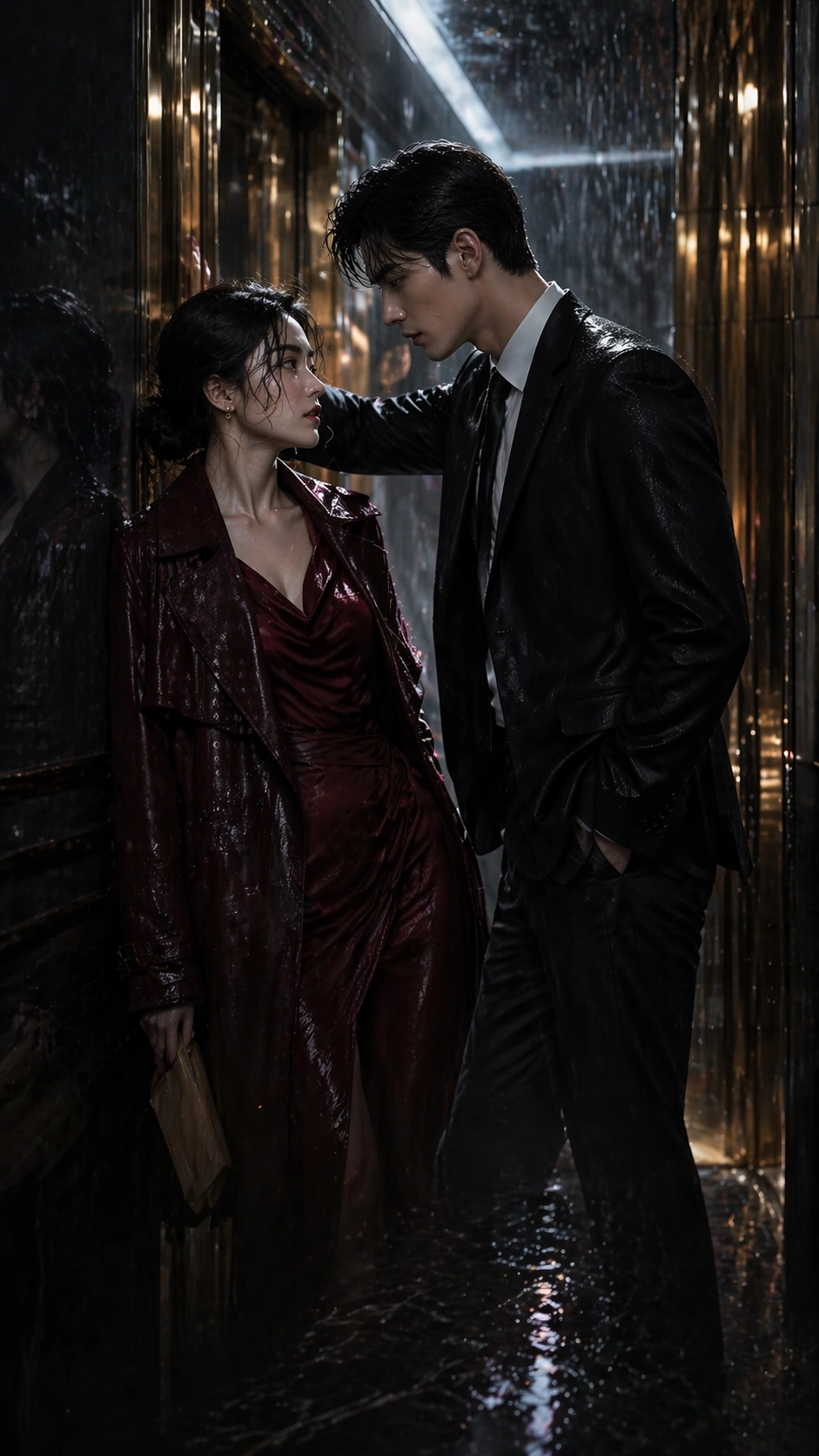
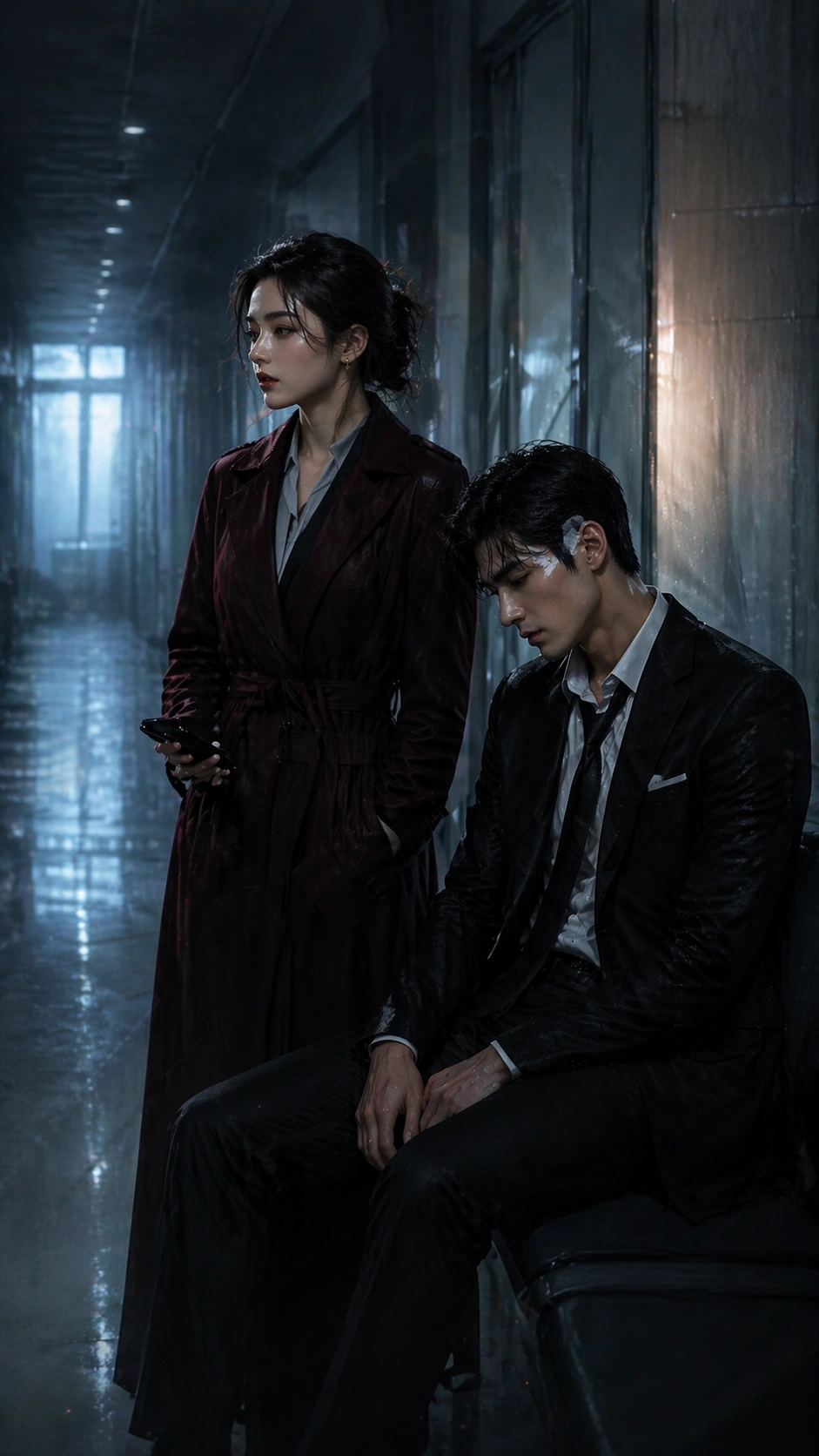
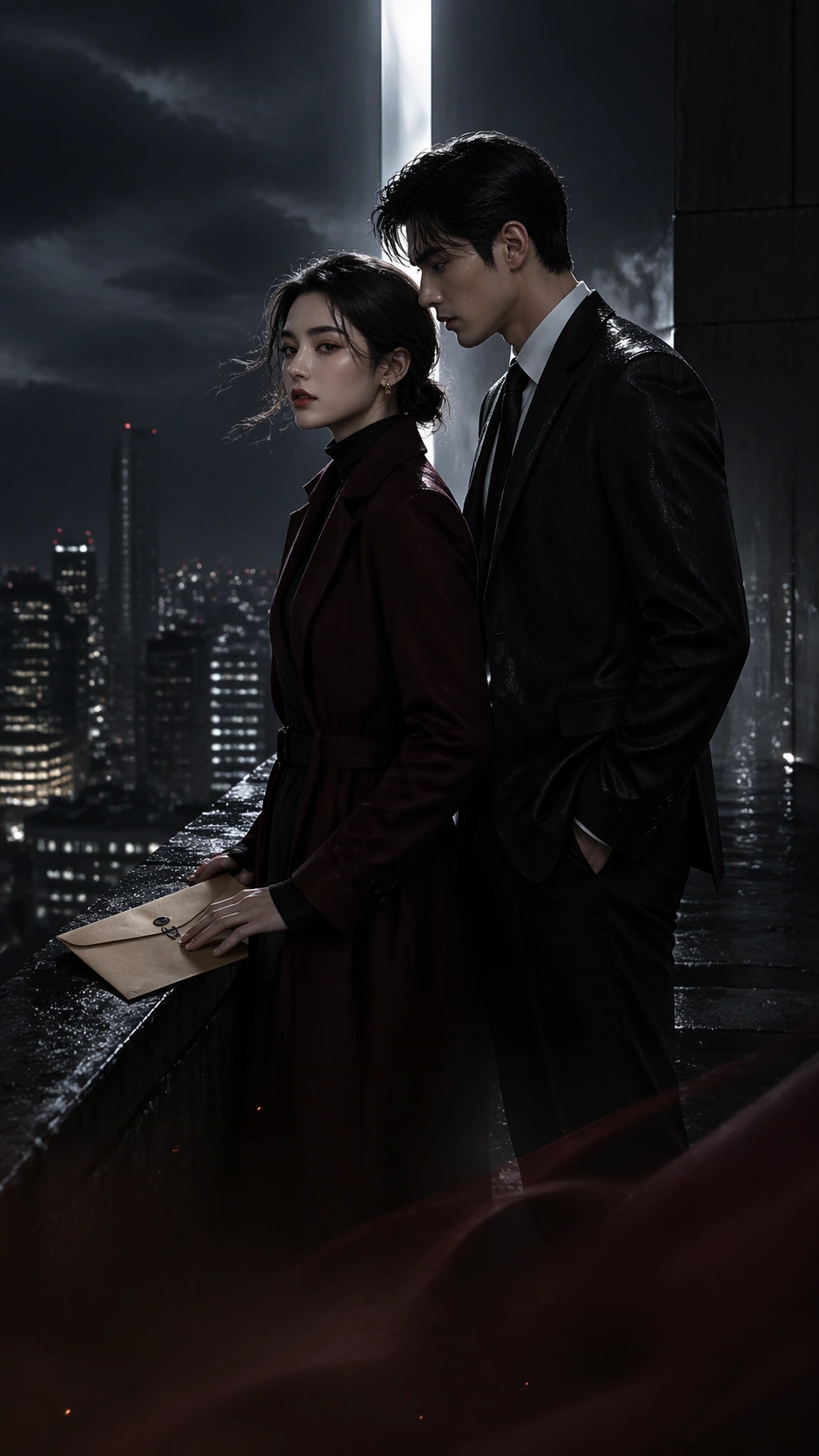
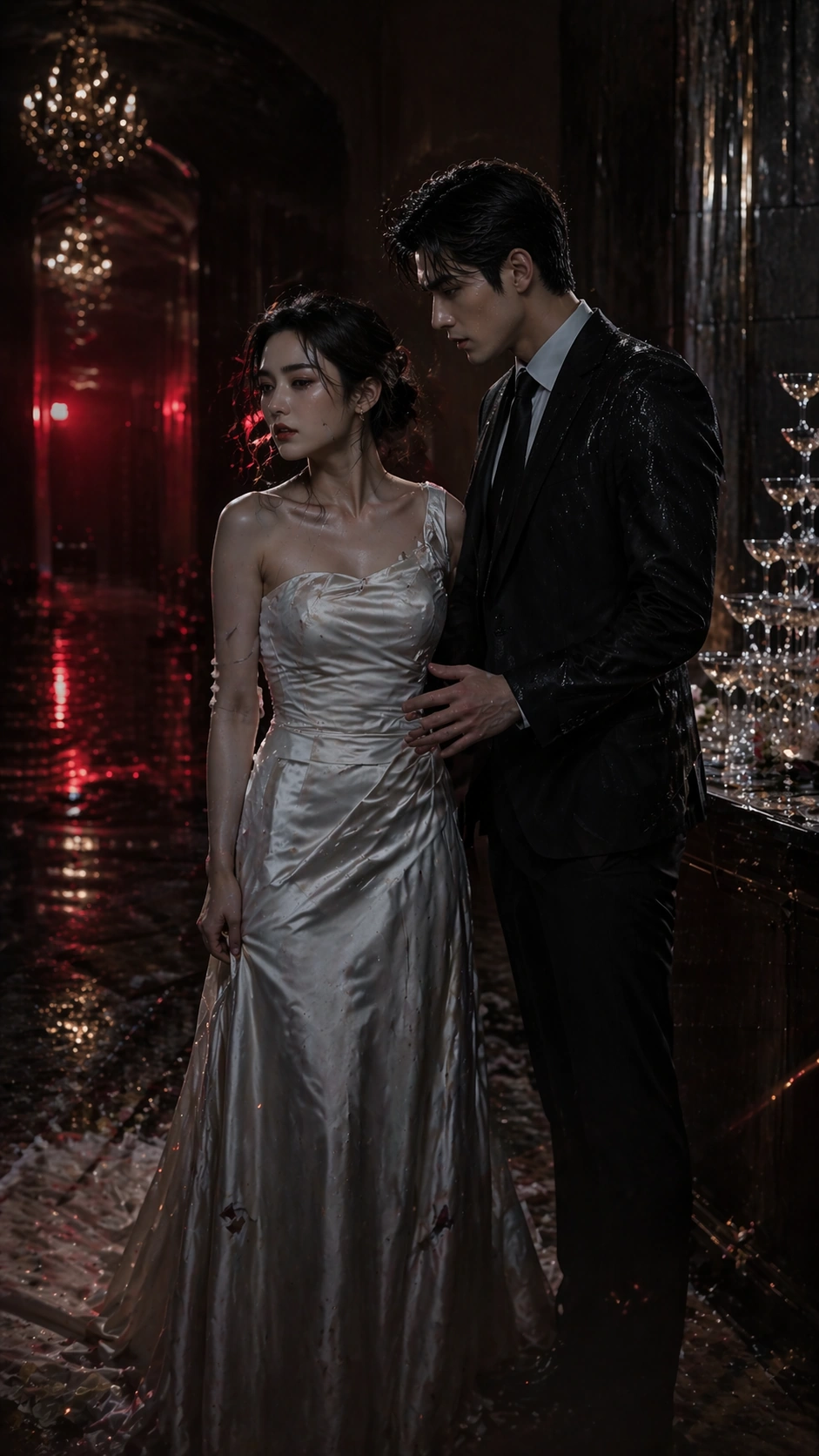
A tall 9:16 mobile cover set in the side corridor of a luxury wedding hall after a public scandal, with champagne tower reflections, dropped white petals, warm gold chandeliers fading into darkness, and a slash of red emergency light from a distant exit sign glow that remains unreadable. The poster must be optimized for narrow-screen viewing: a strong high-contrast upper silhouette, a dramatic center interaction, and a lower third clear enough for imagined episode labels.

Subject:
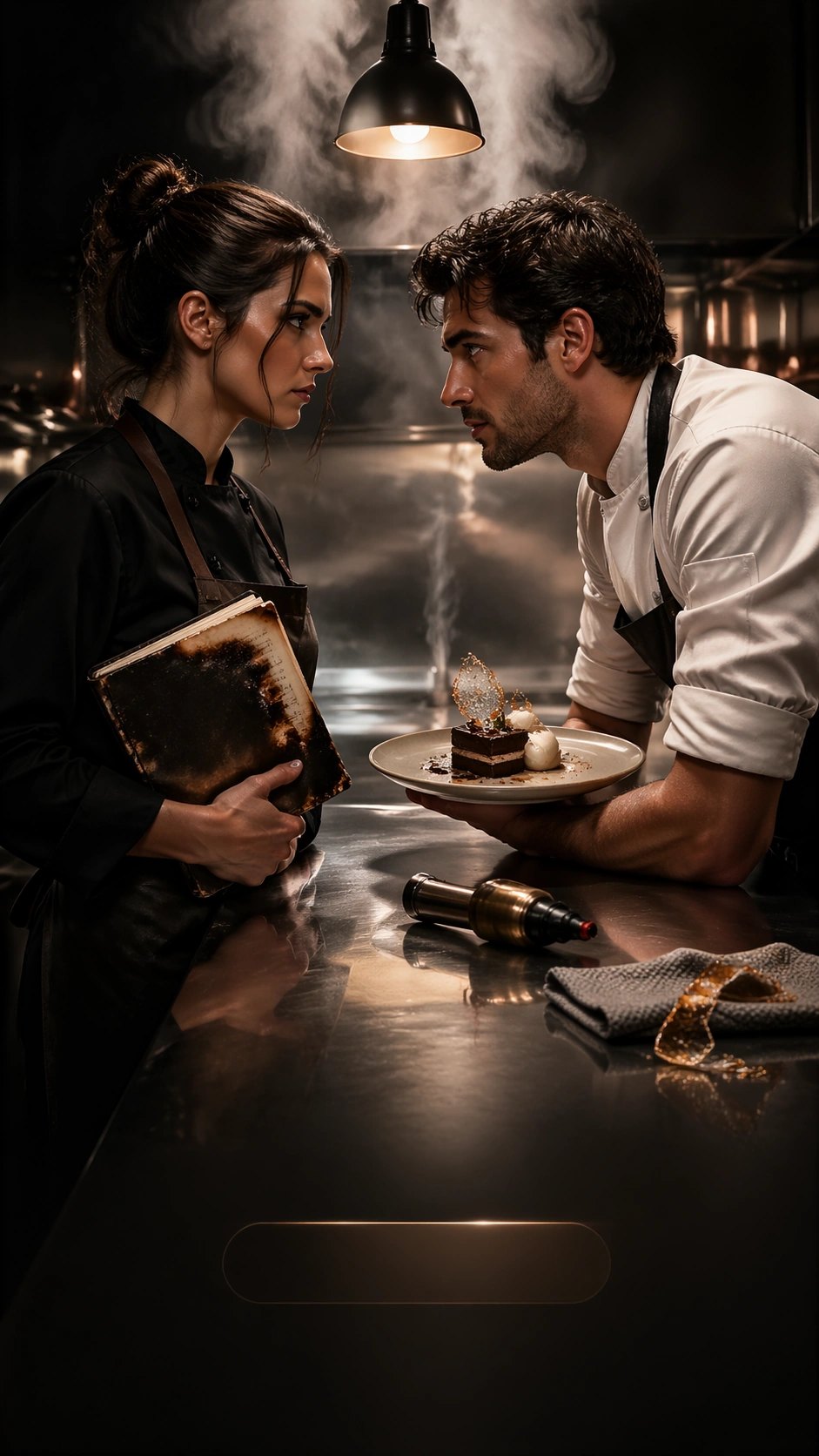
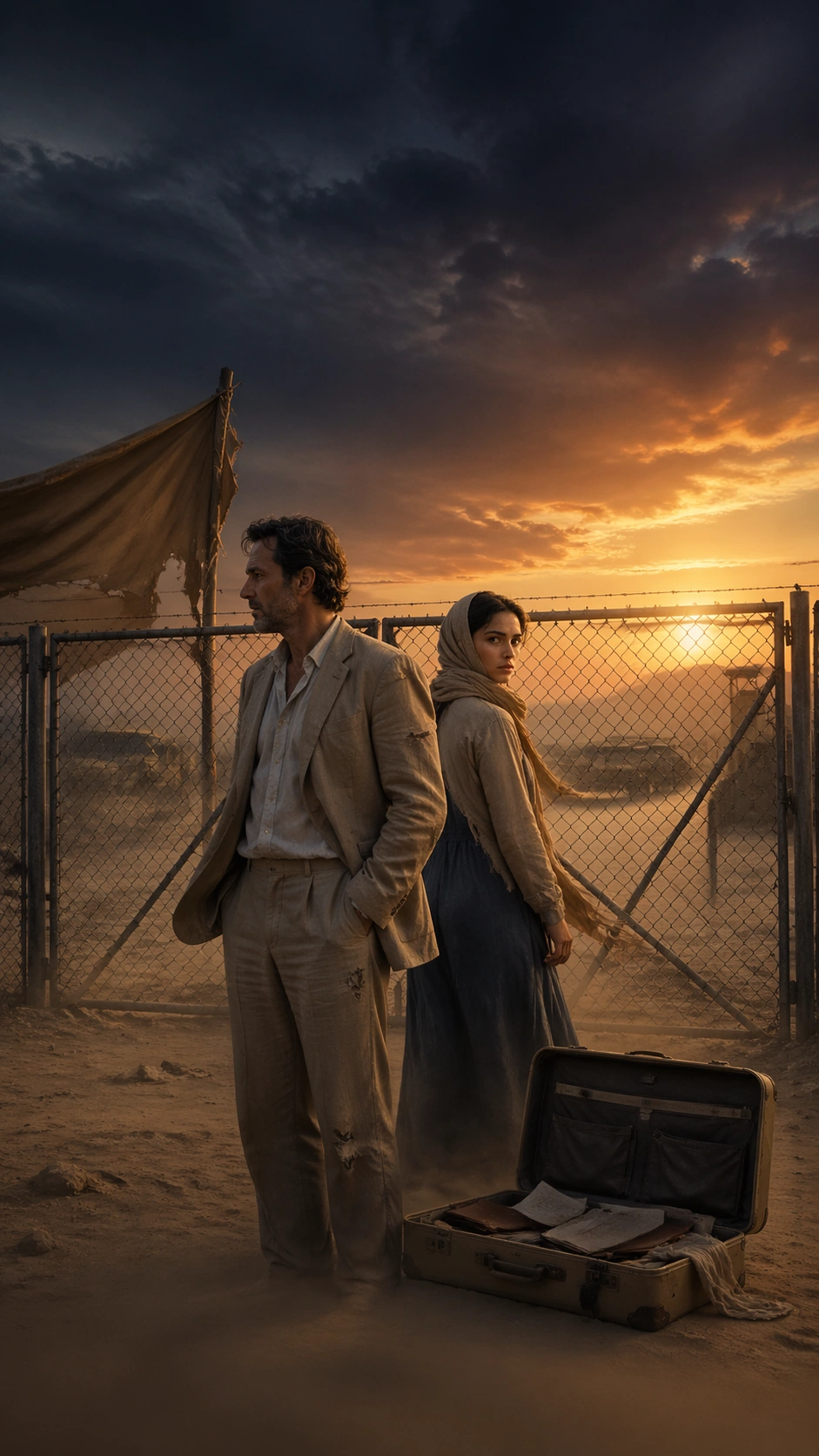
Using the referenced image as the identity anchor, preserve the same heiress and bodyguard from image 01. The heiress now wears a damaged wedding gown with one glove missing; the bodyguard remains in a formal dark suit, one shoulder marked by thrown champagne or rain residue. They stand close in a private corridor moment after a ruined ceremony, with the bodyguard slightly reaching toward her while she turns away in anger and grief. Their height difference, hair silhouette, facial proportions, and mutual tension must still clearly match the reference pair.

Important details:
The poster should feel addictive and serialized without becoming tabloid. Keep the vertical hierarchy clean, the expressions intense but controlled, and the material details believable: satin folds, glass reflections, wilted petals, and marble shine. Suggest hook-driven platform packaging through reserved label zones and a quiet lower gradient, but never use readable text. The image must feel like an episode-cover escalation, not a bridal catalog or generic romance poster.

Use case:
Vertical Drama Poster System series study 3/9, testing whether the same leads can carry a scandal-wedding chapter cover in a narrow vertical frame.

Constraints:
No readable text, no watermark, no logos, preserve exact 9:16 aspect ratio, no wedding crowd, no kiss pose, no slapstick melodrama, no oversized props blocking faces, no glitter explosion, no costume redesign that loses character continuity, no platform interface overlay.
使い方
- パラメータを含む元のプロンプト全体をコピーします。
- 被写体、文字、構図を自分の要件に置き換えます。
- 対応する外部ツールで使用し、利用条件と結果を確認します。
開始前の確認
- 参考画像の要否を確認してください。互換モデルの表示は、そのモデルでの生成実績を意味しません。
- 名前、数値、画像内の文字を確認します。モデルの版で結果は変わります。