原文
GPT Image 2 · en
Scene:
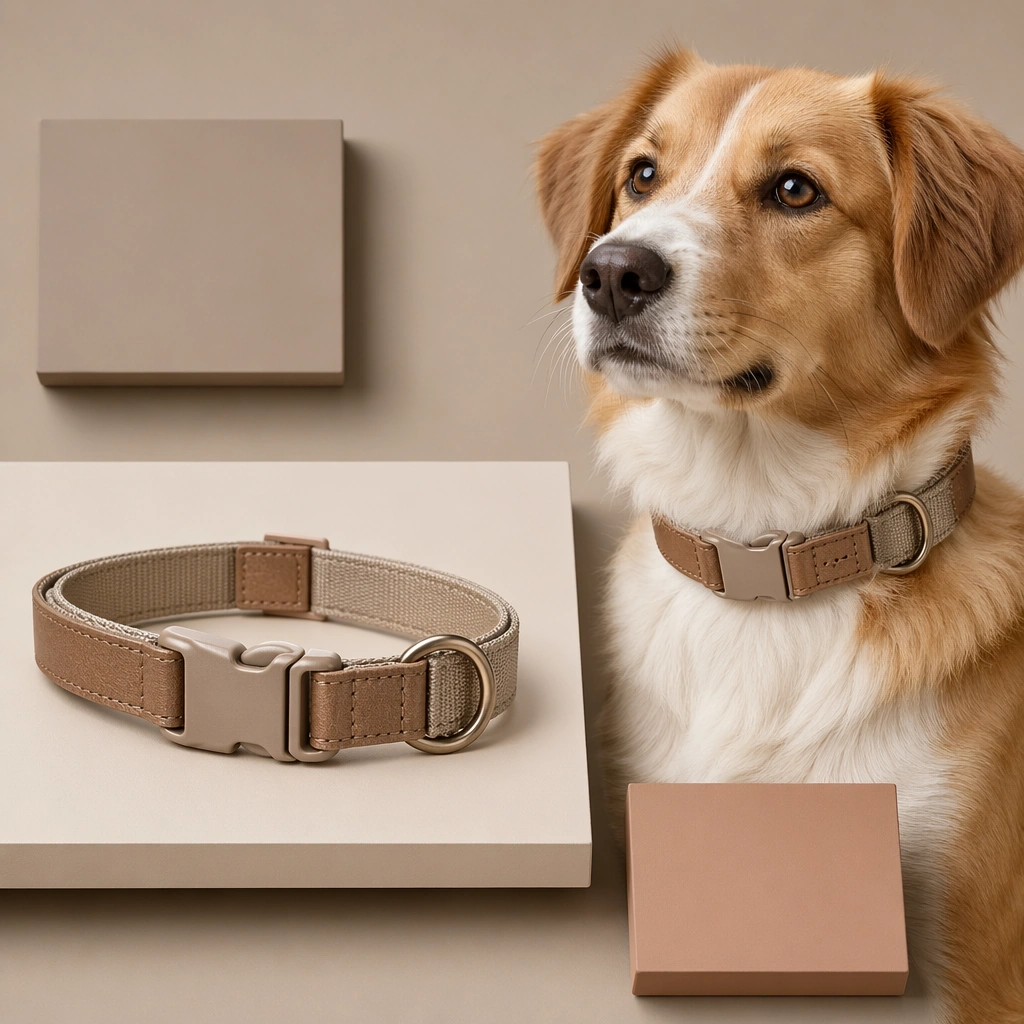
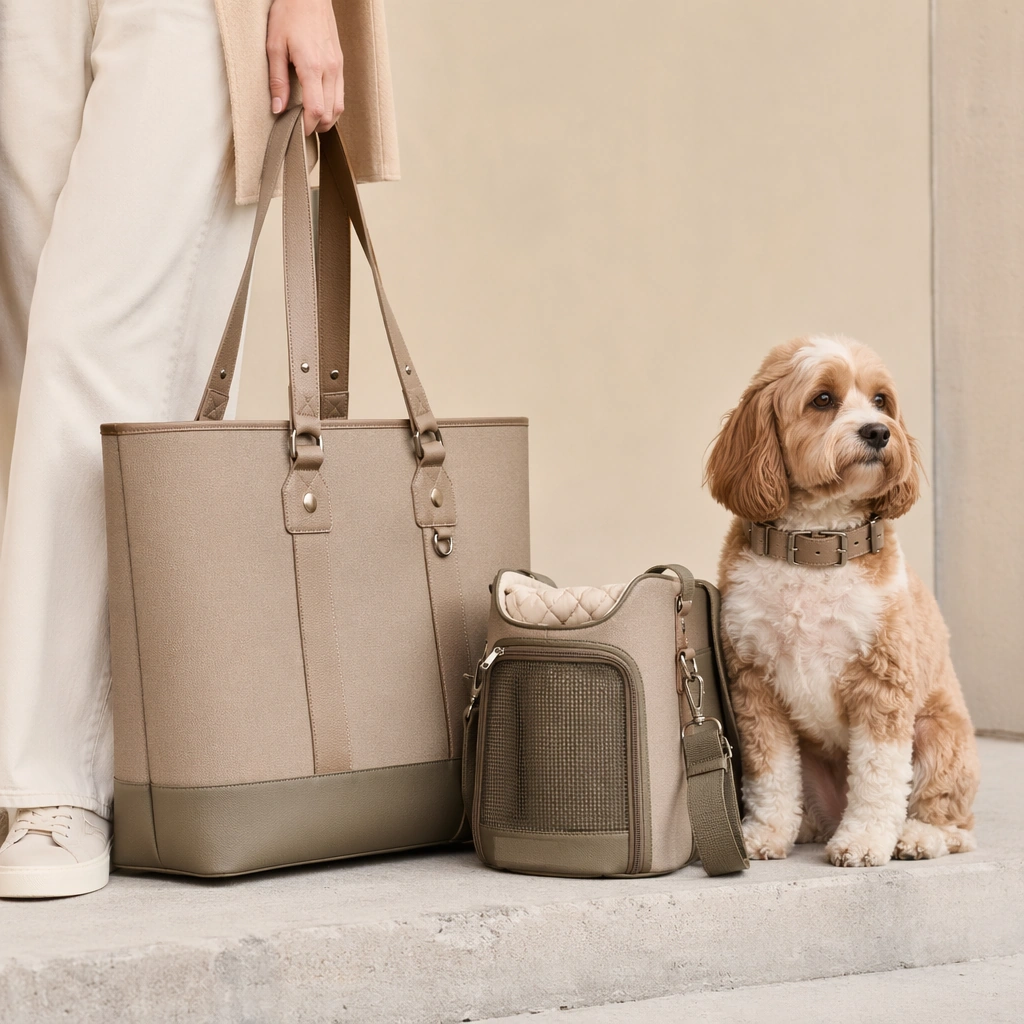
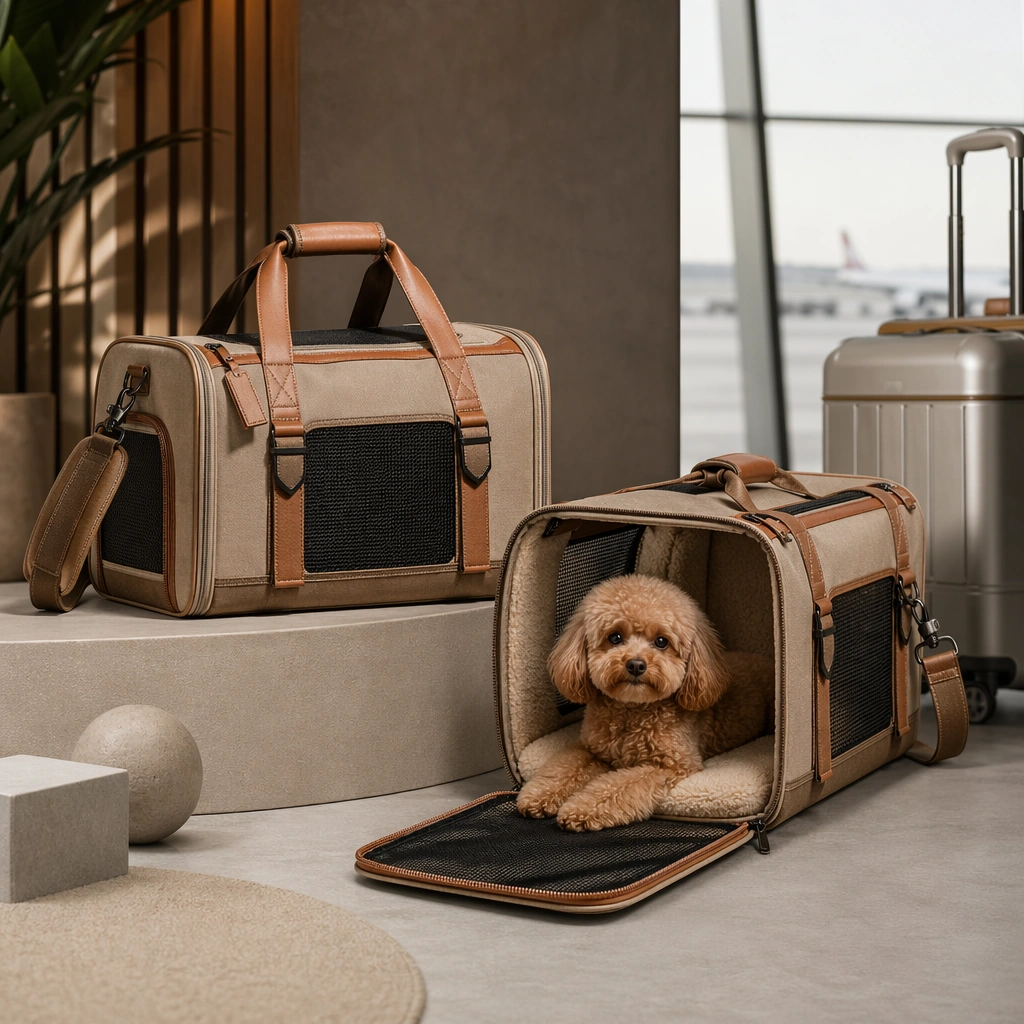
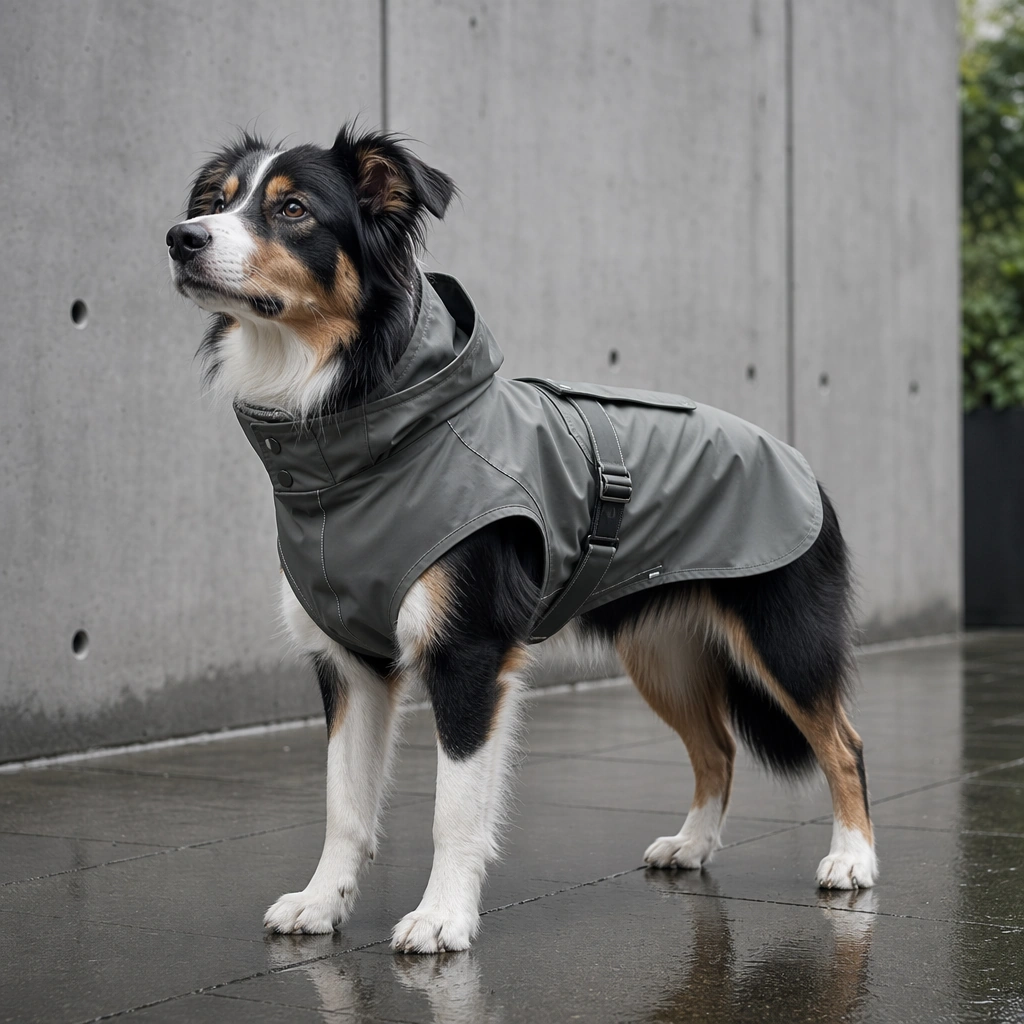
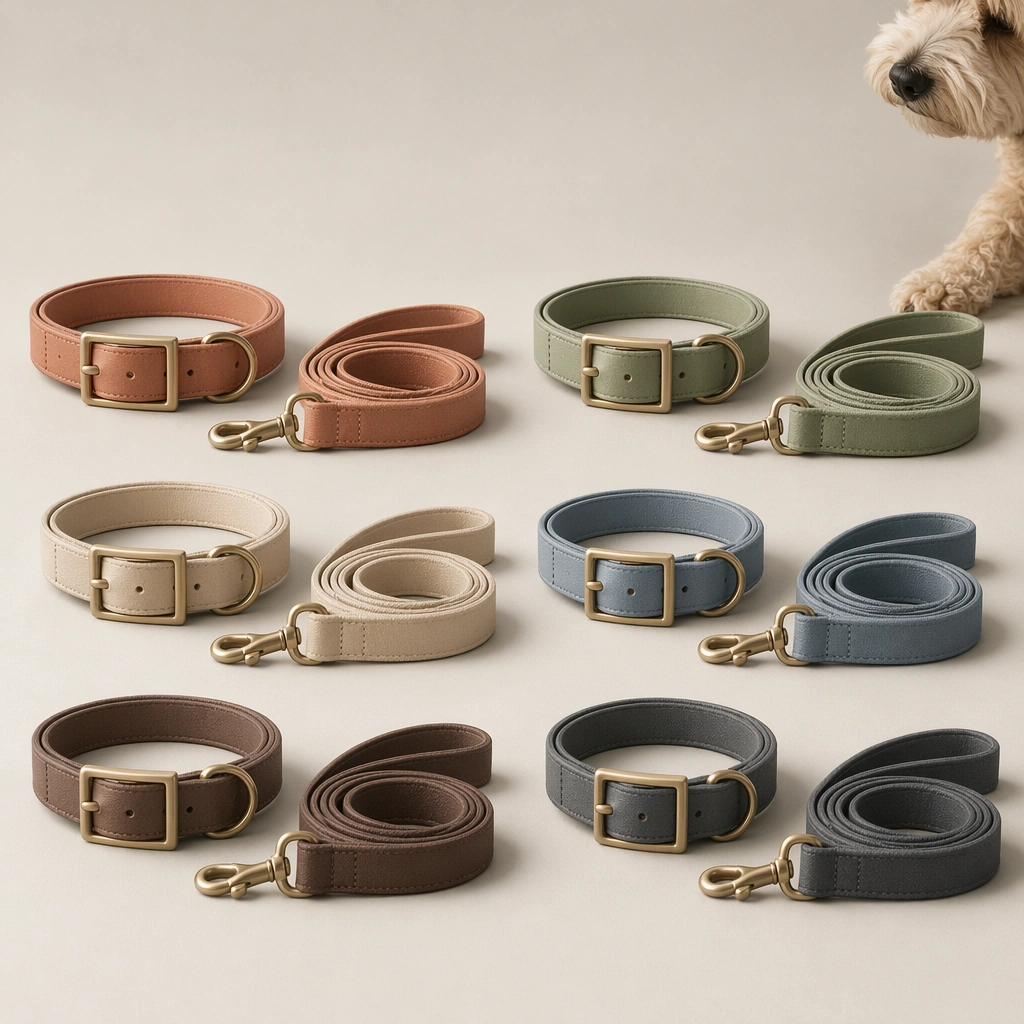
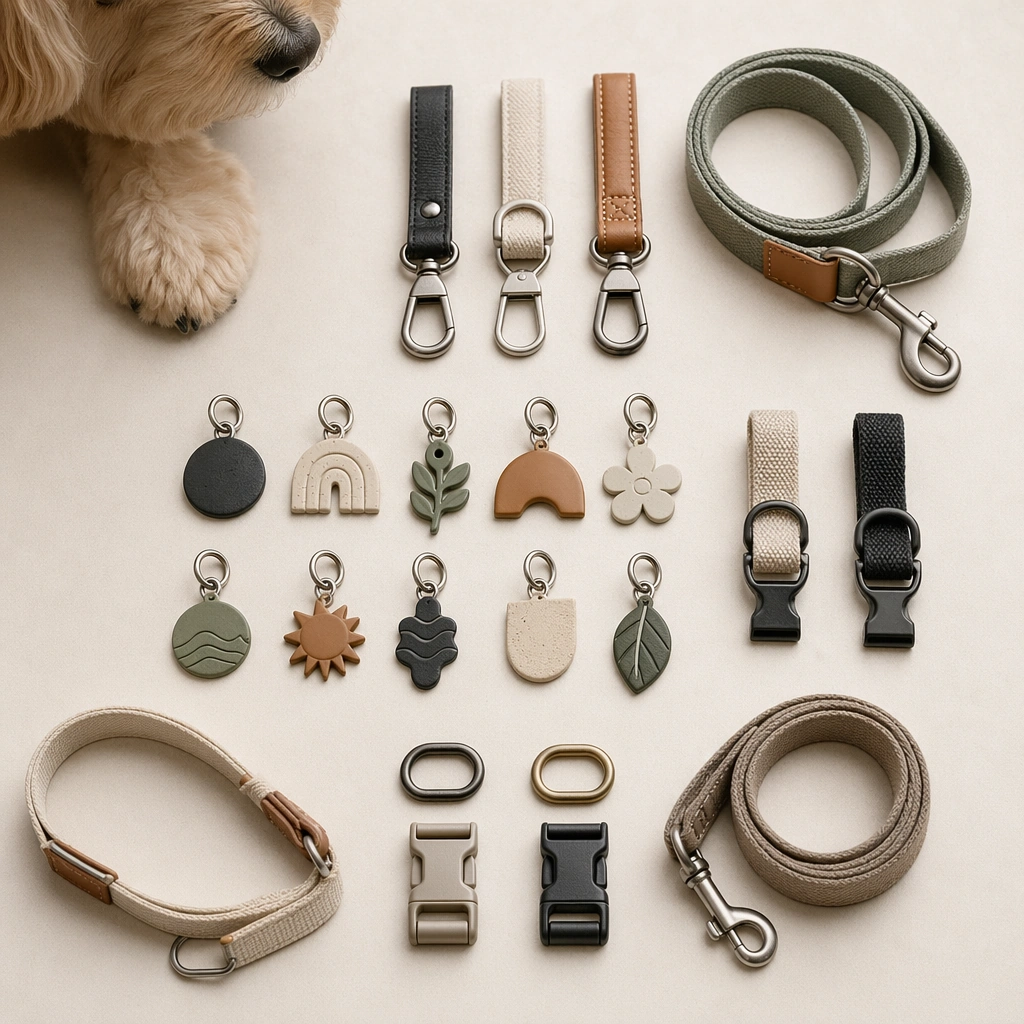
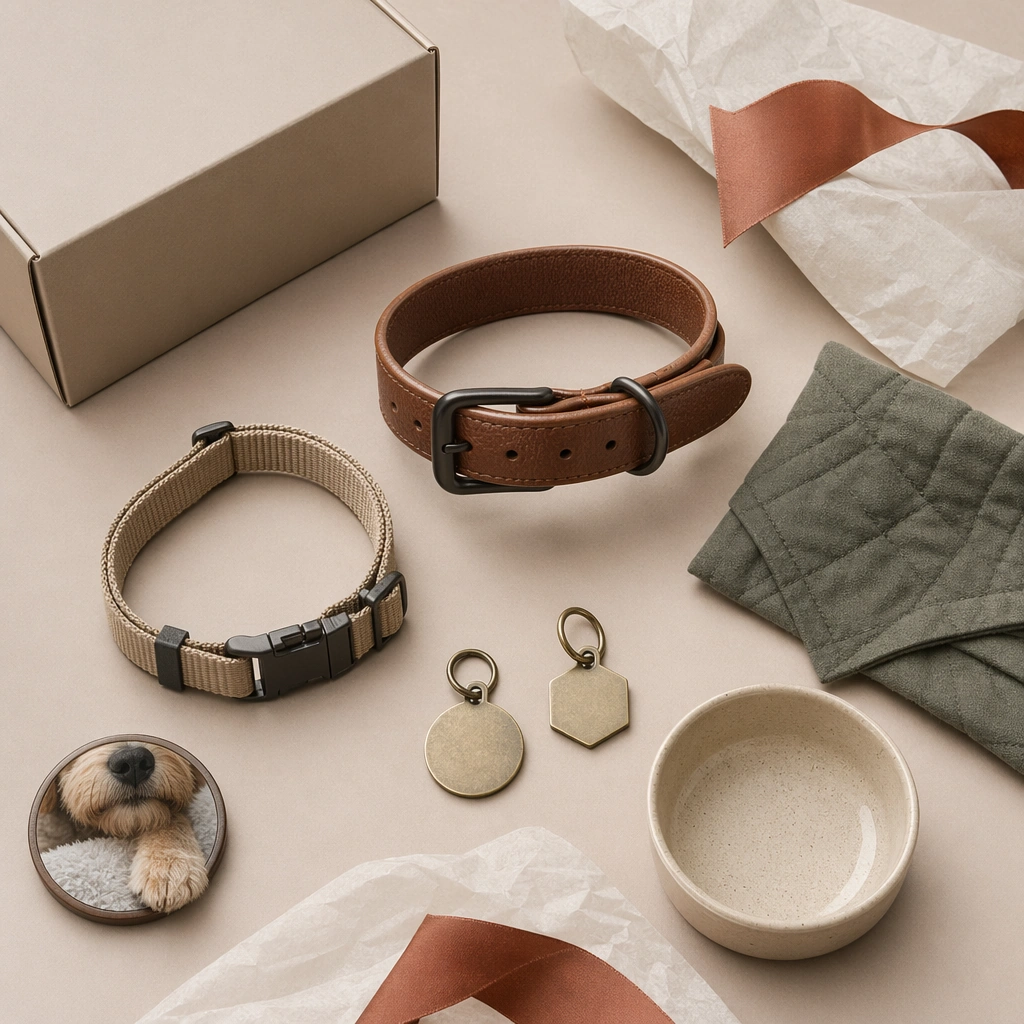
A square launch board for a pet lifestyle accessory brand, combining product hero presentation, tactile material realism, and polished commercial hierarchy. The image should feel ready for a launch drop, lookbook grid, or ecommerce campaign, with a disciplined palette and enough structure to support future text overlays outside the generated image. Keep the styling modern, giftable, and design conscious rather than generic pet store clutter. Use top-down photography with tissue paper, boxes, ribbon forms, and grouped accessories arranged in a controlled flatlay system.

Subject:
Focus on one accessory story at a time: collars, bowls, carriers, apparel, charms, bedding, or matching human pet lifestyle pieces. Products must feel usable and materially believable. If a pet appears, the animal should reinforce scale, personality, and desirability without overshadowing the merchandise. The overall mood should balance warmth, quality, and retail polish. Show a set of small accessories that feel ready to gift, with one subtle pet presence or portrait medallion to anchor the category.

Important details:
Show material cues clearly such as leather grain, nylon webbing, ceramic glaze, coated canvas, quilted textiles, matte buckles, or brushed metal hardware. Use graphic framing only lightly so the product remains the hero. The result should look like something a modern direct-to-consumer brand could ship across social launches, product pages, collection decks, and campaign tiles. The board should feel premium, editorial, and easy to adapt to gifting campaigns, registry content, or checkout upsell placements.

Use case:
Pet Brand Merch and Accessory Drop single study 9/9, giftable accessory flatlay for a commercially reusable prompt atlas example.

Constraints:
No readable text, no watermark, no logos, preserve exact 1:1 aspect ratio, no readable logos, no overstuffed retail shelf clutter, no novelty toy overload, no unsafe pet styling, no generic discount store vibe, no fake luxury monogram, no brand marks, no ribbon clutter, no scrapbook excess.
使い方
- パラメータを含む元のプロンプト全体をコピーします。
- 被写体、文字、構図を自分の要件に置き換えます。
- 対応する外部ツールで使用し、利用条件と結果を確認します。
開始前の確認
- 参考画像の要否を確認してください。互換モデルの表示は、そのモデルでの生成実績を意味しません。
- 名前、数値、画像内の文字を確認します。モデルの版で結果は変わります。