
原文
GPT Image 2 · en
Scene:
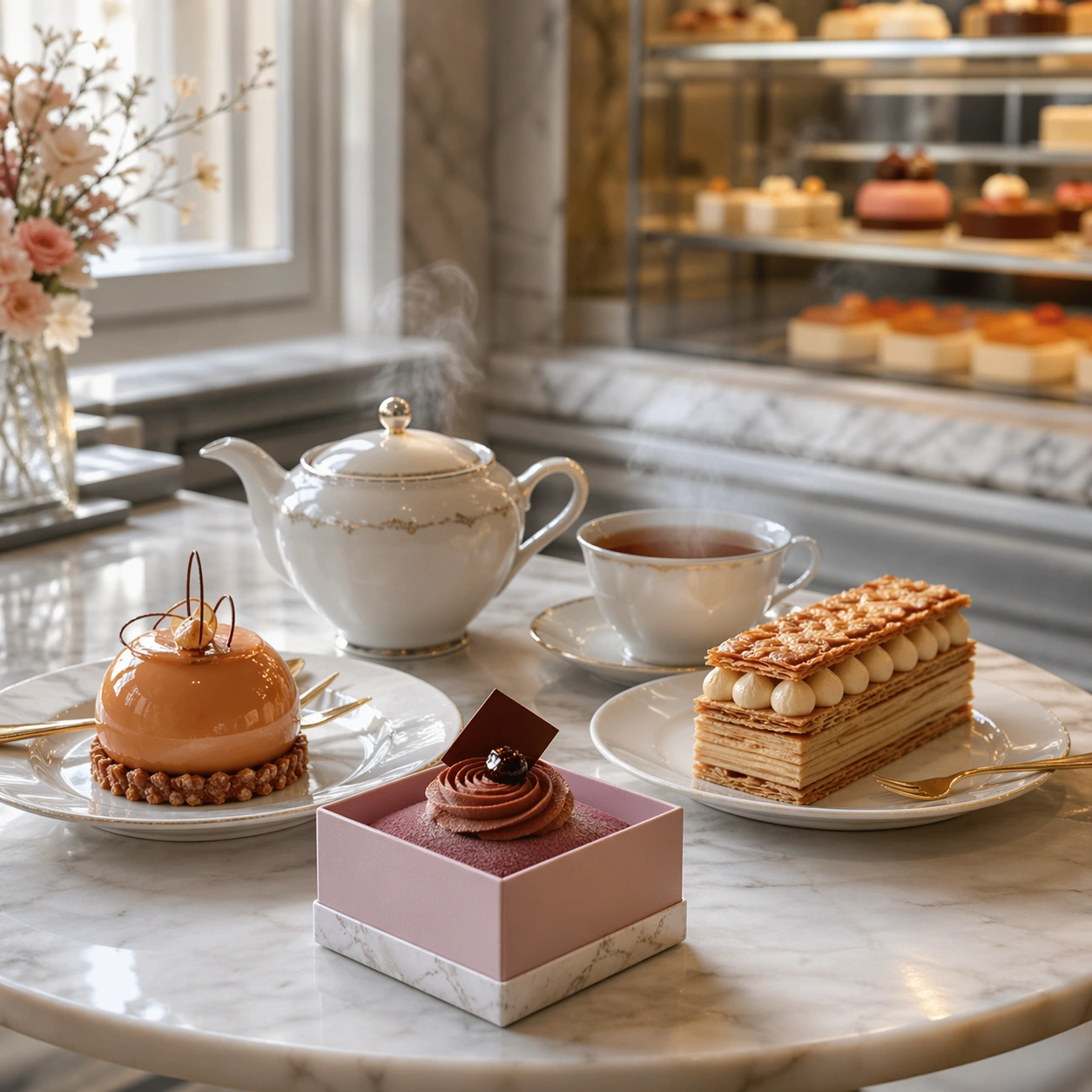
Compose a square premium patisserie image with polished but believable boutique lighting, elegant marble or lacquer surfaces, and a sweet-shop atmosphere that feels brand-authored rather than generic. The camera should preserve product clarity, shape definition, and shelf or counter context while leaving enough breathing room for campaign placement. Use diffused window light, a small marble table, and a softly blurred shop interior so the frame feels calm, aspirational, and lived in.

Subject:
The desserts must look crafted by a high-end pastry kitchen: clean lamination, glossy glaze, stable cream structure, crisp edges, and packaging or display surfaces that reinforce a coherent dessert identity. Show a tea set with two plated pastries and one small boxed dessert, creating a believable afternoon tea moment inside the same dessert brand world.

Important details:
Sweetness should come from color control, finish quality, and material nuance, not from visual clutter. Preserve believable pastry engineering, boutique display logic, and refined merchandising cues so the images can support brand storytelling across retail, packaging, and editorial use. This image should feel fully self-contained while still belonging to the same broader topic and commercial world. Tea steam, porcelain reflection, glaze highlights, and crumb discipline should all feel controlled, with enough softness to suggest hospitality without losing product sharpness.

Use case:
Dessert Brand single study 9/9, built for Prompt Atlas coverage of a food and beverage commercial visual system.

Constraints:
No readable text, no watermark, no logos, preserve exact 1:1 aspect ratio, no candy-color overload, no plastic frosting, no supermarket clutter, no cartoon decorations, no melted textures that break realism, no childish party props, no readable menu, no crowded café patrons, no oversized brunch food.
使い方
- パラメータを含む元のプロンプト全体をコピーします。
- 被写体、文字、構図を自分の要件に置き換えます。
- 対応する外部ツールで使用し、利用条件と結果を確認します。
開始前の確認
- 参考画像の要否を確認してください。互換モデルの表示は、そのモデルでの生成実績を意味しません。
- 名前、数値、画像内の文字を確認します。モデルの版で結果は変わります。