原文
GPT Image 2 · en
Scene:
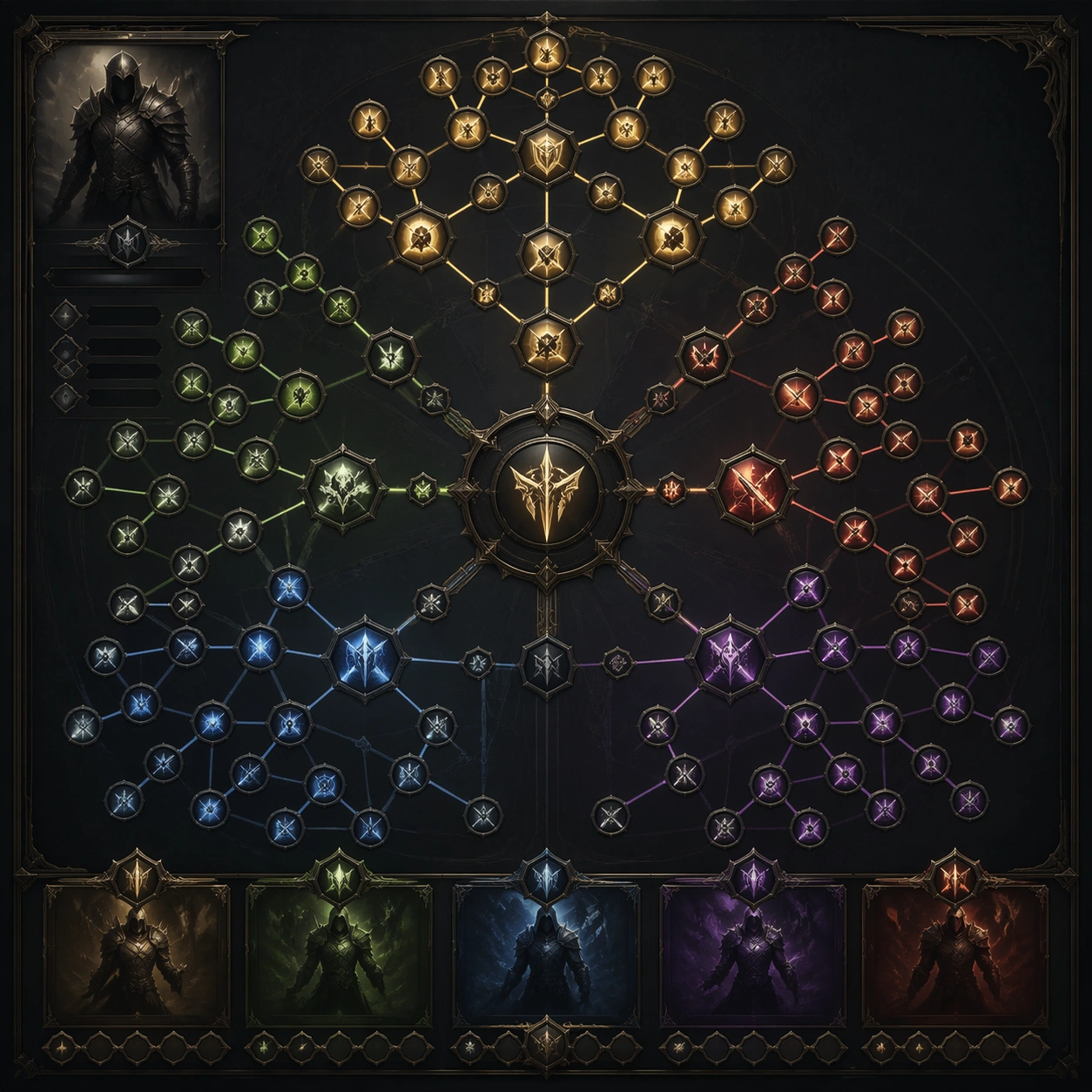
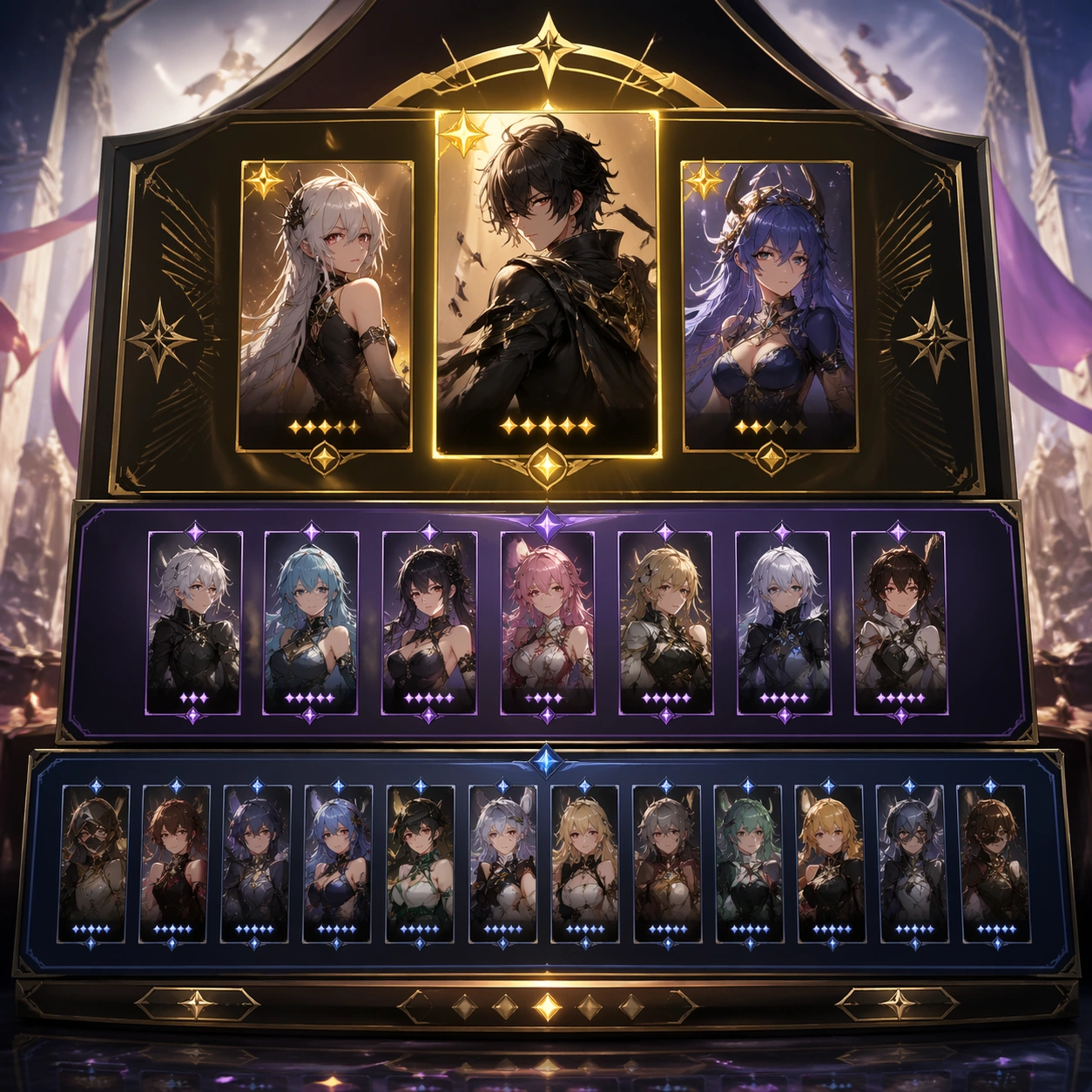
A square production-ready image designed for a game-art review wall and a commercial gallery at the same time. Frame a lineup board arranging featured, supporting, and lower-rarity pool units into one polished event surface with disciplined lighting, clean edge separation, and enough surrounding context to prove how the asset would behave in a real product surface. The camera, crop, and tonal balance should feel intentional rather than generic, with high readability at first glance and convincing material response under closer inspection.

Subject:
Center the study on a lineup board arranging featured, supporting, and lower-rarity pool units into one polished event surface. Translate the topic into a concrete, shippable visual statement instead of a loose mood board. Build layered object relationships, believable surface finish, and strong silhouette grouping so the image reads immediately as part of Character Banner Gacha Pool Visuals. The subject should feel made for a live game pipeline: useful in store, UI, campaign, or art-review contexts, with visual hierarchy strong enough to survive aggressive cropping.

Important details:
hierarchy and desirability should be obvious even with abstract unreadable labels. Keep every supporting element subordinate to the main read, and make category separation obvious through form, color zoning, depth, and material logic rather than words. Where panels, cards, badges, or interface blocks appear, they must look professionally structured but remain unreadable. The visual language should feel premium, original, and coherent across this package, with no filler clutter and no accidental resemblance to a specific shipped game IP.

Use case:
Character Banner Gacha Pool Visuals single study 1/5, focused on pool lineup board.

Constraints:
No readable text, no watermark, no logos, preserve exact 1:1 aspect ratio, no readable roster names, no rates, no broken hierarchy, no generic stock-photo staging, no accidental UI gibberish.
使い方
- パラメータを含む元のプロンプト全体をコピーします。
- 被写体、文字、構図を自分の要件に置き換えます。
- 対応する外部ツールで使用し、利用条件と結果を確認します。
開始前の確認
- 参考画像の要否を確認してください。互換モデルの表示は、そのモデルでの生成実績を意味しません。
- 名前、数値、画像内の文字を確認します。モデルの版で結果は変わります。