原文
GPT Image 2 · en
Scene:
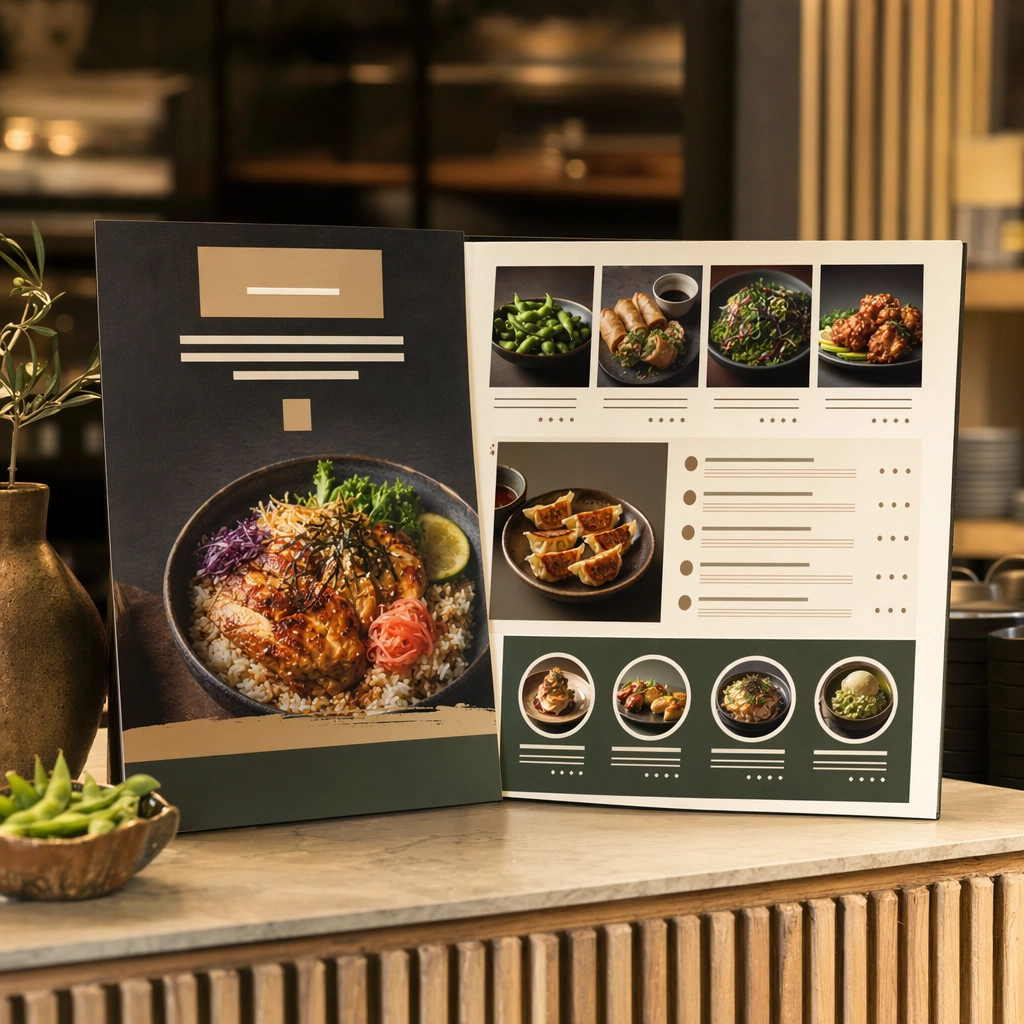
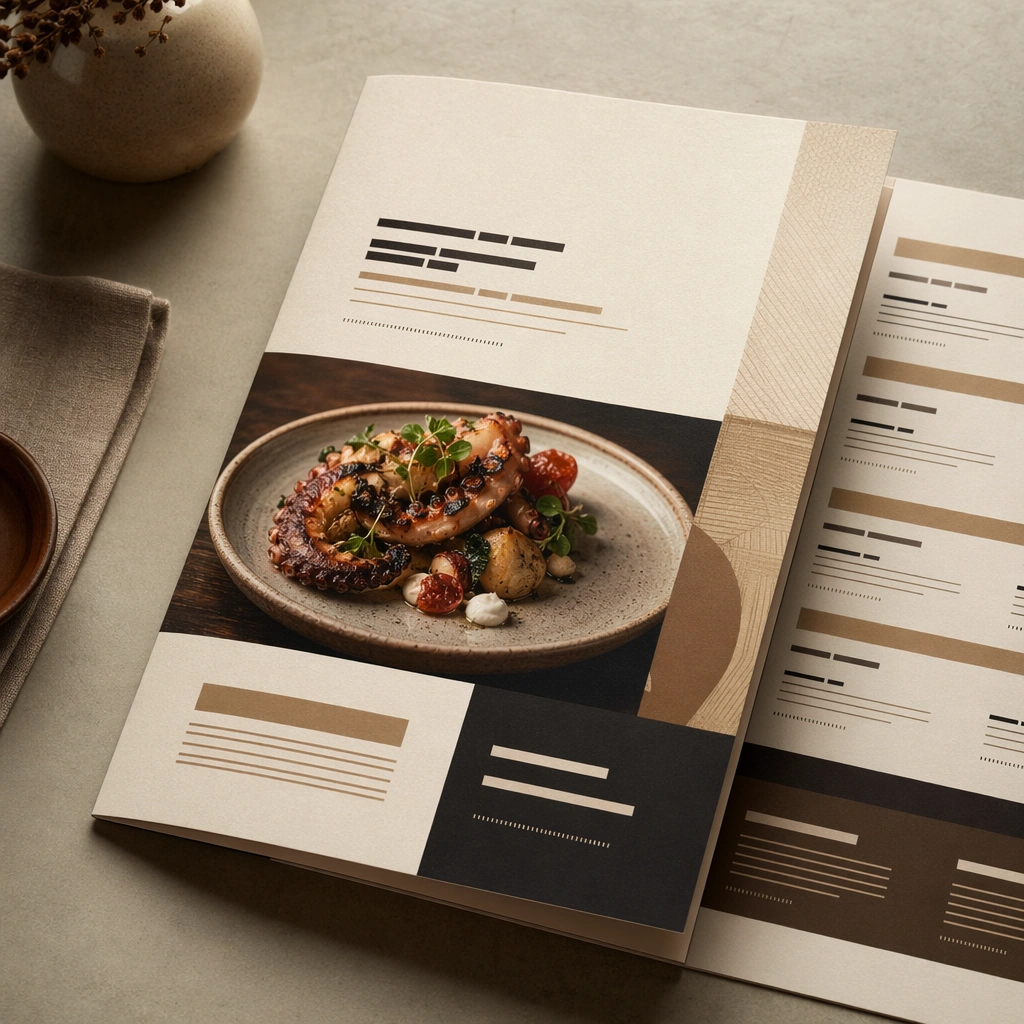
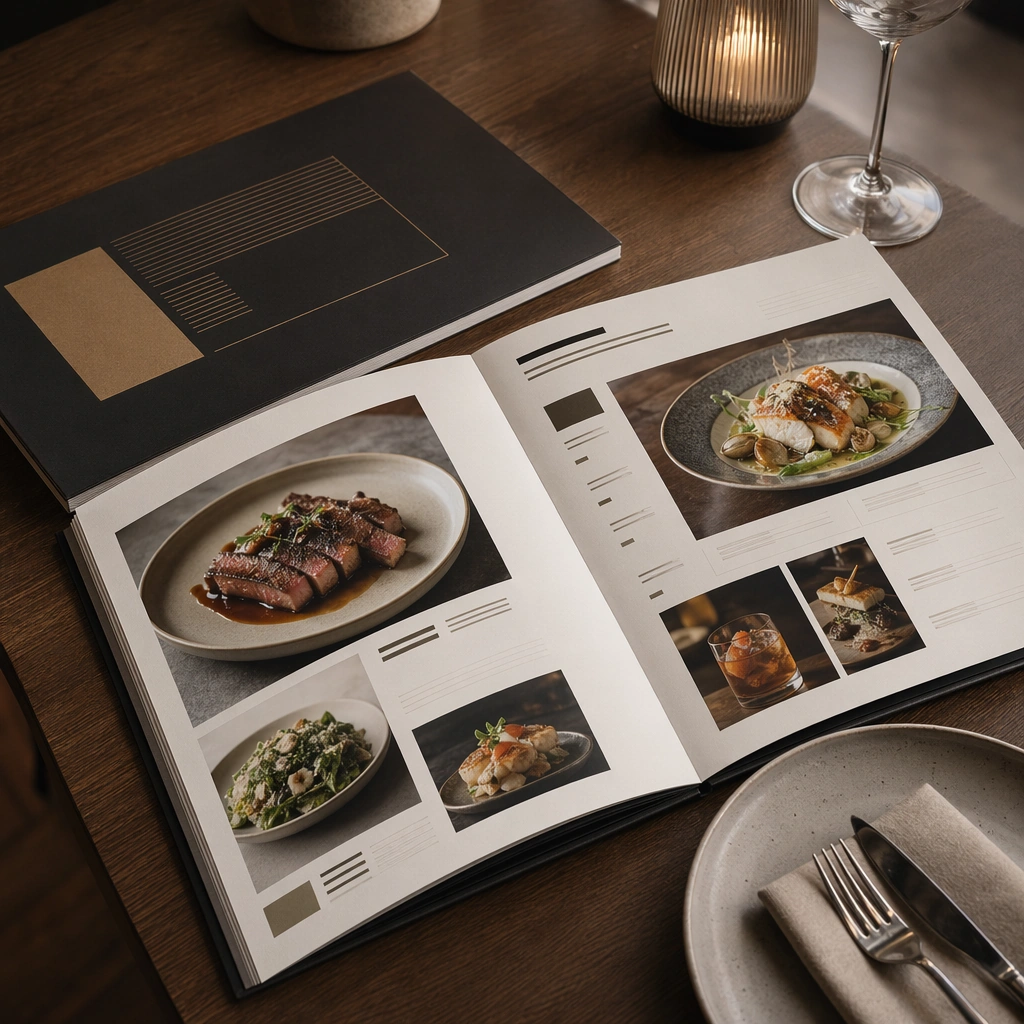
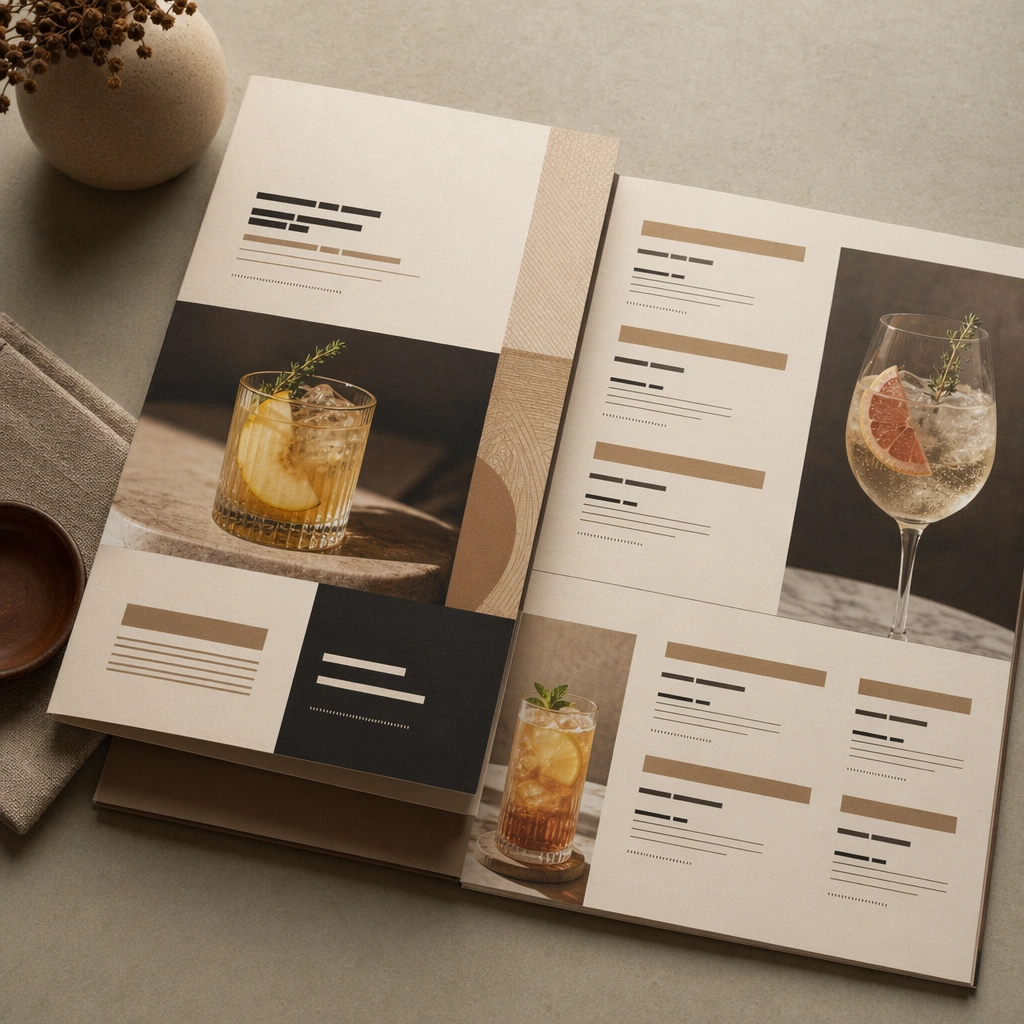
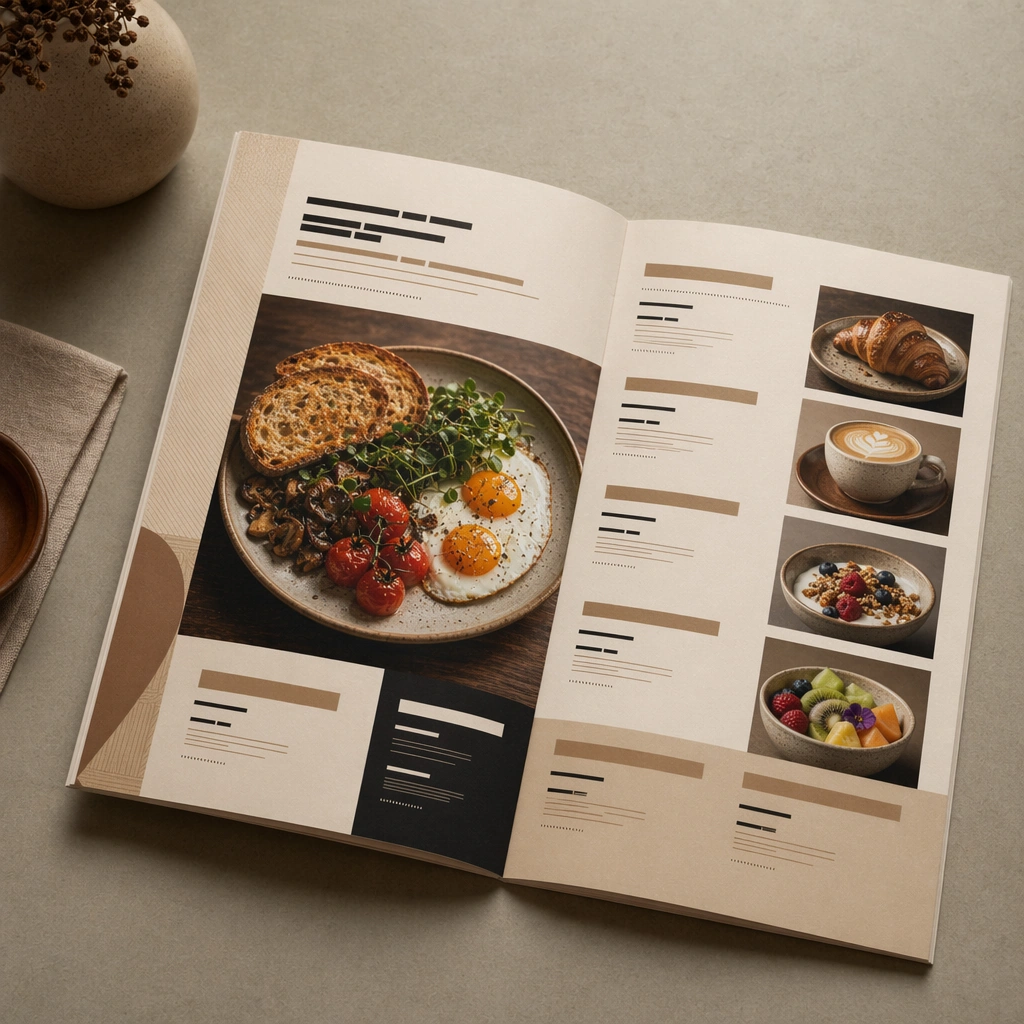
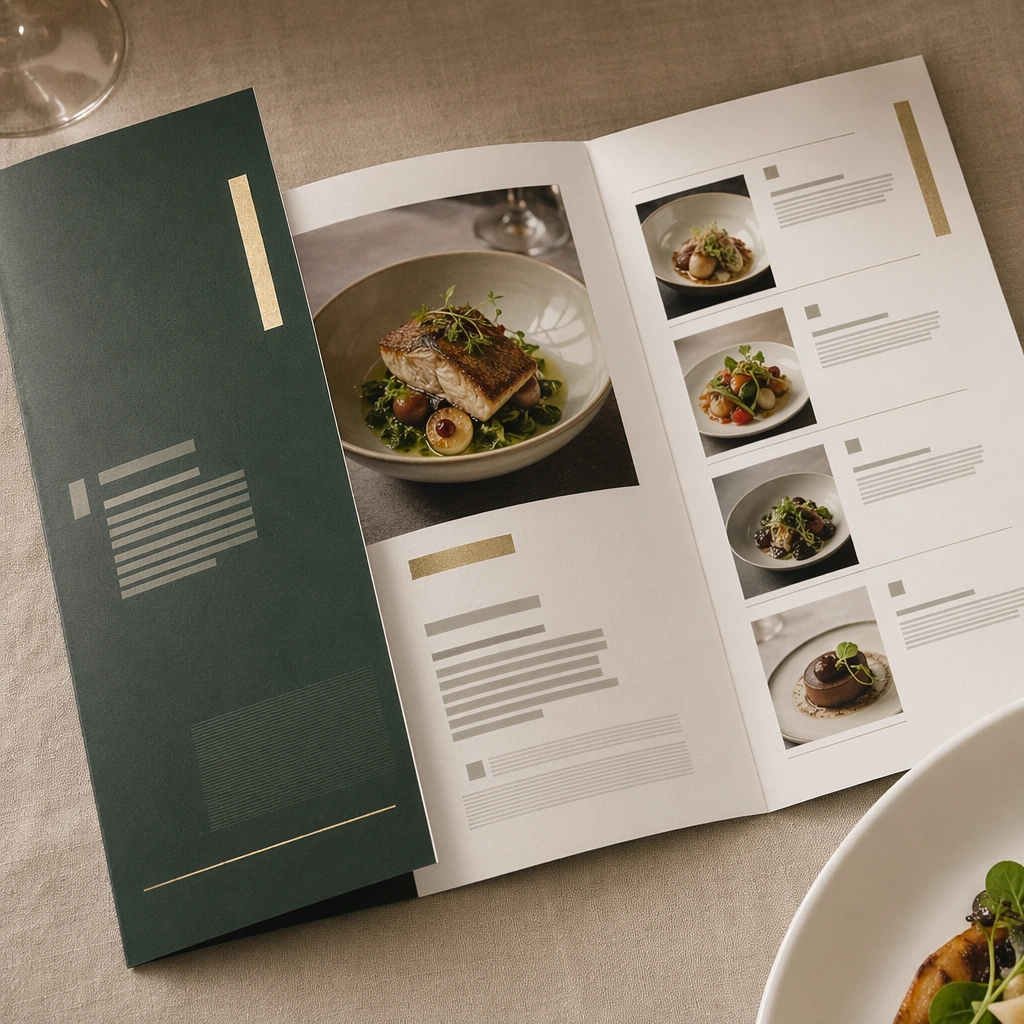
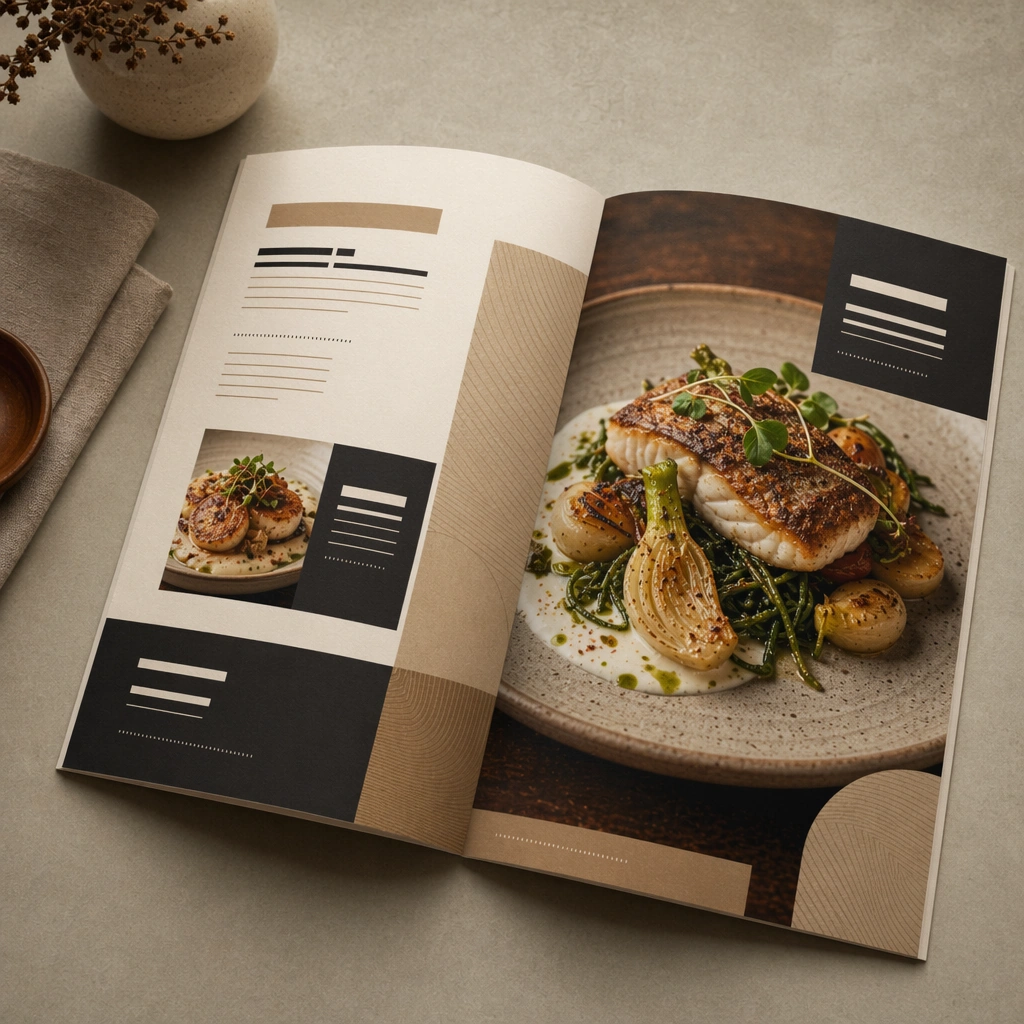
Compose a square menu-design mockup that combines printed surfaces, structured page hierarchy, and appetizing food photography into one coherent brand-authored system. The page layouts should feel intentional and premium, with strong margins, modular blocks, and realistic print or board materials even though all textual zones remain unreadable. Maintain the same print and tabletop conditions, but let one premium plated dish dominate the right page while secondary modules support it on the left.

Subject:
The menu should communicate category structure, hero dish placement, and brand tone through composition, image framing, typographic blocks, and page rhythm rather than through readable copy. Food imagery must stay believable and publication-ready. Create a special-feature spread with strong image hierarchy, accent color blocks, and premium dish photography integrated into the page grid.

Important details:
This topic tests layout reasoning as much as food styling. Preserve clean grids, realistic paper behavior, credible shadows, and strong focal hierarchy between cover, spreads, dish photos, and placeholder text zones. Text-like marks can exist only as abstract or unreadable forms; clarity must come from design structure. Preserve the exact camera height, lens feel, prop family, tabletop scale, palette discipline, and brand logic established by 01-cover-anchor. Keep the exact grid logic and placeholder-text treatment from the anchor image so the spread feels like part of one authored restaurant system.

Use case:
Menu System series study 3/9, built for Prompt Atlas coverage of a food and beverage commercial visual system.

Constraints:
No readable text, no watermark, no logos, preserve exact 1:1 aspect ratio, no readable text, no logos, no fake menu prices, no warped paper errors, no amateur flyer clutter, no chaotic collage, no obvious software UI chrome, no readable chef signature, no chalkboard menu clichés, no hand-drawn doodle clutter.
使い方
- パラメータを含む元のプロンプト全体をコピーします。
- 被写体、文字、構図を自分の要件に置き換えます。
- 対応する外部ツールで使用し、利用条件と結果を確認します。
開始前の確認
- 参考画像の要否を確認してください。互換モデルの表示は、そのモデルでの生成実績を意味しません。
- 名前、数値、画像内の文字を確認します。モデルの版で結果は変わります。